Quick answer: SMS marketing automation lets service businesses send appointment reminders, follow-ups, promotions, and review requests by text without manual effort. Open rates above 95% mean your message gets seen. When paired with your CRM or scheduling tool, automated texts reduce no-shows by 30-50% and turn one-time customers into repeat buyers. Most platforms cost $50-200 per month and take a few hours to set up.
Why Text Messages Beat Email for Service Businesses
Email open rates for service businesses hover around 20-25%. SMS open rates sit above 95%, with most messages read within three minutes. That gap is the difference between a customer seeing your appointment reminder and missing it entirely.
Service businesses operate on tight schedules. A missed appointment means lost revenue for that time slot. A late cancellation means you cannot fill the gap. SMS cuts through the noise because it lands in the one place customers check constantly: their text inbox.
What this looks like in practice: A plumbing company sends an automated reminder 48 hours before a booked job. The customer confirms via reply. The dispatcher sees the confirmation and routes the tech. No phone tag, no voicemails, no guessing.
The Four High-Impact SMS Automation Workflows
Not every text needs to be automated. These four workflows deliver the most return for the least setup effort.
| Workflow | What It Does | Typical Impact |
|---|---|---|
| Appointment reminders | Auto-text 48h and 24h before a job with confirm/cancel options | 30-50% fewer no-shows |
| Post-service follow-up | Text after job completion asking for review or rebooking | 2-3x more Google reviews |
| Quote follow-up | Auto-text 24h after sending an estimate | 20-30% higher close rate on quotes |
| Seasonal promotions | Broadcast to past customers about maintenance offers | 15-25% rebooking rate |
Appointment Reminders
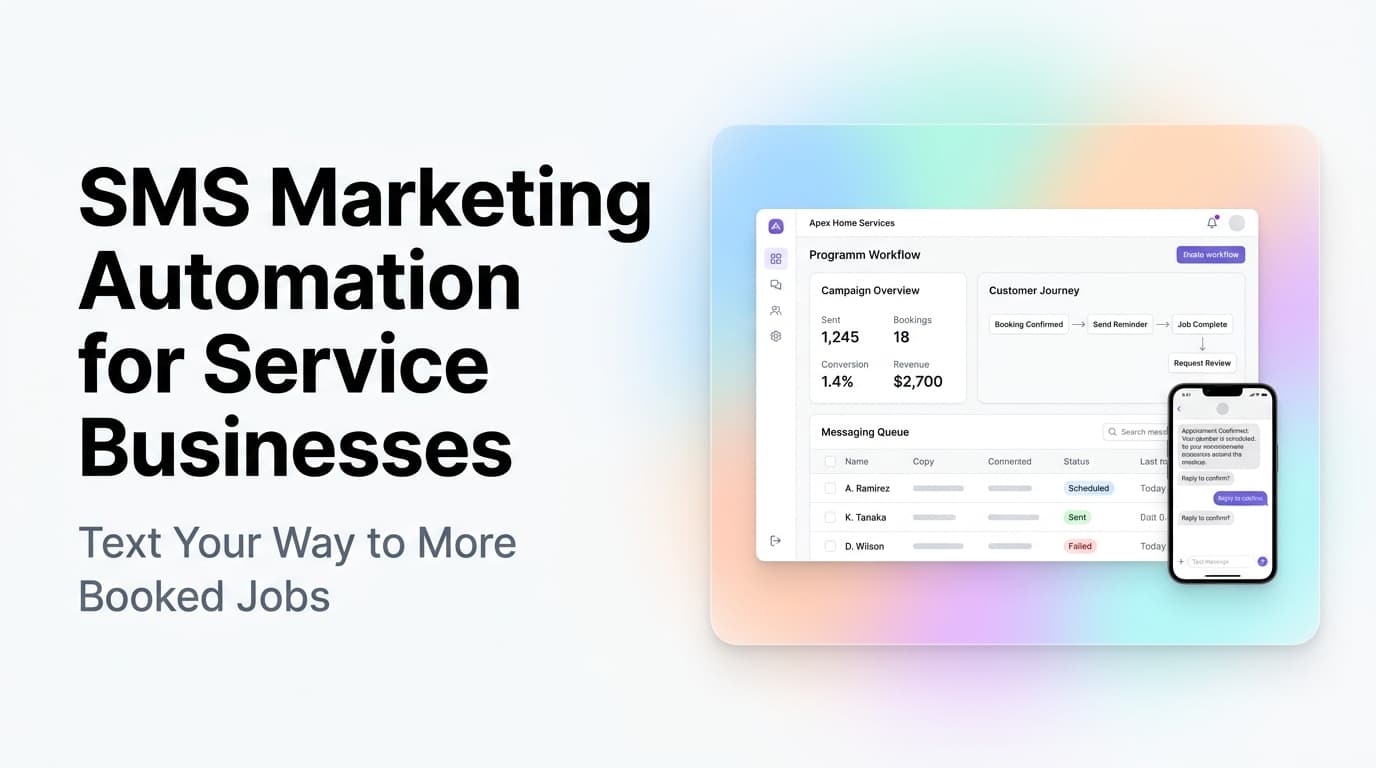
This is the easiest win. When a job is booked in your system, an automated text goes out. The customer replies "Y" to confirm or "C" to cancel. If they cancel, the system opens the slot for rebooking automatically.
Most scheduling and CRM tools have this built in. If yours does not, a tool like TextMagic, SimpleTexting, or Twilio can connect via API. Setup takes an afternoon.
Post-Service Follow-Up
The moment a tech marks a job complete, an automated text goes to the customer. It thanks them, asks for a Google review with a direct link, and offers a discount on their next booking.
Why this works: The customer is still thinking about the service. They are satisfied (or they would have called to complain). Asking for a review right then captures the positive sentiment. Waiting a week means you compete with everything else in their day.
Quote Follow-Up
Service businesses send estimates and then wait. Customers get busy, compare prices, or forget. An automated text 24 hours after the quote goes out keeps you top of mind without feeling pushy.
The text should include the quote number, a brief summary, and a link to approve or schedule. No hard sell. Just a nudge.
Seasonal Promotions
HVAC companies send spring tune-up offers. Lawn care companies text before the growing season. Pressure washing companies text before summer. These broadcasts work because the customer already knows you.
Segment by service history. Do not text every past customer the same offer. A customer who used you for HVAC repair probably does not want lawn care texts.
How to Set Up SMS Automation Without a Developer
Most service businesses do not have a developer on staff. The good news is that SMS automation does not require one.
Step 1: Pick a platform that connects to your existing tools.
If you use Housecall Pro, ServiceTitan, Jobber, or similar field service software, check their built-in SMS features first. Most include automated reminders and follow-ups. If you use a generic CRM like HubSpot or Salesforce, connect it to Twilio or TextMagic via a no-code integration tool like Zapier or Make.
Step 2: Set up your first workflow.
Start with appointment reminders. Configure the timing (48 hours and 24 hours before), the message text, and the reply options. Test it with your own number before turning it on for customers.
Step 3: Add opt-in and compliance.
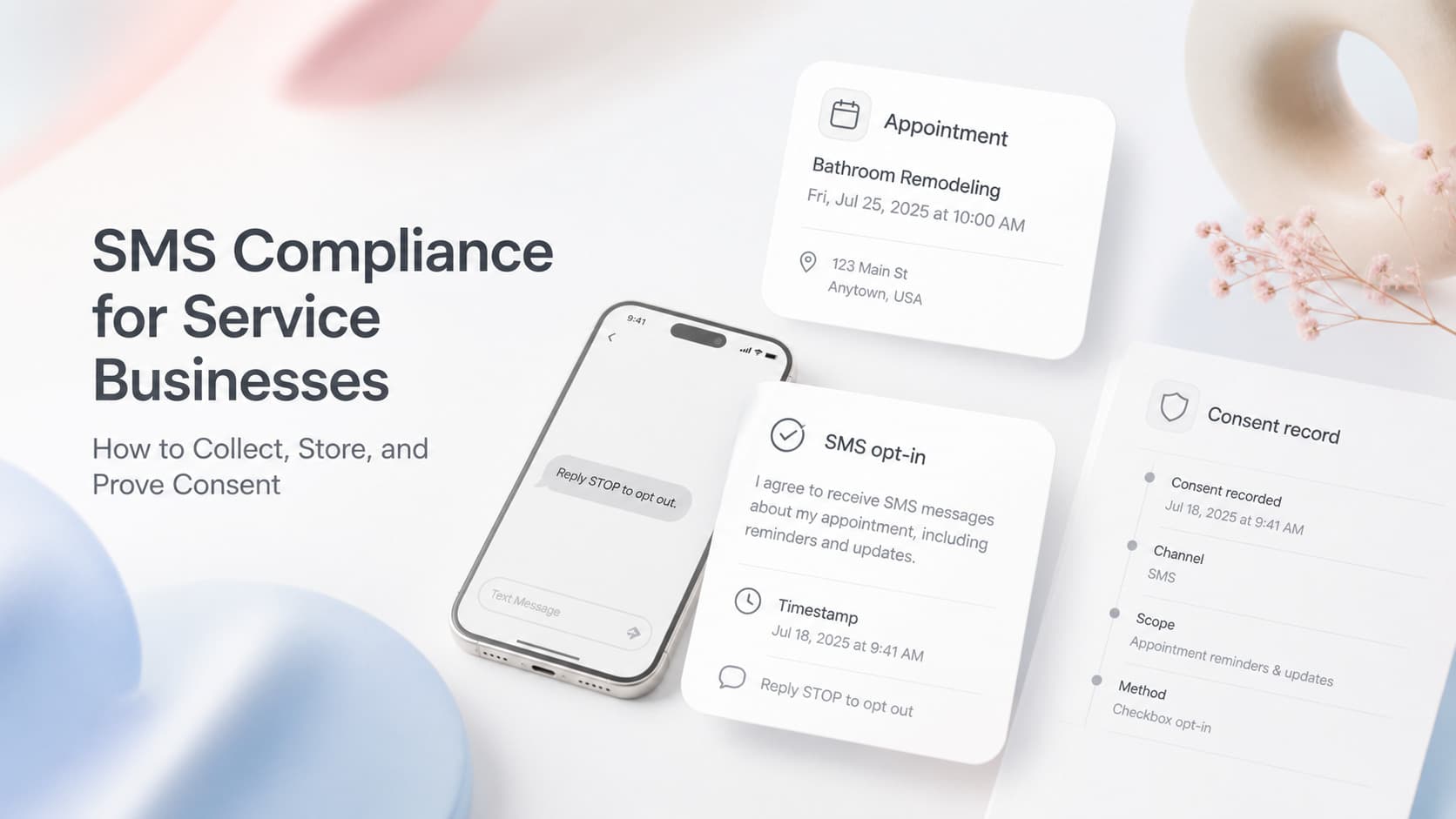
SMS marketing in the US requires opt-in consent. Your booking form should include a checkbox: "I agree to receive text messages about my appointments." Store this consent in your CRM. Every automated text must include an opt-out instruction (reply STOP to unsubscribe).
Step 4: Monitor and iterate.
Watch the confirmation rate on reminders. If it drops below 70%, adjust the timing or message. Track how many reviews come from the post-service text. Tweak the offer if response is low.
What SMS Automation Costs
Pricing varies by volume and features. Here is a realistic range for a service business sending 500-2,000 texts per month.
| Cost Item | Range |
|---|---|
| Platform subscription | $20-100/month |
| Per-text cost | $0.0075-0.02 per SMS |
| Monthly total (1,000 texts) | $30-120/month |
| Setup time | 2-4 hours |
| Ongoing management | 30 min/week |
Compare that to the cost of one missed appointment. A single no-show for a $200 service call wipes out several months of SMS platform fees.
Common Mistakes That Kill SMS Results
Sending too many texts. One or two per week per customer is the ceiling. More than that and opt-out rates spike. Each text should have a clear purpose.
Using SMS for sales pitches only. If every text asks for money, customers stop reading. Mix in service reminders, helpful tips, and genuine check-ins.
Ignoring compliance. The TCPA (Telephone Consumer Protection Act) in the US requires opt-in consent and opt-out capability. Fines for non-compliance can reach $500-1,500 per violation. Use a platform that handles compliance automatically.
Not tracking results. If you do not know your confirmation rate, review conversion rate, or opt-out rate, you are flying blind. Most platforms include basic analytics. Check them weekly.
AnovaGrowth's Take: Start With One Workflow, Prove It, Then Expand
We have set up SMS automation for HVAC, plumbing, and lawn care clients. The pattern is always the same: start with appointment reminders, prove the ROI in 30 days, then add post-service follow-up and quote nudges.
The businesses that try to set up all four workflows at once usually stall. They get overwhelmed by the configuration, hit a compliance question they cannot answer, and abandon the project. The ones that start with one workflow, measure the result, and then expand always get further.
Real example: An HVAC company in Rome, GA added automated appointment reminders through their existing scheduling software. In the first month, no-shows dropped from 18% to 9%. That translated to roughly 12 additional service calls per month at $150 average ticket. The SMS feature cost $45 per month. The ROI was roughly 40x in month one.
Key Takeaways
- SMS open rates above 95% make it the most reliable channel for time-sensitive messages
- Appointment reminders alone can cut no-shows by 30-50%, paying for the entire system
- Start with one workflow (reminders), prove the ROI, then add follow-ups and promotions
- Compliance is non-negotiable: get opt-in consent and include opt-out in every message
- Most platforms cost $30-120 per month and take 2-4 hours to set up
- Post-service review requests via SMS generate 2-3x more Google reviews than email
Related Questions Worth Exploring
- How do I collect SMS opt-in consent on my website booking form?
- What is the best SMS platform for a small HVAC or plumbing company?
- Can SMS automation integrate with my existing scheduling software?
- How do I handle customers who reply STOP and want to opt back in?
- What message timing works best for appointment reminders?
- How do I measure the ROI of SMS marketing for my service business?
Ready to stop chasing customers by phone? Contact us to talk about setting up SMS automation for your service business. We handle the setup, compliance, and integration with your existing tools.
Related reading: Appointment Scheduling Automation for Service Businesses, Quote Follow-Up Automation for Service Businesses, Review Request Automation for Service Businesses, CRM Lead Scoring for Service Businesses