What Changed in 2026: AI Agents Are No Longer Experimental
Two years ago, AI agents sounded like science fiction. Today, they handle real work for real businesses. IBM's 2026 research confirms what many suspected: AI agents crossed from pilot projects to production deployments. Enterprises stopped asking "should we use agents" and started asking "which workflows should agents own first."
For small business operators, this shift matters. The same technology that IBM, Salesforce, and Microsoft deployed at enterprise scale now sits inside affordable, no-code platforms. You don't need a developer. You don't need a six-figure budget. You need to know which manual workflows deserve automation first.
If you're still handling appointment reminders, lead follow-ups, and invoice collections by hand, you're burning hours your team could spend on revenue-generating work. Let's fix that.
What AI Agents Actually Do for Small Business
An AI agent is software that completes a specific task without you micromanaging it. Unlike a basic chatbot that answers FAQs, an agent takes action. It reads an incoming lead email, qualifies the prospect based on your criteria, and routes that lead to the right person. It monitors your appointment calendar, sends reminders, and reschedules when conflicts arise. It tracks unpaid invoices and sends follow-up messages automatically.
These aren't hypothetical scenarios. Microsoft WorkLab data shows knowledge workers using AI agents save 1-2 hours daily on routine tasks. For a 10-person team, that's over 500 hours recovered per month. The same pattern shows up in smaller operations. A 15-person HVAC company we see in the data reduced no-shows by 40% and cut admin time by 12 hours per week after deploying agents for dispatch scheduling.
The key difference between workflow automation and AI agents is judgment. Traditional automation follows rigid if-this-then-that rules. Agents make decisions based on context. They decide whether a lead is worth calling immediately or nurturing over time. They determine which technician handles a service call based on availability, location, and specialty.
This matters for small business because your workflows rarely fit neat, predictable patterns. AI agents handle the nuance that used to require human attention.
Three Workflows to Automate First
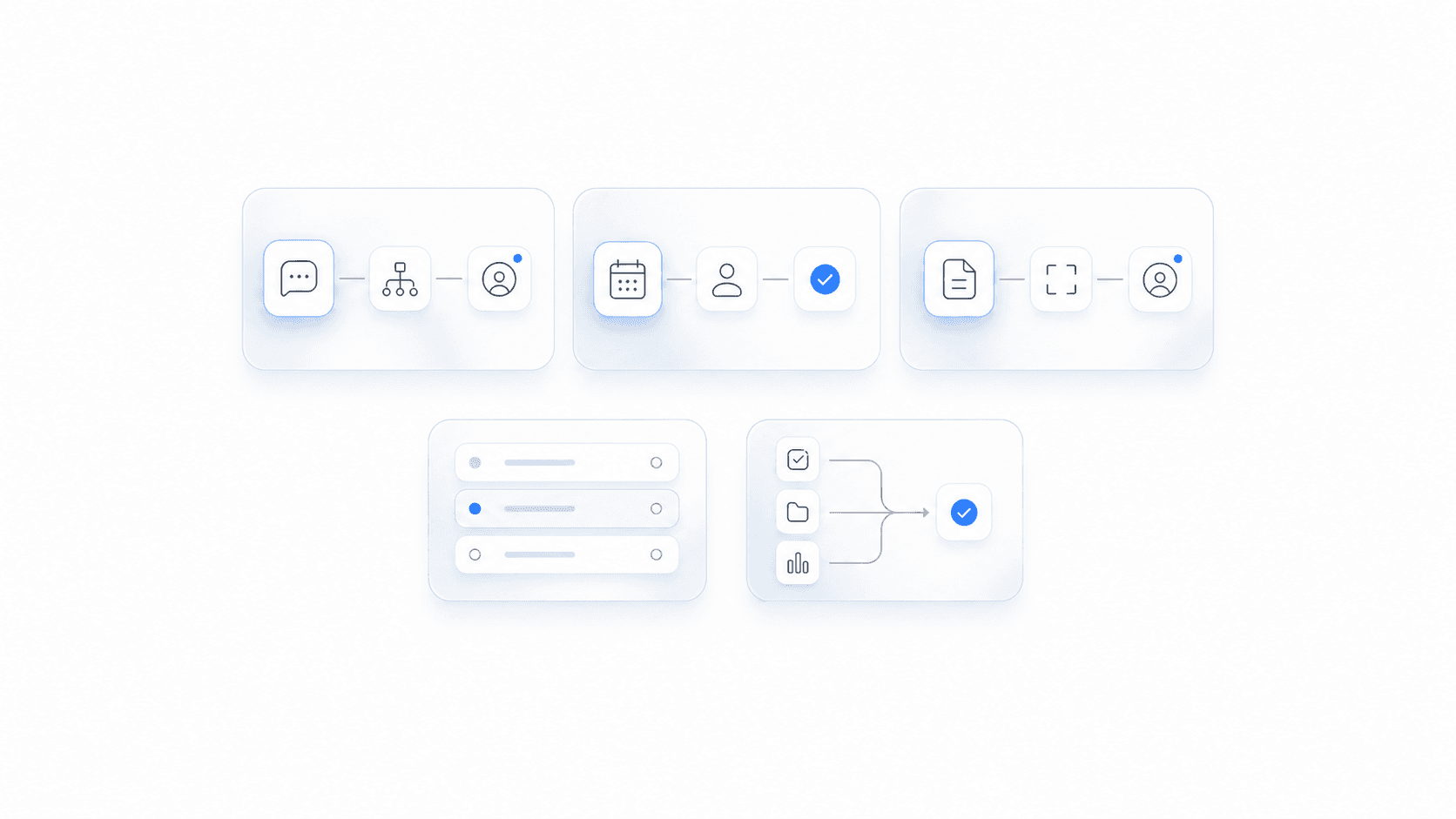
Not every process needs an agent tomorrow. Focus on workflows that consume the most time, happen frequently, and follow recognizable patterns. Based on what works for our clients and what the enterprise data confirms, here's where to start:
-
Inbound lead qualification and routing. When a prospect fills out your contact form or messages you on social media, an AI agent evaluates them, scores them, and sends them to the right team member. No more leads sitting in an inbox for hours. No more qualified prospects slipping through the cracks because your office manager was busy.
-
Appointment scheduling and reminders. Your calendar fills up, then empties as clients cancel or forget. An agent handles the back-and-forth of finding available time slots, sends confirmations, and follows up with reminders. For service businesses, this alone can cut no-show rates dramatically.
-
Invoice follow-up and payment collection. Chasing late payments is uncomfortable and time-consuming. An AI agent tracks due dates, sends reminder messages at the right intervals, and escalates overdue accounts without you lifting a finger. This workflow alone can improve your cash flow by 20-30% for businesses with payment timing issues.
These three workflows share common traits. They happen regularly, they follow predictable patterns, and they currently consume staff time that could go toward higher-value work. Automating them frees your team to focus on what only humans can do.
The Real Numbers Behind AI Agent Adoption
Let's talk specifics. Salesforce's State of Service Report documents that service teams using AI agents resolve cases 30-50% faster with fewer escalations. That data comes from enterprise deployments, but the math scales down. A small business processing 20 service requests per day doesn't need enterprise infrastructure to capture similar efficiency gains.
Consider the alternative: continuing with manual processes. If your office manager spends 3 hours daily on tasks an agent could handle, that's 15 hours per week, 60 hours per month, 720 hours per year. At a conservative $25 per hour, that's $18,000 in labor cost sitting in a workflow that could run itself.
The barrier to entry dropped significantly in 2026. Platforms like Zapier, Make, and n8n now offer native AI agent integrations. You connect your existing tools (your calendar, your email, your CRM, your invoicing software) and build workflows without writing code. The setup takes days, not months. The cost starts at the same price as your current software subscriptions.
For businesses still running AI pilots, our analysis in AI Pilots Are Over: Time to Deploy covers why waiting costs more than acting. The efficiency gap between automated and manual operations widens every quarter.
How to Get Started Without Technical Skills
You don't need to hire a developer or learn to code. Here's what most small businesses actually need:
- A platform that connects your existing tools (likely Zapier or Make, both of which now support AI agents natively)
- Clarity on which three workflows cause the most pain
- A clear set of rules for how the agent should behave in common scenarios
- Testing and adjustment in the first two weeks
The biggest mistake businesses make is trying to automate everything at once. Pick one workflow. Automate it end-to-end. Measure the results. Then add the next one.
Your first automation should take less than two weeks to deploy and should show measurable results within 30 days. If it doesn't, adjust the workflow before adding complexity.
For deeper guidance on specific industries, our Accounting and Bookkeeping AI Automation Guide walks through how service businesses apply these principles to financial workflows.
Key Takeaways
- AI agents moved from experimental to operational in 2026. The technology works and the cost of entry dropped sharply.
- Three workflows deserve automation first for most small service businesses: lead qualification, appointment scheduling, and invoice follow-up.
- Time savings of 1-2 hours per person daily are documented and repeatable. For a small team, that compounds quickly.
- No-code platforms make deployment possible without technical staff. You connect your existing tools and build workflows visually.
- Start with one workflow, measure results, then expand. Trying to automate everything at once leads to poor execution.
The Bottom Line
Your competitors are figuring this out. Some already deployed agents and are running leaner operations. Others are watching and waiting. Which group you're in determines whether you capture efficiency gains or watch them go elsewhere.
The technology works. The platforms are accessible. The ROI is measurable. If you're still handling repetitive workflows manually in 2026, you're not just losing time. You're losing ground.
Pick one workflow from the three we covered. Start there. Measure what changes. Then build from there.
Ready to get started? Contact us to discuss how we can help your business.