The Scheduling Problem Nobody Talks About
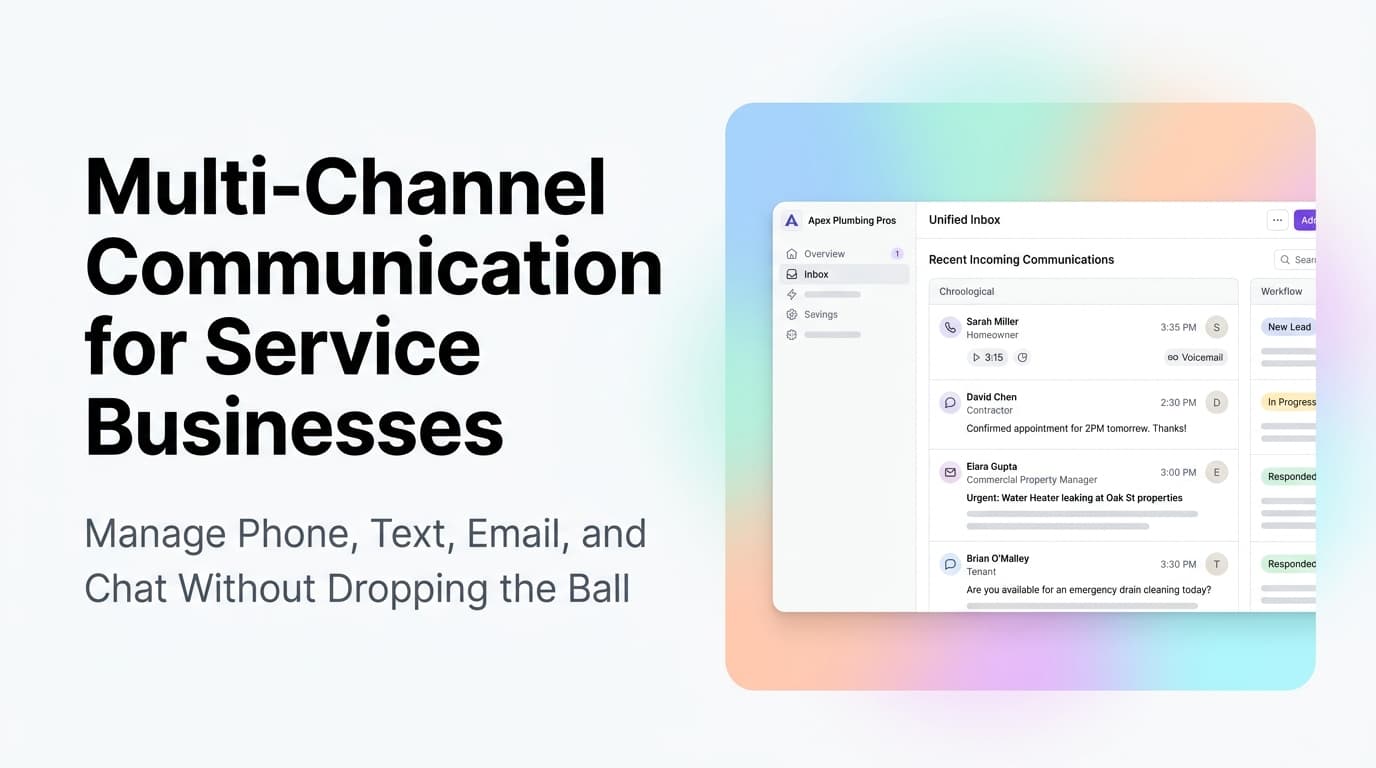
A homeowner calls your HVAC company at 10 AM. Your receptionist is on another line. The call goes to voicemail. The homeowner calls the next company on Google. By the time your receptionist calls back at 10:45, the job is already booked with a competitor.
This scenario plays out thousands of times a day across service businesses. The problem is not your pricing, your quality, or your reviews. It is the gap between when a lead reaches out and when a human confirms the appointment. That gap costs service businesses 30-50% of their inbound leads.
Quick answer: Appointment scheduling automation captures leads the moment they reach out, books them into open slots without back-and-forth, and syncs with your dispatch system so crews stay full. It eliminates phone tag, reduces admin overhead by 60-80%, and converts more inbound calls into booked jobs. Most service businesses can set it up in under two weeks.
How Manual Scheduling Drains Revenue
The math on manual scheduling is worse than most owners realize. Here is what it actually costs:
| Cost Factor | Manual Scheduling | Automated Scheduling |
|---|---|---|
| Lead capture rate | 50-70% of inbound calls | 90-95% (instant booking) |
| Time per appointment | 8-12 minutes (phone + data entry) | 0-2 minutes (auto-confirm) |
| After-hours coverage | None or expensive call service | 24/7 self-service booking |
| Double-booking risk | Moderate (human error) | Near zero (calendar sync) |
| Customer satisfaction | Mixed (hold times, callbacks) | High (instant confirmation) |
A company taking 50 booking calls per day at 10 minutes each spends over 8 hours of admin time just on scheduling. That is a full employee shift spent on a task that software can handle in seconds.
What Appointment Scheduling Automation Actually Does
Automated scheduling is not a simple calendar link. A proper system handles the full booking flow:
Lead capture. When a call comes in, an AI voice agent or web booking widget captures the customer's name, service need, address, and preferred time. No voicemail, no callback.
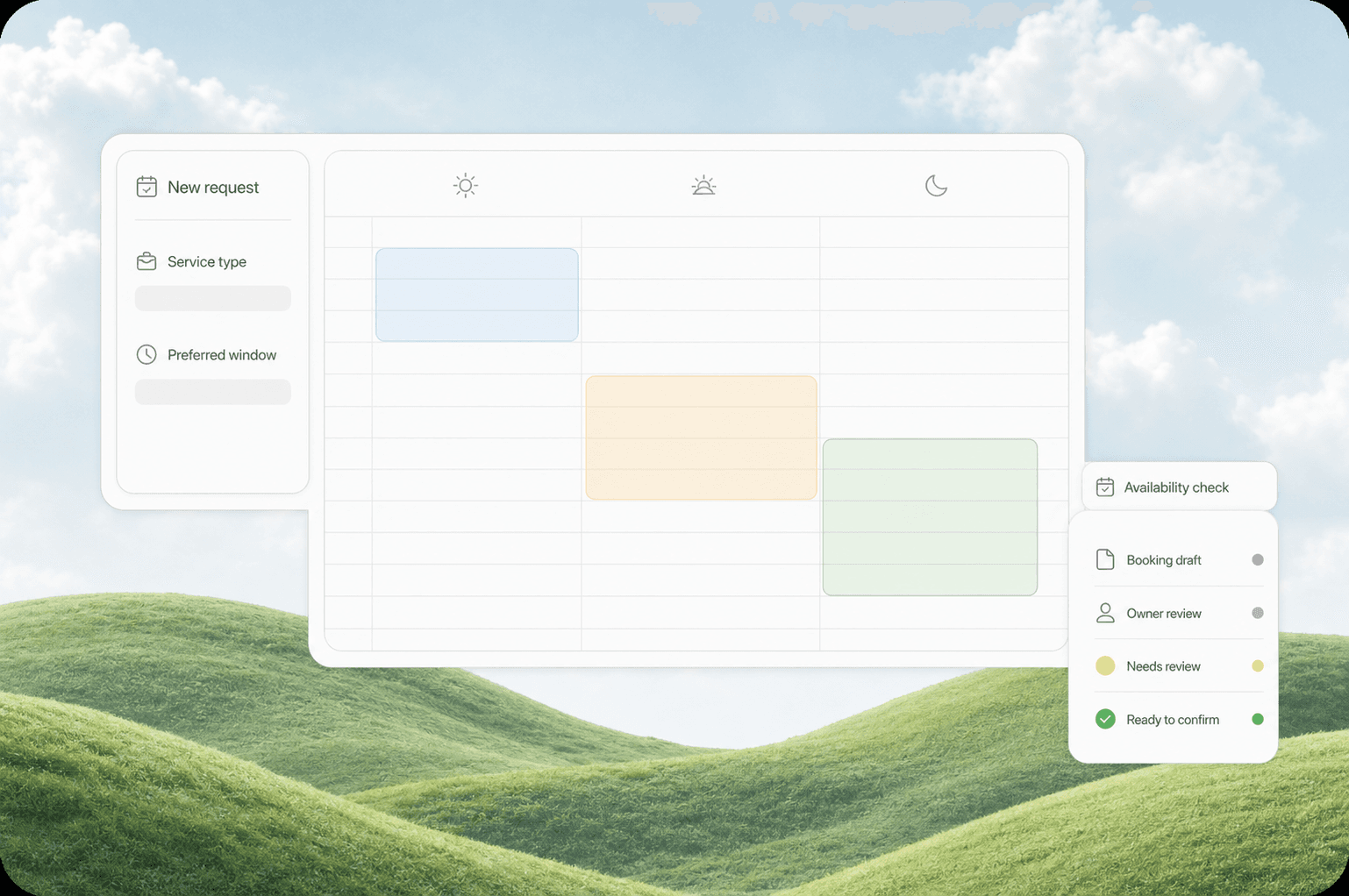
Slot matching. The system checks your crew's availability in real time, shows only open slots, and books the appointment. It respects travel time, service duration, and technician skill matching.
Confirmation and reminders. The customer gets an instant confirmation via text or email, plus automated reminders 48 hours, 24 hours, and 1 hour before the appointment. This cuts no-shows by 40-60%.
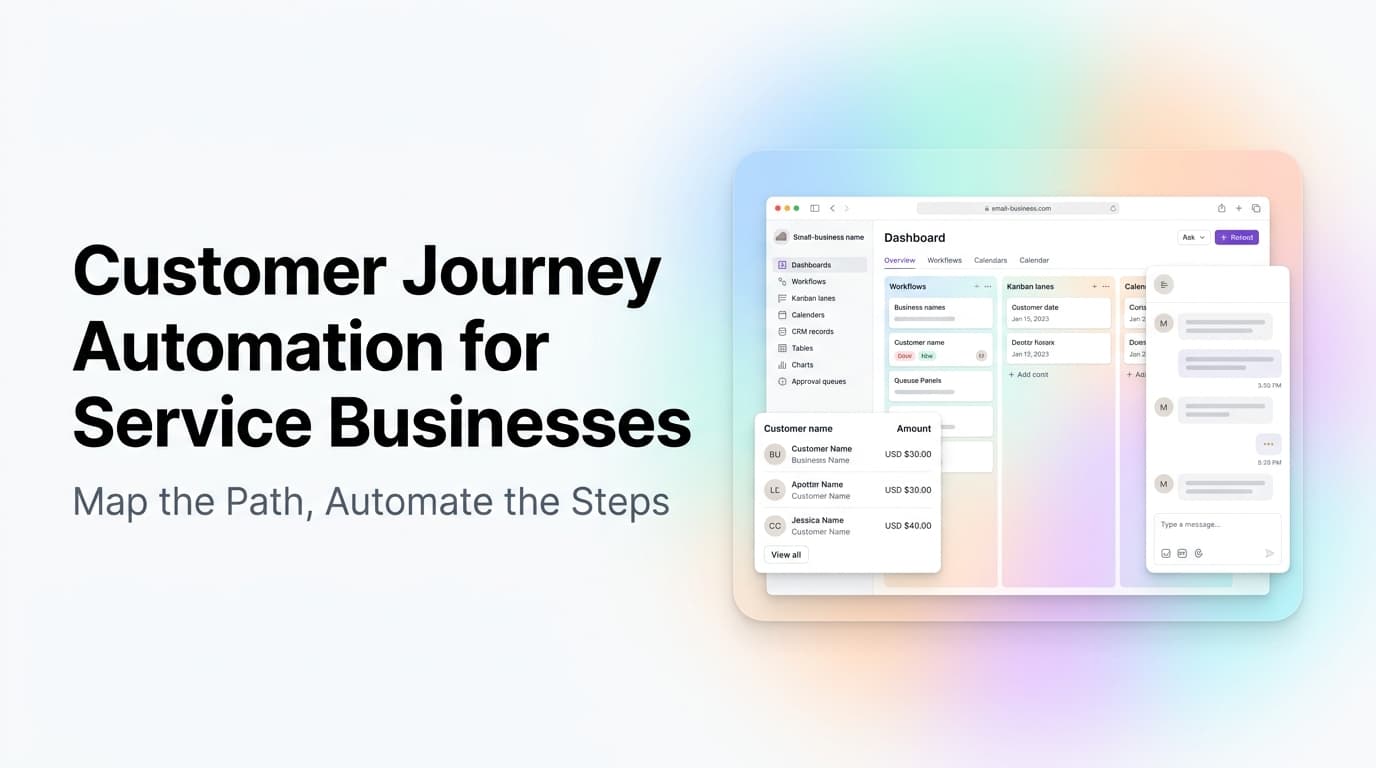
Dispatch sync. The booked appointment appears in your dispatch board automatically. No manual data entry from a paper schedule or spreadsheet.
Rescheduling and cancellation. Customers can reschedule or cancel through the same interface. The system frees the slot and notifies your team automatically.
Where Service Businesses See the Biggest Impact
HVAC and Plumbing
HVAC companies deal with seasonal spikes that overwhelm manual scheduling. Summer AC calls and winter heating emergencies create call volumes that no reception desk can handle. Automated scheduling absorbs the spike, books emergency calls immediately, and routes routine maintenance to slower days.
A Rome, GA HVAC company we worked with was losing 40% of summer AC calls to voicemail. After setting up automated booking with AI call handling, their lead capture rate went from 60% to 92% in the first month. Their admin team stopped spending mornings returning voicemails and started handling the jobs that actually booked.
Electrical Contractors
Electrical work often requires specific skill matching (residential vs commercial, low-voltage vs high-voltage). Automated scheduling can route calls based on job type, book the right technician, and send the customer a time window that fits the crew's actual route.
Home Services (Cleaning, Lawn Care, Pest Control)
Recurring service businesses benefit from automated scheduling that handles both one-time bookings and recurring appointments. A customer books a weekly lawn service once, and the system auto-schedules every visit, sends reminders, and handles cancellations without human involvement.
What to Look for in a Scheduling Automation Platform
Not all scheduling tools are built for service businesses. Here is what matters:
Real-time calendar sync. The system must connect to your existing calendar or dispatch software. If it creates appointments in a separate system that your team has to re-enter, you have not automated anything.
Two-way communication. Customers should be able to book, reschedule, and cancel through text or web without calling. The system should also send proactive updates (technician on the way, ETA changes).
Skill-based routing. If you have different technicians for different job types, the system should match the right person to the right job automatically.
After-hours coverage. Most service calls happen outside 9-5. Your automation should handle booking 24/7 without a human in the loop.
Integration with your CRM. The booking should create a contact record, log the appointment, and trigger follow-up workflows automatically. If it does not connect to your CRM, you are creating a new data silo.
The Setup Timeline
A common concern is that automation takes months to set up. For scheduling, it is usually faster than owners expect:
- Week 1: Audit your current booking process. Map the flow from inbound call to confirmed appointment. Identify where leads drop off.
- Week 2: Choose and configure your scheduling platform. Connect it to your calendar or dispatch system. Set up booking rules (service areas, slot durations, buffer times).
- Week 3: Test with a small subset of calls. Work out edge cases (emergency bookings, multi-day jobs, partial availability).
- Week 4: Go live. Monitor for two weeks and adjust slot rules based on actual booking patterns.
Most service businesses are fully live within 30 days. The ROI usually shows up in the first month in the form of more booked jobs and less admin time.
Common Objections (And Why They Are Wrong)
"My customers want to talk to a person." Some do. Most want their problem solved fast. An automated system that books them instantly and sends a confirmation text is preferred over a callback hours later. You can always offer a "call me back" option for customers who want human contact.
"Our scheduling is too complex for automation." Complex scheduling (multi-day jobs, partial crews, equipment requirements) is exactly where automation helps most. The system handles the complexity consistently, while humans handle exceptions.
"It costs too much." A scheduling automation platform costs $100-500 per month for most small service businesses. Compare that to the cost of a single lost job or the salary of an admin handling phone calls. The math works.
What This Means for Your Business
If you are running a service business and still scheduling appointments by phone during business hours only, you are leaving money on the table. Every call that goes to voicemail, every callback that takes an hour, every weekend inquiry that waits until Monday is a job your competitor is booking right now.
Appointment scheduling automation is not a nice-to-have for service businesses in 2026. It is the difference between capturing 90% of your leads and losing half of them to phone tag.
Ready to stop losing jobs to slow scheduling? Contact us to discuss how we can set up appointment scheduling automation for your service business.
Related Questions
- How do AI voice agents handle emergency service calls after hours?
- What is the best scheduling software for HVAC companies with multiple crews?
- How does automated scheduling integrate with existing dispatch boards?
- Can appointment automation handle recurring service contracts?
- What happens when a customer needs to reschedule at the last minute?
- How do you measure the ROI of scheduling automation for a service business?