Quick answer: CRM lead scoring assigns a numerical value to each lead based on behaviors and attributes that predict a sale. For service businesses, a good scoring model filters out price shoppers, flags urgent jobs, and routes high-value leads to the right person first. You can build one in your existing CRM in about a week with no new software.
Why Most Service Businesses Waste Time on the Wrong Leads
Every service business owner knows the feeling. A lead comes in at 9 AM. You call back within 15 minutes. They ask for a price, say "I'll think about it," and you never hear from them again. Meanwhile, the homeowner with a burst pipe at 2 PM calls three competitors before you even see the notification.
The problem is not your response time. It is your response priority.
Without lead scoring, every inbound contact looks the same. A form submission from a new construction project manager gets the same treatment as a "how much for a tune-up" email. Your team treats all leads equally, which means nobody gets the right treatment.
Lead scoring fixes this by separating the signal from the noise before a human ever touches the lead.
What Lead Scoring Actually Looks Like in a Service Business
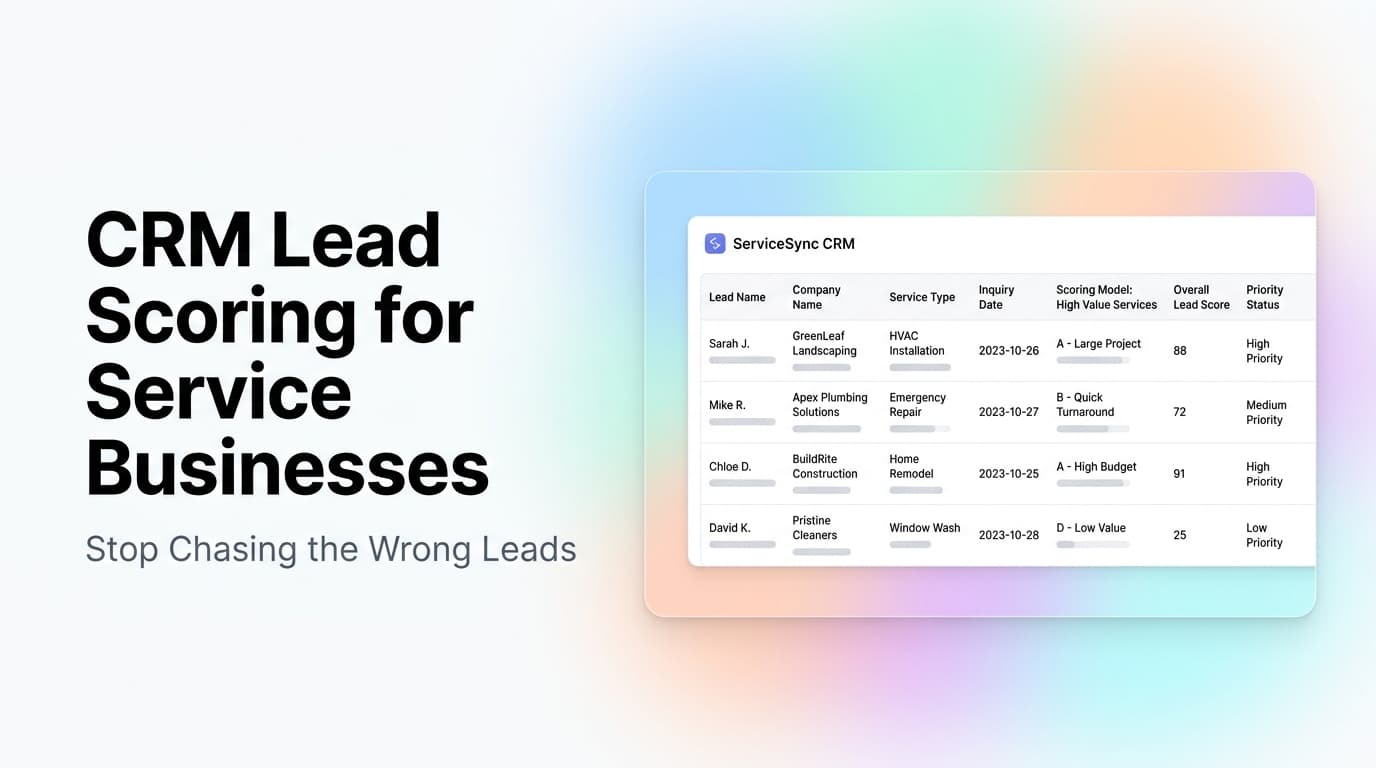
Lead scoring is a simple math problem. You assign points for attributes and behaviors that correlate with closing, then subtract points for attributes that correlate with wasting time.
A basic service business scoring model:
| Factor | Points | Why It Matters |
|---|---|---|
| Service type is emergency/urgent | +30 | Urgent jobs close same-day at near-full price |
| Lead came from referral | +20 | Referral leads close at 2-3x the rate of cold leads |
| Call duration over 2 minutes | +15 | Longer calls indicate genuine interest, not price shopping |
| Requested a specific date/time | +10 | Shows intent to book, not just browse |
| Asked about financing | -10 | Often indicates budget mismatch |
| Asked "what is the minimum" | -20 | Almost always a price shopper |
| Same lead called 3+ times in 24h | +25 | High urgency signal |
| Email domain is free (gmail/yahoo) | 0 | Neutral -- most homeowners use free email |
| Email domain is company/business | +15 | Commercial leads tend to have higher lifetime value |
The total score determines the lead's priority tier:
- 80+ points: Hot lead. Call within 5 minutes. Route to senior tech or owner.
- 50-79 points: Warm lead. Call within 30 minutes. Standard follow-up sequence.
- 20-49 points: Cold lead. Add to nurture sequence. Automated email follow-up only.
- Under 20 points: Low priority. Move to long-term nurture. Do not call.
The Three Data Sources You Already Have
You do not need a new CRM to start scoring leads. Most service businesses already have the data. You just need to connect it.
Source 1: The intake form or phone script. Every question you ask during intake is a scoring signal. Service type, property type, timeline, budget range, how they heard about you. If your intake form does not capture these fields, add them this week.
Source 2: Lead behavior. Did they visit your pricing page? Download a guide? Call twice in one day? Open your quote email? Most CRMs and phone systems log this automatically. You just need to assign point values.
Source 3: Historical close data. This is the most overlooked source. Pull your last 100 won deals and 100 lost deals. Look for patterns. Did won deals tend to come from a specific service category? A specific time of day? A specific referral source? Those patterns become your scoring weights.
How We Set Up Lead Scoring for a Plumbing Company
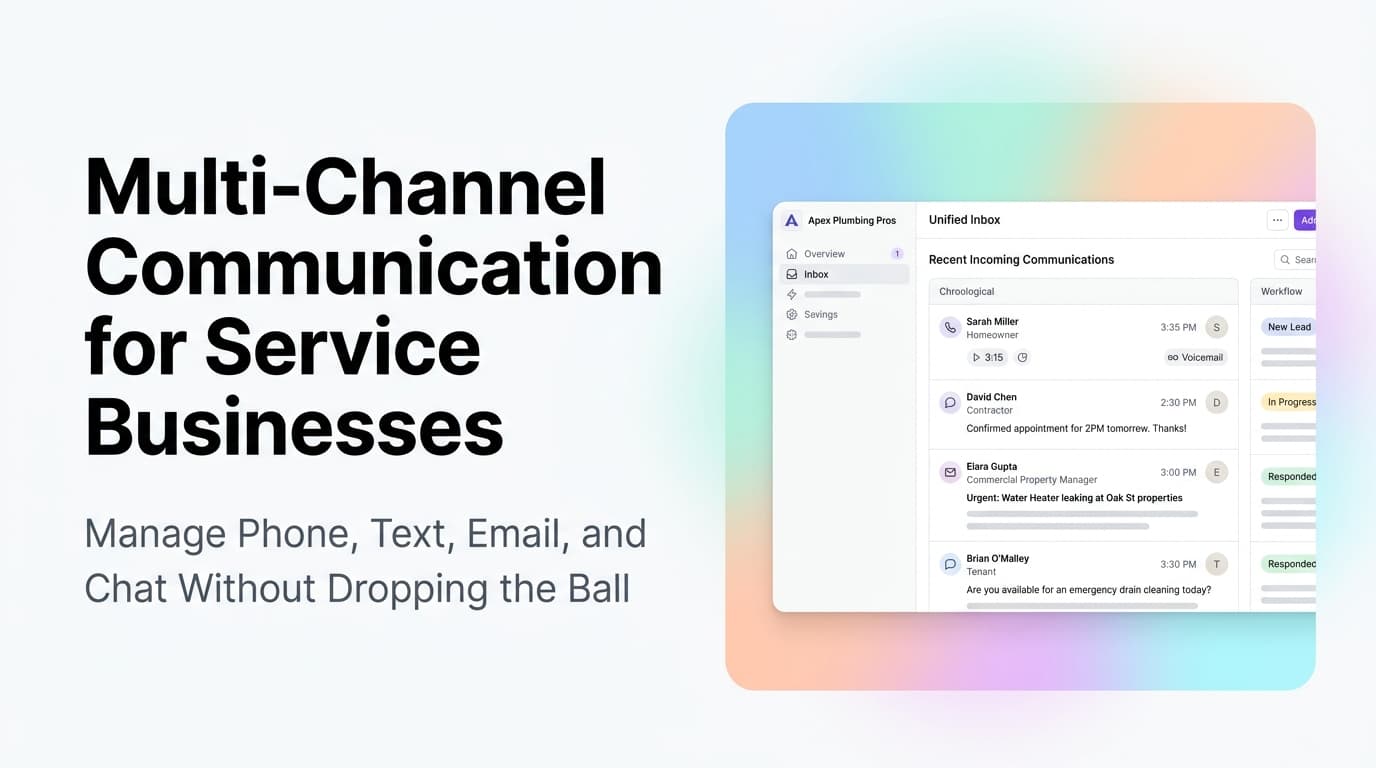
We worked with a plumbing company in the Southeast that was getting 40-60 leads per day during peak season. They had two dispatchers and five technicians. Before scoring, every lead went into a shared inbox. The dispatcher answered in order received. Emergency calls got buried under "how much for a water heater quote" messages.
Here is what we changed:
Step 1: Tagged every inbound lead source. Phone calls, web forms, text messages, and referral links each got a source tag in their CRM. This took one afternoon to set up with their phone system API and web form integration.
Step 2: Built a 10-factor scoring model. We used the table above as a starting point and adjusted weights based on their actual close data. Emergency calls got +35 instead of +30 because 92% of their emergency leads converted. Referral leads got +25 because their referral close rate was 3.4x higher than Google Ads leads.
Step 3: Created three routing rules. Hot leads (80+) went to a senior dispatcher's phone. Warm leads (50-79) went into a 30-minute follow-up queue with an automated text confirmation. Cold leads (under 50) received an automated email with pricing and a booking link.
Step 4: Set a weekly review. Every Monday, we reviewed the scoring model against actual outcomes. Leads that scored high but did not convert got examined. Leads that scored low but converted got examined. The model adjusted over 6 weeks until it reached about 85% accuracy.
The result: Response time on emergency calls dropped from 12 minutes to under 3 minutes. The company closed 18% more leads with the same headcount. The dispatcher stopped feeling overwhelmed because the CRM told them what to do next.
The Most Common Lead Scoring Mistakes
Over-scoring on budget. Many service businesses assume a lead with a high budget is a better lead. In practice, leads who ask about price first and service second are often shopping multiple quotes. Score on urgency and intent, not stated budget.
Ignoring lead decay. A lead that scored 70 points on Monday is worth less on Friday if they have not responded. Add a decay factor. Reduce a lead's score by 5-10 points per day of no engagement. This keeps your queue fresh.
Scoring without routing. Scoring is useless if your team does not act on the score. Every score tier needs a corresponding action. Hot leads get called. Warm leads get texted. Cold leads get automated emails. If there is no action tied to the score, do not bother scoring.
Using only demographic data. Scoring on company size, job title, or location alone misses the point. Behavioral data (did they call? did they open the email? did they visit the services page?) is a stronger predictor of conversion than demographic data for service businesses.
What Your CRM Needs to Support Lead Scoring
You do not need a fancy CRM. You need three things:
- Custom fields or tags. The ability to add a "Lead Score" field and update it automatically or manually.
- Automation rules. The ability to trigger actions (notify, route, email) when a score crosses a threshold.
- Reporting. The ability to see which score tiers convert at what rate, so you can tune the model.
Most CRMs used by service businesses already support this. HubSpot, Salesforce, Zoho, and even many industry-specific CRMs like Housecall Pro or ServiceTitan have scoring or custom field capabilities. If yours does not, a simple spreadsheet with conditional formatting and manual updates is better than nothing.
Related Questions Worth Exploring
- How do you score leads from Google Ads differently than referral leads?
- What is the right lead score threshold for a seasonal service business?
- Should you score existing customers differently than new leads?
- How do you handle lead scoring when your team is small and everyone wears multiple hats?
- What happens to lead scoring during off-season when volume drops?
- Can AI improve lead scoring accuracy beyond a manual points model?
Key Takeaways
- Lead scoring lets your team respond to the right leads first, not the first leads that come in
- A basic scoring model uses 5-10 factors from data you already collect during intake
- Behavioral signals (urgency, repeat contact, specific requests) predict conversion better than demographic data
- Every score tier needs a corresponding action or the system is pointless
- Review and adjust your scoring model weekly for the first 6 weeks, then monthly
Next Steps
Start with your last 50 won deals and 50 lost deals. Look for three patterns: common service types, common referral sources, and common behaviors. Those patterns are the foundation of your scoring model. Add them to your CRM as custom fields this week.
Ready to set up lead scoring in your CRM? Contact us to discuss how we can help your service business prioritize the right leads.