Custom Software for Service Businesses: When to Build, When to Buy, and How to Scope It Right
Service businesses waste $50K+ on custom software that misses the mark. Here is how to decide if you need it, scope it, and ship it without the common pitfalls.

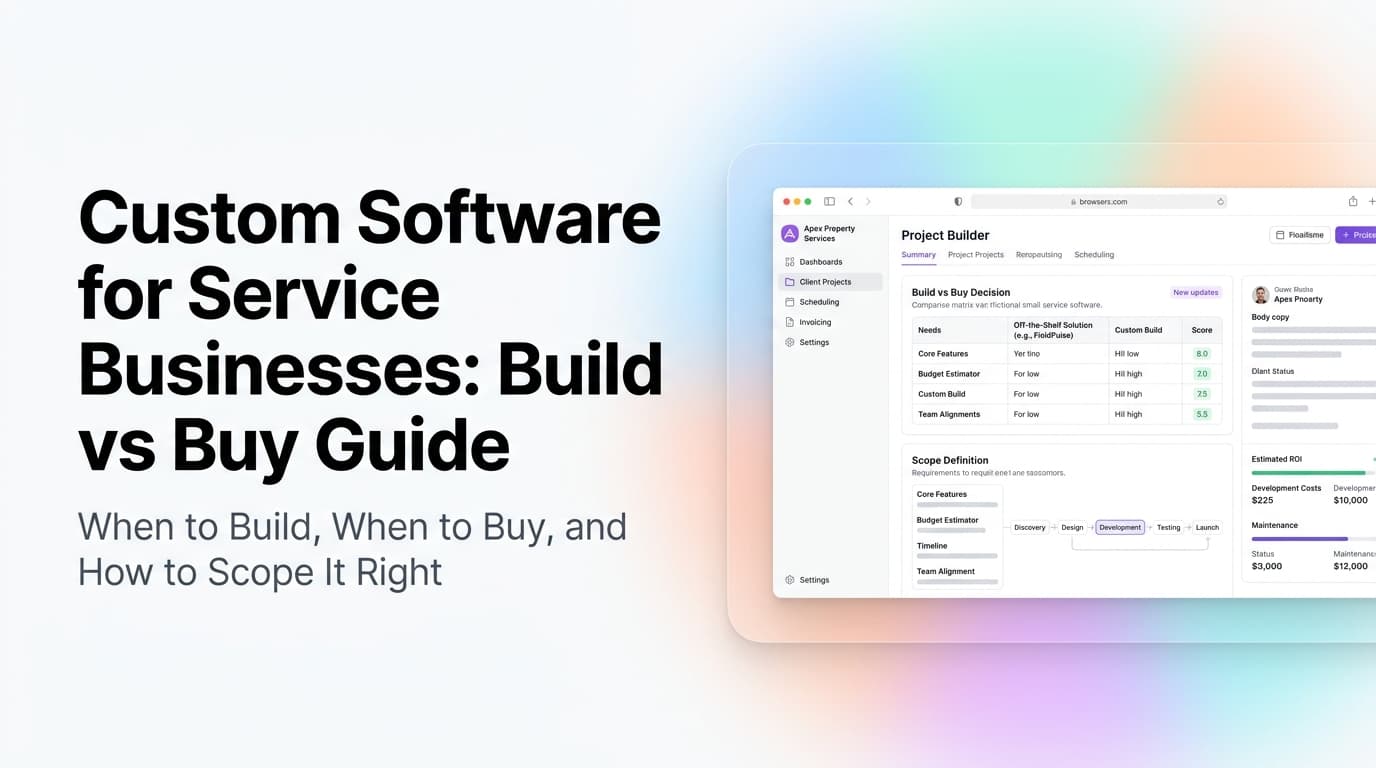
Quick answer: Custom software makes sense when your business has a process that no off-the-shelf tool handles well, and that process costs you more than $2,000/month in lost time or revenue. For most service businesses, the right call is a hybrid: buy a core platform (CRM, scheduling, accounting) and build custom integrations or workflow tools that connect them. Scope your project by starting with the smallest possible version that solves one expensive problem, not by trying to replace everything at once.
The Build vs Buy Trap Most Service Businesses Fall Into
Every service business owner hits this wall eventually. You are running three different tools that don't talk to each other. Your team spends hours copying data between systems. You have a custom pricing model that no off-the-shelf CRM supports. The obvious answer feels like "let's just build our own software."
That instinct is usually wrong. But sometimes it is exactly right.
The difference between a $20,000 win and a $100,000 mistake comes down to how you scope the project. Not the technology you pick, not the developer you hire, but the scope document you write before anyone writes a line of code.
At AnovaGrowth, we have seen both sides. We have built custom dispatch systems for HVAC companies that cut routing time by 70%. We have also walked clients away from building their own CRM when a $79/month tool would do the job with a simple integration. The framework below is what we use to make that call.
When Custom Software Actually Makes Sense
Custom software is expensive, slow to build, and requires ongoing maintenance. Only pursue it when three conditions are true:
| Condition | How to Check | Threshold |
|---|---|---|
| No off-the-shelf tool fits | You have evaluated 3+ existing tools and each misses a must-have feature | If one tool covers 80% of needs, buy it and customize the rest |
| The problem costs real money | Calculate hours spent on the manual workaround per week | At least 10 hours/week or $2,000/month in wasted time |
| The process is stable | The workflow has not changed significantly in the last 12 months | If the process changes quarterly, you will rebuild the software every year |
If you check all three boxes, custom software is worth exploring. If you check two, look harder at off-the-shelf options with integrations. If you check one or zero, buy the tool.
When to Buy Instead
Most service businesses should buy a core platform and build around it. Here is the rule of thumb:
- CRM: Buy. HubSpot, Salesforce, or a service-specific CRM like Housecall Pro will cover 90% of what you need.
- Scheduling and dispatch: Buy. The scheduling logic is already built and tested.
- Invoicing and payments: Buy. Payment processing compliance is not something you want to build yourself.
- Custom reporting: Build. Off-the-shelf dashboards never match how your business actually tracks performance.
- Integration between tools: Build. This is where most of the value lives, connecting your CRM to your scheduling to your accounting.
- Client portal or booking flow: Build. This is your customer-facing experience and the one place where differentiation matters.
The 5 Most Expensive Scoping Mistakes
These are the mistakes we see most often. Each one has cost a service business real money.
Mistake 1: Building Everything at Once
The biggest mistake is trying to replace your entire tech stack in one project. A project that tries to do everything will do nothing well.
What to do instead: Pick the single most painful workflow. Build software that only solves that one problem. Launch it in 6-8 weeks. Then add the next feature based on real usage, not assumptions.
Real example: A plumbing company wanted to build a complete ERP system. We scoped it down to just the dispatch board and route optimization. That shipped in 6 weeks and saved 12 hours per dispatcher per week. They never built the rest of the ERP because the dispatch tool alone paid for itself.
Mistake 2: Not Defining Success Before You Start
If you cannot describe what success looks like in measurable terms, you will not know if the project worked.
What to do instead: Write down three specific metrics before you write a spec. For example: "Reduce time from lead capture to scheduled job from 4 hours to 30 minutes." Or "Cut manual data entry from 15 hours per week to 2 hours per week."
What happens without this: The project ships, everyone agrees it looks good, but nobody can say whether it actually improved anything. Six months later, nobody is using it.
Mistake 3: Designing for Every Edge Case
Service businesses have a lot of edge cases. Different pricing for different customer types. Special discounts. Emergency call premiums. Holiday surcharges. If you try to handle every edge case in version one, you will never ship version one.
What to do instead: Build for the 80% case. Handle the remaining 20% with a manual override. You can automate the edge cases in version two, after you have real data on how often they actually happen.
Mistake 4: Skipping the Integration Plan
Custom software that does not talk to your existing tools is just another silo. Your team will still copy data between systems, just with a new interface.
What to do instead: Before you build anything, map every data flow. Where does a lead enter the system? Where does it go next? What needs to happen in each tool? Your custom software should connect existing tools, not replace them.
Mistake 5: Underestimating Maintenance
Custom software is not a one-time cost. It needs updates when your business changes, when APIs change, when security patches are needed. Budget 15-20% of the initial build cost per year for maintenance.
What to do instead: Plan for maintenance from day one. Use a framework and hosting setup that makes updates straightforward. Document everything so a different developer can pick it up later.
How to Scope a Custom Software Project
Here is the process we use at AnovaGrowth for every custom software project. It works for projects from $10,000 to $200,000.
Step 1: Document the Current Workflow
Before you design the new system, write down exactly how the current process works. Include every step, every person involved, every tool used, and every manual handoff.
What this reveals: Most of the time, the problem is not that you need new software. The problem is that the current process has unnecessary steps. Removing those steps with a workflow change costs nothing. Only automate what is left after you simplify.
Step 2: Identify the Bottleneck
Look at the workflow you documented. Where does work pile up? Where do things get delayed? Where do errors happen?
The bottleneck is your scope. Build software that removes that bottleneck. Nothing else.
Step 3: Write a One-Page Spec
A good spec fits on one page. It describes:
- The current problem (with numbers)
- The desired outcome (with numbers)
- The specific workflow being automated
- The tools it needs to connect to
- What is explicitly out of scope
If the spec is longer than one page, the scope is too big.
Step 4: Build a Prototype, Not a Spec
Skip the 50-page requirements document. Build a clickable prototype or a working minimum version. Put it in front of the people who will actually use it. Watch them try to use it. Fix what they struggle with.
This step alone eliminates 80% of the rework that kills custom software projects.
Step 5: Ship the Minimum, Then Iterate
Launch the smallest version that solves the bottleneck. Get it into production. Measure the results. Then decide what to build next based on real data, not assumptions.
What a Well-Scoped Project Looks Like
Here is a real example from our work:
The business: An HVAC company with 12 technicians running 40-50 jobs per week.
The problem: Dispatchers spent 3 hours every morning manually routing technicians. They used a whiteboard, sticky notes, and a shared Google Sheet. Jobs got double-booked. Emergency calls got routed to the wrong tech.
The scope: Build a dispatch board that shows all jobs on a timeline, auto-assigns jobs based on tech location and skills, and sends the schedule to each tech's phone. Connect it to their existing CRM (not replace it).
The result: Dispatch time dropped from 3 hours to 20 minutes. Emergency call routing went from 15 minutes to instant. The project cost $18,000 and paid for itself in 4 months.
What they did not build: No custom CRM. No custom invoicing. No customer portal. Those were all handled by existing tools. The custom software only solved the dispatch bottleneck.
Related Questions to Consider
- How do I evaluate whether a custom software developer knows what they are doing?
- What is the right budget range for a custom software project for a 10-person service business?
- How do I handle data migration when building custom software alongside existing tools?
- Should I build a mobile app or a web app for my service business?
- How do I ensure my custom software project stays on schedule and on budget?
- What ongoing maintenance costs should I expect after the initial build?
AnovaGrowth's Take on Custom Software
We build custom software for service businesses, but we turn down more projects than we take. Here is why: most businesses do not need custom software. They need better use of the tools they already have.
When we do take a custom project, it is because the business has a specific, measurable bottleneck that no off-the-shelf tool solves. We scope the project to that bottleneck and nothing else. We ship in weeks, not months. And we make sure the software connects to the tools the business already uses, rather than trying to replace them.
If you are wondering whether custom software makes sense for your business, start by documenting your most painful workflow. If that workflow costs you more than $2,000 per month in lost time, and no existing tool handles it well, custom software might be the right call.
Ready to scope your project? Contact us to walk through your workflow and get an honest assessment of whether custom software makes sense for your business. We will tell you if it does not.
Related reading: Custom Software vs Off-the-Shelf: When Custom Actually Saves Money | How to Document Your Business Workflows Before Automating Them | CRM Integration for Service Businesses: Connecting Your Tools Into One Lead-to-Cash Flow | Business KPI Dashboard for Service Businesses: Connect Your Data Without a Data Team
Related articles

Custom Software Maintenance and Support for Service Businesses: The Hidden Costs Most Owners Never See
Custom software for service businesses does not stop costing money after launch. Here is what maintenance actually costs, who pays for it, and how to build a support plan that keeps your system alive.
Read the article: Custom Software Maintenance and Support for Service Businesses: The Hidden Costs Most Owners Never See
Custom Software Replacement: A 90-Day Migration Playbook for Service Businesses
Replace custom software in 90 days without losing data or breaking operations. A six-step playbook for service businesses ready to move on.
Read the article: Custom Software Replacement: A 90-Day Migration Playbook for Service Businesses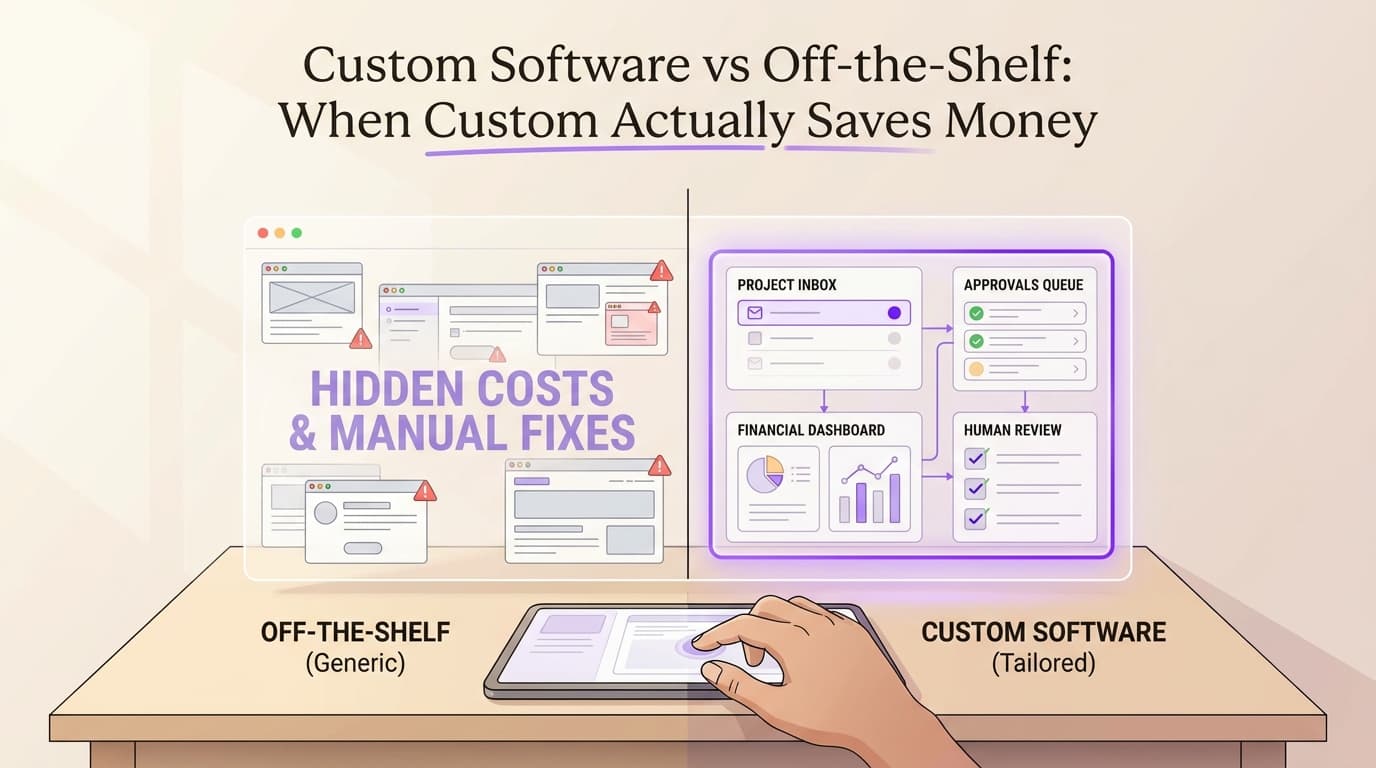
Custom Software vs Off-the-Shelf: When Custom Actually Saves Money
Learn how custom software ROI can transform your business operations and bottom line.
Read the article: Custom Software vs Off-the-Shelf: When Custom Actually Saves Money
