Automated Service Agreement Management: Stop Losing Revenue from Expired Contracts
Service businesses leave 15-30% of recurring revenue from expired contracts. Here is how to automate renewal tracking and agreement lifecycle management.

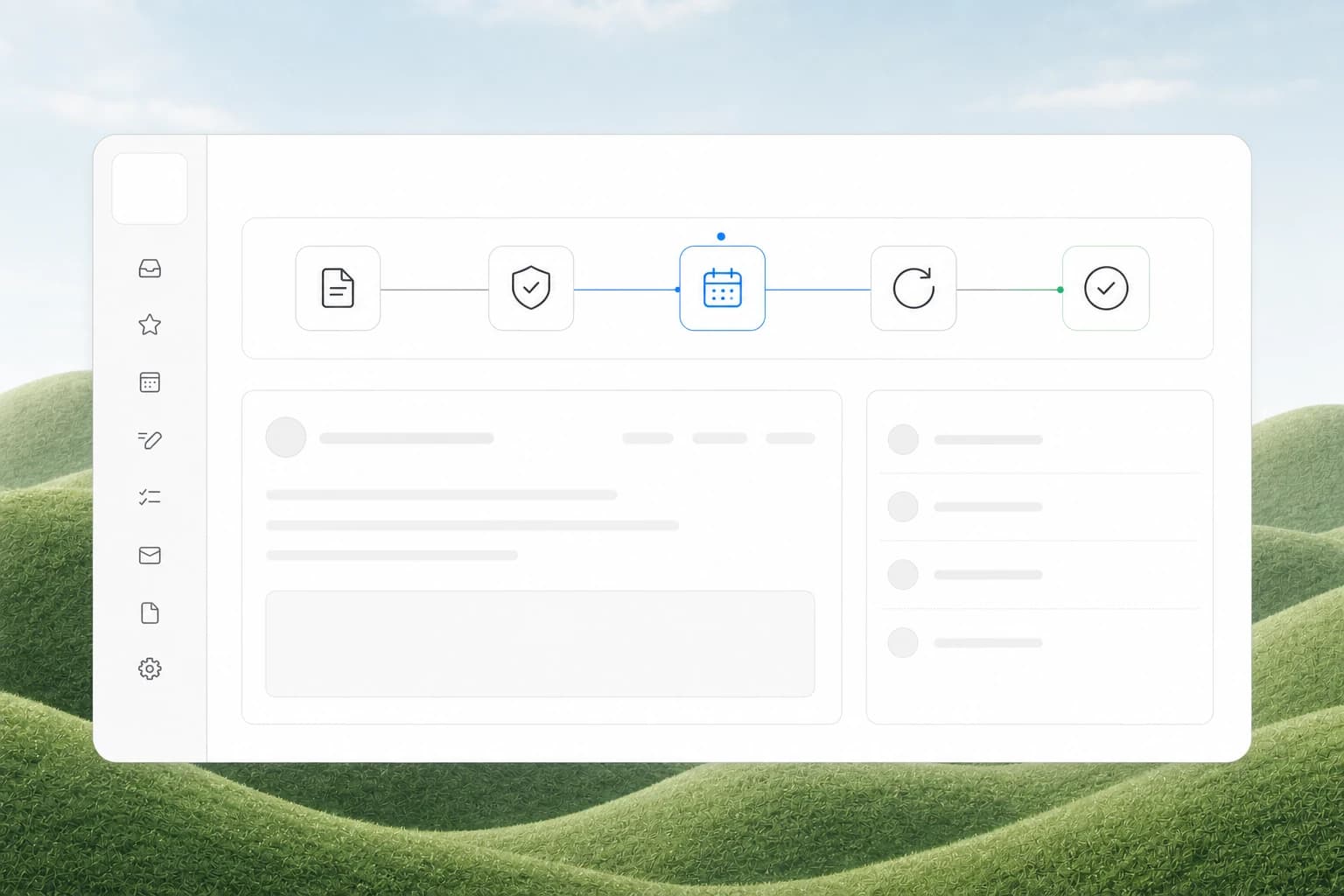

The Revenue Leak You Are Not Tracking
If you run an HVAC, plumbing, electrical, or any service business with maintenance agreements, you have a revenue leak you probably haven't measured. It is the gap between when a service agreement expires and when you notice.
Most service businesses track agreements in a spreadsheet, a filing cabinet, or the notes field of their CRM. When a contract expires, nobody gets notified. The customer keeps calling for service, you keep sending technicians, and you keep billing at the standard rate instead of the preferred rate. The agreement is dead, but nobody told the operations team.
The result: 15-30% of recurring revenue walks out the door every year, not because customers leave, but because the business forgets to ask them to stay.
Quick answer: Automated service agreement management uses your CRM and workflow tools to track contract start dates, expiration dates, renewal windows, and notification triggers. When an agreement is 60 days from expiry, the system sends a renewal proposal. When it expires, the system updates pricing rules. When a customer calls, the system tells your team what agreement they have. No spreadsheets, no manual checks, no forgotten renewals.
What Makes Service Agreements Hard to Manage
Service agreements are not simple subscriptions. They have variables that make manual tracking impractical:
- Staggered start dates. Every agreement starts on a different day. You cannot batch-process them on the first of the month.
- Auto-renewal vs. opt-in. Some agreements renew automatically unless canceled. Others require active renewal. Mixing the two in one system creates confusion.
- Tier changes. Customers upgrade or downgrade mid-cycle. The CRM needs to handle pro-rated adjustments.
- Price escalators. Many agreements include annual price increases. If you do not apply them, you eat the inflation.
- Multi-location accounts. A commercial customer with 12 locations might have 12 separate agreements with different end dates.
A spreadsheet cannot handle this. A CRM with manual date tracking cannot handle this either, because nobody checks the dates every day.
The Three Agreement States You Need to Track
Every service agreement passes through three states that require different automation:
| State | What Happens | Automation Trigger |
|---|---|---|
| Active | Customer is under contract, billing on schedule | Monitor for upcoming expiration, send satisfaction check-ins |
| Renewal window | 60-90 days before expiration, decision time | Send renewal proposal, schedule follow-up calls, flag for sales |
| Expired | Agreement lapsed, customer on standard pricing | Update billing rates, trigger re-engagement sequence, notify dispatch |
The key insight: the renewal window is where most revenue is won or lost. If you wait until the day after expiration to reach out, the customer has already called three other companies for quotes. If you start the conversation 60 days early, you have time to handle objections, negotiate terms, and close the renewal before the old agreement even ends.
How to Set Up Automated Agreement Management
Step 1: Define Your Agreement Objects in Your CRM
Every service agreement needs a dedicated record type or custom object. The minimum fields:
- Customer name and account ID
- Agreement type (maintenance plan, service contract, warranty extension)
- Start date and end date
- Auto-renewal flag (yes/no)
- Billing amount and frequency
- Price escalator percentage
- Service tier or package level
- Linked locations or equipment
Most CRMs like HubSpot, Salesforce, or Zoho support custom objects. If yours does not, you can use a deal pipeline with stages that mirror the agreement lifecycle.
Step 2: Build Expiration Date Triggers
This is the core automation. Set up three date-based triggers in your CRM or workflow tool:
60 days before expiration: Send the customer a renewal proposal via email. Include their current agreement details, any price changes, and a link to approve the renewal. Add a task for the account manager to follow up if no response in 7 days.
30 days before expiration: Send a reminder. If the agreement auto-renews, this is a confirmation notice. If it requires opt-in, this is a second ask with a more direct call to action.
Day of expiration: Update the customer record. Change their billing rate from preferred to standard. Notify dispatch that this account is no longer under agreement. Trigger a re-engagement sequence.
Step 3: Connect Agreement Status to Operations
The real value comes from connecting agreement data to daily operations. When a customer calls for service, the dispatcher should see immediately:
- Do they have an active agreement?
- What tier are they on?
- What is their billing rate?
- When does their agreement expire?
If your CRM and dispatch system are integrated, this happens automatically. If they are not, your dispatcher is making decisions without the full picture. They might send a technician at the preferred rate for a customer whose agreement expired three months ago.
Step 4: Automate the Renewal Proposal
Do not write renewal proposals by hand. Build a template that pulls agreement data from your CRM and generates a PDF or web-based proposal automatically. Tools like PandaDoc, DocuSign, or even a simple email merge can handle this.
The proposal should include:
- Current agreement terms and what they cover
- Any price changes for the new term
- A clear renewal button or signature link
- An expiration date on the proposal itself (creates urgency)
Step 5: Track Renewal Metrics
Once the automation is running, measure these numbers:
- Renewal rate by agreement type. Which plans renew at the highest rate? Focus your sales effort on the ones that do not.
- Average days to renew. How long does it take from proposal to signed renewal? If it is over 30 days, your process is too slow.
- Expired-to-reactivated rate. How many expired agreements come back? This tells you if your re-engagement sequence works.
- Revenue at risk. The total annual value of agreements expiring in the next 90 days. This number should drive your sales team's priorities.
What This Looks Like in Practice
A real example from our work: a commercial HVAC company in the Southeast had 340 active maintenance agreements. They tracked them in a shared spreadsheet that one person updated once a month. Their renewal rate was 62%. The owner knew it was bad but did not know why.
We set up a custom agreement object in their CRM with the fields above, connected it to their dispatch system, and built automated email sequences for the 60-day and 30-day renewal windows. We also added a dashboard that showed every agreement expiring in the next 90 days, sorted by revenue impact.
Within six months, their renewal rate went from 62% to 84%. The revenue impact was roughly $180,000 in retained annual contract value. The owner stopped guessing which agreements needed attention and started seeing them on a calendar.
The biggest surprise was how many customers simply needed to be asked. About 40% of renewals happened with zero negotiation. The customer got the email, clicked approve, and the agreement renewed. They were not shopping around. They just had not been asked yet.
Common Mistakes in Agreement Automation
Mistake 1: Automating the reminder but not the data. Sending renewal emails is easy. Keeping the agreement data accurate is hard. If your CRM has old pricing, wrong end dates, or missing customer contacts, the automation fires on bad data. Clean the data first.
Mistake 2: Forgetting the price escalator. If your agreements include a 3-5% annual increase and you do not apply it automatically, you lose that revenue forever. Build the escalator into the renewal proposal template so the new price reflects the increase.
Mistake 3: Not handling auto-renewals differently. Auto-renewal customers should get a confirmation notice, not a sales pitch. Sending a hard sell to someone whose agreement renews automatically creates confusion and annoyance. Segment your communication by agreement type.
Mistake 4: Ignoring the dispatch integration. The most expensive mistake is sending a technician to a customer whose agreement expired, billing at the preferred rate, and never catching the error. If your dispatch system does not know the agreement status, you are bleeding money on every service call.
Related Questions Service Business Owners Ask
- How do I handle mid-cycle upgrades or downgrades in my agreement tracking system?
- What is the best CRM for managing service agreements and maintenance contracts?
- How do I calculate the right renewal price when costs have gone up?
- Should I offer discounts for multi-year agreements to reduce renewal frequency?
- How do I handle agreements that require on-site inspection before renewal?
- What metrics should I track to measure agreement profitability per customer?
Why This Matters More in 2026
Service agreement revenue is the most predictable money a service business can generate. It smooths out seasonal swings, covers fixed costs during slow months, and builds long-term customer relationships. But predictable revenue requires predictable management.
In 2026, the businesses that win are the ones that treat their agreement portfolio like a revenue engine, not an administrative chore. Automated tracking, automated renewal proposals, and automated dispatch integration turn a manual headache into a system that runs itself.
The spreadsheet approach worked when you had 50 agreements. At 200 or 500, it stops working. The gap between what you think your renewal rate is and what it actually is grows every month you do not measure it.
Next Steps
Start by auditing your current agreement portfolio. Pull every active agreement, check the end dates, and calculate your actual renewal rate. The number is probably lower than you think.
Once you have the data, set up the three date-based triggers in your CRM: 60-day renewal proposal, 30-day reminder, and expiration update. Connect those triggers to your dispatch system so your team always knows who is under agreement and who is not.
If your current CRM cannot handle custom objects or date-based workflows, that is the real bottleneck. A CRM that cannot track agreements is not a CRM for a service business. It is a glorified address book.
Ready to stop losing revenue from expired agreements? Contact us to discuss how we can set up automated service agreement management for your business.
Related reading: CRM Integration for Service Businesses and Automated Recurring Revenue for Service Businesses.
Related articles

AI Automation for Landscaping and Lawn Care Businesses: Win More Bids, Route Crews Faster, and Stop Losing Maintenance Contracts
Landscaping companies lose 30-50% of bids to slow follow-up and 20-40% of maintenance contracts to silent churn. AI automation fixes both.
Read the article: AI Automation for Landscaping and Lawn Care Businesses: Win More Bids, Route Crews Faster, and Stop Losing Maintenance Contracts
Multi-Channel Communication for Service Businesses: Manage Phone, Text, Email, and Chat Without Dropping the Ball
Service businesses juggle phone calls, texts, emails, and web chat every day. Here is how to unify them into one system that never drops a lead.
Read the article: Multi-Channel Communication for Service Businesses: Manage Phone, Text, Email, and Chat Without Dropping the Ball
Customer Journey Automation for Service Businesses: Map the Path, Automate the Steps
Service businesses lose customers at every stage of the journey. Map the path from first search to repeat booking, then automate the handoffs.
Read the article: Customer Journey Automation for Service Businesses: Map the Path, Automate the Steps
