Quick answer: Documenting your workflows before automating them is the single highest-ROI step you can take. It takes 2-4 hours per process, reveals bottlenecks you did not know existed, and cuts automation project timelines by 30-50%. Skip this step and you automate your chaos instead of fixing it.
Why Documentation Comes First
Every automation project we have worked on at AnovaGrowth follows the same pattern. The ones that succeed start with a whiteboard session. The ones that fail start with someone buying software.
Here is why documentation matters:
- You cannot automate what you do not understand. If the process lives in someone's head, you cannot build a system around it.
- Hidden steps kill automation. The "oh, and then Becky checks the spreadsheet" step is what breaks your Zapier flow at 2 PM on a Tuesday.
- Documentation reveals waste. Most service businesses find 20-40% of process steps are unnecessary once they map them out.
| Documentation Approach | Time Investment | Automation Success Rate |
|---|---|---|
| None (jump straight to tool) | 0 hours | ~20% |
| Verbal walkthrough only | 1 hour | ~35% |
| Written process map | 2-4 hours | ~65% |
| Documented + validated with team | 4-8 hours | ~85% |
The 4-Step Documentation Framework
Step 1: Pick One Process
Do not try to document everything at once. Pick the process that hurts the most right now.
Good candidates:
- Lead intake and follow-up
- Quote generation and approval
- Customer onboarding
- Invoice and payment collection
- Scheduling and dispatch
One process, one session. Finish it before starting another.
Step 2: Walk It End to End
Sit down with the person who actually does the work. Not the manager. Not the owner. The person whose fingers touch the keyboard.
Ask them to walk through a real example from start to finish. Record the session if they will let you. Take notes on:
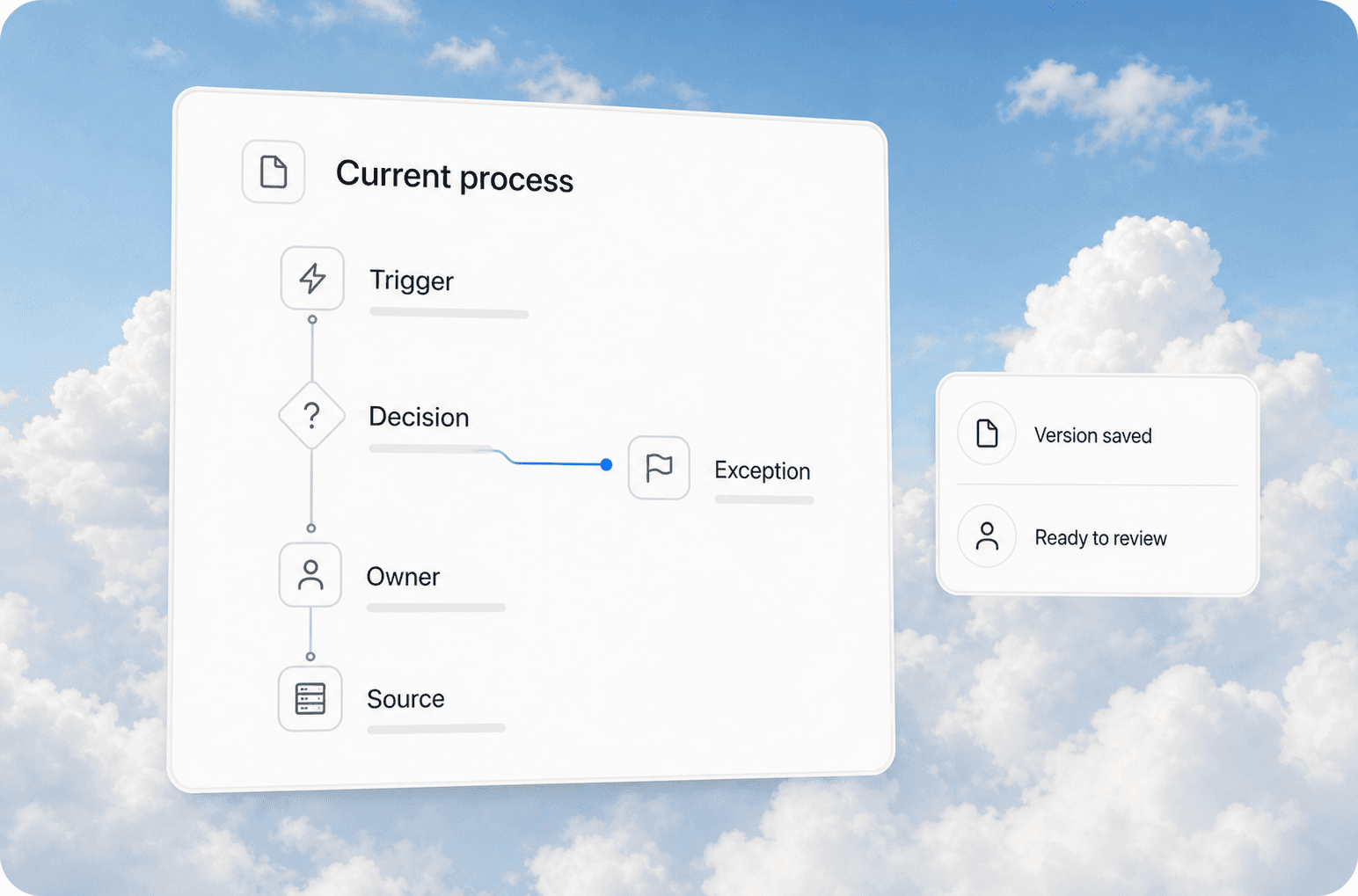
- Trigger: What starts this process? (Email? Form submission? Phone call?)
- Steps: Every single click, copy-paste, email forward, and Slack message
- Decisions: Where does someone have to make a judgment call?
- Handoffs: When does this leave one person's hands and enter another's?
- Exceptions: What happens when something goes wrong?
- End state: What does "done" look like?
Real example from our work: A Rome HVAC company thought their lead follow-up process was "pretty fast." Walking it end to end revealed 14 steps, 3 handoffs, and an average response time of 6 hours. The owner had no idea.
Step 3: Map It Visually
Write the process down in a format you can share. Tools that work well:
- Miro or Mural for collaborative flowcharts
- Google Sheets for linear step-by-step lists
- Pen and paper for first drafts (seriously, it works)
- Draw.io for free, shareable diagrams
Include swimlanes if multiple people or departments are involved. Each lane shows who owns each step.
What a good process map includes:
- Step number and name
- Who does it
- What tool or system they use
- How long it takes
- What triggers the next step
- Where errors commonly happen
Step 4: Validate With the Team
Send the map to everyone involved and ask two questions:
- "Is this accurate for a normal day?"
- "What did I miss?"
The validation step catches the exceptions and edge cases that break automation. It also gets buy-in from the people who will use the new system. If they helped design the documentation, they will not fight the automation.
What to Look For in Your Documentation
Once you have a clean process map, look for these patterns:
Redundancies. The same data entered in three different places. The same approval asked twice. The same email sent to two people who both forward it to the same person.
Bottlenecks. Steps that require a specific person who is only available 2 hours a day. Steps that wait on information that takes 24 hours to arrive.
Manual data moves. Copy-paste from one system to another. Re-typing information from a PDF into a form. Downloading a report, reformatting it, and uploading it somewhere else.
Decision gaps. Steps where someone has to guess because they do not have the right information. These are the steps that produce inconsistent results.
Common Documentation Mistakes
Skipping the exception paths. Every process has the happy path and the "what if" paths. Document both. The exceptions are where automation either shines or breaks.
Writing for the ideal state. Document what actually happens, not what should happen. You can design the ideal state after you understand the current one.
Using too much detail. If a step takes 5 seconds and never causes problems, do not spend 20 minutes documenting it. Focus on the steps that take time, cause errors, or require decisions.
Not including time estimates. Without timing, you cannot calculate ROI. Every step needs a time estimate so you know what automation will save.
When to Stop Documenting and Start Automating
You are ready to automate when:
- The process map has been validated by everyone involved
- You have identified the 2-3 steps that take the most time or cause the most errors
- You know which tools the process touches
- You have a clear "done" state for the automated version
- The team agrees the current process is worth changing
If any of these are missing, keep documenting.
How AnovaGrowth Approaches This
We do not write code on day one. Our first deliverable for every automation client is a process document. It includes the current-state map, the pain points, and a recommendation for what to automate first.
This document serves two purposes. It makes sure we are solving the right problem. And it gives the client something to review and approve before we spend a dollar on development.
The result is that our automation projects rarely fail. Not because we are smarter than anyone else. Because we do the boring work of documentation first.
Related Reading
- How to Audit a Workflow Before You Automate It - A deeper look at the audit phase
- The 7 Workflow Bottlenecks AI Automation Should Fix First - Where to look for the biggest wins
- 5 Signs Your Business Is Ready for AI Automation - Know when you are ready to move forward
Questions This Raises
- How do you document a process when the person who does it has been doing it for 10 years and "just knows"?
- What is the minimum viable documentation before you can start building an automation?
- Should you document every process or only the ones you plan to automate?
- How do you handle processes that change every week?
- What is the best free tool for process mapping?
- How do you get a team to actually follow documented workflows?
Ready to document your workflows? Contact us to start with a process audit that maps your current state and identifies the highest-ROI automation opportunities.