Customer Self-Service Portals for Service Businesses: Cut Phone Volume, Get Paid Faster, and Free Up Your Team
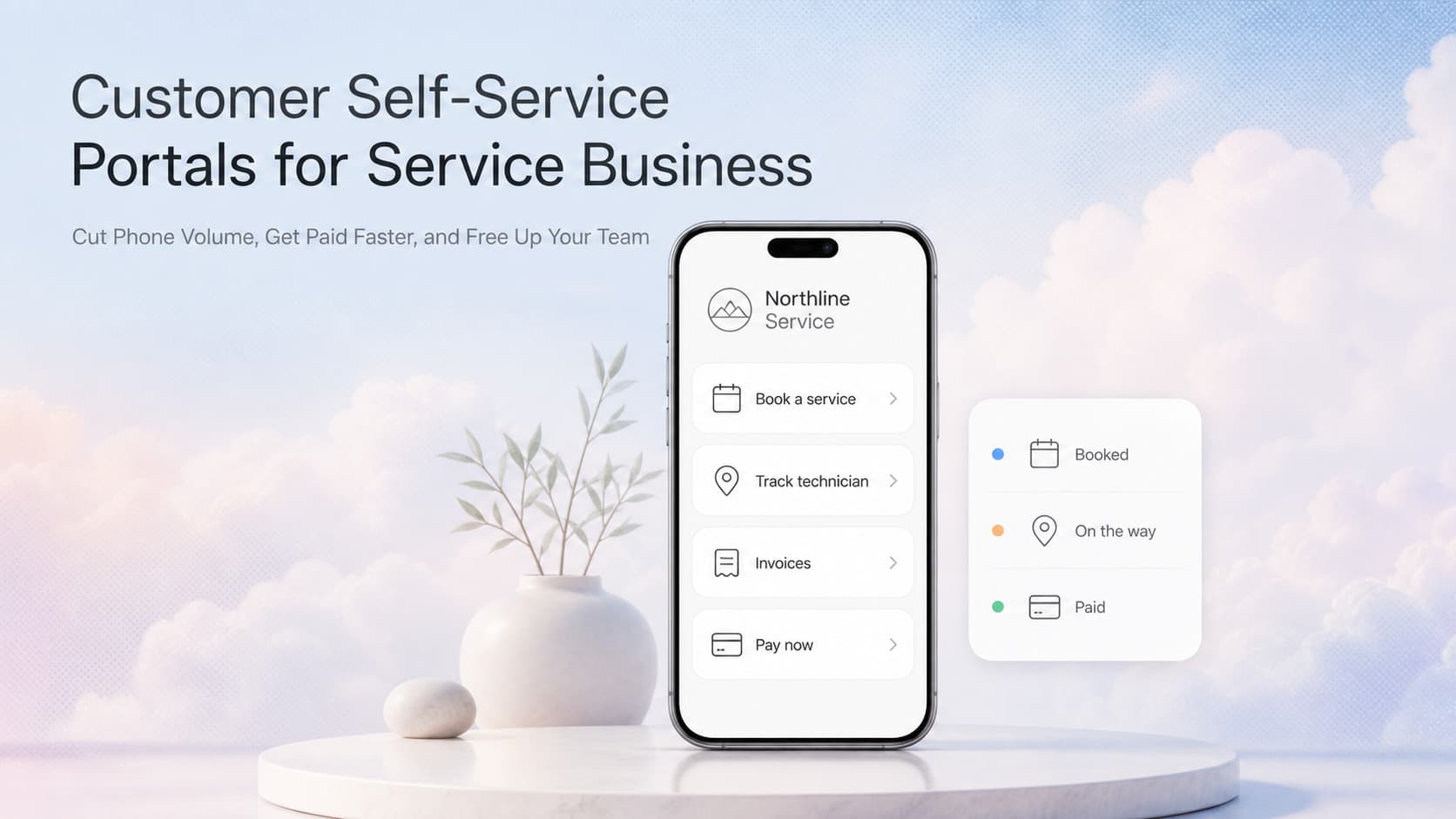
A self-service portal lets clients book jobs, view invoices, track the tech, and pay online. Cuts call volume 30 to 50 percent, cash cycle 5 to 10 days faster.

Quick Answer
A customer self-service portal is a private website or login area where your customers book jobs, view past and upcoming work, track the technician on the day of service, download invoices, pay online, and message your team without picking up the phone. For HVAC, plumbing, electrical, landscaping, cleaning, pest control, and similar service businesses, a well-built portal typically cuts inbound call volume 30 to 50 percent, shortens the cash cycle by 5 to 10 days, and frees up 2 to 3 hours a day for the owner or office staff. This guide covers what to include, how to build one, and how to measure the payoff.
The Phone Bottleneck That Slows Every Service Business
Every service business owner we work with has the same hidden tax: their phone. The owner answers customer calls during installs. The dispatcher stops mid-route to handle a question about a tomorrow appointment. The office manager spends half her morning confirming arrival windows, resending invoices, and taking card numbers over the phone. None of that is customer-facing work. All of it eats margin.
A self-service portal attacks that tax directly. Instead of calling, the customer logs in, sees their own jobs, books the next one, downloads the invoice, and clicks pay. The owner's team only gets pulled in when something actually needs a human.
Three numbers tell the story:
- 30 to 50 percent fewer inbound calls once a portal handles booking, ETA tracking, invoices, and payments.
- 5 to 10 days shorter cash cycle, because invoices go out the moment work is complete and pay buttons are one click away.
- 2 to 3 hours a day returned to the owner or office staff, time that goes back into sales, quality, or actually leaving the desk.
These are not aspirational. We have built portals that hit all three numbers inside the first 90 days. The hard part is not the build. The hard part is choosing what belongs in the portal and what to leave out.
What Belongs in a Service Business Portal
A good portal is small on purpose. Every screen that confuses the customer cuts adoption. Every screen that does not earn its place wastes build time.
The Core Six
| Module | What It Does | Why It Earns Its Place |
|---|---|---|
| Job booking | Lets customers request a service window without calling | Removes the highest-volume inbound call (about 40 percent of typical phone traffic) |
| Job status | Shows scheduled date, assigned technician, and ETA on the day of service | Eliminates "where are you?" calls that flood the dispatcher |
| Invoice history | Lists past and current invoices with PDFs | Stops the "can you resend my invoice" email loop |
| Online payment | Pay-by-card or ACH with one click | Removes the manual card-on-phone step and accelerates cash |
| Service requests | Quick form to report a new issue or follow-up | Captures work the customer would otherwise forget to schedule |
| Messaging | Two-way thread tied to a specific job | Replaces phone tag with a written record the whole team can see |
What to Leave Out
The fastest way to kill a portal is to dump every feature into v1. Skip these on the first build:
- Custom quoting or proposal tools (handle these by phone or email until volume justifies it)
- Marketing upsells and cross-sells (the portal is for service, not sales)
- Loyalty rewards or referral programs (those live in email and SMS automations, not a portal)
- Account editing beyond billing details (let support handle the rest)
A tight first version that does six things well beats a sprawling portal that does fifteen things poorly. You can always add more in version two once adoption is high.
Buy vs Build vs Hybrid
Service businesses have three ways to get a portal. Each makes sense in a different situation.
| Approach | Best For | Cost Range | Time to Launch | Trade-offs |
|---|---|---|---|---|
| Off-the-shelf (ServiceTitan Customer Portal, Jobber Client Hub, Housecall Pro Portal) | Businesses already on a major field service platform that includes a portal | $0 to $200 per month on top of platform fees | 1 to 2 weeks | Looks generic, limited customization, locked to one platform |
| Mid-market SaaS (Podium, Birdeye, ServiceTrade) | Businesses that want a polished customer experience and have budget | $300 to $1,000 per month | 2 to 6 weeks | Strong UX, but pricing scales with locations or contacts, less control over data |
| Custom portal built on your CRM | Businesses that want full control, deeper CRM integration, and a branded experience | $8,000 to $40,000 build, plus maintenance | 6 to 12 weeks | Highest upfront cost, but unlimited customization and owned by you |
The Decision Rule
Use this short checklist:
- If your field service platform already includes a portal and you are happy with the look, turn it on. Do not pay twice.
- If you need a better UX or want the portal deeply tied to a CRM that the off-the-shelf product does not support, evaluate mid-market SaaS.
- If your business is brand-led, you want a unique customer experience, or your workflows are unusual enough that nothing fits, build a custom portal.
For most of the service businesses we work with, the answer lands in option two or three. The off-the-shelf portals that ship with field service software are functional but rarely feel like part of your brand. Customers notice the difference.
How a Custom Portal Fits With Your Stack
A custom portal does not replace your CRM, scheduling software, or payment processor. It sits on top of them and reads from a single source of truth. Here is the architecture that works:
Customer portal (web app)
        |
        |  API calls
        v
CRM / field service system  ---->  Payment processor (Stripe, Square, etc.)
        |
        v
Job data, customer data, invoice data, technician schedule
Three integration points matter:
- Read job and customer data from the CRM so the portal shows real-time status, invoices, and history.
- Write booking requests and messages back to the CRM so dispatchers and technicians see them in the tool they already use.
- Trigger payments through a processor so card data never touches your servers and PCI scope stays small.
This keeps the portal simple to build, easy to maintain, and aligned with how your team already works. No one has to log into a separate system to see what just happened in the portal. It shows up in the CRM, where they live all day.
AnovaGrowth Operating Insight
When we build a portal for a service business client, the first question we ask is not "what features do you want?" It is "what are the five most common reasons a customer calls you?" The answers usually cluster around the same handful of things: booking a new job, checking when the tech is coming, getting a copy of an invoice, paying a bill, and asking a quick question about work already done.
Those five reasons drive 70 to 80 percent of inbound phone volume in most service businesses. Each one maps to a single portal screen. Build those five screens well, and the phone rings 30 to 50 percent less the first month. The remaining calls are the ones that genuinely need a human: complex scheduling, unique problems, escalations. Those should still go to a phone.
The mistake we see most often is building a portal that is essentially a brochure. It lists services, shows the team, has a contact form. That is not a portal. That is a marketing page with extra steps. A real portal has a login, a job history, a pay button, and a message thread. Build those, and customers will use them.
Implementation in Five Steps
A clean portal build typically follows this sequence. Total time: 6 to 12 weeks for a custom build, 1 to 6 weeks for a configured SaaS.
- Map the five most common calls by reviewing call logs or asking the front desk. Each call category becomes a portal screen.
- Pick the data source (CRM or field service platform) and define the API contract. Everything the portal shows comes from here.
- Design the six core screens with one job per screen. Avoid dropdowns inside dropdowns.
- Wire up payments through Stripe, Square, or your existing processor. Use hosted fields so PCI scope stays small.
- Launch to a small slice (one service line, one zip code, your best customers). Measure call volume and payment time. Roll out when the numbers move.
The pilot step matters. Service businesses that launch to all customers at once get buried in support tickets and slow adoption. Launch to 10 percent of customers first. Tune what breaks. Roll out the rest.
Measuring the Payoff
A portal earns its keep when these three numbers move:
| Metric | Before Portal | Target After 90 Days | How to Measure |
|---|---|---|---|
| Inbound calls per day | Baseline | 30 to 50 percent lower | Compare call logs week over week |
| Days to collect on an invoice | Baseline | 5 to 10 days faster | Track invoice issue date to paid date |
| Owner or office hours on the phone | Baseline | 2 to 3 hours per day returned | Time-track admin staff for two weeks before and after |
If the numbers do not move, the portal is not doing its job. Either the wrong screens are in v1, or customers have not been told it exists. Both fix in the next iteration.
Common Fan-Out Questions
These are the questions service business owners ask once they decide a portal is on the roadmap:
- How do we drive adoption without nagging customers? Send the portal link the moment a job is booked, the moment an invoice is issued, and the day before a scheduled visit. Make every existing touchpoint a portal introduction.
- What about customers who cannot or will not use a portal? Keep the phone line. A portal is an option, not a wall. About 10 to 20 percent of customers will always prefer to call. That is fine.
- How does the portal tie to our CRM? One way: read job, customer, and invoice data from the CRM through an API. Two way: when a customer books or messages in the portal, write that back to the CRM so dispatchers see it in their normal workflow.
- What data should live in the portal versus the CRM? The portal shows what the customer needs to see: their jobs, their invoices, their messages, their billing details. Everything else stays in the CRM and your internal tools.
- How do we handle edge cases like reschedules and refunds? Build a small admin view inside the CRM that lets staff process reschedules and refunds from their normal workflow. The portal surfaces the request; the CRM handles the action.
- Is this worth it for a business under 20 customers a week? Sometimes. If the owner is the one answering every call, a simple portal that handles booking and payments can return hours each week. If the team already has a dispatcher and a separate billing person, the calculus shifts. Run the numbers.
When to Skip the Portal
A portal is not always the right move. Skip it if:
- You have fewer than 50 active customers and the owner personally knows each one. A spreadsheet and a phone are fine.
- Your service is project-based, not recurring. A portal shines when there is history to show. One-off projects have less of it.
- Your CRM or field service platform already includes a customer-facing portal that is good enough. Turn that on first.
For everyone else, a portal is the highest-leverage automation a service business can ship in 2026. It cuts the work no one enjoys doing and gives customers the modern experience they have come to expect from every other industry.
Ready to see what a portal could look like for your business? Talk to AnovaGrowth about a custom build, or read our CRM integration guide to see how the portal layer fits into your existing stack. If you are still on the "buy versus build" fence, our CRM buying guide walks through the decision.
Related articles

Daytona Beach Group Booking: Prepare for the 2026 Classic
The Daytona Beach Classic schedule is taking shape. Prepare group inquiries, booking approvals, and guest messages before Thanksgiving travel.
Read the article: Daytona Beach Group Booking: Prepare for the 2026 Classic
Charleston Hospitality Booking: Get Ready for MOJA 2026
MOJA returns September 24. Prepare your Charleston hospitality booking pages, guest messages, and reservation handoffs before the festival.
Read the article: Charleston Hospitality Booking: Get Ready for MOJA 2026
Hurricane Isaias Gulf Coast Business Recovery: Build Resilient Workflows
Hurricane Isaias exposed fragile Gulf Coast operations. Build recovery workflows that keep customers informed, requests routed, and bookings moving.
Read the article: Hurricane Isaias Gulf Coast Business Recovery: Build Resilient Workflows
