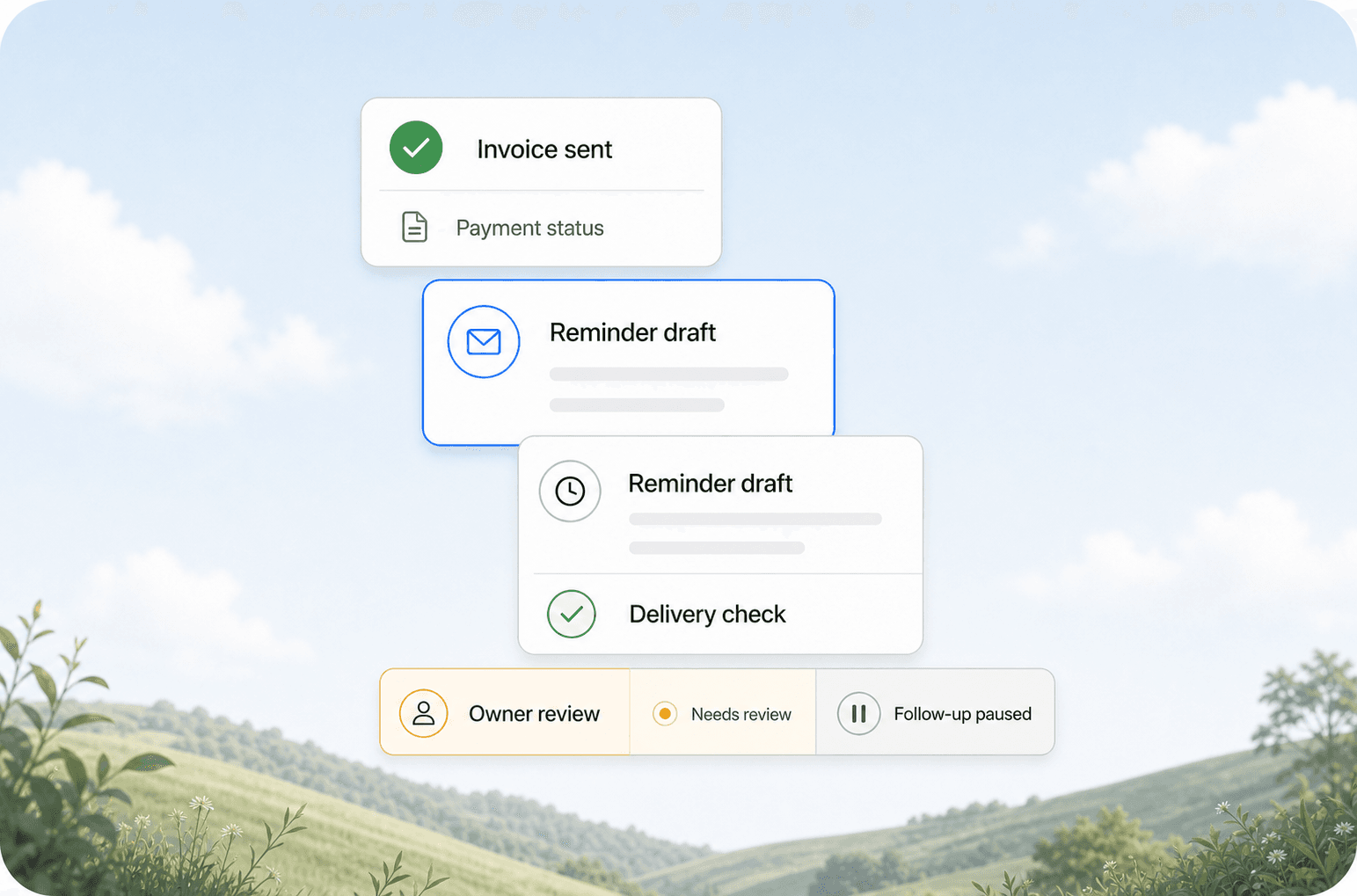
Quick answer: Payment follow-up automation sends invoice reminders on a schedule, collects payments online, and escalates only the accounts that need human attention. Most service businesses using it cut their average receivables from 45 days to under 14 days and eliminate the weekly "who owes us money" spreadsheet review.
The Hidden Cost of Slow Payments
Every service business knows the feeling. You finish a job, send an invoice, and then you wait. And wait. A week passes. Then two. You send a polite email. No response. You call. Voicemail. You send another email. Finally, three weeks later, a check shows up.
That gap between work done and money received is called accounts receivable (AR) days. For most service businesses in the US, the average is 45 to 60 days. Some industries like construction and commercial cleaning push past 75 days.
Here is what that delay actually costs you:
| Cost Factor | Impact |
|---|---|
| Cash flow gap | You pay staff and suppliers while waiting for client payments |
| Admin time | 4-8 hours per week chasing payments manually |
| Write-offs | 2-5% of invoices never get paid after 90+ days |
| Opportunity cost | Money sitting in receivables could be earning or growing your business |
| Stress | Chasing clients for money damages relationships and burns out your team |
A cleaning company with $50,000 in monthly invoices and 45-day average receivables is carrying roughly $75,000 in unpaid work at any given time. Cut that to 14 days and they free up $50,000 in working capital.
What Payment Follow-Up Automation Actually Does
Payment follow-up automation is not a single tool. It is a sequence of connected actions that run on a schedule without someone hitting "send" every time.
The Core Sequence
- Invoice sent -- Your system sends the invoice automatically when a job is marked complete
- Day 3 reminder -- A friendly email with a payment link if the invoice is still unpaid
- Day 7 reminder -- A slightly firmer email, same payment link, maybe a text message too
- Day 14 escalation -- The system flags the account to your team for a personal call
- Day 30 final notice -- Automated letter or email with late fee details
- Day 45 handoff -- Sent to collections or legal, all documentation attached
The key insight: most clients pay after the first or second reminder. They are not avoiding you. They are busy. An automated nudge at the right time gets the invoice paid without anyone feeling chased.
What Gets Automated
- Email reminders -- Personalized, on-schedule, with a click-to-pay button
- SMS reminders -- Text messages for clients who prefer mobile
- Payment links -- Stripe, Square, or QuickBooks payment pages embedded in every reminder
- Late fee calculation -- Automatic addition of late fees per your terms
- Receivables dashboard -- Real-time view of who owes what, how old each invoice is
- Exception flagging -- Only accounts past day 14 need human attention
How Service Businesses Actually Set This Up
There are three common approaches, depending on your tech stack and budget.
Option 1: Built-In Automation (QuickBooks, Xero, FreshBooks)
Most accounting platforms have basic automation. QuickBooks Online lets you set up automatic payment reminders that send on a schedule. Xero has similar features. These are the easiest to set up and cost nothing extra.
What they handle: Email reminders on a fixed schedule, payment links, basic late fees.
What they miss: SMS reminders, smart escalation (skip reminders for clients who always pay on day 30), multi-channel follow-up, and integration with your CRM or job management software.
Option 2: CRM + Payment Gateway Integration
If you use a CRM like HubSpot, Salesforce, or a service-specific platform like Housecall Pro or Jobber, you can connect your payment gateway (Stripe, Square) and set up automated workflows.
Example workflow in Housecall Pro:
- Job marked complete triggers invoice generation
- Invoice unpaid for 3 days triggers email reminder
- Invoice unpaid for 7 days triggers SMS reminder
- Invoice unpaid for 14 days creates a task for the office manager
This approach works well for field service businesses (HVAC, plumbing, electrical, cleaning) because the job management platform already tracks when work is done.
Option 3: Custom Automation (Make, Zapier, n8n)
For businesses with multiple tools that need to talk to each other, a custom automation layer connects everything.
Example flow:
- Job completed in your scheduling tool triggers invoice in QuickBooks
- QuickBooks sends invoice and logs it in a Google Sheet tracker
- Make checks the tracker daily and sends email or SMS reminders based on age
- When payment arrives, Stripe webhook updates the tracker and stops reminders
- Accounts past 14 days get added to a CRM task queue for follow-up
This is the most flexible option and the one we build most often for clients at AnovaGrowth. It handles edge cases like partial payments, recurring invoices, and clients on payment plans.
What Happens When You Automate Payment Follow-Up
Here is what real service businesses see after implementing payment follow-up automation.
A commercial cleaning company with 40 accounts:
- Before: 52 average AR days, 6 hours per week chasing payments
- After: 11 average AR days, 30 minutes per week reviewing exceptions
- Result: $28,000 freed up in working capital in the first 60 days
An HVAC company doing seasonal work:
- Before: 38 average AR days, inconsistent follow-up during busy months
- After: 9 average AR days, automated reminders ran through summer peak
- Result: Zero invoices went past 30 days during their busiest quarter
A landscaping business with 200+ residential clients:
- Before: 45 average AR days, one part-time employee dedicated to billing
- After: 14 average AR days, billing handled by the owner in 15 minutes per week
- Result: Eliminated the part-time billing role, saving $18,000 per year
These numbers are consistent across industries. The pattern is always the same: automated reminders get paid faster than manual ones because they are consistent, timely, and never forgotten.
The One Thing That Breaks Payment Automation
Payment follow-up automation works great until it hits a client who genuinely cannot pay or disputes the invoice. No amount of automated reminders fixes a broken relationship or a disputed charge.
The fix is simple: build a manual override into your system. Every automated sequence should have a "pause for this client" button. When a client calls and says "I need 30 more days," you should be able to stop reminders for that account with one click. Otherwise you look tone-deaf and damage the relationship.
At AnovaGrowth, we always include a pause/resume toggle in every payment automation we build. It is a small feature that prevents big problems.
How to Know If You Need Payment Follow-Up Automation
Ask yourself these questions:
- Do you know your average AR days right now without checking a report?
- Do you or someone on your team spend more than 2 hours per week on payment follow-up?
- Have you ever forgotten to send an invoice or reminder because things got busy?
- Do you have clients who pay late consistently but you keep doing work for them?
- Is your cash flow unpredictable month to month?
If you answered yes to two or more, automation will pay for itself in the first month.
Getting Started
You do not need to automate everything at once. Start with one piece.
Week 1: Set up automatic invoice delivery. If you send invoices manually, switch to a system that sends them automatically when a job is complete.
Week 2: Add a single email reminder at day 7. Most accounting platforms support this with a checkbox.
Week 4: Add a second reminder at day 14 and a payment link in every email.
Month 2: Add SMS reminders and an escalation rule for accounts past 30 days.
Month 3: Review your AR days. If they have not dropped below 20, look at your full workflow for gaps.
Related Questions
- How do I handle partial payments in an automated system?
- What is the best payment gateway for service businesses?
- Should I charge late fees automatically or manually?
- How do I automate recurring invoices for maintenance contracts?
- What happens when a client disputes an automated invoice?
- Can I automate payment plans for large projects?
Related Reading
- CRM Integration for Service Businesses: Connecting Your Tools Into One Lead-to-Cash Flow
- Quote Follow-Up Automation for Service Businesses
- AI Invoice Processing: Cut Accounts Payable Time by 80%
- The 7 Workflow Bottlenecks AI Automation Should Fix First
Ready to stop chasing payments? Contact us to discuss how we can set up payment follow-up automation for your service business.