The Real Cost of NOT Automating Your Business in 2026
Discover why not automating costs you up to 400% ROI, 11.5 hrs/week per employee, and missed leads: see the hard numbers behind the compound impact.

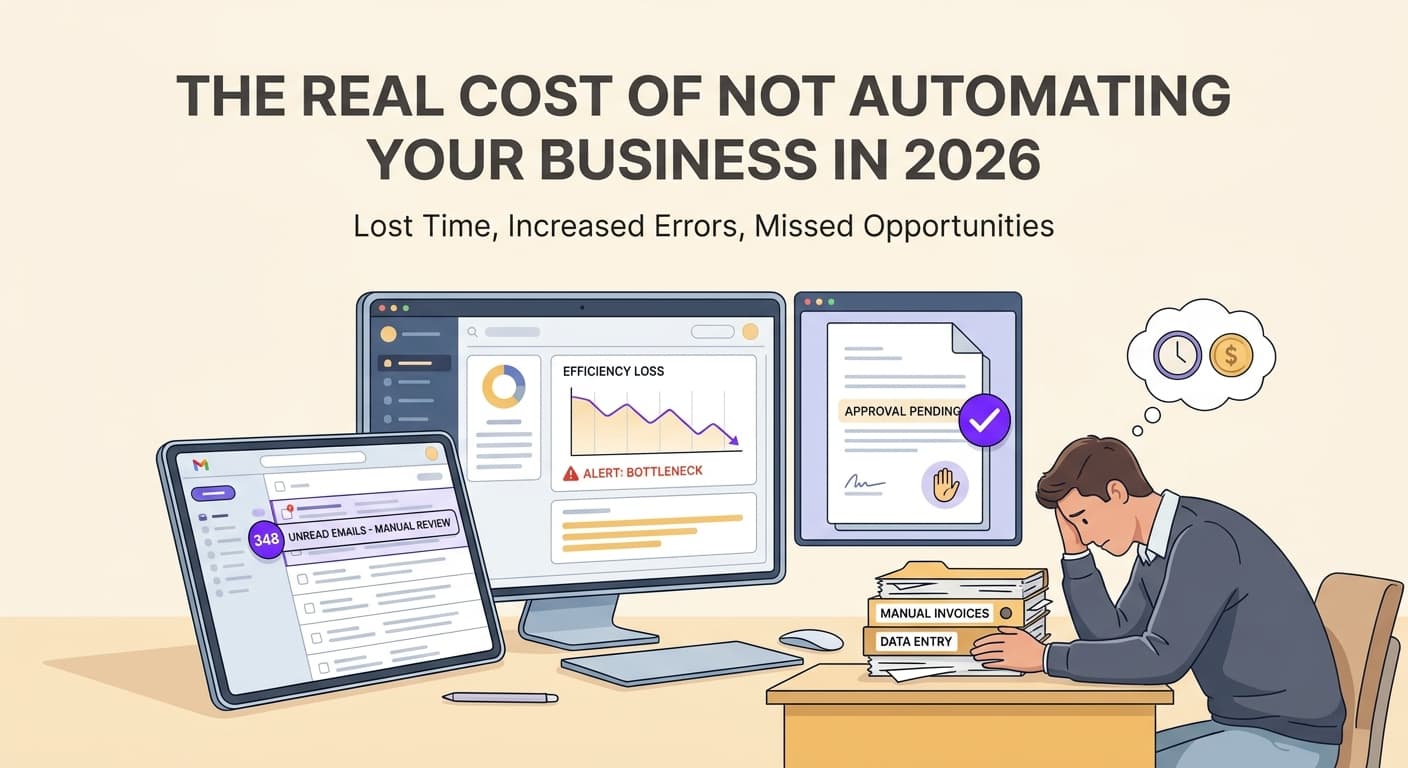
Your Competitors Are Running Automation While You Still Route Emails Manually
Here's what happens when businesses delay automation: every lead that waits four hours for a response goes cold. Every employee who spends their Tuesday entering the same data they entered last Tuesday burns out a little faster. Every invoice that sits in a folder on someone's desk costs you money you didn't need to spend.
The numbers are stark. In 2026, companies using business process automation report an average AI ROI of 240%. Most recoup their initial investment within 6-9 months. Businesses still relying on manual workflows watch their costs climb while their competitive position erodes. The business automation cost benefit isn't theoretical anymore. It's the difference between growing and stagnant.
The Hidden Cost of Doing Nothing
When we talk to business owners about automation, most focus on the upfront cost. They want to know the price of tools, implementation, training. What they miss is the cost of the status quo. That cost compounds every single week.
Manual task overhead bleeds money quietly. A typical office worker spends 4.1 hours per day on repetitive tasks that could be automated. At $25 per hour, that's $102 per employee per day in underutilized labor. Multiply that across ten employees and you're looking at over $250,000 annually in wasted payroll for work that produces no competitive advantage.
Response time kills deals. Studies consistently show that businesses that respond to leads within five minutes are 100 times more likely to convert than those responding after five hours. If your team handles 50 inbound inquiries per week and each takes four hours longer than it should, you're losing qualified prospects at a predictable rate. The math is ugly: even a 10% improvement in close rate on 50 weekly leads, at a $5,000 average deal size, means $250,000 in recovered revenue annually.
Errors compound. Manual data entry has an error rate between 1% and 5% depending on complexity. Each error costs $25 to $100 to fix. More importantly, errors damage customer relationships in ways that are hard to measure but devastating in aggregate. A customer who receives the wrong order twice doesn't come back.
If you want to understand how specific industries are handling these challenges, look at how healthcare operations in Rome, GA have deployed AI chatbots to eliminate response delays, or how logistics operations in Jacksonville have cut processing errors by automating their most error-prone workflows.
What Automation Actually Returns: The Numbers
Let's talk specifics. We've analyzed automation implementations across industries and the data is consistent.
First-year returns are substantial. Businesses implementing automation typically see 200-400% ROI in year one, with payback periods of just 2-4 months on repeated workflows. A client in professional services automated their client onboarding sequence: intake forms, document generation, scheduling, and follow-up emails. The implementation cost $8,000. The annual savings in labor alone were $34,000. That's a 325% first-year return.
Small businesses see outsized gains. According to current research, small businesses using automation tools report 248% ROI over three years, with employees saving 11.5 hours per week on average. That time goes back into actual business development, customer service, or simply running a business without weekend work. For a 10-person company, 115 hours per week of recovered capacity is the equivalent of nearly three full-time employees.
Manufacturing feels the efficiency gains acutely. SME operational savings reach 30-50% reduction in processing costs when automation replaces manual workflows. A regional manufacturer we worked with automated their order processing and inventory management. They reduced order processing time from 3 days to 4 hours and cut inventory carrying costs by 38% in the first year.
The pattern holds across every industry and company size: automation delivers measurable cost takeout, not just soft time-saved metrics that are hard to put on a balance sheet.
Build Your Cost Calculation: A Practical Framework
Before you decide whether automation makes sense for your business, you need honest numbers. Here's how to calculate your cost of not automating.
Step 1: Quantify manual task hours. List every repeatable process in your business. Estimate hours per week per employee on each task. Multiply by average hourly cost including benefits (typically 1.3-1.5x salary). This is your baseline waste.
Step 2: Calculate error costs. Review the past 90 days of errors across your most manual processes. Count errors, estimate cost per error, project annually. Be honest. Most businesses dramatically undercount this number.
Step 3: Estimate lost opportunity cost. How many leads do you receive weekly? What's your average deal value? What's your current response time and close rate? Model what a 50% improvement in response time would mean. This number is often the largest component of waste.
Step 4: Run the calculation. Add these three figures. This is your annual cost of the status quo. Compare that against the realistic cost of automation implementation and ongoing operation. If you're like most businesses, the gap is significant.
For detailed breakdowns of how to automate specific business functions, see our guide on AI automation in accounting and bookkeeping, which walks through cost calculations for financial workflows specifically.
What Delaying Costs You: The Real Compound Effect
Business owners often tell us, "We'll get to automation eventually." Here's what "eventually" costs.
Every month of delay is permanent. A business with $500,000 in annual revenue that postpones automation by 12 months loses approximately $50,000-100,000 in recoverable efficiency. That's not a soft estimate. That's conservative math on labor savings, error reduction, and improved close rates. Multiply that by five years of delay and you're talking about real money.
Talent walks out the door. Employees who spend their days on repetitive tasks don't build skills. They don't feel challenged. They don't grow. The businesses that attract and retain good people are the ones that automate the mundane so humans can do the meaningful. If your top performer spends four hours daily on data entry, they're not developing the capabilities that will grow your business, and eventually they'll find a company where they can.
Competitive position compounds, not reverses. In markets where competitors have automated, unautomated businesses face a structural disadvantage. They can't match response times. They can't match accuracy. They can't match the apparent scale of automated competitors. This gap widens every quarter.
How to Start: A Realistic Timeline
You don't need to automate everything on day one. Here's a realistic path that delivers results quickly.
Weeks 1-2: Identify your highest-volume repeatables. These are tasks that happen every day, with the same inputs and outputs. Email responses, data entry, scheduling, basic reporting. Start here.
Weeks 3-6: Automate one workflow completely. Pick the process with the clearest volume and the most obvious waste. Implement automation for that single workflow. Test it thoroughly. Get your team using it confidently.
Months 2-3: Measure and expand. Compare your baseline numbers against actual performance. Most businesses see results within 30 days of implementation. Then expand to your next highest-impact process.
Month 4 onward: Continuous improvement. Automation isn't a project with an end date. It's a capability that compounds. Each workflow you automate makes the next one easier.
For businesses that have experimented with automation but struggled to see results, our post on why AI pilots take too long and when to deploy offers practical guidance on moving from testing to production.
Key Takeaways
-
Calculate your actual waste. Most businesses dramatically underestimate what manual processes cost. Run the numbers on labor hours, error rates, and lost opportunity from slow response times. The total is usually six figures annually for a mid-sized business.
-
First-year ROI of 200-400% is realistic and documented. Businesses implementing automation typically see payback within 2-4 months on repeated workflows. Your upfront investment isn't a risk. It's a predictable return.
-
Employee time savings are immediate and measurable. Automation tools save employees 11.5 hours per week on average. That time goes back into revenue-generating activity or simply prevents burnout.
-
The cost of delay compounds every month. Each quarter of inaction costs you recovered labor, improved close rates, and competitive position. The businesses that automate in 2026 will have a structural advantage over those that wait.
-
Start narrow, not broad. Automate your highest-volume repeatable workflow first. Get it working perfectly. Then expand. This approach delivers results faster and builds organizational confidence in automation.
The Bottom Line
The question isn't whether automation pays off. The numbers are in, and they're consistent across industries and company sizes. The question is whether you're going to capture those gains or watch your competitors do it.
Your business automation cost benefit calculation is simple: add up what manual processes cost you annually, compare that against the realistic investment in automation, and decide whether you can afford to keep doing things the hard way.
For most businesses, the answer is clear. The only remaining question is when you start.
Ready to get started? Contact us to discuss how we can help your business.
Related articles

Tampa Bay Digital Infrastructure: Build Workflows Before Growth
Tampa Bay is planning for digital infrastructure and maritime growth. Local businesses can prepare by connecting the workflows behind every customer.
Read the article: Tampa Bay Digital Infrastructure: Build Workflows Before Growth
Scalable Service Business Operations: How to Build a Company That Grows Without Growing Pains
Most service businesses scale revenue and multiply problems at the same rate. Here is how to build operations that handle growth without adding chaos.
Read the article: Scalable Service Business Operations: How to Build a Company That Grows Without Growing Pains
How to Make Your Southeast Service Business Sellable for Maximum Value
Most Southeast service business owners leave 30-50% of sale value on the table because the business cannot run without them. Here is the prep checklist that changes that.
Read the article: How to Make Your Southeast Service Business Sellable for Maximum Value
