Quick Answer
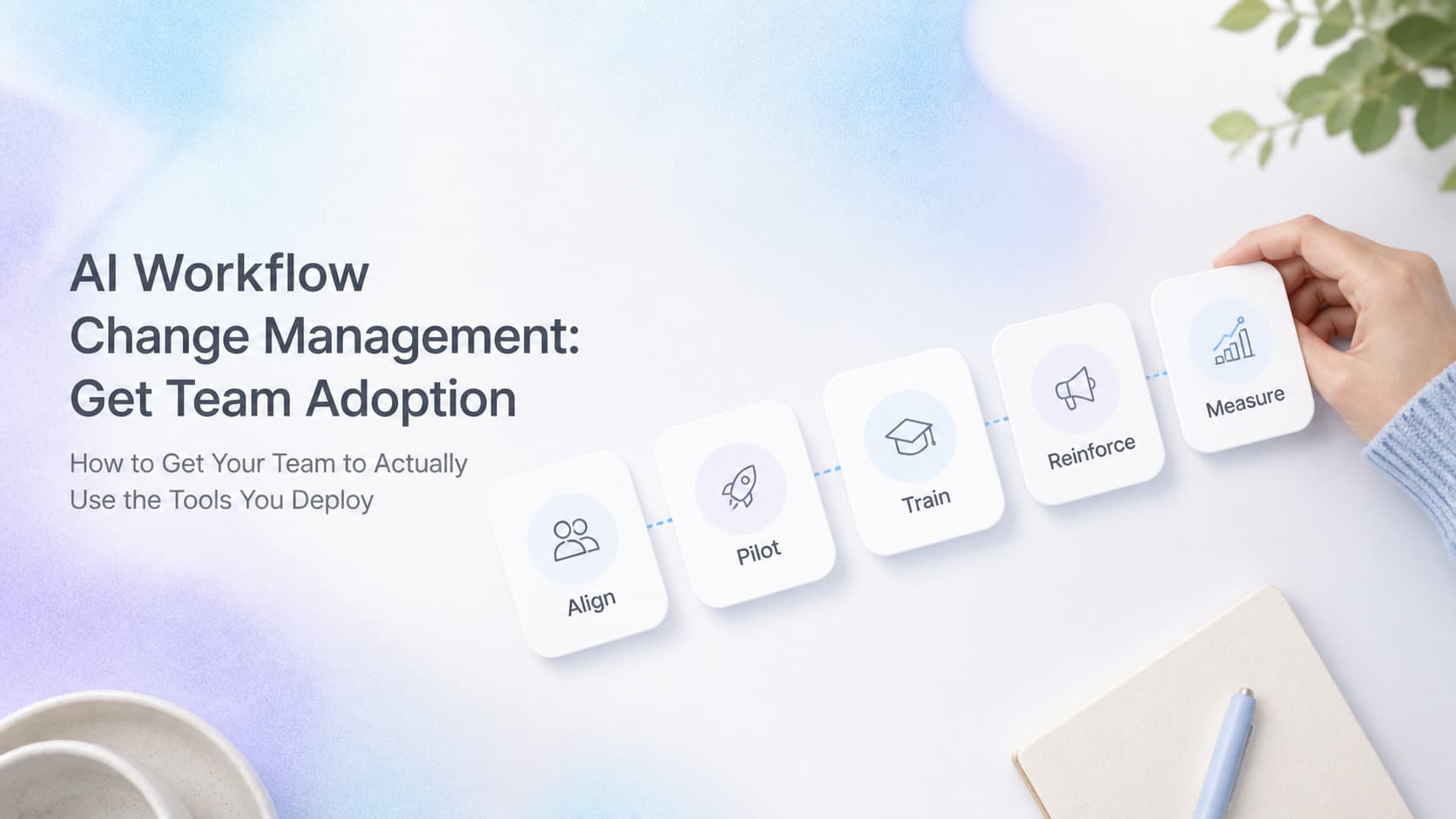
AI workflow change management is the structured process of getting a real team to actually use the AI tools you deploy, not just the one or two people who were already sold on it. Most AI projects fail on adoption, not on technology. The fix is a five-layer adoption stack: a named champion inside the team, a single starter workflow with a clear win, training delivered in the moment of use, one success metric the team owns, and a 30-day reinforcement loop that fixes friction and expands scope. Skip any layer and the tool ends up parked in a browser tab nobody opens.
Why Most AI Tools End Up Parked in a Tab
Business owners who buy AI tools usually do not have a technology problem. They have an adoption problem. They picked the tool after a great demo, paid for the annual plan, gave the team logins, and waited. Ninety days later the dashboard shows one active user, the owner, and the rest of the team is back to the old way.
The pattern is consistent across industries. The vendor demo was convincing. The two-week pilot worked. Production never landed. The reason is that AI tools change how work happens, and most teams are already maxed out. They do not have bandwidth to learn a new tool, even a good one, unless the rollout is structured around their actual day.
Three forces drive the failure:
- No internal owner. A vendor, a consultant, or the founder picks the tool, but no one on the inside is named as the person who keeps it alive. When a question comes up, there is no one to ask. When something breaks, no one fixes it. Within a month the tool feels like an orphan.
- Too much scope at launch. The team is told the tool will help with ten things. They try two of them, both feel half-built, and they stop trying. The tool becomes "the thing that did not really work."
- No success signal. The team has no way to tell whether the tool is helping. The owner assumes the tool is helping because the bill is being paid. The team assumes the tool is overhead because no one ever shows them the number.
The fix is not a better tool, a better vendor, or a better pilot. The fix is a change management layer that turns the tool from a project into a habit.
The Three Adoption Failure Modes
Before you can fix adoption, you need a clear picture of how adoption breaks. Almost every AI rollout we see fails in one of three predictable ways.
| Failure Mode | What It Looks Like | Root Cause |
|---|---|---|
| Silent abandonment | Tool sits unused, owner is the only active user | No champion, no training, no internal mandate |
| Power user island | One or two people use it, the rest avoid it | Tool too complex for the average user, no shared playbook |
| Workaround drift | Team uses the tool for one narrow task, ignores the rest of the workflow | Tool does not match how the team actually works |
Only one of these looks like a technology failure. The other two look like a people failure, and the people failure is what change management exists to fix. The customer experience problem is the same in all three cases: the tool is paid for and not delivering. The fix is the same in all three cases: a structured rollout with a champion, a starter workflow, training in context, a success metric, and a 30-day reinforcement loop.
The Five Layers of a Working Adoption Stack
A serious AI change management stack has five layers. Each layer catches a different class of adoption failure. Skipping a layer leaves a gap that becomes the reason the rollout stalls.
| Layer | What It Does | Who Owns It |
|---|---|---|
| Champion | Single named owner inside the team who answers questions and unblocks friction | Business owner or operations lead |
| Starter workflow | One narrow, high-value workflow shipped first, with a measurable win | Champion, with help from the AI partner |
| Training in context | Training delivered at the moment of use, not a one-off class | Champion, with support from the AI partner |
| Success metric | One number the team can see weekly that proves the tool is working | Champion, owned by the team |
| Reinforcement loop | 30-day check-in to fix friction, capture wins, expand scope | Champion plus AI partner |
Why All Five
The champion turns "someone should look at this" into "Tara owns this." Without a champion, every problem with the tool becomes the owner's problem, and the owner does not have time to debug a chatbot at 2pm on a Tuesday.
The starter workflow turns "we should use AI everywhere" into "we use AI for X, and X is faster this week than it was last week." One measurable win is worth more than a slide deck full of future possibilities.
Training in context turns "we had a class" into "we figured out how to do this together, at the desk, on the real work." Most teams forget 80 percent of what they learn in a class within two weeks. Training in the moment of use, on the actual task, sticks.
The success metric turns "I think it is working" into "we know it is working because we can see the number." If the team does not own the metric, the metric gets reported up the chain and nothing changes. If the team owns the metric, the team changes the workflow to move the metric.
The reinforcement loop turns "we tried it" into "we kept it." The 30-day check-in is where you catch the friction that did not surface in week one, where you document the wins for the next rollout, and where you decide whether to expand scope.
If you only have one layer, pick the champion. A champion without the other four will still get a tool used by a handful of people. The other four layers without a champion will get nowhere.
The First 30 Days: A Practical Rollout Sequence
You do not need a six-month change management program. A working adoption rollout for a single AI tool can ship in 30 days. Here is the sequence we use for new client rollouts.
Week 1: Pick the Champion and the Starter Workflow
The single most important decision is the champion. The champion is a person inside the team, not the founder, not the consultant, not the vendor. The champion is someone the team already asks for help when something is broken. The champion does not need to be technical. The champion needs to be trusted, organized, and willing to be the public face of the new tool.
The starter workflow is the second most important decision. Pick one workflow that the team already does manually, that is painful enough to want fixed, and that is narrow enough to ship in a week. Good starter workflows are quote follow-ups, lead routing, customer FAQ replies, weekly reporting, or contract summaries. Bad starter workflows are "the entire sales process" or "everything in customer service."
Week 2: Train in Context, Not in a Classroom
Sit with the champion at the desk where the work happens. Walk through the starter workflow with the champion and one or two team members. Show them how the tool handles a real example from last week. Let them do the next one while you watch. Repeat until they can do it without you.
This is training that takes an hour, not training that takes a day. The hour happens at the desk, on the real work, with the real tool, on the day the work needs to be done. The team will not remember a class. They will remember sitting at the desk and getting the workflow done.
Week 3: Set the Single Success Metric
Pick one number the team can see every Monday. The number has to be something the team believes they control. "Hours saved" is good. "Response time on inbound leads" is good. "Quotes sent within 24 hours" is good. "Customer satisfaction score" is too lagging and too noisy for week one. Pick the metric that the team would change their behavior to move.
Post the metric where the team can see it. A whiteboard, a Slack channel, a Monday email, a dashboard. The format matters less than the consistency. The number has to show up every week for the first 90 days.
Week 4: Run the Reinforcement Review
Sit down with the champion at day 30. Look at the metric. Look at the audit log if the tool has one. Look at the three biggest pieces of friction the team hit. Look at the two things the team wished the tool could do that it does not do yet. Decide together what to change in week five, what to expand, and what to leave alone.
The review is not a status meeting. The review is a working session. Bring the friction list, the metric, and a clear ask: what is the next thing to ship.
AnovaGrowth Operating Insight
When we deploy an AI workflow for a client, we treat adoption as part of the deliverable, not a separate phase. The week we ship the tool, we also ship the champion, the starter workflow, the success metric, and the 30-day review. If any of those four are missing, we know the rollout will stall before the second invoice.
The pattern we see most often is teams who treat the tool as the project. The tool is the artifact. The adoption is the project. A tool without adoption is a sunk cost. A tool with adoption is an asset that compounds in value every quarter.
Three things we have learned the hard way:
- Pick the champion before you pick the tool. The wrong tool with the right champion beats the right tool with the wrong champion every time. We have replaced a perfectly good AI tool with a slightly worse one because the second tool had a champion on the inside who could run with it. The team using the tool matters more than the tool the team is using.
- One starter workflow beats a full rollout. Teams that try to use a new AI tool for ten things at once end up using it for none of them. The narrow win is what builds the muscle. Once the team trusts the tool on one workflow, the next two workflows are a sales conversation, not a deployment.
- The success metric belongs to the team, not the owner. If the team owns the metric, the team changes the workflow to move the metric. If the owner owns the metric, the team reports up and nothing changes. We have watched the same tool, deployed for the same client, with the same champion, succeed in one department and fail in another based entirely on who owned the number.
The combination of a named champion, a narrow starter workflow, training at the desk, a single team-owned metric, and a 30-day reinforcement review is what turns a paid-for AI tool into a piece of daily operations. Without those five layers, the tool is a line item on the expense report. With them, it is an asset.
Common Fan-Out Questions
Once owners start thinking about change management, the questions usually go in this order:
- What if I do not have a clear champion on the team? Promotion is usually the wrong move. The champion is the person the team already trusts with new things, not the most senior person available. If there is no internal champion, hire one part-time before you ship the tool. A tool without a champion is a tool that dies.
- How long does adoption actually take? Plan for 90 days to reach steady-state usage and 180 days to reach steady-state value. The first 30 days are about getting the tool used. Days 31 to 90 are about expanding scope. Days 91 to 180 are about removing the old manual workflow entirely. Owners who plan for a 30-day adoption end up disappointed. Owners who plan for a 180-day adoption end up surprised by how fast it stuck.
- What if the team uses the tool for a week and goes back to the old way? That is a signal that the starter workflow was not painful enough or the metric was not visible enough. Pick a more painful starter workflow, post the metric more prominently, and run the 30-day review a week earlier. Do not blame the team. Blame the rollout.
- Should I hire outside help for adoption, or handle it internally? For a single tool with a clear champion, internal is fine. For three or more tools at once, or for tools that touch the whole company, outside help pays for itself in the first 30 days because the outside partner is the one who pushes the rollout when the internal team is too busy to push it themselves.
- What is the difference between AI change management and regular software change management? AI tools fail in the same ways as regular software tools, plus one new way: the AI output is probabilistic, which means the team has to learn to spot bad answers and override them. That override behavior is the hardest thing to train, and it is the reason the success metric and the reinforcement loop matter more for AI than for traditional software.
- How do I know if my AI rollout is succeeding? The team is using the tool without being reminded, the metric is moving, and the tool is replacing a manual step that no one is asking to bring back. If all three are true at day 90, the rollout worked. If any one of them is false, you have a specific problem to fix.
Key Takeaways
- Most AI projects die on adoption, not on technology. The tool works. The team does not use it.
- A serious adoption rollout has five layers: champion, starter workflow, training in context, a single success metric, and a 30-day reinforcement loop.
- Pick the champion before you pick the tool. The wrong tool with the right champion beats the right tool with the wrong champion.
- One narrow starter workflow with a measurable win beats a full rollout every time.
- The success metric has to belong to the team, not the owner. If the team owns the number, the team changes the workflow.
- Plan for 90 days to reach steady-state usage and 180 days to reach steady-state value.
Need help shipping an AI tool your team will actually use? Talk to AnovaGrowth about a managed rollout, or read our AI automation services page to see how we pair deployments with adoption. If you want to start with a tighter scope, our workflow audit guide walks through the first 90 minutes of finding the right starter workflow.