The Problem With Off-the-Shelf Analytics
Most service businesses run on three or four core tools: a CRM for leads and customers, a scheduling platform for appointments, an accounting system for invoices and payments, and maybe a marketing tool for email or ads. Each one has its own dashboard. Each one tells a different story.
Your CRM says you have 47 new leads this month. Your accounting system says revenue is down 12%. Your scheduling tool says your techs are at 85% capacity. Which number do you act on? All of them, but none of them together.
The quick answer: Off-the-shelf analytics tools show you what each individual system is doing. Custom analytics dashboards pull data from every system into one place, connect the dots between lead volume and actual revenue, and show you the metrics that actually drive decisions for your specific business model.
What Off-the-Shelf Tools Miss
| What You Get | Off-the-Shelf | Custom Dashboard |
|---|---|---|
| Lead-to-close rate by service type | No | Yes |
| Revenue per technician by month | No | Yes |
| Average response time vs. close rate correlation | No | Yes |
| Customer lifetime value by acquisition channel | Maybe | Yes |
| Real-time job profitability (labor + materials vs. invoice) | No | Yes |
| Forecast vs. actual by service line | No | Yes |
Off-the-shelf tools are built for the average business. Your business is not average. Your service mix, your pricing, your team structure, and your customer base all create unique data relationships that generic dashboards never surface.
The Three Data Sources Every Service Business Needs Connected
1. CRM Data (Leads and Customers)
Your CRM holds lead source, contact history, deal stage, and close data. Alone, it tells you how many leads came in. Connected to your other systems, it tells you which lead sources produce the highest-value customers, not just the most leads.
2. Operations Data (Scheduling and Dispatch)
Your scheduling system knows when jobs happen, how long they take, and which techs handle them. Connected to CRM and accounting, it tells you which service types are most profitable per labor hour, not just which ones you do most often.
3. Financial Data (Invoicing and Payments)
Your accounting system knows what you billed, what you collected, and what you wrote off. Connected to operations, it tells you your real margin per job after labor and materials, not just your top-line revenue.
What this looks like in practice: A plumbing company we worked with had 14 different reports they ran manually every Monday morning. CRM report for leads, QuickBooks report for revenue, scheduling report for utilization, Google Ads report for cost per lead. It took their office manager three hours to compile. The numbers never matched because each system defined "closed" differently. A custom dashboard pulled all three sources into one view, reconciled the definitions, and cut the Monday morning reporting to 15 minutes. More importantly, they spotted that their highest-margin service line (water heater replacements) was getting only 12% of their marketing spend while generating 40% of their profit. They shifted budget and saw a 22% margin improvement in one quarter.
What a Custom Dashboard Actually Shows You
A well-built custom dashboard for a service business answers five questions:
Question 1: Are we getting the right leads? Not just lead volume, but lead quality by source. Which channels produce customers who book, pay on time, and come back? A custom dashboard can tag leads by source, track them through to first payment, and calculate cost per acquired customer by channel.
Question 2: Are we pricing correctly? Job profitability requires connecting labor hours, material costs, and invoice amounts. Most service businesses discover they are losing money on certain job types because they never connected those three numbers. A custom dashboard surfaces this automatically.
Question 3: Are we utilizing our team well? Capacity utilization is a simple ratio: billable hours divided by available hours. But the useful version connects utilization to profitability. A tech at 90% utilization doing low-margin work is less valuable than a tech at 70% utilization doing high-margin work. A custom dashboard shows you the tradeoff.
Question 4: Are customers coming back? Repeat customer rate is a lagging indicator. A custom dashboard can show you leading indicators: time between visits, service plan enrollment rates, and follow-up completion rates. When those numbers dip, repeat revenue follows 60 to 90 days later.
Question 5: Is our marketing actually working? Marketing attribution is notoriously hard. A custom dashboard that connects ad spend to lead source to booked job to paid invoice is the only reliable way to know which channels produce real revenue, not just form fills.
When to Build vs. When to Buy
| Situation | Recommendation |
|---|---|
| You need standard reports (revenue, expenses, leads) | Buy. Google Data Studio, Power BI, or your CRM's built-in reports work fine. |
| You need cross-system data (CRM + accounting + scheduling) | Build. No off-the-shelf tool connects these well without custom work. |
| You have a data person on staff | Buy + configure. A skilled analyst can make off-the-shelf tools work. |
| You have no data person and need it to just work | Build. A custom dashboard with automated data pipelines removes the need for manual SQL or spreadsheet work. |
| You need real-time operational dashboards for daily decisions | Build. Off-the-shelf tools batch update overnight. Custom dashboards can refresh every few minutes. |
| You need historical trend analysis for quarterly planning | Either works. The question is whether your off-the-shelf tool keeps data long enough. |
How Custom Dashboards Get Built
The process is straightforward, but skipping steps creates a dashboard nobody uses.
Step 1: Audit your data sources. List every system that holds business data. CRM, scheduling, accounting, marketing, HR, inventory. For each one, note what data it holds, how you can access it (API, CSV export, database), and how often it updates.
Step 2: Define the decisions you want to make. A dashboard is only useful if it drives action. List the specific decisions you make weekly or monthly. Pricing changes, hiring decisions, marketing budget shifts, service line additions. Then work backward to the data needed to inform each decision.
Step 3: Map the data relationships. This is where most projects fail. Lead source in your CRM needs to match to customer ID in your accounting system. Job type in your scheduling tool needs to match to service category in your invoicing. These mappings are not automatic. They require someone who understands both the data and the business logic.
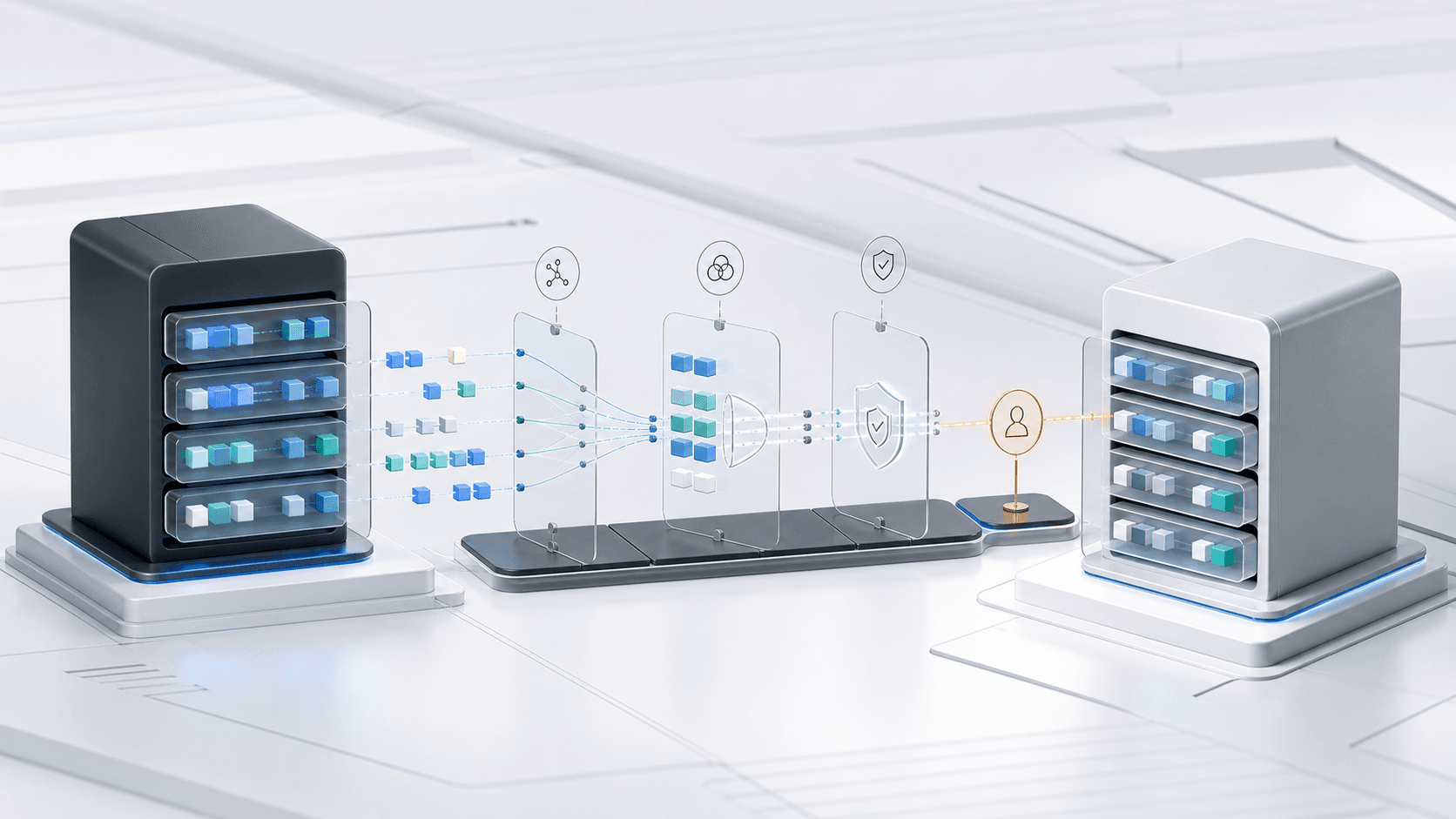
Step 4: Build the data pipeline. Data needs to move from each source system into a central database or data warehouse. This can be done with tools like Make, n8n, or custom scripts. The pipeline should run on a schedule (hourly, daily, or real-time depending on the use case) and handle errors gracefully.
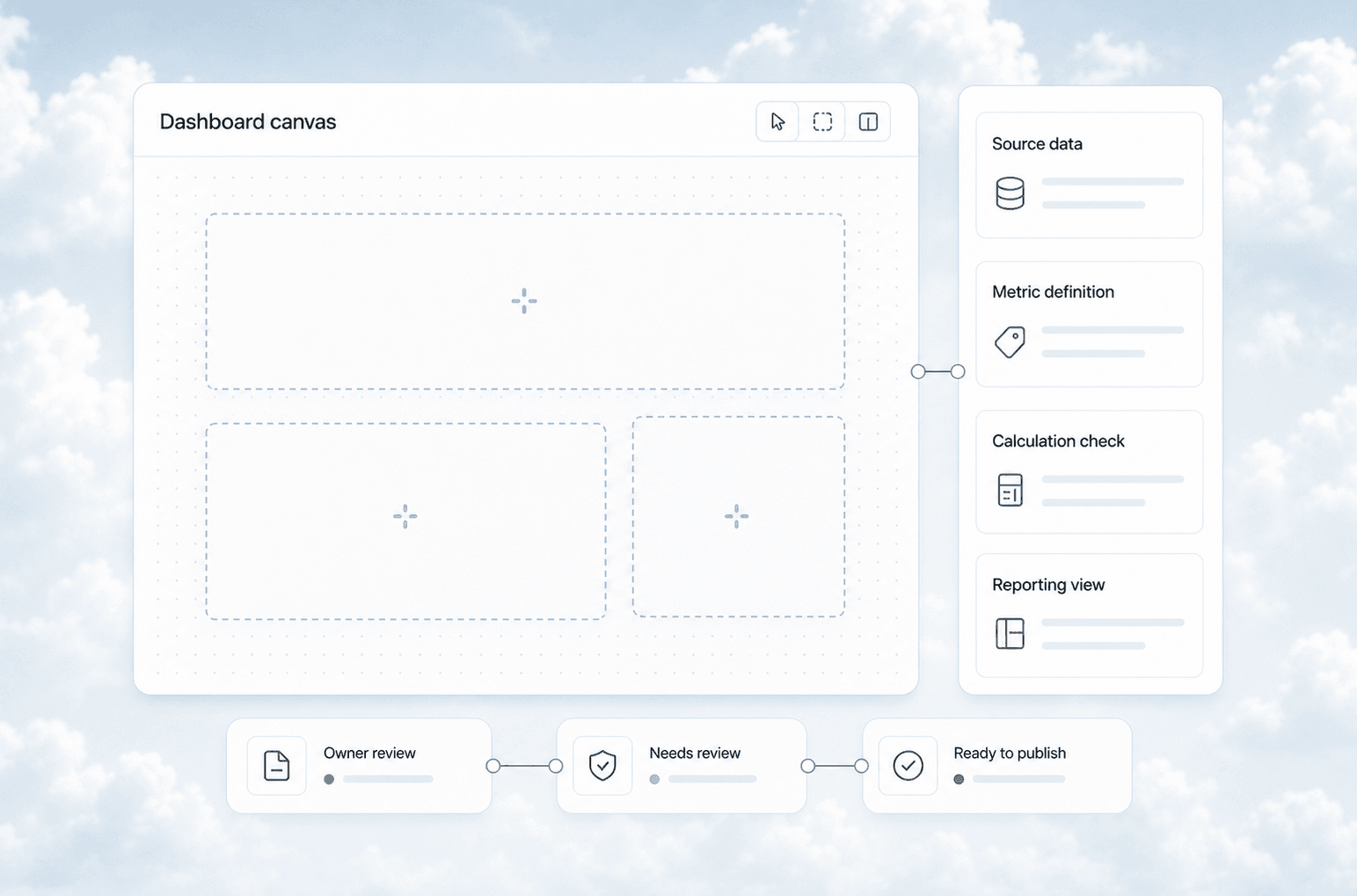
Step 5: Design the dashboard. Start with the decisions from Step 2, not the data from Step 1. Every chart and number on the dashboard should answer a specific question. If a metric does not drive a decision, remove it.
Step 6: Test and iterate. The first version will not be right. Plan for two to three rounds of refinement as you discover what actually matters to your team.
Common Mistakes That Kill Dashboard Projects
Building what you think you need instead of what you actually use. Most custom dashboards get built with every possible metric and then nobody opens them. Start with the three to five metrics that drive your most important decisions. Add more only when someone asks for them.
Not cleaning source data first. If your CRM has inconsistent lead source fields or your accounting system has uncategorized transactions, your dashboard will show garbage. Clean the source data before building the pipeline.
Over-engineering the tech stack. You do not need a data warehouse, a BI tool, and a real-time streaming pipeline for a service business with 10 employees. A simple database with nightly ETL and a dashboard tool like Metabase or Google Data Studio is often enough.
Forgetting about maintenance. Data pipelines break. APIs change. Source systems get upgraded. A custom dashboard needs someone to maintain it, or it will quietly stop working and nobody will notice until the wrong decision gets made.
What This Looks Like for a Real Service Business
A commercial cleaning company with 40 employees came to us with a familiar problem. They had leads in HubSpot, scheduling in a custom dispatch tool, invoicing in QuickBooks, and payroll in Gusto. The owner spent every Sunday night building a spreadsheet from four exports. He knew he was making decisions on stale data, but he could not afford a full-time analyst.
We built a custom dashboard that pulled data from all four systems into a single view. The main screen showed three numbers: booked jobs this week, revenue in pipeline, and cash collected this month. Below that, a simple table showed each service line with its margin, utilization rate, and customer retention percentage.
The owner found out that their highest-revenue service line (post-construction cleaning) had a 38% margin, while their second-highest (office janitorial) had a 62% margin. He had been prioritizing the wrong service line for years because he only looked at top-line revenue. Within two months, he shifted sales focus to office janitorial and increased overall company margin by 11 points.
Related Questions Worth Exploring
- How do you connect a legacy CRM that has no API to a modern dashboard?
- What is the minimum viable dashboard for a service business with under 10 employees?
- How often should dashboard data refresh for operational vs. strategic decisions?
- Can AI predict service demand based on historical job data and weather patterns?
- What is the cheapest way to build a custom dashboard without hiring developers?
Key Takeaways
- Off-the-shelf analytics tools show you system-specific metrics. Custom dashboards connect systems and show you business-wide metrics.
- The three data sources worth connecting first are CRM, operations/scheduling, and accounting/finance.
- Start with the decisions you want to make, not the data you have available.
- A simple dashboard with five connected metrics beats a complex dashboard with fifty disconnected ones.
- Plan for maintenance. Data pipelines break, and a broken dashboard is worse than no dashboard because it creates false confidence.
Next Steps
If you are spending more than two hours a week pulling reports from different systems, a custom dashboard will pay for itself in time savings alone. The real value comes from the decisions you make when you can see your full business picture in one place.
Ready to connect your data? Contact us to discuss your current systems and what a custom dashboard would look like for your business. We also work with CRM integration to clean up your data pipelines before building the dashboard layer.
Want to read more? Check out our guide on business KPI dashboards for service businesses and our deep dive on CRM data cleanup before AI automation.