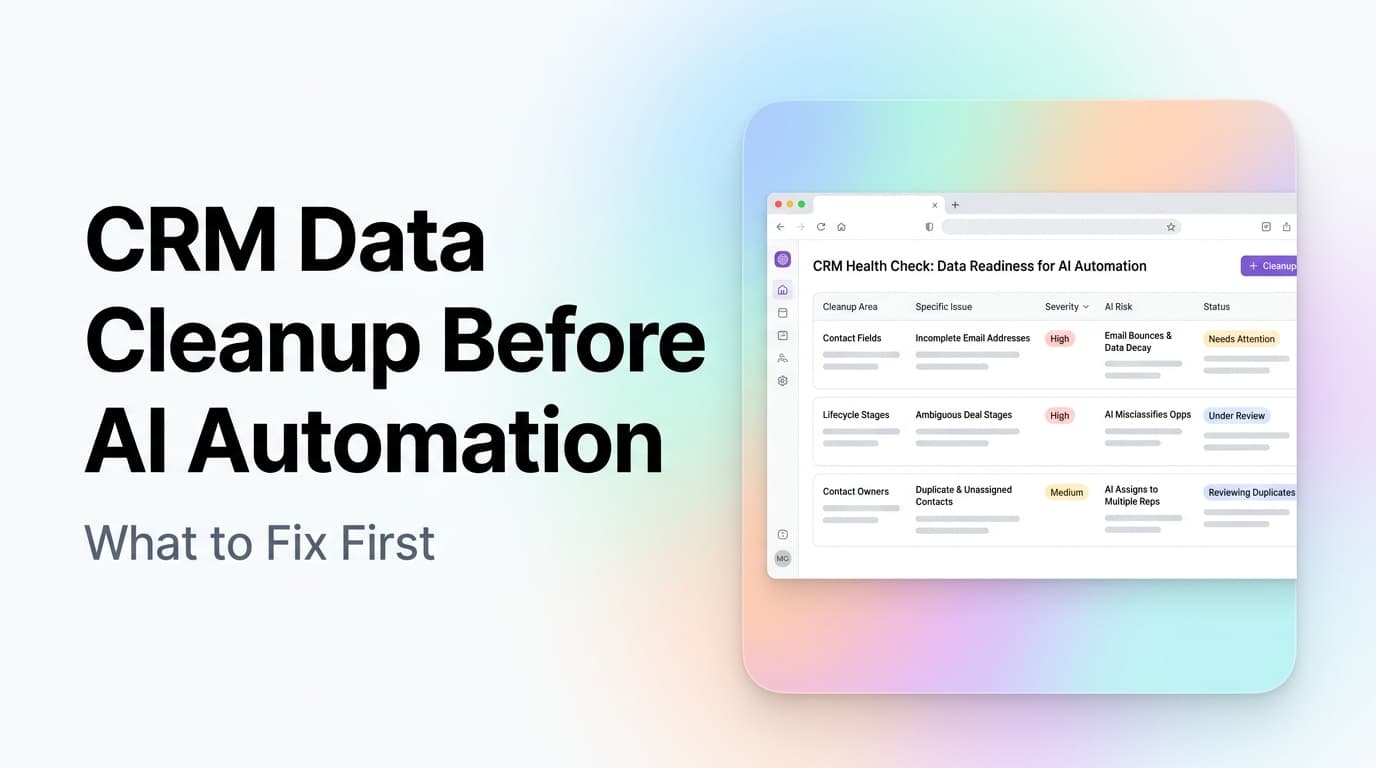
Quick answer: CRM data cleanup should happen before AI automation because AI agents depend on the same fields, stages, owners, and activity history your team already uses. If those inputs are inconsistent, the automation will route leads to the wrong person, send follow-up at the wrong time, or report fake confidence. Clean the workflow first, then automate the narrowest high-value path.
Most CRM problems do not look dramatic. A lead source is missing. A deal stage means one thing to sales and another thing to operations. A contact has three duplicate records. A former employee still owns open opportunities. None of that feels urgent until you connect automation to it.
That is when bad data stops being annoying and starts making decisions.
AI can help with lead response, sales follow-up, enrichment, task creation, and handoff reminders. But it cannot guess your operating rules from messy records. Before you build AI automation around a CRM, the business needs a cleaner map of who owns what, what each status means, and which actions should happen next.
The Cleanup Decision List
Use this list before you connect AI to a CRM workflow:
| Cleanup area | What to check | Why it matters before automation |
|---|---|---|
| Required fields | Name, email, phone, source, service interest, owner, lifecycle stage | AI needs enough context to qualify and route the record |
| Stage definitions | Clear meaning for each lead, deal, and customer status | Automation needs a stable trigger, not a vague label |
| Duplicate records | Same person or company split across multiple contacts | Follow-up can become confusing or repeated |
| Owner rules | Who receives which lead, by territory, service, deal size, or availability | Routing fails when ownership is informal |
| Activity history | Calls, emails, notes, form fills, booked meetings, closed reasons | AI needs context before it writes, scores, or escalates |
| Stop rules | Unsubscribed, closed lost, bad fit, already customer, do not contact | Automation needs limits as much as triggers |
If you cannot explain how a human should use a field, do not make AI depend on it yet. A field should either help qualify, route, follow up, report, or serve the customer. Everything else is clutter.
What Dirty CRM Data Does to AI Automation
Dirty CRM data creates three practical risks.
First, it makes the automation act on the wrong moment. A lead marked "working" might mean "called once" to one rep and "active opportunity" to another. If AI sees that status and sends a buying-intent email, the message may be too early, too late, or just strange.
Second, it weakens personalization. AI follow-up works when it can read real context: the service requested, the page visited, the note from the first call, the quote status, and the next step. If that information lives in random notes or never gets recorded, the AI has to write generic messages. Generic messages are easy to ignore.
Third, it breaks reporting. A dashboard built on inconsistent fields gives confident-looking numbers that do not match the business. You may think response time improved, but half the leads were never assigned. You may think close rate dropped, but the team started using stages differently.
Example: If a home services company has one field for "service type" but the team enters "AC," "a/c," "cooling," and "HVAC repair" as separate values, an AI router cannot reliably send urgent cooling calls to the right workflow. The fix is not a smarter model. The fix is a controlled service-type field with clear choices.
This is why workflow automation often starts with a data audit. The automation layer should reflect the business process, not cover up gaps in it.
The Six CRM Fields to Fix First
You do not need to clean every old record before starting. Focus on the fields that decide what happens next.
1. Lead source
Lead source tells you where the relationship began. It is also one of the first fields marketing and sales teams disagree about.
Use a short controlled list. Keep values like organic search, Google Ads, referral, direct, event, partner, outbound, and existing customer. Avoid one-off labels that only one person understands.
Proof point: A controlled list prevents the same channel from splitting into multiple reports. "Google," "PPC," "paid search," and "Google Ads" may all mean the same thing, but your CRM will treat them as different values unless you standardize them.
2. Service interest
Service interest explains what the person wants. For AnovaGrowth-style work, that might be AI automation, workflow automation, custom software, web development, SEO, analytics, or CRM integration.
This field matters because it should change the next action. A CRM integration inquiry should not get the same follow-up path as a local SEO inquiry. The questions, proof, timeline, and handoff are different.
3. Lifecycle stage
Lifecycle stage should show where the contact sits in the relationship: new lead, qualified lead, opportunity, customer, past customer, partner, or bad fit.
Keep this field high-level. Do not use it for every tiny sales step. If the team needs detailed sales motion, use a separate pipeline stage for deals.
4. Deal stage
Deal stage should answer one question: what has to happen before this deal can move forward?
Good stages are action-based: discovery scheduled, discovery completed, proposal needed, proposal sent, verbal yes, won, lost. Weak stages are mood-based: warm, hot, interested, maybe. AI cannot reliably act on mood.
5. Owner
Every active lead, deal, and customer account needs a clear owner. Ownership can be a person, a team queue, or a named role. What does not work is "everyone can see it."
If no one owns a record, AI follow-up may create tasks without accountability. If the wrong person owns a record, the automation may create more internal noise.
6. Last meaningful activity
Most CRMs track activity automatically, but not all activity is equal. A marketing email open is not the same as a booked meeting. A rep note is not the same as a signed proposal.
Define the activities that should reset follow-up timing. For many businesses, those are inbound form submission, phone call, booked meeting, proposal sent, signed agreement, customer reply, and closed reason.
AnovaGrowth Operating Insight
When we scope CRM workflow automation, we look for the smallest path where clean data changes business behavior. That is usually not "automate the whole CRM." It is one path such as new inbound lead to qualified appointment, proposal sent to follow-up, or stale opportunity to re-engagement.
The fastest wins usually come from three questions:
- What record type starts the workflow?
- Which field proves the next action is allowed?
- Who is accountable if the automation pauses?
Those questions expose whether the CRM is ready. If the answer depends on a person remembering context that is not stored anywhere, the workflow needs cleanup before automation.
This approach also keeps the first build easier to measure. A narrow workflow can be judged by response time, booked meetings, recovered leads, fewer manual tasks, or cleaner handoffs. A broad CRM overhaul is harder to prove and easier to stall.
A Practical Cleanup Workflow
Start with one CRM pipeline or one lead source. Do not begin with every record in the system.
- Export a small sample of recent records.
- List the fields that should decide routing, follow-up, qualification, and reporting.
- Count missing values, duplicate values, and unclear values.
- Rewrite field definitions in plain English.
- Convert open-text fields into controlled choices where possible.
- Assign ownership rules for active records.
- Create stop rules for contacts that should not receive automation.
- Test the workflow manually against 10 recent records before connecting AI.
Example: A B2B service firm might start with website form leads from the last 60 days. The team checks service interest, company size, lead source, owner, meeting status, proposal status, and closed reason. If those fields are clean enough, AI can help triage, draft follow-up, and create next-step tasks. If they are not clean, the team fixes the field rules first.
This is the same reason a strong custom software build starts with process mapping. The system should match how the work actually moves.
Fan-Out Questions to Answer Before You Build
Use these questions to pressure-test readiness:
- Which CRM field should trigger the first automated action?
- Which records should AI never contact?
- What counts as a qualified lead in plain English?
- When should the automation pause for a human?
- What should be written back to the CRM after AI acts?
- Which metric will prove the workflow is helping?
If the team cannot agree on these answers, pause the automation build. The disagreement is useful. It shows where the operating process is still unclear.
What Not to Clean Yet
Do not waste time making every historical record perfect. Most businesses have years of stale contacts, dead opportunities, imported lists, and old campaign data. Cleaning all of it before automation creates a huge project with unclear payoff.
Prioritize active and recent records first:
- New leads from the last 30 to 90 days
- Open opportunities
- Active customers
- Records tied to current campaigns
- Contacts in live follow-up sequences
Old data can be archived, tagged, or cleaned later if it becomes useful. The first goal is to make the next action reliable.
How CRM Cleanup Turns Into AI Automation
Once the CRM is clean enough, AI can help with useful work:
- Qualify new inbound leads from form details and CRM history
- Route records to the right owner or queue
- Draft follow-up based on service interest and last activity
- Summarize calls and write structured notes
- Flag stalled opportunities before they go cold
- Create tasks when a required next step is missing
- Re-engage old but valid leads with human approval
The key phrase is "clean enough." You do not need a perfect database. You need the fields that drive action to be consistent enough for a machine to read and safe enough for a person to trust.
For a deeper sales use case, read our guide to AI sales follow-up automation. The same rule applies there: the AI is only as useful as the lead context it can see.
Key Takeaways
- CRM data cleanup is an operating project, not a cosmetic task.
- AI automation depends on stable fields, clear stages, ownership rules, activity history, and stop rules.
- Clean recent and active records first. Do not start by fixing years of stale data.
- Good automation starts with one narrow workflow that can be measured.
- If a field does not help qualify, route, follow up, report, or serve the customer, it probably should not drive AI.
Next Step
Pick one CRM workflow that affects revenue or customer experience. Map the current path from trigger to owner to next step. Then inspect the fields that path depends on.
If the field rules are clear, you are ready to scope automation. If the rules are unclear, cleanup is the right first move.
Need a cleaner CRM before adding AI? Contact AnovaGrowth to map the first workflow and decide what should be cleaned, automated, or left alone.