Best AI Models for Business 2026
A plain-English 2026 comparison of frontier, open-weight, and harness-based AI models by business job, cost, privacy, and operating fit.

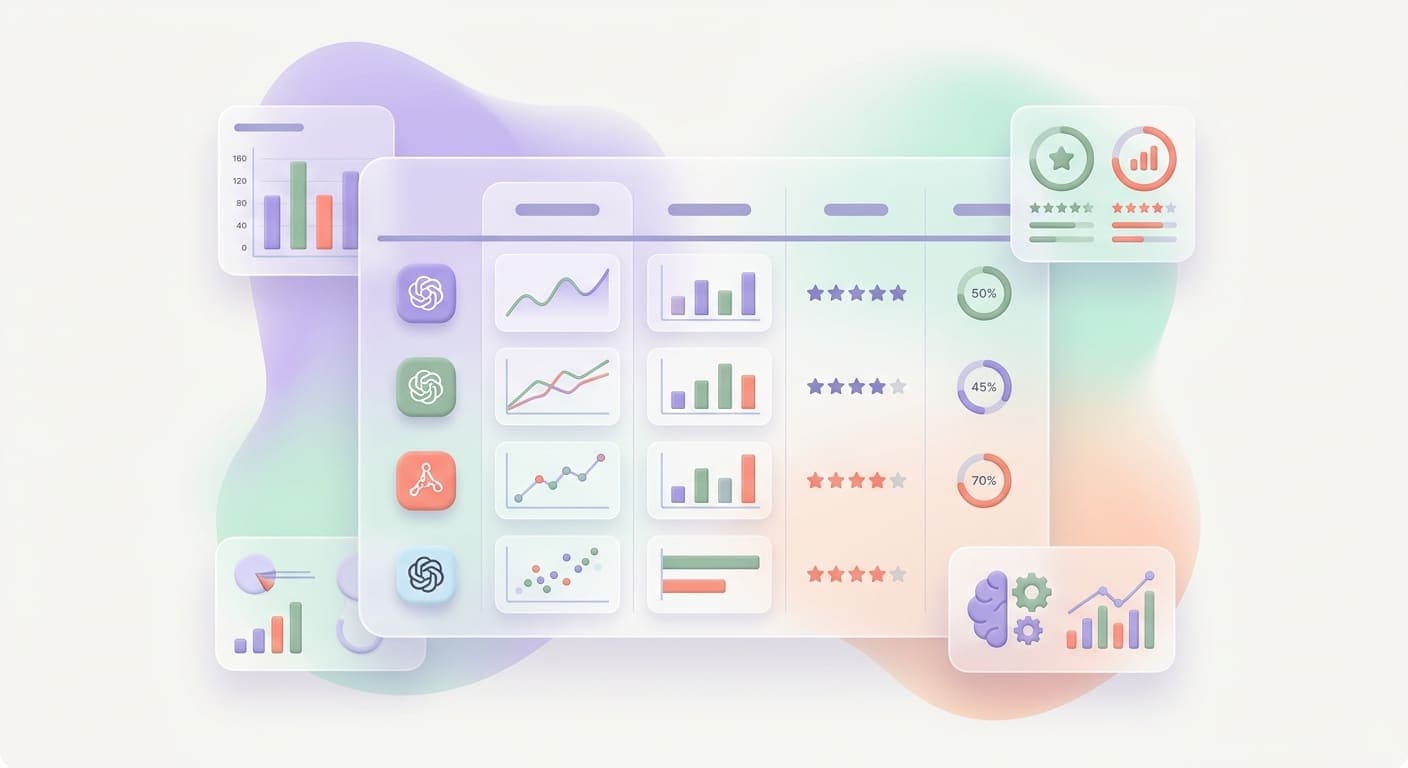
Best AI Models for Business in 2026
Updated August 8, 2026.
Quick answer: There is no single best business model. GPT-5.6 Luna is a remarkable low-cost default for harness-based coding, research, and operations work in Codex or ChatGPT Work. Claude Sonnet 5 and Opus 5 are strong when careful reasoning and long documents matter. Gemini 3.6 Flash is a practical high-context choice. DeepSeek V4 Flash, Qwen, Llama, and Mistral cover low-cost, open-weight, and self-hosted paths. Choose the model and the harness together.
The short list
| Business need | First model to test | Why | What to watch |
|---|---|---|---|
| Harness-based coding and research | GPT-5.6 Luna | Very low token cost, long context, and strong tool-oriented work in Codex or ChatGPT Work | This recommendation is based on our current environment and a dated catalog snapshot, not a permanent ranking |
| Complex reasoning and careful writing | Claude Sonnet 5 | Strong instruction following, long-context analysis, and polished drafts | Premium pricing and provider limits can matter at volume |
| Highest-capability general work | Claude Opus 5 or GPT-5.6 Sol | Use when a mistake costs more than the extra inference | Reserve it for judgment-heavy steps instead of every request |
| Google Workspace and very long files | Gemini 3.6 Flash | One-million-token context class and a natural fit for Google-centric teams | Test file handling, citations, and permissions in the actual workspace |
| Cheap reasoning and routing | DeepSeek V4 Flash or Qwen3.7 Flash | Low per-token cost with tool and reasoning support in current catalogs | Verify privacy, region, and provider terms before sending sensitive data |
| Self-hosted or private workflows | Llama 4 Scout, Llama 4 Maverick, Qwen3, or Mistral Small 4 | More control over data, deployment, and routing | Hardware, monitoring, upgrades, and evaluation become your responsibility |
This table is a starting point, not a leaderboard. A small model that routes support requests correctly can beat a frontier model that writes beautiful answers nobody needs.
Current pricing snapshot
Public pricing changes quickly. The numbers below are a planning snapshot from the OpenRouter model catalog checked on August 8, 2026. They are not quotes, and they do not include hosting, storage, retrieval, observability, or the cost of reviewing bad outputs. Verify the provider page before you commit.
| Model | Input per 1M tokens | Output per 1M tokens | Context class | Practical fit |
|---|---|---|---|---|
| GPT-5.6 Luna | $0.10 | $0.60 | 1.05M | Harness-based coding, research, routing, and general automation |
| GPT-5.6 Terra | $1.00 | $6.00 | 1.05M | A stronger default when the workflow needs more judgment |
| GPT-5.6 Sol | $5.00 | $30.00 | 1.05M | High-stakes analysis and difficult technical work |
| Claude Sonnet 5 | $2.00 | $10.00 | 1M | Long documents, careful writing, and code review |
| Gemini 3.6 Flash | $1.50 | $7.50 | 1.05M | High-context, multimodal, Google-oriented workflows |
| DeepSeek V4 Flash 0731 | $0.09 | $0.18 | 1.05M | Low-cost reasoning, classification, and tool use |
| Qwen3.7 Flash | $0.03 | $0.13 | 1M | High-volume, cost-sensitive automation |
| Mistral Small 4 | $0.15 | $0.60 | 262K | Efficient internal workflows and open-weight deployment paths |
Source: OpenRouter's live model catalog, filtered to the model IDs named above on August 8, 2026. The catalog reports provider pricing and context metadata. It does not prove that every model is available in every Codex, ChatGPT Work, or enterprise plan.
GPT-5.6 Luna: the value pick for harness-based work
GPT-5.6 Luna deserves a separate mention because it changes the economics of agentic work. In the current catalog snapshot, the model is listed at $0.10 per million input tokens and $0.60 per million output tokens, with a 1.05-million-token context class. That is unusually cheap for a model positioned for serious tool-oriented work.
The important detail is the harness. A harness is the layer that gives a model a task, tools, files, memory, checkpoints, evaluation rules, and a safe stopping condition. Codex and ChatGPT Work are examples of environments where the harness can matter as much as the raw model.
For a harness-based workflow, Luna is a strong first pass for:
- reading and changing a real codebase
- running a research loop with sources and checks
- classifying or routing work before escalation
- drafting a plan that a stronger model or human reviews
- handling repetitive tool calls where the harness owns state
Use a stronger model when the task needs architectural judgment, sensitive customer language, or a decision that is hard to verify. The cost-effective pattern is not “Luna for everything.” It is Luna for the repeatable work, with escalation for the uncertain work.
Model versus harness: the decision most comparisons miss
Model benchmarks measure a model under a particular prompt and test setup. A business workflow has more failure points:
- The harness may send incomplete or stale context.
- A tool call may write to the wrong record.
- A retrieval step may return an untrusted document.
- The model may finish without proving that the work is complete.
- A human may not know what the model actually changed.
That is why we evaluate a model inside the workflow that will use it. Our scorecard looks at task completion, citation quality, tool-call accuracy, escalation behavior, latency, total cost, and how easy it is for a person to review the result. The model directory is useful for discovery, but a short task set from your own business is a better decision tool.
Frontier API models
GPT-5.6 Terra and Sol
The GPT-5.6 family gives teams a practical tiering option. Terra is a middle-cost choice for workflows that need more reasoning than a cheap router. Sol is for difficult architecture, high-stakes analysis, and cases where a human would otherwise spend significant time checking the result. Start with Luna, then move only the hard branch upward.
Claude Sonnet 5 and Opus 5
Claude remains a strong choice when the work is document-heavy, instruction-sensitive, or customer-facing. Sonnet 5 is the sensible default for most teams. Opus 5 is better reserved for complex reasoning, nuanced writing, and high-cost mistakes. Do not pay Opus rates for a task that a small model can verify with a simple rule.
Gemini 3.6 Flash
Gemini 3.6 Flash is attractive for teams that already live in Google Workspace or need very long inputs. Test the full path, including document permissions, citations, file extraction, and the handoff into your CRM or internal tool. A large context window is only useful when the workflow retrieves the right material and the model can stay grounded in it.
Open-weight and self-hosted models
“Open source” is often used too loosely in AI marketing. Some models publish weights with licenses that allow broad use. Others publish code, research, or partial artifacts without giving you the same rights. Check the actual license and the hosting terms before calling a model open source.
Llama 4 Scout and Maverick
Llama 4 gives teams a recognizable open-weight path for private deployments and provider choice. Scout is the efficiency-oriented option. Maverick is the larger quality step. The business trade is operational: you gain control over data and routing, but you also own hardware, observability, upgrades, access controls, and evaluation.
Qwen3 and Qwen3 Coder
Qwen3 is a strong family for structured extraction, multilingual work, and coding. Smaller Qwen variants can handle routing and first-pass classification at low cost. Qwen3 Coder is worth testing when the workflow is code-heavy but does not need a premium frontier model for every step.
DeepSeek V4 and R1
DeepSeek remains compelling for low-cost reasoning and technical work. V4 Flash is a cost-sensitive route for repeatable tasks. R1-style reasoning models can help with math, planning, and technical analysis, but the reasoning trace still needs evaluation. Treat provider, jurisdiction, and data handling as part of the decision.
Mistral Small 4
Mistral Small 4 is a practical middle ground for teams that want efficient inference, European vendor context, or a model that can sit inside a controlled deployment. It is a good candidate for extraction, triage, drafting, and internal copilots before you consider a much larger self-hosted model.
A routing pattern that works in real businesses
The most useful architecture is usually a small model plus a review path:
- Intake: capture the request and the minimum context needed.
- Route: use a low-cost model such as Luna, Qwen3.7 Flash, or DeepSeek V4 Flash to classify the job.
- Retrieve: fetch only approved records, documents, and policy sources.
- Work: send judgment-heavy cases to Terra, Sonnet 5, or another tested specialist.
- Prepare: let the model draft the proposed reply, record update, or code change.
- Review: require a person or a deterministic check before external actions.
- Log: retain the inputs, model, tools, result, and decision boundary.
This pattern lowers cost without pretending that every task is safe to automate. It also makes model replacement easier because the harness owns the workflow contract.
When a small model beats a frontier model
Choose the smaller model when:
- the output has a checkable answer
- the input is short and structured
- volume or latency matters more than style
- the task can escalate when confidence is low
- the workflow does not expose sensitive data to an unapproved provider
Choose the stronger model when:
- the task requires multi-step judgment
- the output goes directly to a customer
- a wrong answer creates legal, financial, or safety risk
- the source material is ambiguous or contradictory
- the workflow needs code changes that are difficult to review
Questions to ask before you choose
What is the actual business job?
Write the job as an observable outcome. “Summarize tickets” is vague. “Label each ticket, identify the next approved action, and route exceptions to a person” is testable.
What does failure cost?
Map the damage from a wrong answer, a missed escalation, a duplicate action, and a slow response. This tells you where to spend for a stronger model and where a cheap model is enough.
Who owns the harness?
An API key is not an automation system. Someone must own context, tools, permissions, retries, logging, evaluation, and the stopping rule. If nobody owns those pieces, the model choice is premature.
Can you run a private model honestly?
Include GPU or cloud compute, maintenance, monitoring, security review, and the cost of someone being on call. Self-hosting is a control choice, not a free choice.
Can you switch models without rebuilding the workflow?
Keep the model behind a clear interface. Store prompts, tool schemas, evaluation cases, and escalation rules outside the vendor-specific call. That makes price drops and new releases useful instead of disruptive.
Common questions
What is the best AI model for business in 2026?
Start with GPT-5.6 Luna for low-cost harness-based work, then test Claude Sonnet 5, Gemini 3.6 Flash, and one open-weight model against your real task set. The best model is the one that completes the workflow reliably at the lowest total cost.
Is GPT-5.6 Luna good enough for production?
It can be a strong production component when the harness supplies the right context, limits tool access, logs every step, and escalates uncertainty. Do not treat a low price as proof of safety. Test it on representative cases and keep a human review boundary for consequential actions.
Are open-source AI models ready for business?
Open-weight models are ready for many internal jobs, including classification, extraction, drafting, and private search. They are not automatically cheaper or safer. The operating team, license, hardware, and evaluation plan determine whether the deployment is a good business decision.
Should a business use one model?
Usually not. Use a small model for routine work, a stronger model for judgment, and a harness that makes the escalation visible. One model can be a useful starting point, but it should not become a single point of failure.
Build the stack around the work
The model landscape will keep changing. Prices will move, new releases will arrive, and provider access will vary by plan and region. The durable investment is a workflow that can measure quality, control tools, protect data, and swap models without losing the business logic.
If you need help choosing the first workflow, start with an AI automation audit. If the workflow needs a real application, see our custom software approach. For a searchable catalog and cost tools, use the AI model directory.
Not sure which model fits your business? Talk to our team and map the first workflow.
Related articles
AI Business Continuity Planning for Service Businesses
Most service businesses have no documented recovery plan. AI continuity planning finds the gaps, automates fixes, and gets you back online faster when something breaks.
Read the article: AI Business Continuity Planning for Service Businesses
AI Backup and Disaster Recovery for Service Businesses: Don't Lose Your Data Twice
Most service businesses back up their data but never test whether they can actually recover it. Here is what a real recovery looks like, and the AI tools that make it happen automatically.
Read the article: AI Backup and Disaster Recovery for Service Businesses: Don't Lose Your Data Twice
AI Proposal and Estimate Management for Service Businesses: From Site Visit to Signed Quote in Half the Time
Most service businesses lose deals because their estimates take too long to deliver and look unprofessional. AI proposal management closes that gap.
Read the article: AI Proposal and Estimate Management for Service Businesses: From Site Visit to Signed Quote in Half the Time
