Service Business Operations Audit: Find Your Biggest Automation ROI in 90 Minutes
Most service businesses guess where to automate first. A 90-minute operations audit finds the real bottlenecks and shows you where the money is.

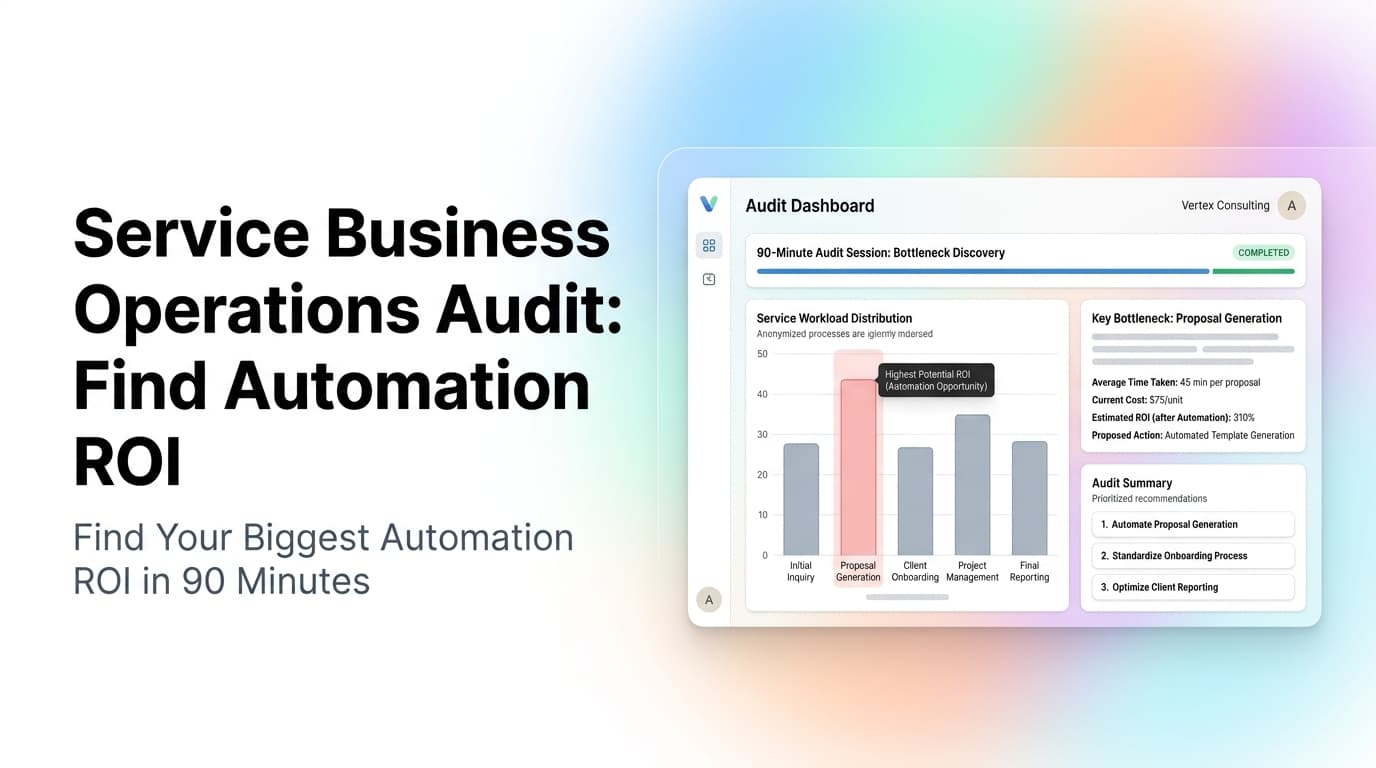
Quick answer: A service business operations audit is a structured 90-minute review of your lead-to-cash workflow, employee scheduling, billing cycle, and reporting gaps. It identifies the 2-3 bottlenecks costing you the most time and money, so you can automate in the right order instead of guessing. Most service businesses find 10-20 hours of weekly waste they can eliminate with targeted automation.
Why Most Service Businesses Automate in the Wrong Order
Every week, we talk to service business owners who bought a CRM, set up a chatbot, or signed up for an automation tool without knowing which problem to solve first. They end up with a stack of tools that don't talk to each other and a team that still does most things manually.
The problem is not the tools. The problem is not knowing where the real friction lives.
A service business operations audit fixes that. It is a repeatable process that maps your actual workflow, measures the friction points, and ranks them by dollar impact. You do it once, then revisit every quarter.
We have run this audit with HVAC companies, cleaning services, field service teams, and home service businesses across the Southeast. The pattern is always the same: the bottleneck the owner thinks is the problem is usually not the one costing the most money.
The 90-Minute Operations Audit Framework
Block 90 minutes on your calendar. No interruptions. You need your CRM open, your scheduling tool, your accounting software, and a blank document.
Phase 1: Map Your Lead-to-Cash Flow (20 minutes)
Draw the path a lead takes from first contact to paid invoice. Be honest about every handoff.
| Step | What Happens | Who Does It | Time Lost |
|---|---|---|---|
| Lead arrives | Phone, web form, text, or walk-in | Front desk or automated | 0-5 min |
| Lead qualifies | Questions asked, availability checked | Sales or dispatcher | 5-15 min |
| Quote sent | Estimate created and delivered | Technician or office | 30 min - 2 days |
| Follow-up | Reminder sent if no response | Manual (or not done) | 1-7 days |
| Job scheduled | Date, time, tech assigned | Dispatcher | 10-20 min |
| Job completed | Work done, invoice created | Technician + office | 15-30 min |
| Payment collected | Invoice sent, payment received | Office + customer | 1-60 days |
What to look for: Any step that takes longer than 15 minutes of human time or has a gap longer than 24 hours between steps is a candidate for automation.
Real example: A plumbing company we worked with in Rome, GA had a 3-day average gap between quote and follow-up. They were sending one quote and waiting. If the customer did not respond, nobody followed up. Automating a 3-touch follow-up sequence (day 1 email, day 3 text, day 7 call) recovered 22% of lost quotes in the first month.
Phase 2: Find the Scheduling Black Hole (20 minutes)
Open your calendar or dispatch board. Look at the last 30 days.
Questions to answer:
- How many jobs were booked same-day vs. scheduled 3+ days out?
- How many times did a tech arrive late because of routing?
- How many jobs required a second trip because the wrong parts or info were sent?
- How many hours per week does your dispatcher spend on the phone confirming appointments?
The math: If your dispatcher spends 10 hours per week on confirmation calls, and an automated system can handle 80% of those in under 30 seconds, that is 8 hours per week recovered. At $25/hour, that is $10,400 per year in labor alone. The real cost is higher because those 8 hours could be spent booking more jobs.
What to look for: Manual scheduling, phone-tag confirmations, and same-day routing that happens on paper or in someone's head.
Phase 3: Audit Your Billing and Payment Cycle (20 minutes)
Pull your last 30 invoices. Track:
- Average time from job completion to invoice sent
- Average time from invoice sent to payment received
- Percentage of invoices that required a follow-up
- Percentage of invoices paid within 7 days vs. 30+ days
The benchmark: Service businesses that automate invoicing and payment follow-up see average payment time drop from 30-45 days to 7-14 days. For a business doing $50,000 per month in revenue, that is $25,000-$50,000 in working capital freed up.
What to look for: Manual invoice creation, paper invoices, no automated payment reminders, no online payment options.
Phase 4: Identify the Reporting Gaps (15 minutes)
Open your CRM and accounting software. Try to answer these questions in under 60 seconds:
- How many leads came in last week?
- How many turned into quotes?
- How many quotes turned into jobs?
- What is your average job profit margin?
- Which services are most profitable?
- Which techs have the highest completion rate?
If you cannot answer any of these in under 60 seconds, you have a reporting gap. Most service businesses track revenue but not the conversion rates and margins that tell you whether you are actually profitable.
What to look for: Manual report building, data in separate systems that do not sync, metrics that require spreadsheet work to calculate.
Phase 5: Rank and Prioritize (15 minutes)
Now rank each bottleneck by three factors:
- Time cost: How many hours per week does this problem consume?
- Revenue impact: How much money is this problem costing you in lost or delayed revenue?
- Fix difficulty: Can this be solved with configuration and workflow automation, or does it require custom software?
| Priority | Bottleneck | Time/Week | Revenue Impact | Fix Difficulty |
|---|---|---|---|---|
| 1 | Quote follow-up gap | 5 hours | 22% lost quotes | Low (automated sequence) |
| 2 | Manual scheduling | 10 hours | Delayed bookings | Medium (scheduling tool) |
| 3 | Invoice follow-up | 3 hours | 15-day payment delay | Low (automated reminders) |
The rule: Fix the low-difficulty, high-impact items first. Do not start with the hardest problem. Build momentum.
What We See Most Often
After running this audit with dozens of service businesses, here are the three most common findings:
1. The quote-to-follow-up gap is almost always the biggest revenue leak. Most businesses send a quote and wait. They lose 20-40% of potential jobs because the customer never responds and nobody follows up. An automated 3-touch sequence (email, text, call) fixes this in one afternoon of setup.
2. Scheduling is the biggest time sink, not the biggest revenue problem. Owners feel the pain of scheduling most acutely because it is loud and daily. But the dollar impact of poor scheduling is usually lower than the dollar impact of poor follow-up. Fix follow-up first, then scheduling.
3. Reporting gaps hide the real problems. Most owners cannot tell you which jobs are profitable because their data lives in three different systems. Fixing the reporting gap often reveals that the bottleneck they thought was the problem is not the real one.
What to Do With Your Audit Results
Once you have your ranked list, pick the top item and automate it. Do not try to fix everything at once.
Week 1-2: Set up the automation for your top priority. This could be an automated follow-up sequence, a scheduling tool integration, or an invoice reminder workflow.
Week 3-4: Measure the impact. Compare your metrics before and after. Did quote conversion go up? Did payment time drop?
Week 5-6: Move to the next item on your list.
Quarterly: Re-run the audit. Your bottlenecks change as you fix them. What was your biggest problem last quarter might be solved, and a new one will surface.
When to Call in Help
You can run this audit yourself. But if you find that:
- Your data is spread across 4+ systems that do not talk to each other
- You have custom workflows that no off-the-shelf tool handles
- You have tried automation before and it did not stick
...then you might benefit from someone who has done this before. We help service businesses run this audit, identify the real bottlenecks, and build the automation that actually moves the needle.
Ready to find your biggest automation ROI? Contact us to schedule a 90-minute operations audit. We will map your workflow, identify the bottlenecks, and show you exactly where to start.
Related Reading
- The 7 Workflow Bottlenecks AI Automation Should Fix First - A broader look at the most common automation opportunities across service businesses.
- How to Document Your Business Workflows Before Automating Them - The step-by-step process for mapping your current workflows before you automate.
- How to Audit a Workflow Before You Automate It - A deeper dive into auditing individual workflows within your business.
- Business KPI Dashboard for Service Businesses - How to build the reporting dashboard that shows you the metrics that matter.
Related Questions
- What is the fastest way to find automation opportunities in my service business?
- How do I calculate the ROI of automating a specific workflow?
- Should I automate lead follow-up or scheduling first?
- What tools do I need to connect my CRM, scheduling, and accounting?
- How often should I re-audit my operations?
- What is the most common mistake service businesses make when starting automation?
Related articles

Quote-to-Close Automation for Service Businesses: Close More Jobs Without the Follow-Up Marathon
Service businesses lose jobs in the gap between sending a quote and getting a yes. Automate your quote-to-close pipeline and stop leaving revenue on the table.
Read the article: Quote-to-Close Automation for Service Businesses: Close More Jobs Without the Follow-Up Marathon
Zapier vs Make vs N8N vs Custom Code: How to Choose the Right Workflow Automation Platform for Your Service Business in 2026
Service businesses waste $20K to $180K picking the wrong automation stack. Choose between no-code, low-code, and custom code with this 4-tier framework.
Read the article: Zapier vs Make vs N8N vs Custom Code: How to Choose the Right Workflow Automation Platform for Your Service Business in 2026
Automated Maintenance Reminders and Tune-Up Scheduling for Service Businesses: Stop Waiting for the Customer to Remember
Automated maintenance reminders cut no-show rates 40-60% and lift tune-up bookings 25-35%. The four-touch sequence we install for service businesses.
Read the article: Automated Maintenance Reminders and Tune-Up Scheduling for Service Businesses: Stop Waiting for the Customer to Remember
