Automated Lead Qualification for Service Businesses: Stop Wasting Time on Bad Leads
Service businesses waste 40% of sales time on leads that never convert. Automated lead qualification filters out bad leads before your team touches them.

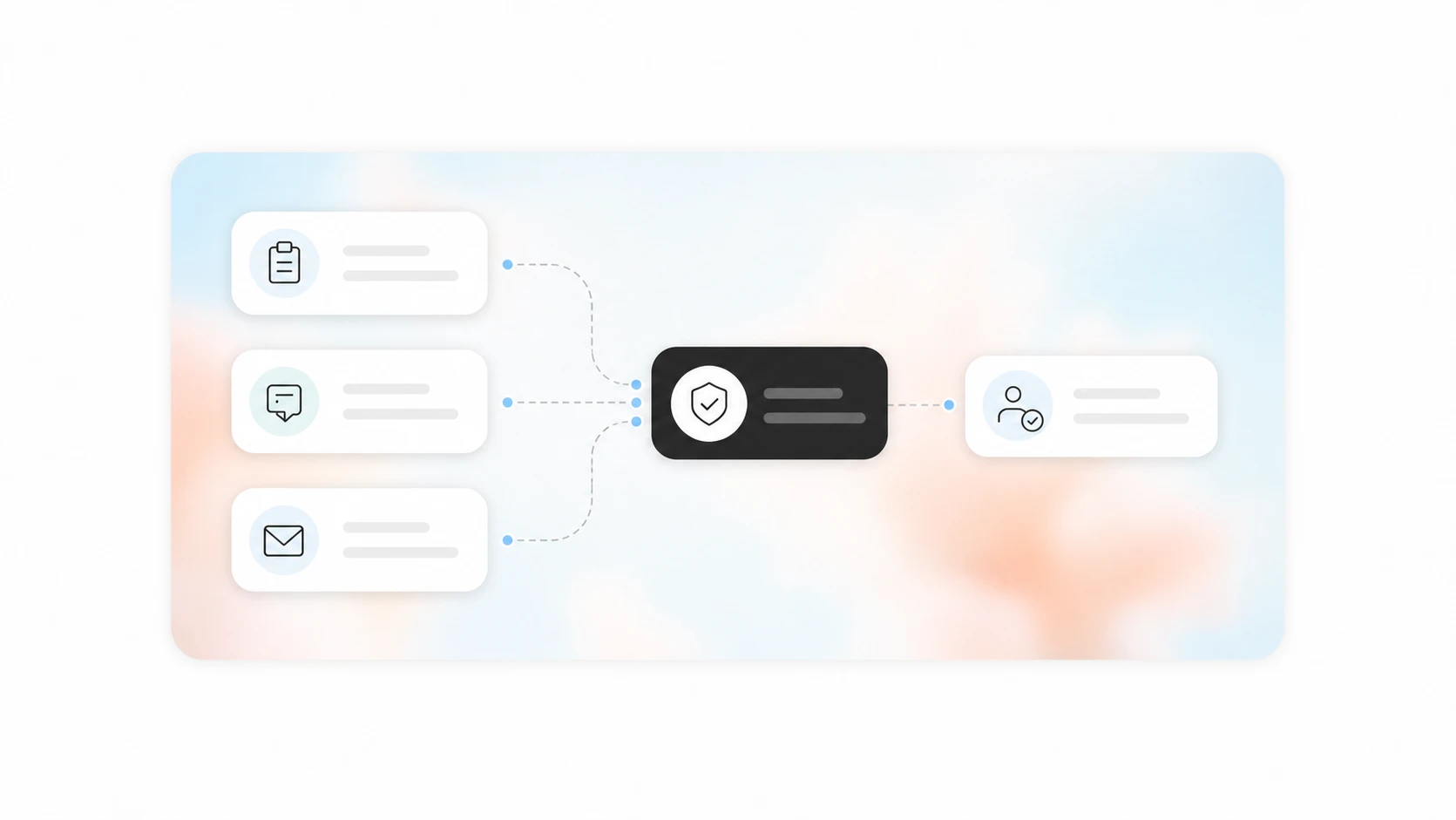
Quick answer: Automated lead qualification uses rules, forms, and AI to score and route incoming leads before a human gets involved. It filters out tire-kickers, prioritizes high-intent prospects, and sends qualified leads to the right person or team automatically. Most service businesses can set this up in a few days and see a 30-50% reduction in time spent on unqualified leads.
The Problem: Every Lead Looks the Same at First
A lead comes in through your website form at 9 PM. You see it the next morning. It could be a $15,000 commercial HVAC project or someone who wants a quote on a single vent cleaning. You do not know yet.
So you call them back. You play phone tag for two days. You finally connect, spend 15 minutes on discovery, and realize they are not in your service area or their budget is a tenth of your minimum.
That 15 minutes multiplied by 20 leads per week is 5 hours of wasted time. Across a month, that is a full work week spent on people who were never going to buy.
The real cost is worse than wasted time. When your team is busy chasing bad leads, good leads sit in the queue. A homeowner with a $12,000 AC replacement who fills out your form at the same time as the vent-cleaning prospect gets the same slow response. By the time you call them back, they have already booked with a competitor who answered faster.
What Automated Lead Qualification Actually Does
Automated lead qualification is a set of rules and triggers that evaluate every inbound lead and decide what happens next without a human pressing any buttons.
How it works in practice:
- A lead submits a form, calls, or fills out a chatbot conversation
- The system checks their answers against your qualification criteria
- Based on the score or category, the lead is routed to the right place
- The lead gets an automated response appropriate to their status
A simple qualification example for an HVAC company:
| Criteria | Weight | High Score | Low Score |
|---|---|---|---|
| In service area | 30 points | Yes = 30 | No = 0 (auto-reject) |
| Needs full system vs repair | 25 points | Full system = 25 | Minor repair = 10 |
| Homeowner vs renter | 20 points | Homeowner = 20 | Renter = 5 |
| Urgency (emergency vs quote) | 15 points | Emergency = 15 | Just looking = 5 |
| Budget range | 10 points | $5k+ = 10 | Under $1k = 2 |
A lead scoring 80+ goes to the sales team immediately. A lead scoring 40-70 gets an automated email with pricing and a follow-up in 48 hours. A lead scoring under 40 gets a "we are not the right fit" autoresponder.
This is not complicated software. You can build this with a CRM like HubSpot, Zoho, or even a Google Sheet connected to a form tool. The logic is simple. The impact is immediate.
Where Most Service Businesses Get This Wrong
We have worked with dozens of service businesses setting up lead qualification. The most common mistake is overcomplicating the criteria.
Mistake 1: Asking too many questions. Every extra field in your form drops conversion rates by 5-10%. You do not need their shoe size. You need 3-5 questions that tell you if this lead is worth a phone call.
Mistake 2: No disqualification criteria. Most businesses only think about what makes a good lead. They forget to define what makes a bad one. If a lead is outside your service area, has a budget below your minimum, or needs a service you do not offer, the system should reject them immediately and send a polite decline. Do not let those leads into your CRM at all.
Mistake 3: Routing everything to the same person. The owner should not be calling leads that a junior salesperson can handle. A $500 repair quote and a $20,000 commercial contract need different response paths. Route by lead value, not by who is available.
Mistake 4: No follow-up cadence for warm leads. A lead that scores 60 is not dead. They just are not ready to buy right now. Automated lead qualification should also trigger a nurture sequence for medium-scoring leads. Send them a case study, a maintenance tip, a seasonal reminder. Keep the door open without burning sales time.
How to Set Up Automated Lead Qualification in 3 Steps
Step 1: Define Your Qualification Criteria
Write down the answers to these questions:
- What is the minimum job value you will accept?
- What geographic area do you serve?
- What services do you offer (and not offer)?
- What makes a lead "hot" versus "warm" versus "cold"?
- Who should handle each type of lead?
Keep this list to 5-7 criteria max. More than that and you will spend more time maintaining the system than it saves.
Step 2: Choose Your Tool
You have three options depending on your budget and technical comfort:
- CRM-native qualification (HubSpot, Salesforce, Zoho): Built-in lead scoring and routing. Best if you already use a CRM. Setup takes 2-4 hours.
- Form + automation tool (Typeform + Zapier/Make + Google Sheets): No CRM required. The automation tool checks answers and routes leads. Setup takes 1-2 days.
- AI-powered qualification (chatbot + CRM): The chatbot asks qualifying questions in a conversation, scores the lead, and books a call for high-scorers. Setup takes 3-5 days but captures the most leads.
Step 3: Build and Test
Start with your most common lead type. Build the qualification flow for that one scenario. Test it with 10-20 real leads. Adjust the scoring thresholds based on what you see. Then add the next scenario.
Do not try to build a perfect system on day one. A working 80% solution that routes 80% of leads correctly is infinitely better than a perfect system that never ships.
What This Looks Like in Practice
Example: A plumbing company in Atlanta
Before automation: The owner answered every call. He spent 30-45 minutes per day on calls from people outside his service area or looking for services he did not offer. That was 3-4 hours per week of dead time.
After automation: A web form asks three questions: zip code, service needed, and urgency. If the zip code is outside the service area, the form shows a polite message and does not submit. If the service is not offered, the same thing happens. Only valid leads enter the CRM. The owner gets a notification for emergency calls. Everything else goes to a dispatcher.
Result: 4 hours per week recovered. Response time to qualified leads dropped from 4 hours to 12 minutes. Close rate on qualified leads went up because they were getting called back while they were still shopping.
The Tools That Make This Work
You do not need custom software for basic lead qualification. Here are the most common setups we see working for service businesses:
- HubSpot (free tier): Form fields, lead scoring, email routing. Good for businesses already using HubSpot for CRM.
- Make.com (formerly Integromat): Connects your form tool to your CRM or spreadsheet. Checks criteria and routes leads. Starts at $9/month.
- Zapier: Similar to Make, slightly easier to use, slightly more expensive. Starts at $20/month.
- Typeform + conditional logic: The form itself can qualify leads before they even submit. If a lead answers "outside service area," the form ends immediately.
- AI chatbot (custom): For businesses that want conversational qualification. The chatbot asks questions, scores the lead, and books calls for high-scorers. This is what we build most often for clients.
Related Questions Business Owners Ask
- How do I set up lead scoring in my CRM without a data team?
- What questions should I ask on my lead form to qualify prospects?
- How do I handle leads that call instead of filling out a form?
- What is the difference between lead qualification and lead scoring?
- How do I automate follow-up for leads that are not ready to buy?
- Can I use AI to qualify leads from phone calls automatically?
AnovaGrowth's Take
We have built automated lead qualification systems for HVAC companies, plumbers, electricians, contractors, and professional service firms. The pattern is always the same: define your criteria, pick the simplest tool that meets them, and iterate.
The businesses that get this right share one thing in common: they treat lead qualification as a system, not a task. They do not ask "who is going to call this lead back?" They ask "what should happen when this type of lead comes in?" The answer is always a workflow, not a person.
If you are spending more than 5 hours per week on leads that go nowhere, automated qualification will pay for itself in the first month. The question is not whether you need it. The question is whether you can afford to keep ignoring the leads that actually matter while your team chases the wrong ones.
Ready to stop wasting time on bad leads? Contact us to discuss how we can set up automated lead qualification for your service business. We can have a working system in place within a week.
Related reading: How to Choose the Right CRM for Your Service Business | CRM Integration for Service Businesses | Automated Lead Nurturing for Service Businesses | Appointment Scheduling Automation for Service Businesses
Related articles

AI Automation for Landscaping and Lawn Care Businesses: Win More Bids, Route Crews Faster, and Stop Losing Maintenance Contracts
Landscaping companies lose 30-50% of bids to slow follow-up and 20-40% of maintenance contracts to silent churn. AI automation fixes both.
Read the article: AI Automation for Landscaping and Lawn Care Businesses: Win More Bids, Route Crews Faster, and Stop Losing Maintenance Contracts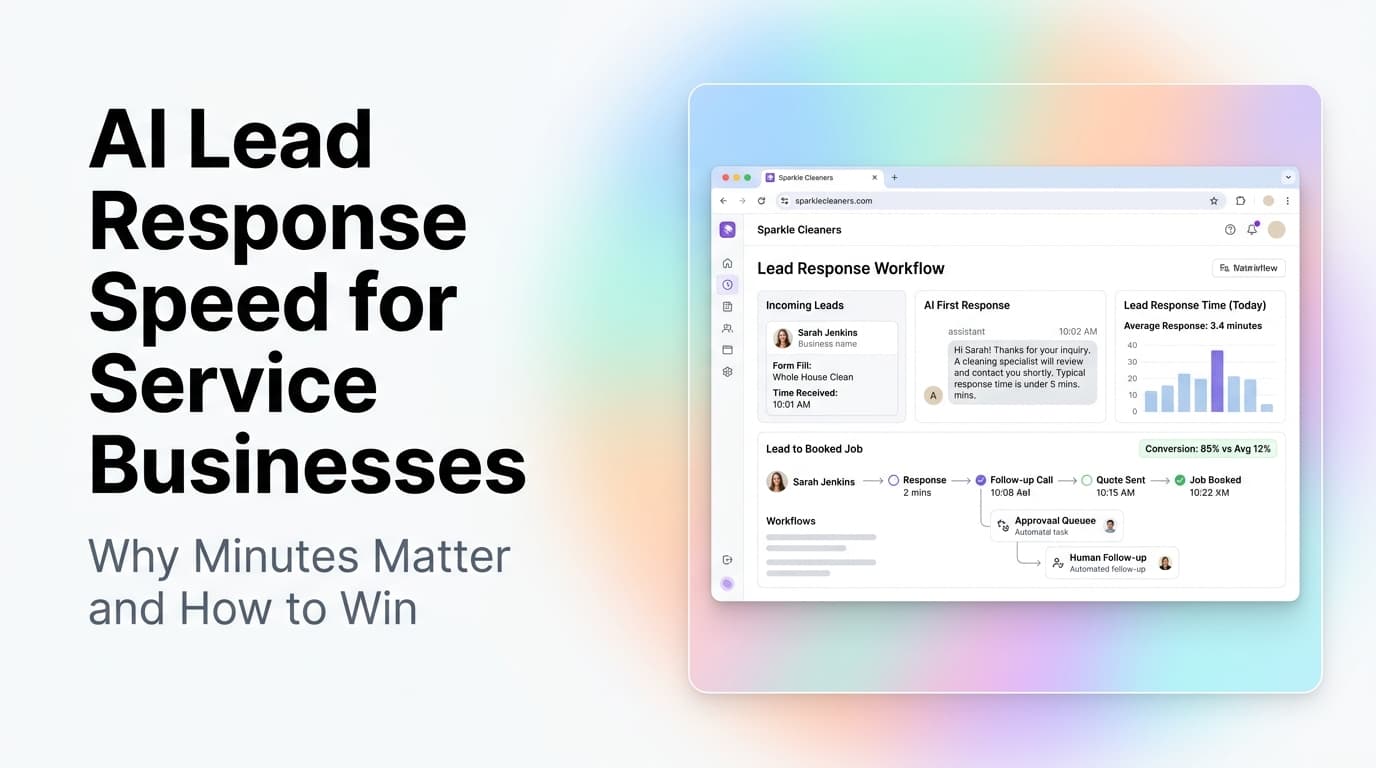
AI Lead Response Speed for Service Businesses: Why Minutes Matter and How to Win
Service businesses that respond to leads within 5 minutes convert 7x more leads into booked jobs. Here is how AI lead response automation makes that possible.
Read the article: AI Lead Response Speed for Service Businesses: Why Minutes Matter and How to Win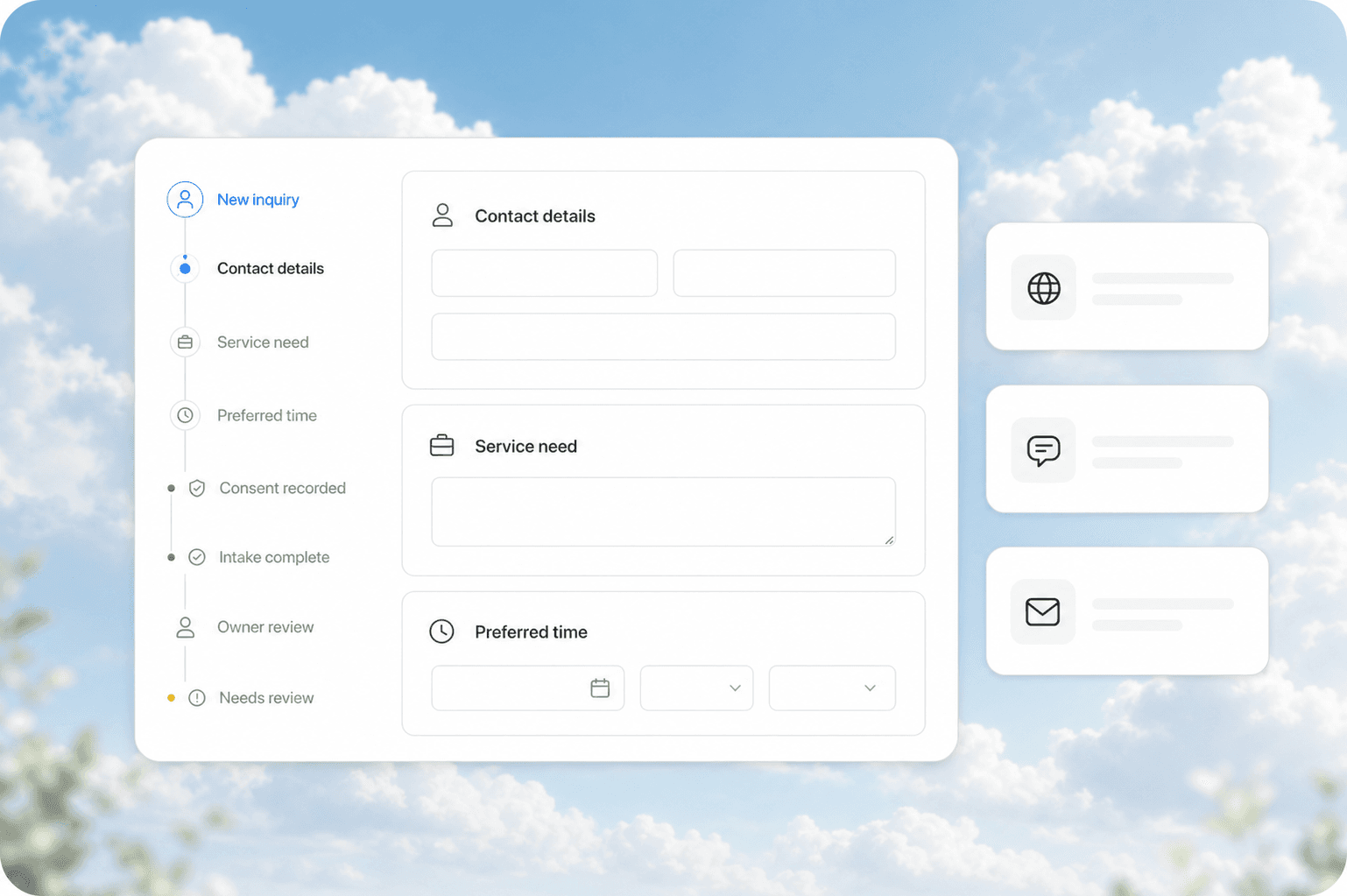
Automated Client Intake for Service Businesses: Collect the Right Info Before the First Call
Service businesses waste the first 15 minutes of every discovery call. Automated client intake collects project details, budget, and timeline before you call.
Read the article: Automated Client Intake for Service Businesses: Collect the Right Info Before the First Call
