AI Phone Answering for Service Businesses: Stop Missing Calls, Start Booking Jobs
Service businesses miss 30-50% of inbound calls. AI phone answering handles after-hours, peak times, and overflow without hiring more receptionists.

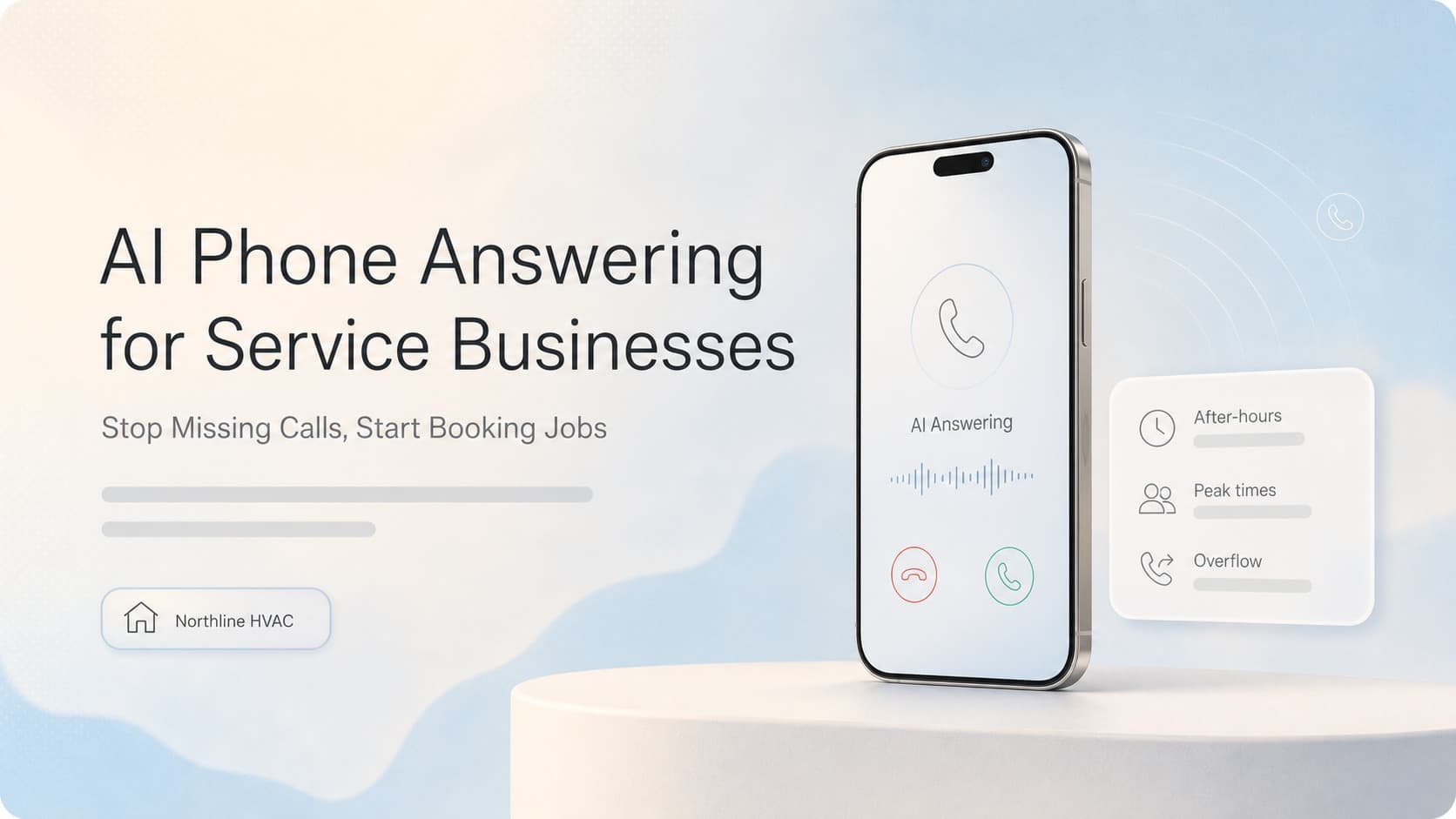
Quick answer: AI phone answering systems can handle 60-80% of inbound service calls without human intervention. They qualify leads, schedule appointments, answer FAQs, and route complex issues to your team. For a typical HVAC or plumbing business, this means capturing 10-20 extra jobs per week that would otherwise go to voicemail or a competitor.
The Call You Miss Is the Job You Lose
Every service business owner knows the feeling. You are on another call, under a sink, or driving between jobs. The phone rings. You cannot pick up. It goes to voicemail. The caller hangs up and calls the next company on Google.
This is not a minor leak. Industry data shows service businesses miss 30-50% of inbound calls during business hours and nearly 100% after hours. For a company receiving 50 calls a day, that is 15-25 missed opportunities. At an average job value of $200-500, the math gets painful fast.
The traditional fix is simple: hire more people. But receptionists cost $35,000-45,000 per year plus benefits, and they can only handle one call at a time. Peak hours still overflow. Lunch breaks still happen. Sick days still exist.
AI phone answering solves this differently. It does not replace your front desk. It acts as a first-line filter that handles the 60-80% of calls that follow predictable patterns.
What AI Phone Answering Actually Does
Modern AI voice agents are not the robotic phone trees of the 2000s. They use natural language processing to understand what the caller needs and respond conversationally.
| Capability | What It Does | Business Impact |
|---|---|---|
| Lead qualification | Asks about service needed, location, urgency, budget | Sends only qualified leads to your team |
| Appointment scheduling | Checks calendar, books time slots, sends confirmations | Fills your schedule without phone tag |
| FAQ handling | Answers pricing, service area, hours, availability | Reduces inbound call volume by 20-30% |
| After-hours coverage | Answers every call when your office is closed | Captures emergency and next-day jobs |
| Smart routing | Transfers complex calls to a human | Ensures high-value calls get personal attention |
| Missed call recovery | Calls back leads who hung up | Recovers 15-25% of otherwise lost leads |
How It Sounds to the Caller
A well-configured AI voice agent sounds like a professional receptionist. It speaks naturally, asks follow-up questions, and confirms details before ending the call. Most callers do not realize they are talking to AI unless they are told.
The key difference from old IVR systems: the AI understands context. If a caller says "my AC stopped working and I have a maintenance plan," the AI knows to check the plan status, prioritize the call, and route it appropriately. It does not force the caller through a menu of "press 1 for sales, press 2 for service."
Where AI Phone Answering Fits in Your Business
Not every call should go to AI. The smart setup is a triage model:
Calls the AI handles automatically:
- After-hours and weekend calls
- Peak-time overflow when your team is busy
- Simple service requests (schedule a tune-up, request a quote)
- Frequently asked questions (do you service my area, what are your rates)
- Lead capture for new customers
Calls the AI routes to a human:
- Existing customer emergencies
- Complex technical questions
- Upset or frustrated callers
- Calls that require a supervisor decision
The AI recognizes these situations through conversation cues and transfers seamlessly. The human picks up with full context of what was already discussed.
What This Looks Like in Practice
Here is a real example from a plumbing company we worked with. They were a 4-truck operation getting about 40 calls per day. Before AI phone answering, they tracked their call handling:
- 18 calls per day went to voicemail (45%)
- Of those, only 3-4 left messages
- They returned calls within 2-4 hours on average
- Estimated 8-10 jobs lost per week to missed calls
After setting up an AI voice agent:
- 32 of 40 calls were answered immediately (80%)
- The AI handled 22 of those without human involvement
- 10 calls were transferred to the team with full context
- After-hours calls (8-10 per week) were captured instead of going to voicemail
- Estimated 12-15 additional jobs booked per week
The system paid for itself in the first month. The owner reported that the biggest surprise was not the extra revenue, but the reduction in stress. He stopped feeling like he was always behind on callbacks.
How to Set Up AI Phone Answering Without Breaking Your Operations
Step 1: Map Your Call Patterns
Before you configure anything, know what your callers actually ask. Record 20-30 calls (with consent) and categorize them:
- What percentage are new leads vs existing customers?
- What are the top 5 questions callers ask?
- What information do you need to capture for a qualified lead?
- When are your peak call times?
This data drives your AI configuration. If 40% of calls are "how much does a water heater cost," your AI needs a clear answer and a way to schedule a quote visit.
Step 2: Choose Your Integration Points
The AI phone answering system needs to connect to your existing tools:
- Calendar: Google Calendar, Calendly, or your dispatch software
- CRM: HighLevel, Jobber, Housecall Pro, or ServiceTitan
- Phone system: Twilio, RingCentral, or a VoIP provider
- SMS/email: For sending confirmations and follow-ups
The more connected your system, the more the AI can do. A fully integrated setup can check technician availability, book the appointment, send a confirmation text, and add the lead to your CRM without any human touching it.
Step 3: Configure Your AI Voice Agent
This is where most setups go wrong. A generic AI voice agent sounds robotic and frustrates callers. A well-configured one sounds like your best receptionist.
Key configuration areas:
- Script and guardrails: What the AI says, what it never says, when it transfers to a human
- Personality: Professional but warm. Matches your brand voice
- Knowledge base: Your services, pricing ranges, service area, hours, policies
- Escalation rules: Specific phrases or situations that trigger a human handoff
- Follow-up actions: What happens after the call (SMS confirmation, CRM entry, email summary)
Step 4: Test and Iterate
Run the AI in parallel with your existing system for the first week. Listen to recorded calls. Adjust the script where the AI stumbles. Add edge cases to the knowledge base.
Most systems improve significantly within the first two weeks of active tuning. After that, they maintain themselves with occasional review.
Common Concerns About AI Phone Answering
"Callers will hate talking to a robot."
This was true of old IVR systems. Modern AI voice agents are different. They use natural conversation, not menu trees. In practice, most callers do not notice or care as long as their issue gets resolved. The alternative is no answer at all, which callers definitely hate.
"We will lose the personal touch with our customers."
The AI handles the routine calls. Your team handles the complex ones. Your long-term customers who call with specific questions still get a human. The AI actually improves the personal touch by freeing your team to give more attention to the calls that need it.
"It is too expensive for a small business."
AI phone answering has dropped in price significantly. A basic setup costs $200-500 per month for a small service business. Compare that to $3,000+ per month for a full-time receptionist. The ROI calculation is straightforward: if the AI helps you capture even 2-3 extra jobs per month, it pays for itself.
"What if the AI gives wrong information?"
This is a valid concern and the reason you need proper configuration and testing. The AI should be restricted to information you provide. It should not invent pricing or make promises. When in doubt, it should transfer to a human. Regular call review catches issues early.
Related Questions Business Owners Ask
- How do AI voice agents compare to traditional answering services?
- Can AI phone answering integrate with my existing dispatch software?
- What happens if the AI cannot handle a call?
- How do you train an AI voice agent on your specific services?
- Is AI phone answering compliant with call recording laws?
- How long does it take to set up AI phone answering for a service business?
AnovaGrowth's Take: Start With the Calls You Are Already Missing
We have set up AI phone answering for HVAC, plumbing, electrical, and home service companies. The pattern is always the same: the business is leaving money on the table because they cannot answer every call.
The smartest approach is not to replace your front desk. It is to cover the gaps. After hours. Peak overflow. Lunch hours. Busy seasons. These are the moments when calls slip through, and each one is a job going to a competitor.
Start by looking at your missed call log. If you see 10+ missed calls per day, you have a clear case for AI phone answering. The technology works today, the pricing is accessible, and the setup takes days, not months.
Ready to stop missing calls? Contact us to discuss how AI phone answering can work with your existing systems.
Related reading: How AI Chatbots Are Transforming Customer Service | AI Voice Agents for Service Businesses in 2026 | Automated Lead Nurturing for Service Businesses
Related articles

The Maintenance Revenue Leak HVAC Companies Don't See
Most HVAC companies barely touch their maintenance list. AI re-engagement automation brings customers back on schedule.
Read the article: The Maintenance Revenue Leak HVAC Companies Don't See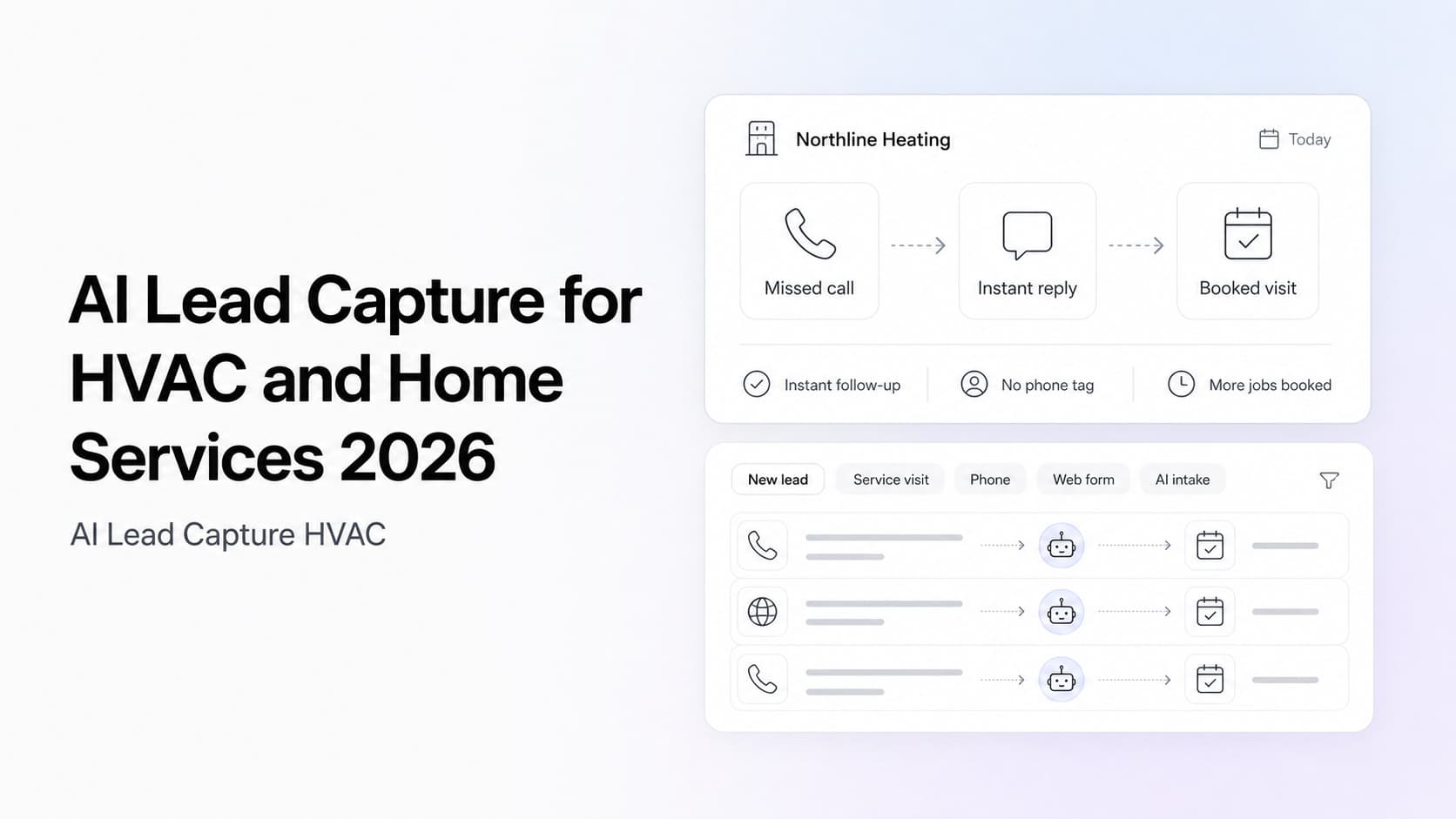
How HVAC Companies Lose Leads (And What AI Does About It)
Most HVAC companies lose half their leads to phone tag and slow follow-up. AI intake automation fixes both without adding staff.
Read the article: How HVAC Companies Lose Leads (And What AI Does About It)
AI Chatbots in 2026: The Business Owner's Complete Guide
AI chatbots now resolve 70% of customer inquiries instantly. Here's what that means for your business, and why waiting is costing you leads.
Read the article: AI Chatbots in 2026: The Business Owner's Complete Guide
