Automated Customer Retention for Service Businesses: Keep Clients Coming Back Without the Hard Sell
Service businesses lose 20-40% of customers every year to churn. Automated retention workflows keep clients coming back without pushy sales tactics.

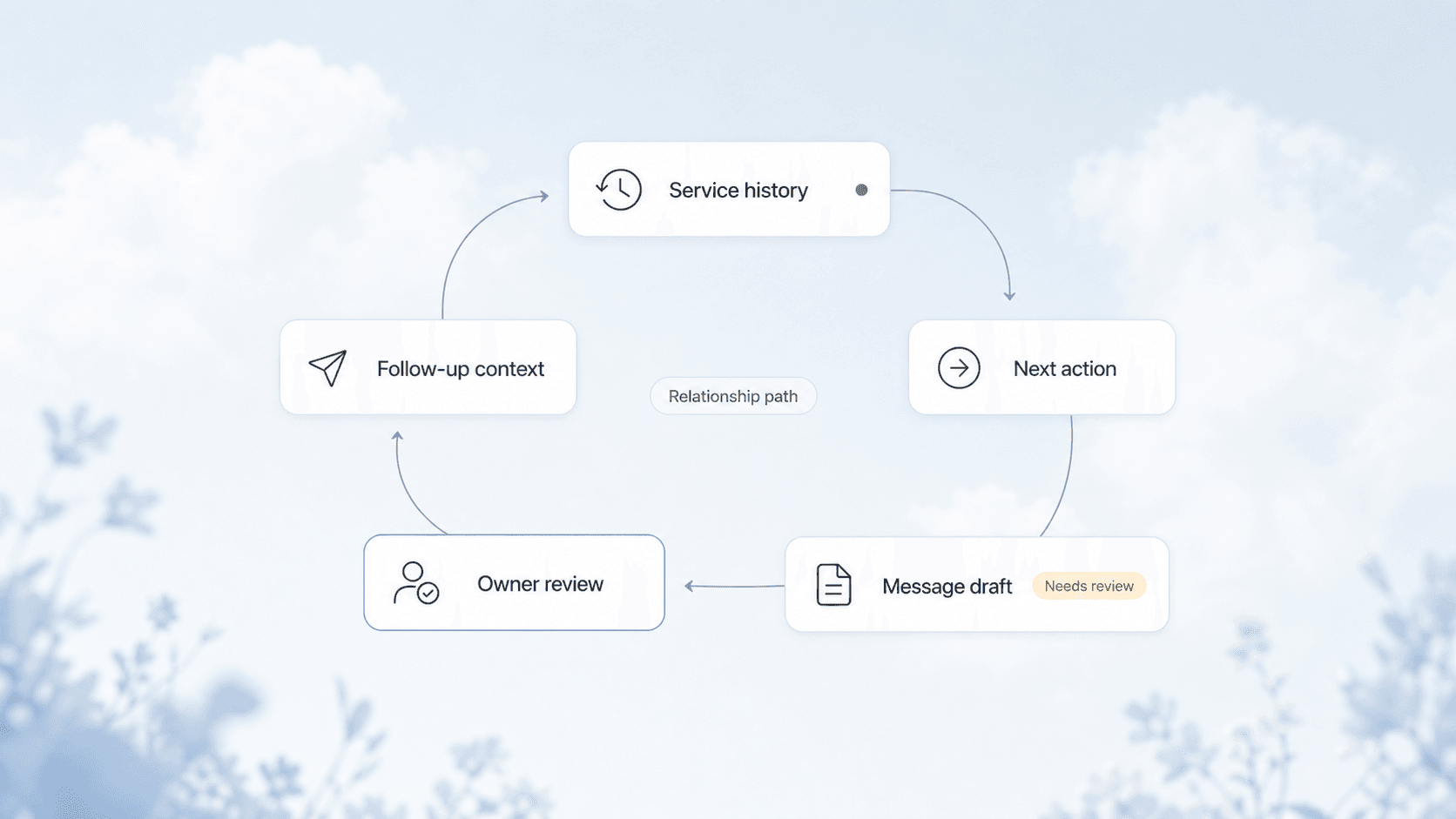
Quick answer: Automated customer retention uses scheduled emails, SMS, and CRM triggers to keep your service business top-of-mind between jobs. Instead of calling past clients to "check in" (which feels salesy), you send value-based messages at the right time: maintenance reminders, seasonal tips, service anniversary notes, and referral requests. Most service businesses can cut churn by 15-30% within 90 days of setting up a basic retention sequence.
Why Service Businesses Bleed Customers
Every service business has a leaky bucket. You spend money on ads, SEO, and referrals to fill the top, but customers slip out the bottom because nobody reminded them you exist.
The numbers are brutal:
- The average service business loses 20-40% of its customers annually
- Acquiring a new customer costs 5-7x more than keeping an existing one
- A 5% increase in retention can boost profits by 25-95% (Bain & Company)
The root cause is rarely bad service. It is almost always invisible service. You did great work six months ago, but the customer has no reason to think of you today. When their water heater breaks or their AC starts acting up, they Google "HVAC near me" instead of calling the company that already fixed their stuff twice.
The Retention Automation Stack
You do not need a complex tech setup. Three tools cover 90% of what matters:
| Layer | Tool | What It Does |
|---|---|---|
| CRM | Your existing CRM (or a new one) | Stores customer data, job history, service dates, contact preferences |
| Email/SMS platform | Mailchimp, ActiveCampaign, or built-in CRM tools | Sends scheduled messages based on triggers and time intervals |
| Automation connector | Make, Zapier, or built-in CRM workflows | Moves data between systems and triggers actions when conditions are met |
AnovaGrowth insight: We have seen service businesses try to run retention on spreadsheets and calendar reminders. It never sticks past week three. The CRM is non-negotiable because it holds the data that drives every trigger. If your CRM is a mess, start with CRM cleanup before building retention workflows.
The 5 Retention Sequences Every Service Business Needs
1. Post-Service Follow-Up (Days 1-3)
The moment a job is marked complete, the retention clock starts ticking. Send a sequence that:
- Thanks the customer for their business
- Asks for a review (timing matters -- ask while the result is fresh)
- Offers a maintenance tip related to the service performed
- Confirms their service record is saved for future reference
This is not a sales pitch. It is a service wrap-up. Customers appreciate knowing you have their history on file.
2. Maintenance Reminder (30-90 Days Before Next Service)
For businesses with predictable service cycles (HVAC tune-ups, lawn care, pest control, pool service), this is the highest-converting sequence you can build.
- "Your AC filter is due for replacement next month"
- "It has been 6 months since your last pest treatment"
- "Spring is coming -- here is what to check before the season starts"
These messages feel helpful, not salesy, because they are genuinely useful. The customer was going to need this service anyway. You just made it easy to book with you.
3. Seasonal Check-In (Quarterly)
Even if you do not have a predictable service cycle, every business has seasons.
- HVAC companies: pre-summer AC check, pre-winter furnace check
- Landscapers: spring cleanup, fall leaf removal, holiday lighting
- Roofers: spring storm season prep, fall gutter cleaning
- Plumbers: winter pipe freeze prevention, spring drain maintenance
Send these as educational content with a soft booking prompt. "Here is what to watch for this season. If you need help, we are one call away."
4. Service Anniversary (Annual)
One year after the first job, send a message that acknowledges the relationship.
- "It has been a year since we installed your new HVAC system. Here is how to keep it running efficiently."
- "Happy anniversary! You have been with us for 12 months. As a thank you, here is 10% off your next service."
This is the highest-open-rate message in any retention sequence because it is personal and unexpected.
5. Win-Back (After 6-12 Months of Inactivity)
When a customer has not booked in 6-12 months (depending on your service cycle), send a re-engagement sequence.
- "We noticed it has been a while. Here is what has changed at our company."
- "We are running a special for past customers -- $50 off any service this month."
- "Would you prefer a different communication method? Text, email, or phone?"
If they do not respond after 2-3 messages, move them to a dormant list. Do not keep emailing indefinitely.
How to Set Up the Triggers
The magic of retention automation is that you set it up once and it runs forever. Here is the trigger logic:
WHEN job.status = "completed"
  THEN start sequence: "post-service-follow-up"
  AND set reminder_date = job.date + 6 months
  AND add to "active customers" segment

WHEN date = reminder_date - 30 days
  THEN start sequence: "maintenance-reminder"

WHEN date = job.date + 365 days
  THEN start sequence: "service-anniversary"

WHEN last_booking_date > 180 days AND segment = "active customers"
  THEN start sequence: "win-back"
Most CRMs and automation platforms can handle this logic natively. If yours cannot, a tool like Make or Zapier bridges the gap.
Proof point: We set up a 4-sequence retention workflow for an HVAC company in Rome, GA. Within 6 months, their repeat service rate went from 22% to 41%. The automation ran on a single Make scenario with 12 modules. Total setup time: about 4 hours.
What to Measure
Retention automation is only useful if you track whether it is working. Monitor these metrics monthly:
| Metric | What It Tells You | Good Benchmark |
|---|---|---|
| Repeat booking rate | % of customers who book again within 12 months | 40%+ |
| Sequence open rate | Whether customers are reading your messages | 25%+ for email |
| Sequence click rate | Whether customers are taking action | 5%+ for email |
| Churn rate | % of customers lost per year | Under 20% |
| Win-back conversion | % of dormant customers who rebook | 5-10% |
If open rates are low, test different subject lines or switch to SMS. If click rates are low, your offer or timing is off. If churn is still high, the problem may be service quality, not communication.
Common Mistakes
Sending too many messages. One email per month is plenty for most service businesses. More than that and you train customers to ignore you.
Making every message a sales pitch. If every email asks for a booking, customers will unsubscribe. The ratio should be 3 value messages to 1 booking prompt.
Not segmenting customers. A new customer who just had their first service needs different messaging than a 5-year repeat customer. Use your CRM segments to send the right message to the right group.
Forgetting to update service records. If a customer books a new service, their reminder dates should reset. Stale data leads to wrong-timing messages that feel clueless.
Starting with too many sequences. Pick one sequence (post-service follow-up is the easiest) and get it running perfectly before adding more.
Related Questions
- How do I set up automated email sequences in my existing CRM?
- What is the best SMS platform for service business retention?
- How do I track customer lifetime value for my service business?
- When should I send a win-back email vs just letting the customer go?
- How do I handle customers who opt out of automated messages?
- What retention metrics matter most for a seasonal service business?
What This Means for You
You already have the customer data. You already did the work. The only missing piece is a system that keeps you in front of past clients at the right time.
Start with one sequence. Pick your most common service, set up a post-job follow-up with a maintenance reminder 6 months out, and let it run for 90 days. Track the repeat booking rate before and after. The data will tell you whether to expand.
Most service businesses we work with see a measurable lift in repeat revenue within the first quarter. The automation costs nothing to run once it is built. The only real cost is the hour it takes to set up the first sequence.
Ready to build your retention system? Contact us to discuss how we can set up automated retention workflows for your service business. Or read about CRM integration for service businesses to make sure your data foundation is solid first.
Related articles
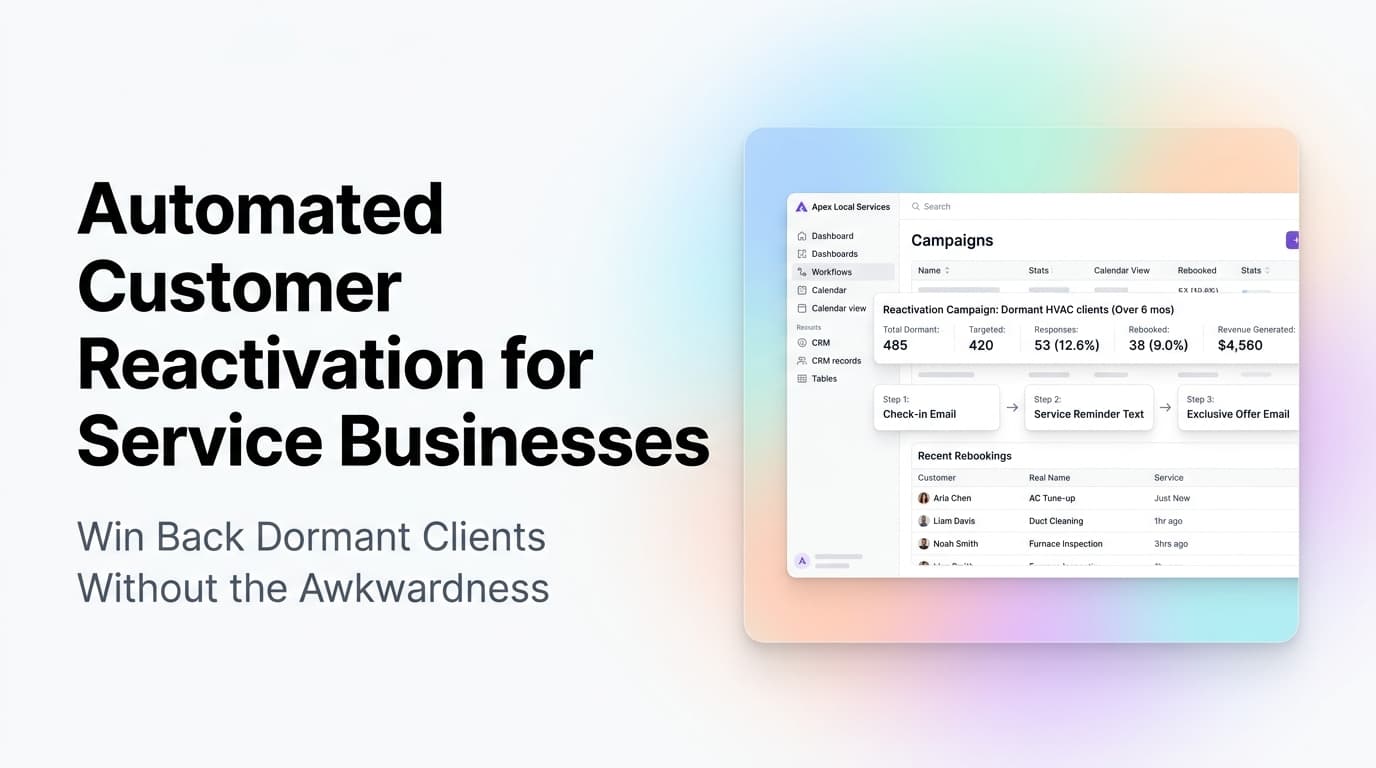
Automated Customer Reactivation for Service Businesses: Win Back Dormant Clients Without the Awkwardness
Service businesses lose 30-50% of customers to inactivity each year. Automated reactivation campaigns bring dormant clients back without awkward sales calls.
Read the article: Automated Customer Reactivation for Service Businesses: Win Back Dormant Clients Without the Awkwardness
Daytona Beach Group Booking: Prepare for the 2026 Classic
The Daytona Beach Classic schedule is taking shape. Prepare group inquiries, booking approvals, and guest messages before Thanksgiving travel.
Read the article: Daytona Beach Group Booking: Prepare for the 2026 Classic
Charleston Hospitality Booking: Get Ready for MOJA 2026
MOJA returns September 24. Prepare your Charleston hospitality booking pages, guest messages, and reservation handoffs before the festival.
Read the article: Charleston Hospitality Booking: Get Ready for MOJA 2026
