The Estimating and Invoicing Problem Nobody Talks About
You send a quote. The client says "looks good." Then nothing happens for three days. You follow up. They approve. You send the invoice. They pay in 45 days.
That gap between "we have a deal" and "we have the money" is the most expensive silence in a service business. It ties up cash, burns admin time, and frustrates everyone.
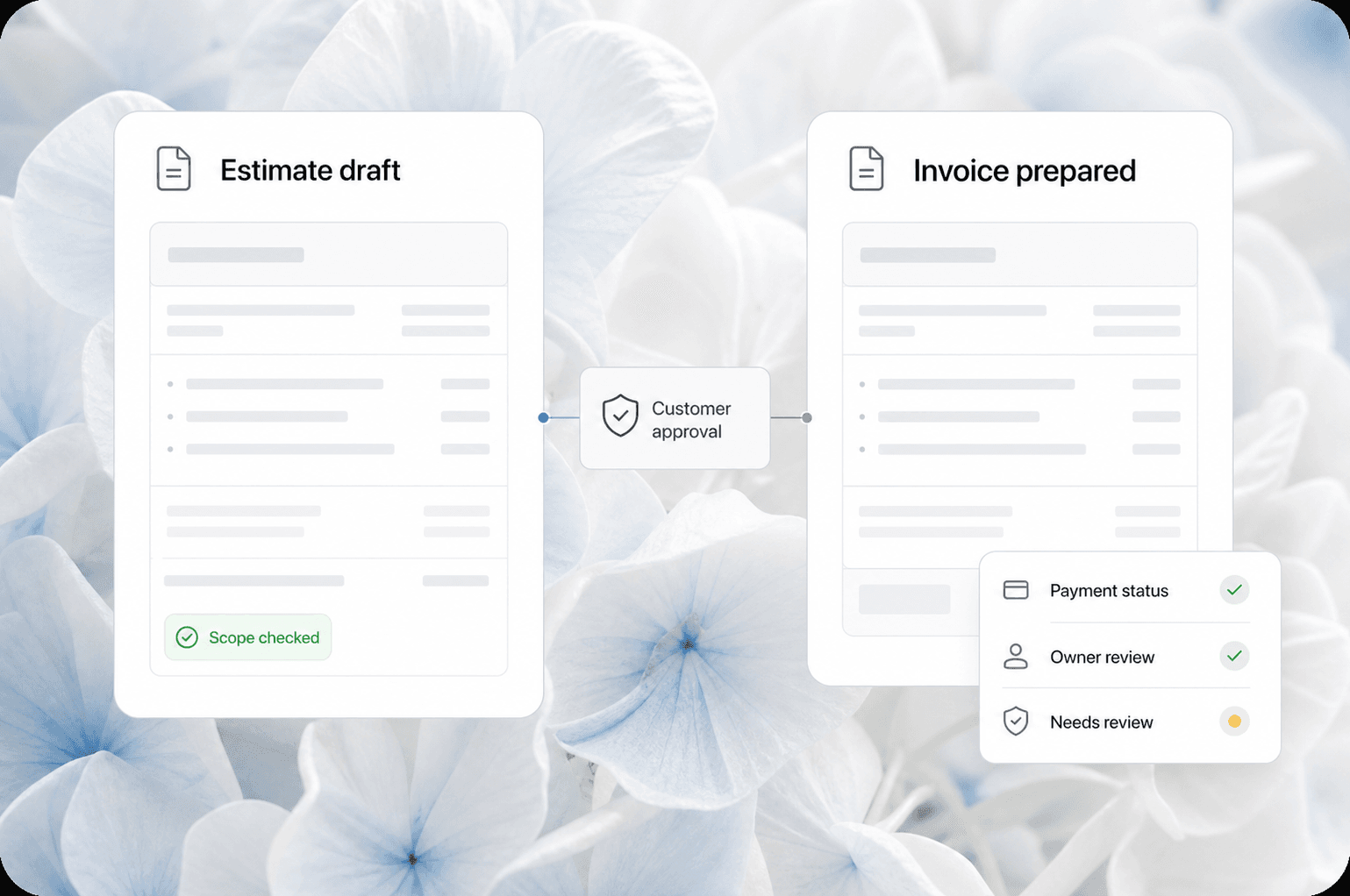
The fix is not a better spreadsheet. It is an automated estimating and invoicing pipeline that moves from quote to paid without someone manually pushing each step.
Quick answer: Automated estimating and invoicing connects your quoting tool, approval workflow, invoice generation, payment collection, and follow-up into one pipeline. When a client approves a quote, the system generates the invoice, sends it, collects payment, and follows up on overdue balances automatically. Service businesses that set this up cut their quote-to-cash cycle by 40-60% and reduce admin time by 10-15 hours per week.
What "Quote to Cash" Actually Looks Like in Most Service Businesses
Here is the typical flow for a service business that has not automated this yet:
| Step | What Happens | Typical Delay |
|---|---|---|
| Estimate created | Owner or admin builds a quote in Word, email, or a quoting tool | 1-4 hours of labor |
| Estimate sent | Emailed as PDF, sometimes with a link to approve | 0 (instant send) |
| Client reviews | Sits in their inbox, gets buried | 2-7 days |
| Follow-up call | You call or email asking "did you see the estimate?" | 1-3 days |
| Approval | Client says yes, often verbally | 1 day |
| Invoice created | You manually build an invoice from the approved quote | 30-60 minutes |
| Invoice sent | Emailed as PDF | 0 (instant send) |
| Payment | Client pays by check or ACH, or you run a card | 15-45 days |
| Follow-up | You chase late payments manually | Ongoing |
Total time from "ready to quote" to "money in bank": 25-60 days.
Total admin time per job: 2-4 hours of manual work.
How Automated Estimating and Invoicing Changes the Timeline
With an automated pipeline, the same flow looks like this:
- Estimate created in your CRM or quoting tool with pre-set line items and pricing
- Estimate sent with an online approval link (client clicks "Approve" or "Request Changes")
- Client approves online, which triggers the next step automatically
- Invoice generated from the approved estimate and sent immediately
- Payment collected via online payment link (card, ACH, or financing)
- Follow-up automated for overdue invoices (email + text reminders on a schedule)
The result: quote to paid in 7-14 days instead of 25-60. Admin time drops to 30 minutes per job.
The Three Pieces You Need to Connect
1. A CRM That Handles Estimates and Invoices
Your CRM is the backbone. It stores the client record, the job history, the line items, and the communication log. If your CRM cannot generate estimates and invoices, you are adding a tool gap that creates manual work.
What to look for: A CRM with built-in estimate and invoice templates, online approval links, and payment processing. Examples include Jobber, Housecall Pro, ServiceTitan, or a custom CRM setup with Stripe or QuickBooks integration.
What to avoid: Using your CRM for contacts and a separate tool for estimates with no integration between them. That is the same as using a spreadsheet.
2. Online Approval Links
This is the single biggest time saver. Instead of emailing a PDF and waiting for a reply, send a link where the client can review, approve, or request changes with one click.
When they approve, the system knows instantly. No more "did you see my email?" follow-ups. No more verbal approvals that get forgotten.
Real example: An HVAC company in Rome, GA switched from PDF estimates to online approval links. Their average time from estimate sent to approved dropped from 5 days to 12 hours. The owner said it felt like "cheating" because clients approved faster than they expected.
3. Automated Payment Collection and Follow-Up
Once the invoice is sent, the system should handle the rest:
- Send the invoice with a "Pay Now" link
- Send a reminder 3 days before the due date
- Send a follow-up on the due date
- Send escalating reminders at 7, 14, and 30 days past due
- Send a final notice with a late fee warning at 45 days
Each reminder should include the payment link. No manual emails, no awkward phone calls asking for money.
What This Looks Like in Practice
Here is a real workflow AnovaGrowth set up for a commercial cleaning company that was spending 20 hours a week on estimating and invoicing:
Before automation:
- Owner wrote estimates in Word, saved as PDF, emailed them
- Clients called back to approve, owner had to remember to create the invoice
- Invoices were emailed as PDFs, clients mailed checks
- Late payments got a single phone call at 60 days
- Average quote-to-cash: 48 days
- Admin time: 22 hours per week
After automation:
- Estimates created in CRM with pre-set service packages
- Online approval link sent automatically
- Approved estimates generate invoices and send them same day
- Payment links included in every invoice
- Automated follow-up sequence for overdue invoices
- Average quote-to-cash: 11 days
- Admin time: 4 hours per week
The owner reclaimed 18 hours a week and stopped dreading the end of the month when invoices piled up.
Common Objections (And Why They Do Not Hold Up)
"My clients are older and prefer paper."
Some do. But most clients under 60 prefer clicking a link to printing a PDF, writing a check, finding a stamp, and mailing it. Offer both options, but make the online path the default. You will be surprised how many take it.
"Our estimates are too custom to use templates."
Even custom estimates follow patterns. Most service businesses have 5-10 common job types. Build templates for those and customize the exceptions. The 80% of jobs that fit a template will save enough time to justify the 20% that need manual work.
"I do not want to pay for another software subscription."
The software costs $100-300 per month. The time it saves is worth $2,000-5,000 per month in reclaimed labor. The math works.
"What if the client wants to negotiate?"
Online estimates can include a "Request Changes" option. The client submits their requested changes, the system notifies you, you adjust the estimate, and resend the approval link. No back-and-forth email chains.
Where to Start
If you are ready to automate your estimating and invoicing, here is the order of operations:
- Audit your current flow. Track every step from "client asks for a quote" to "money hits the bank." Count the hours and the calendar days.
- Pick the right CRM. If your current CRM handles estimates and invoices, start there. If not, look at options that do.
- Set up online approval. This is the highest-impact single change. Get clients approving estimates with a click.
- Connect payment processing. Stripe, Square, or your CRM's built-in processor. Make sure every invoice has a "Pay Now" link.
- Build the follow-up sequence. Set up automated reminders for overdue invoices. Start with a simple 3-email sequence and adjust from there.
Related Questions Service Business Owners Ask
- How do I connect my estimating tool to my accounting software?
- What is the best CRM for service businesses that includes invoicing?
- How do I handle deposits and progress payments with automation?
- Can I automate lien waivers and other legal documents?
- What happens when a client disputes an automated invoice?
- How do I set up recurring invoices for maintenance contracts?
Key Takeaways
- The quote-to-cash cycle in most service businesses takes 25-60 days. Automation cuts it to 7-14 days.
- Online approval links are the single highest-impact change. They eliminate the "did you see my email?" loop.
- Automated payment follow-up removes the awkwardness of chasing clients for money.
- The right CRM with built-in estimating, invoicing, and payment processing eliminates tool gaps.
- Most service businesses save 10-18 hours per week on admin work after automating this pipeline.
Next Steps
Start with an audit of your current estimating and invoicing process. Track the time and the delays. Then pick one piece to automate first, usually online approval links or payment follow-up.
If you want a walkthrough of how this would work for your specific business, contact us. We set up automated estimating and invoicing pipelines for service businesses and can show you what your flow would look like in about 30 minutes.
Related reading: Payment Follow-Up Automation for Service Businesses and CRM Integration for Service Businesses.