CRM Pipeline Management for Service Businesses: Track Deals, Forecast Revenue, and Stop Losing Opportunities
Service businesses lose 30-50% of deals to pipeline neglect. Here is how to set up CRM stages, track deal velocity, and forecast revenue without a data team.

The Pipeline Problem Most Service Businesses Don't See
You track your jobs. You know which trucks are on the road and which invoices are overdue. But when someone asks "how many deals are we going to close this month?" you guess.
That guess is costing you money.
Most service businesses run their sales process on sticky notes, spreadsheets, or whatever CRM they set up once and never touched again. Deals sit in the same stage for weeks. Nobody knows which opportunities are warm and which are dead. Revenue forecasts are pulled from thin air.
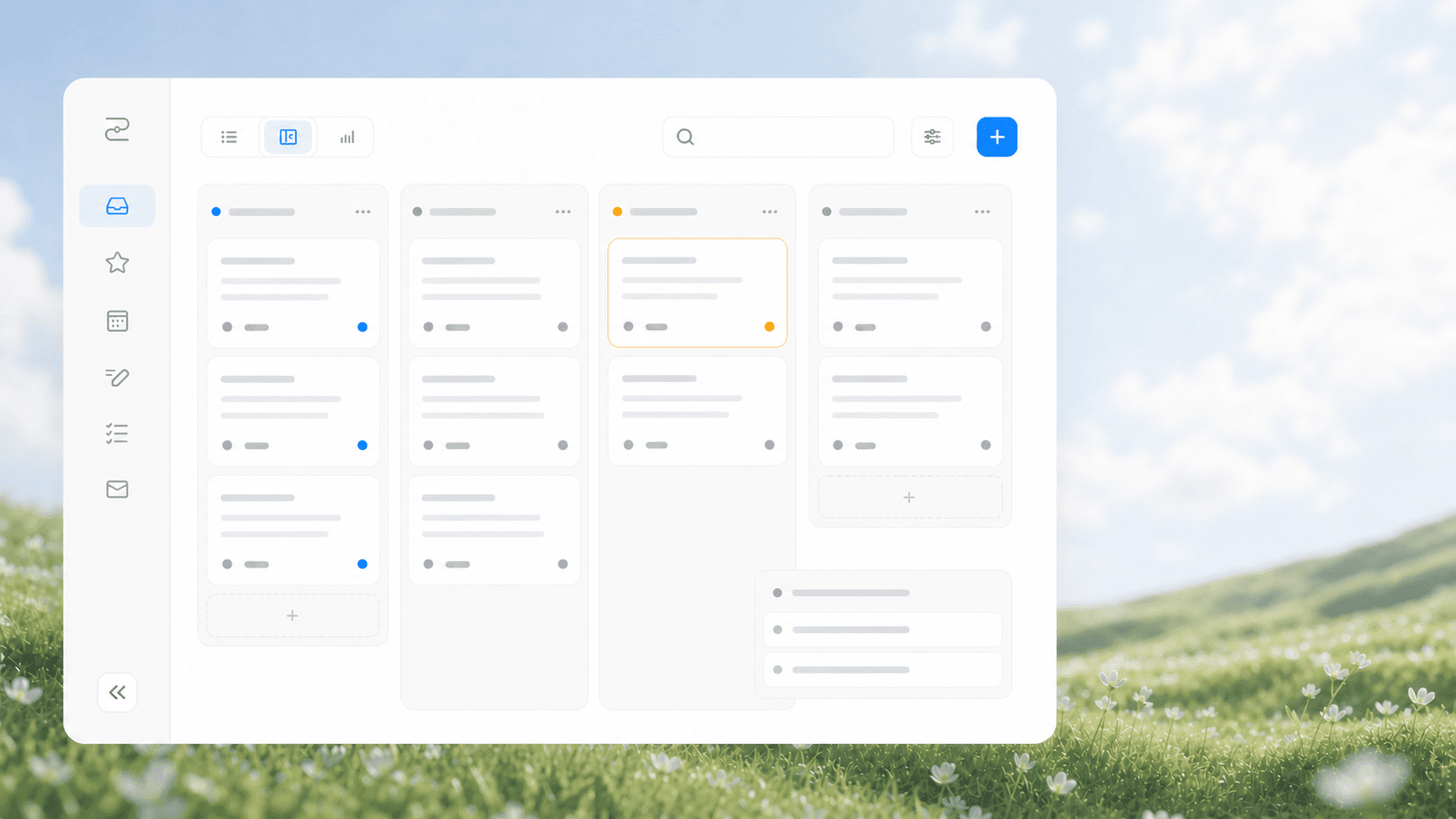
CRM pipeline management is the practice of organizing your sales opportunities into defined stages, tracking how fast they move through each stage, and using that data to predict future revenue. It turns your CRM from a contact list into a revenue engine.
Here is what a healthy pipeline looks like for a service business:
| Stage | What Happens | Typical Time in Stage | Conversion to Next |
|---|---|---|---|
| New Lead | Inquiry comes in (call, web, referral) | 0-24 hours | 60-80% |
| Contacted | First call or message sent | 1-3 days | 50-70% |
| Discovery | Needs assessment, scope discussion | 3-7 days | 60-75% |
| Quote Sent | Proposal delivered | 5-14 days | 40-60% |
| Negotiation | Price or scope adjustments | 2-5 days | 70-85% |
| Closed Won | Signed agreement or deposit | - | - |
These numbers vary by industry, but the pattern holds. If you don't know your numbers, you are flying blind.
Why Service Businesses Ignore Their Pipeline
Three reasons come up every time we audit a service business CRM.
Reason 1: The CRM was set up for storage, not sales. Most service businesses buy a CRM to store customer names and phone numbers. They never configure deal stages, pipeline views, or automation rules. The CRM becomes a digital filing cabinet instead of a sales tool.
Reason 2: Owners think pipeline management is for "real sales teams." If you have a service business with 2-10 employees, you probably think pipeline management is something enterprise companies do. It is not. A plumber with 3 trucks who tracks his pipeline will close more work than one who doesn't.
Reason 3: No one owns the pipeline. In many service businesses, the owner handles sales between service calls. Pipeline updates fall through the cracks because there is no dedicated person and no automated system to keep deals moving.
How to Set Up Your CRM Pipeline in One Afternoon
You do not need a complicated setup. You need five things.
Step 1: Define Your Deal Stages
Most CRMs come with default stages designed for SaaS companies. Ignore those. Define stages that match how your service business actually sells.
For a typical service business, six stages are enough:
- New Lead - Any inbound inquiry that hasn't been touched
- Contacted - You reached out, waiting for response
- Discovery Complete - You understand the scope and have a rough price
- Quote Delivered - Formal proposal sent
- Negotiation - Active back-and-forth on price or terms
- Closed Won or Closed Lost - Final outcome
Do not add more than eight stages. More stages mean more complexity and less adoption.
Step 2: Add Deal Amounts to Every Opportunity
This sounds obvious, but most service businesses skip it. If you send a quote for $2,500, that deal amount should be in the CRM. Without deal amounts, your pipeline shows you how many deals you have but not how much revenue they represent.
A $500 job and a $15,000 commercial contract look the same in a pipeline without dollar values attached.
Step 3: Set Expected Close Dates
Every deal needs a target close date. Without it, deals drift. A lead that came in three months ago with no close date is probably dead, but it stays in your pipeline making it look healthier than it is.
Set the close date when the deal enters the pipeline. If the date passes without a close, the deal needs attention or needs to be moved to Lost.
Step 4: Create Automation Rules for Stage Movement
This is where the CRM starts working for you instead of you working for it.
Set up these basic automation triggers:
- When a lead sits in "New" for 24 hours without being contacted, send a reminder to the owner or sales person
- When a quote has been in "Delivered" for 7 days without movement, trigger a follow-up email or task
- When a deal moves to "Closed Won," automatically create a customer record and send a welcome message
- When a deal sits in any stage for 14 days without activity, flag it for review
These rules keep deals moving without requiring someone to manually check every opportunity.
Step 5: Review the Pipeline Weekly
Pipeline management is not a set-it-and-forget-it exercise. You need a weekly review.
Every Monday, spend 15 minutes looking at:
- Deals that have been in the same stage for more than 7 days
- Deals past their expected close date
- Deals with no activity in the last week
- Total pipeline value vs. your monthly revenue target
This 15-minute habit is the difference between a pipeline that produces predictable revenue and a CRM that collects dust.
Deal Velocity: The Metric That Predicts Your Revenue
Deal velocity measures how fast opportunities move through your pipeline from first contact to closed deal. It is the single most useful metric for forecasting because it tells you how long it takes to convert a lead into revenue.
How to calculate it: Average deal cycle time = total days to close all won deals divided by number of won deals.
If your average deal cycle is 21 days and you have $50,000 in active pipeline deals that are past the discovery stage, you can reasonably expect a portion of those to close within the next 3-4 weeks.
What to watch for: If your deal velocity is slowing down, something is wrong. Maybe your quotes are too slow to go out. Maybe your follow-up process is broken. Maybe your pricing is causing more negotiation cycles. Deal velocity trends tell you about problems before your bank account does.
Common Pipeline Mistakes We See
After working with dozens of service businesses on their CRM setups, these are the most common problems.
Mistake 1: Keeping dead deals in the pipeline. Deals that went silent three months ago should be moved to Closed Lost, not left in limbo. Dead deals inflate your pipeline value and make you think you have more revenue coming than you actually do.
Mistake 2: Not tracking the source. If you don't know where your best deals come from, you can't invest more in what works. Tag every deal with its source: Google call, website form, referral, repeat customer, walk-in. After 30-60 days, you will see which sources produce the highest close rates and the largest deal sizes.
Mistake 3: Overcomplicating the stages. We have seen service businesses with 15-stage pipelines. Nobody uses them. The sales process gets skipped because updating the CRM takes too long. Keep it simple. Six stages. Move deals forward. That is it.
Mistake 4: No follow-up automation. The biggest drop-off in most service business pipelines happens between "Quote Sent" and "Closed Won." A quote goes out, the customer goes quiet, and nobody follows up. Automated follow-up sequences at 3 days, 7 days, and 14 days after a quote can recover 20-30% of deals that would otherwise go dark.
How to Forecast Revenue From Your Pipeline
Once your pipeline is clean and your deal stages are accurate, forecasting becomes straightforward.
Simple method: Take your total pipeline value, multiply it by your historical close rate for each stage, and sum the results.
If you have $20,000 in the Quote Sent stage and your historical close rate from Quote Sent is 50%, that stage is worth $10,000 in expected revenue. Do this for every stage and add them up.
Better method: Use weighted pipeline forecasting. Assign a probability percentage to each stage based on your actual data:
- New Lead: 10%
- Contacted: 25%
- Discovery Complete: 40%
- Quote Sent: 50%
- Negotiation: 75%
Multiply each deal amount by its stage probability, sum everything, and you have a revenue forecast that is based on your actual sales process, not a guess.
What This Looks Like in Practice
Here is a real example from a commercial cleaning company we worked with.
They had 47 leads in their CRM but no pipeline stages. Every lead was in the same bucket. They could not tell which leads were active, which had quotes out, or which had gone cold.
We set up five pipeline stages, added deal amounts and close dates, and created automation rules for follow-up reminders. Within 30 days, they identified $12,000 in deals that were stuck in the "Quote Sent" stage with no follow-up. Automated follow-up emails recovered $4,200 of that within two weeks.
Their close rate went from an estimated 30% to a measured 52% over the next 60 days, simply because they could see which deals needed attention and when.
Getting Started
You do not need a new CRM to fix your pipeline. You need to configure the one you have.
Start with these three actions this week:
- Define your deal stages (keep it to six or fewer)
- Add deal amounts and close dates to every open opportunity
- Set up one automation rule for quote follow-up
Once those are running, add the weekly pipeline review habit. That is the foundation. Everything else is refinement.
Want help setting up your CRM pipeline? We build custom CRM configurations for service businesses. Contact us to discuss your setup.
Related Reading
- CRM Integration for Service Businesses: Connecting Your Tools Into One Lead-to-Cash Flow
- CRM Automation Triggers for Service Businesses: Make Your CRM Work While You Sleep
- CRM Lead Scoring for Service Businesses: Stop Chasing the Wrong Leads
- Business KPI Dashboard for Service Businesses: Connect Your Data Without a Data Team
Questions This Article Answers
- How do I set up sales pipeline stages for my service business?
- What is deal velocity and why does it matter for forecasting?
- How do I forecast revenue without a data team?
- What CRM automation rules should I set up first?
- How often should I review my sales pipeline?
- What is the difference between pipeline value and expected revenue?
Related articles

Daytona Beach Group Booking: Prepare for the 2026 Classic
The Daytona Beach Classic schedule is taking shape. Prepare group inquiries, booking approvals, and guest messages before Thanksgiving travel.
Read the article: Daytona Beach Group Booking: Prepare for the 2026 Classic
Charleston Hospitality Booking: Get Ready for MOJA 2026
MOJA returns September 24. Prepare your Charleston hospitality booking pages, guest messages, and reservation handoffs before the festival.
Read the article: Charleston Hospitality Booking: Get Ready for MOJA 2026
Quote-to-Close Automation for Service Businesses: Close More Jobs Without the Follow-Up Marathon
Service businesses lose jobs in the gap between sending a quote and getting a yes. Automate your quote-to-close pipeline and stop leaving revenue on the table.
Read the article: Quote-to-Close Automation for Service Businesses: Close More Jobs Without the Follow-Up Marathon
