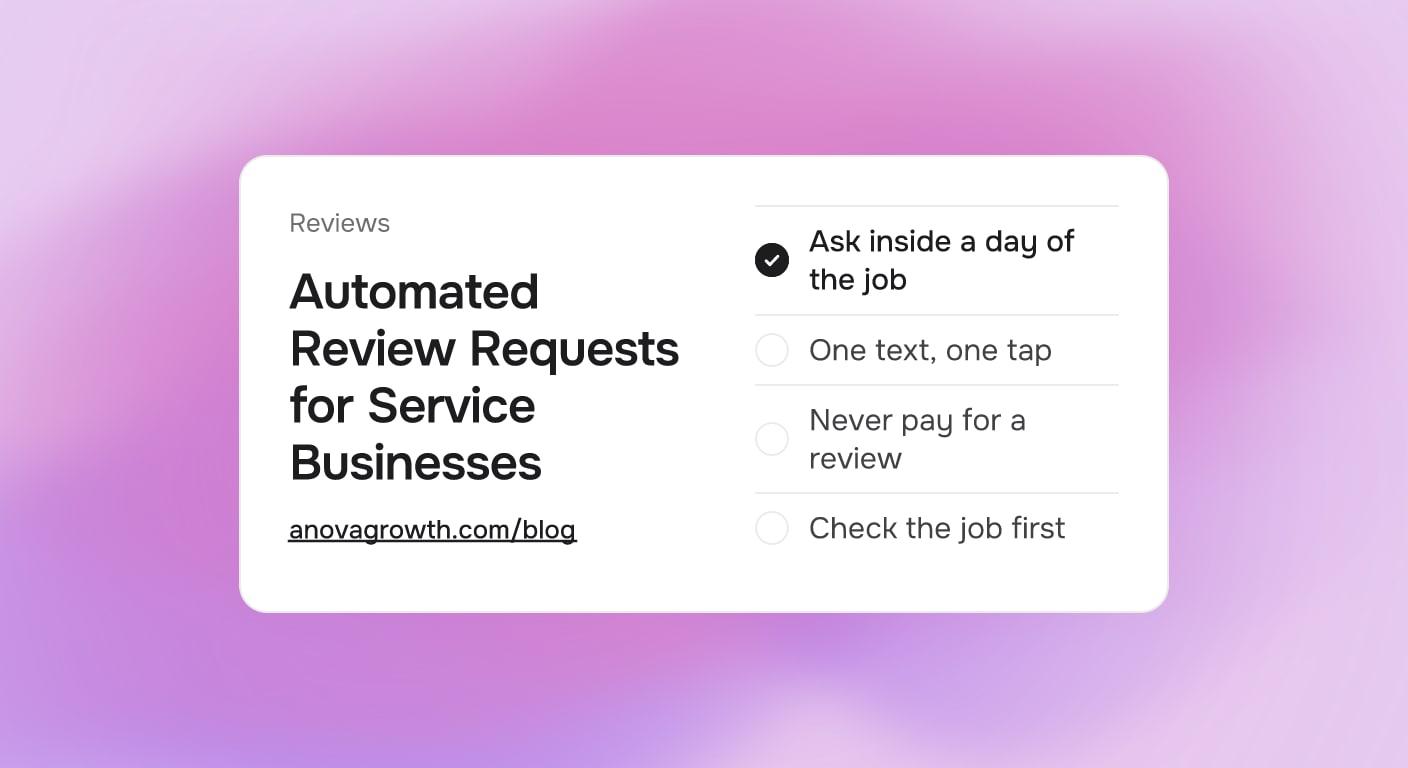
Automated Review Requests for Service Businesses: When to Ask and What to Text
Happy customers rarely leave a review on their own. Here is how an automated review request picks the right moment and the right words.

The job went well. The customer said so in the driveway, again on the invoice email, and probably once more to their neighbors. Then ninety days pass, the crew has done forty more jobs, and your Google review count has not moved.
Happy customers almost always mean to leave a review and almost never get around to it. The fix is small: one text at the right moment, with one link that takes one tap. Sent by hand, that step runs for a lucky week and then dies the moment the office gets busy. Sent by a small automation, it runs after every job whether you remember it or not. This guide covers when to ask, what the message should say, what to do about jobs that went sideways, and the one rule Google holds you to.
Quick Answer
Ask for the review within a day of finishing a job that went well, in a text that names the service, includes a direct link to your review form, and asks for one honest sentence. Keep the ask neutral: never pay for a review and never choose recipients based on a satisfaction score. Route real problems to your team before they become public ones, and reply to every review that lands.
Why the Ask Has to Be Automatic
Manual review requests fail for two reasons, and neither is laziness.
The timing race. The good moment to ask is a window of hours, not weeks. Requests sent months later read like a favor being collected, while the same request sent that afternoon reads like part of the wrap-up. An automation holds that window for every job at once, which is impossible to do by memory.
The volume math. A shop finishing dozens of jobs a month has dozens of chances to ask. Handled manually, maybe a handful of texts go out, usually after the jobs the owner personally liked. The automation asks after all of them, which is what finally makes the numbers move.
For the sake of simple math: if a shop finishes 60 jobs a month and one in ten asks turns into a review, that is 6 reviews a month. At zero asks, it is zero. The exact response rate varies, but a consistent ask with a one-tap link is what the arithmetic has to start from.
When to Send the Request
Pick the row that matches the job that just finished:
| Job you just completed | When to send | Why |
|---|---|---|
| Same-day repair or emergency call | A few hours after closeout | Relief from a solved problem is at its highest the same day |
| Multi-day project | Within 24 hours of the walkthrough | The result is fresh, before the punch list era starts in memory |
| Recurring service plan | After the first visit, then once a year | The routine hides the win, so pick one checkpoint per contract year |
One request per completed job, one reminder at most, and then stop. A customer who did not respond to two texts has made their choice, and a third message teaches them to ignore you.
What the Text Should Say
Three parts, nothing more: name the job, link straight to your review form, ask for one honest sentence. A request for an air conditioning replacement might read:
Hi Maria, thanks for having us out today for the AC replacement. If you have 30 seconds, we would appreciate a quick Google review. One honest sentence is plenty: your-review-link-here. The crew enjoyed working with you. Northside Heating and Air
The shorter version for a cleaning visit:
Hi Dana, glad the move-out cleaning went well. If you have a moment, a quick Google review helps us a lot, one sentence is plenty: your-review-link-here. Thanks, BrightPath Cleaners
Notice what both texts do. They arrive while the job is still the current event in the customer's week. They use the customer's first name and the specific service, which separates them from appointment spam. They say "one sentence is plenty," which removes the biggest reason people skip the task. And the link goes directly to the review form, not to your homepage where the customer has to hunt for the button.
Build the direct link from your Google Business Profile. Google provides a shareable link that opens the review form already pointed at your listing. The same profile that powers your local visibility is what this link feeds.
Route the Unhappy Ones First
Two kinds of jobs should never get the standard text: jobs with an open punch list, and jobs the customer already flagged as a problem. For those, a human from your office calls within a day to close the gap. Most of those conversations end with a fixed issue and a saved relationship. Some end with a repaired customer who then leaves a genuinely earned review. None of them end with a one-star surprise that a text blast caused.
That routing is a service decision, and Google makes it a policy decision too. Google's review policies do not allow gating, which means filtering who receives the public review link based on earlier answers like a satisfaction survey. They also do not allow paying for reviews, discounting work in exchange for one, or entering reviewers in a drawing. What is fine: asking everyone the same neutral way, and thanking anyone for a review after the fact with no strings attached.
The line is simple to hold. Ask everybody, in the same words, at the same step. Separately, fix problems before the public view of the job, through a phone call rather than a survey filter. If a review policy question ever gets complicated, say what you do plainly: the shop that asks everyone and fixes complaints directly never has to guess.
What Happens After the Ask
A request is half the loop. The other half is what you do when reviews land, and it changes what future customers read:
- Reply to every review, positive and negative. A short reply in your own voice beats a template. Detailed complaints move to a phone call after one public sentence that takes the issue seriously.
- Watch response speed. A negative review answered within hours reads very differently from one answered after two weeks of silence. Our guide to monitoring and responding to reviews covers the alerting side.
- Feed the count back into the pipeline. Reviews accumulate into rank, and rank into calls. The steady state you want is a small number of new reviews most weeks, not a burst once a year.
Running It on Autopilot
The full chain is five steps, and every step is a small rule rather than a person:
- Closeout marks the job complete, in your field app or CRM, with the customer's mobile number on the job record. If your closeout step already texts a final invoice or thank-you, the review request rides one step behind it.
- The open-issue check. If the job has an unresolved callback, complaint, or unfinished punch item, the request is skipped and a task routes to the office instead. This is the step that keeps the automation honest.
- The wait step. A few hours after closeout, the text sends with the direct review link.
- One reminder, once. A few days later, only if there was no response, and then the flow stops for that job.
- The record. Sent, clicked, and left are stored on the customer record, so a repeat customer's annual service is a natural moment to ask again.
None of this needs custom software to start. The closeout trigger, wait, and send exist in most CRM and messaging tools. What most shops are missing is the routing rule and the discipline to stop after one reminder, and those are decisions, not development work. If your closeout step does not exist yet, our job closeout and final payment guide covers the moment your review request should ride behind.
One compliance note before you build: texting customers at all depends on consent collected at booking. The rules for collecting and storing that consent are their own topic, and our SMS consent guide walks through them. Review automation is worth building after that foundation, on the same phone numbers.
What to Measure
Four numbers tell you whether the flow is working, and the trend matters more than any single figure:
- Ask coverage. Completed jobs versus requests sent. This should be nearly every eligible job, otherwise the automation has gaps.
- Response rate. Reviews left per hundred asks. Establish a baseline in the first month, then watch the direction after you tune the wording.
- Share of new reviews. How many of your new reviews cite the request flow versus walk-in memory. This number should approach all of them.
- Reply speed. Hours between a new review and your response, public reviews included.
If response rate stays flat after a month, change the message, not the volume: shorten the text, sharpen the one-tap link, or move the send closer to closeout. Volume without the right moment is how texts get muted.
Key Takeaways
- Ask within a day of a completed job, with a direct link and an ask for one honest sentence.
- Automate the ask, keep it identical for every customer, and stop after one reminder.
- Route complaints to a human before the public view, through a phone call, never through a survey filter on who gets the link.
- Never pay for, discount for, or gate reviews. Ask everyone, fix problems directly, thank anyone afterward.
- Reply to every review that lands, fast, and measure coverage, response rate, share of new reviews, and reply speed.
Ready to put review requests on autopilot? Contact us to discuss how we can help your business build the closeout-to-review flow.
Related articles
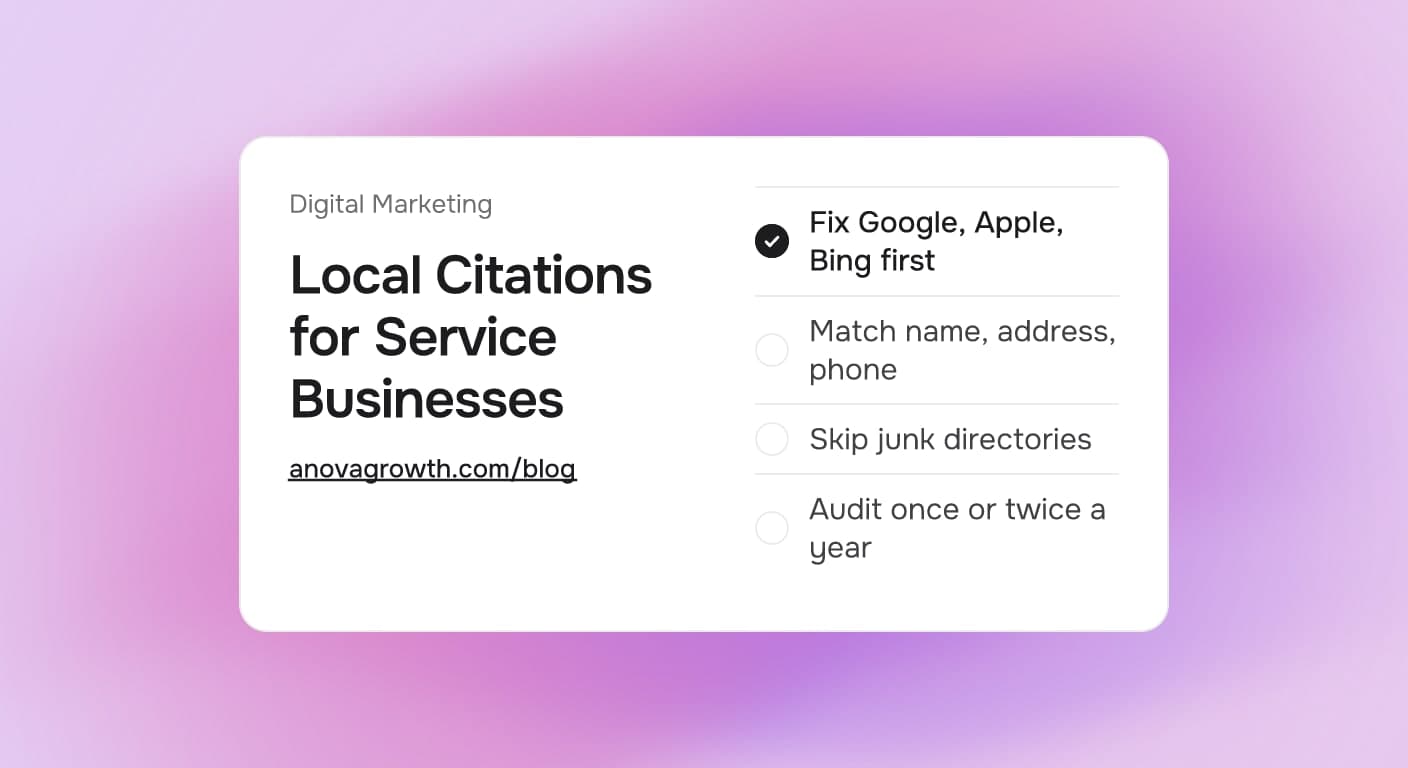
Local Citations for Service Businesses: What to List and What to Skip
Which local citations a service business needs, which to skip, and how to keep your name, address, and phone consistent so buyers always call the right number.
Read the article: Local Citations for Service Businesses: What to List and What to Skip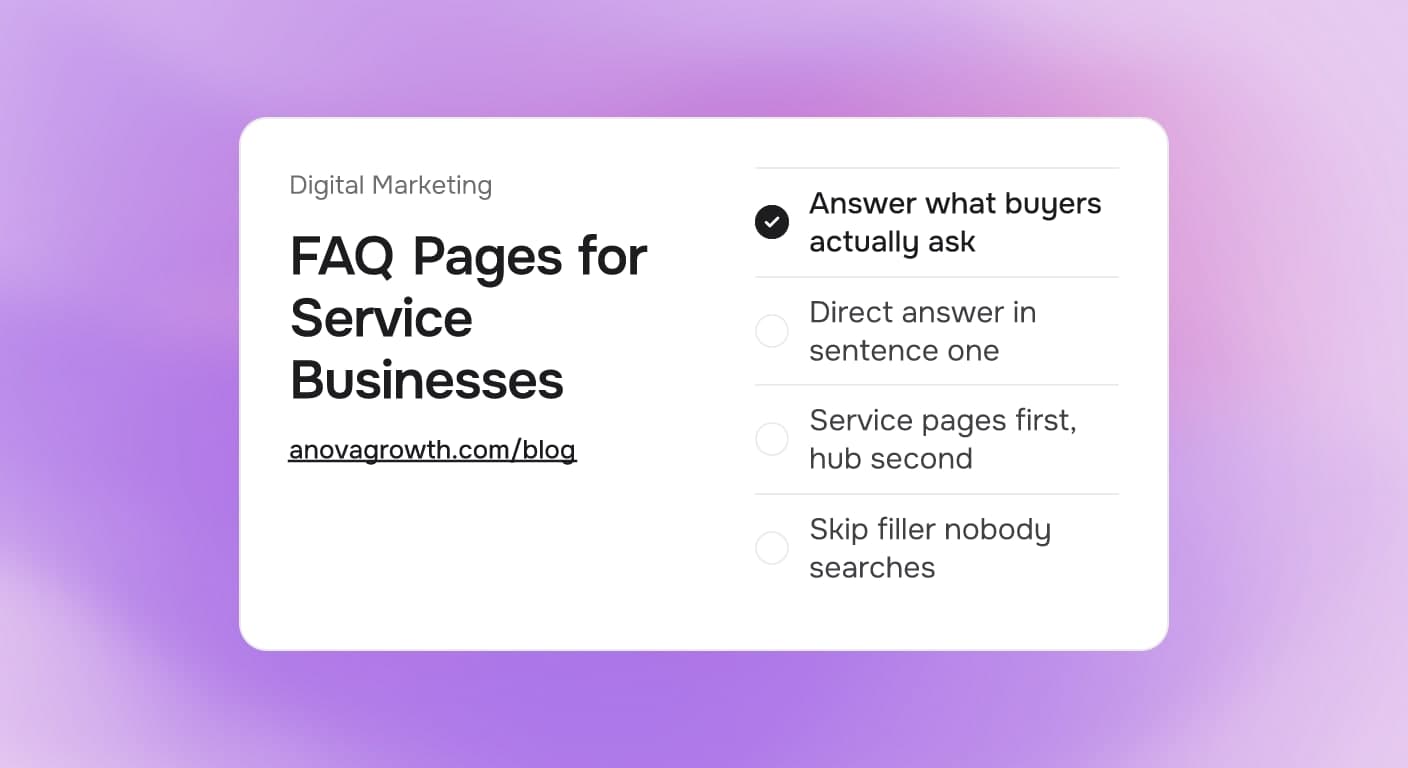
FAQ Pages for Service Businesses: What to Publish and What to Skip
Which questions belong on a service business FAQ page, where the answers should live on your site, and what to leave off so the page keeps earning attention.
Read the article: FAQ Pages for Service Businesses: What to Publish and What to Skip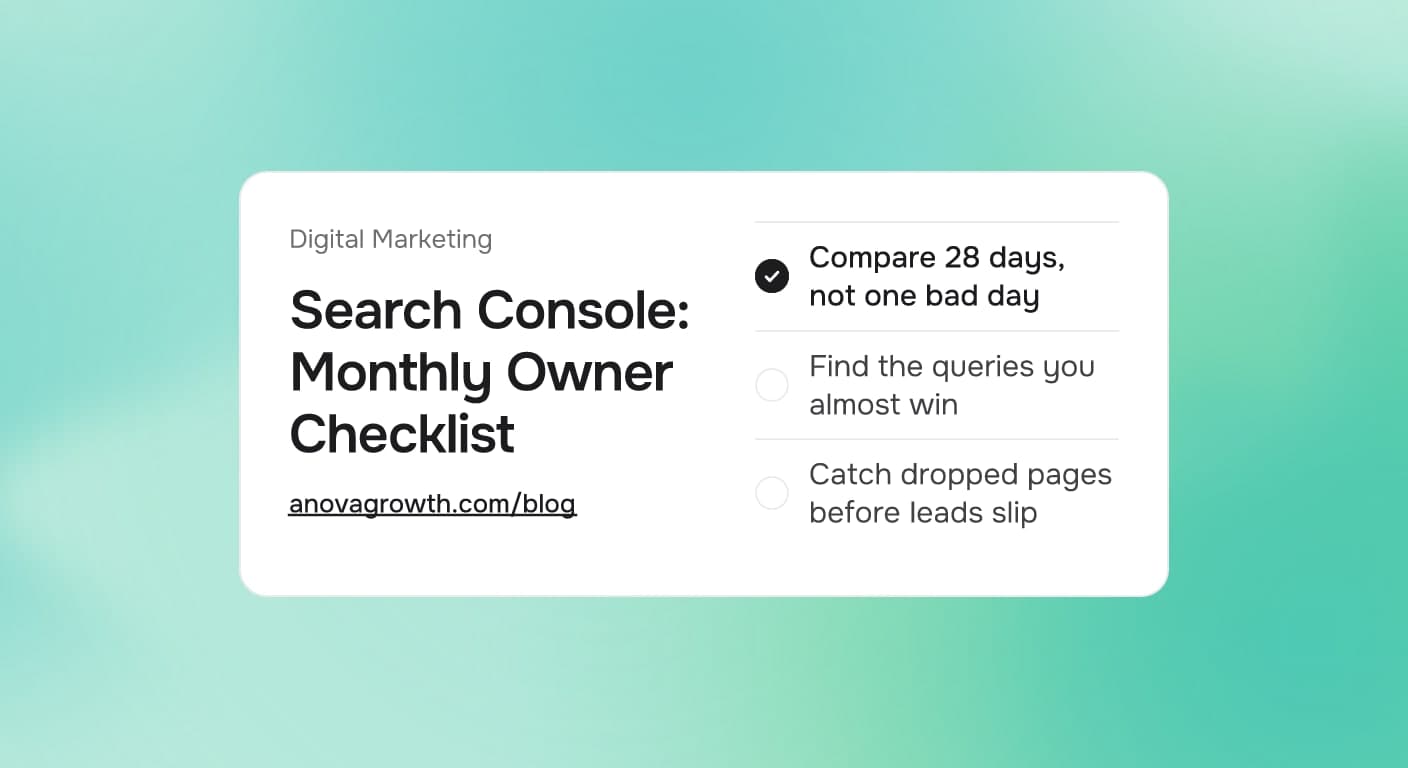
Google Search Console for Service Businesses: The Monthly Checklist That Finds Missed Leads
Search Console shows which searches already find you. Run this monthly checklist to catch indexing breaks, ranking drops, and easy lead fixes.
Read the article: Google Search Console for Service Businesses: The Monthly Checklist That Finds Missed Leads
