FAQ Pages for Service Businesses: What to Publish and What to Skip
Which questions belong on a service business FAQ page, where the answers should live on your site, and what to leave off so the page keeps earning attention.

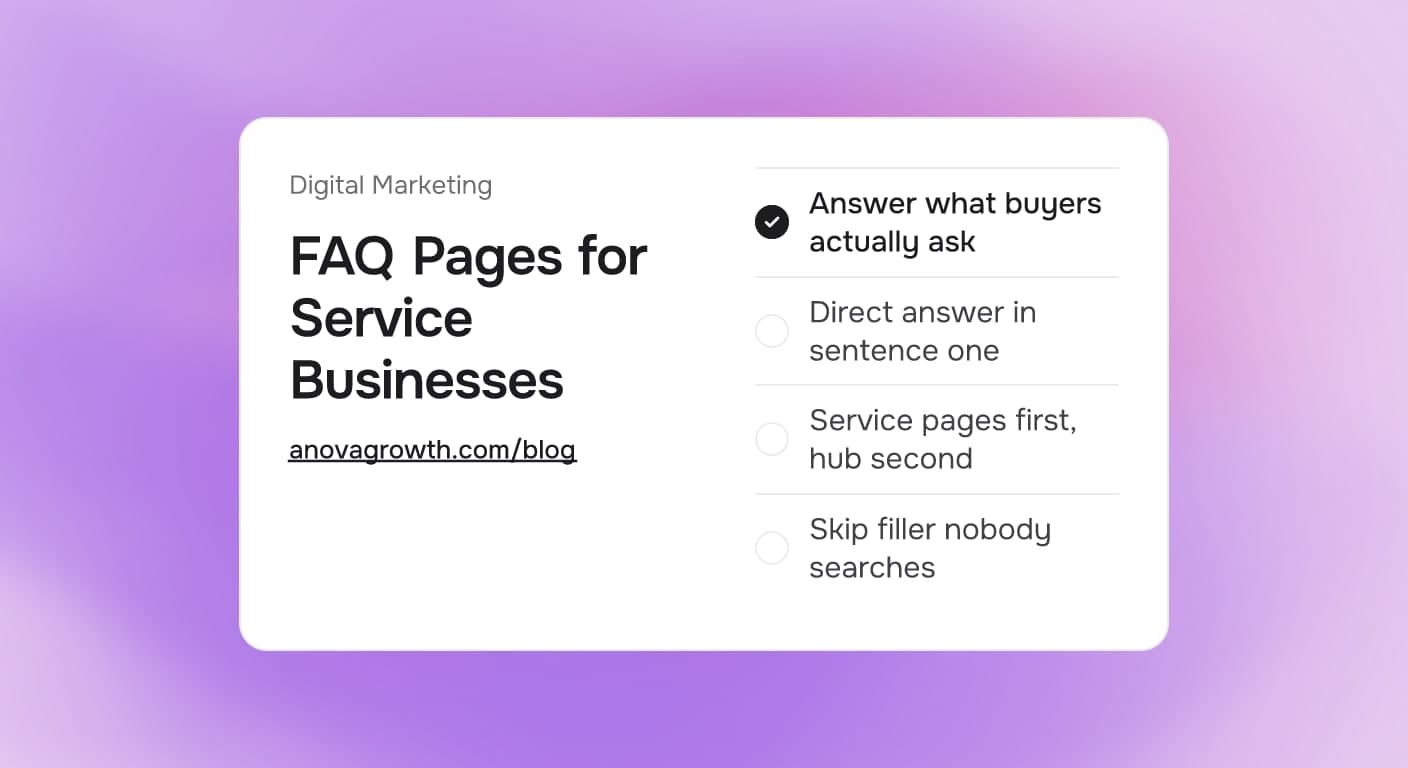
Every service business answers the same ten questions by phone, week after week: what does a job cost, how fast can you come out, do you cover my town, what happens on the first visit. An FAQ page turns those repeated answers into something buyers can read at 9pm when nobody picks up the phone. Written well, it saves your front desk real time and quietly supports the rest of your site. Written badly, it is a wall of filler nobody reads and search engines ignore.
Quick answer
A useful FAQ page answers the questions your staff repeats every week, with the direct answer in the first sentence and 40 to 80 words per answer. Put job-specific questions on the matching service page, and keep pricing patterns, service areas, scheduling, and policies on one central page. Skip stock questions written for search engines, and review the page every quarter. Do that, and the page earns its place on your site.
Which questions earn a spot
Start from what buyers actually ask before you write a single question. The fastest source is the last month of phone calls and emails to whoever answers them. The table below is the decision most service businesses land on:
| Question you keep hearing | Publish it? | Where it belongs |
|---|---|---|
| What does a typical job cost? | Yes, answer in ranges | FAQ page plus pricing page |
| How fast can you get here? | Yes | FAQ page and booking or contact page |
| Do you cover my town or neighborhood? | Yes | FAQ page plus your service area pages |
| What happens on the first visit? | Yes | Matching service page and FAQ |
| Are you licensed, insured, and bonded? | Yes | FAQ page, with real numbers where rules allow |
| Do you work on my brand or system? | Only if asked weekly | Matching service page |
| Questions nobody actually asks | No | Leave it off the site |
The pattern is simple: publish a question when answering it by phone moves a buyer closer to booking. Everything else is content for the sake of content.
Where the answers should live
One mistake costs more than all others: burying every answer on a single FAQ page nobody opens from your service pages. Buyers read product and service pages; the FAQ hub is where they confirm details before calling. Split the work:
- Service page sections carry job-specific questions. What happens during a diagnostic visit belongs on the repair page, next to the button that lets the buyer request it.
- The central FAQ page carries policies, service area notes, pricing patterns, scheduling, and warranty terms. Link to it from your contact page and main navigation.
- Your Google Business Profile answers buyers separately, and its question and answer section is edited by anyone, so treat it as a channel, not your source of truth. Our notes on Google Business Profile optimization cover that split.
Keep each answer honest about limits. If pricing depends on the job, say the range and name the two factors that move it. An answer that reads as a straight range with clear conditions builds more trust than a page that promises nothing.
Should the answers use FAQ markup?
Add FAQ structured data only where the content is a genuine question and answer pair visible on the page. Google narrowed which sites earn FAQ rich results in search back in 2023, so a typical service site rarely sees the dropdown treatment. The fuller breakdown is in our guide to which structured data is worth adding. Valid markup that matches visible content is still fine to add; just treat it as correctness work, not a traffic feature.
What to leave off the page
- Keyword-stuffed invented questions. If a question was written for search engines instead of buyers, rewrite it in plain words or drop it.
- Two answers to one question. If pricing appears on three pages with three different framings, buyers notice, and it reads as sloppiness. Pick one source of truth per fact.
- Answers longer than a hundred words. Buyers scan. If an answer genuinely needs more, it is a section of a service page, not an FAQ entry.
- Questions that change monthly. Limited-time promotions on a page you review quarterly go stale fast. Put promos on the homepage or an email instead.
How we build FAQ sections at AnovaGrowth
We build and audit sites for service companies, and the fastest way to spot an amateur FAQ page is generic questions with answers that hedge. When we build a new site, the process runs the same way every time: the owner and the front desk list the questions they repeated most in the last thirty days, we group them by where the buyer is in the decision, and we write the direct answer first before any supporting detail.
A quick example of the pattern we aim for, using a water heater replacement question:
- Weak: "Costs vary depending on many factors. Contact us for a free estimate."
- Strong: "A standard tank replacement in our area usually runs a few hundred dollars for the labor plus the unit cost, and tankless systems land higher because of venting and electrical work. We quote the exact price after a ten minute look at your setup."
The strong version gives a range, names what moves it, and ends on the next step. Same information a dispatcher would give by phone, written once instead of repeated fifty times a year. We also keep answers to 40 to 80 words and review the page during the same monthly Search Console session where we check what real queries brought people to the site, which is the best source for the next round of questions.
Related questions
Do FAQ pages help local SEO? Modestly, and only as part of a bigger structure. An FAQ page rarely ranks on its own for money searches. What it does is answer long, specific searches ("do plumbers in X charge for estimates"), give internal links a place to point to, and keep buyers on the site one step longer. The rankings work still comes from your service and location pages.
One big FAQ page, or small sections everywhere? Both. Job-specific questions live next to the service they belong to, and the central hub carries the policies and pricing patterns. The split matches how buyers read.
Can AI write the FAQ page? It can draft it, if you feed it real questions from your calls and your real policies. What it cannot do is invent your pricing range or your warranty terms. We use it as the drafting tool and keep the specifics human, then edit anything that reads as filler.
How long should each answer be? Forty to eighty words, with the direct answer in the first sentence. If the honest answer needs more length, move that topic to a full section on a service page and link to it.
How often should the page be updated? Quarterly, plus whenever prices, service areas, or policies change. Stale answers cost more than no answers, because the buyer who trusted the old number calls you angry.
Key takeaways
- Build the question list from real calls, not from keyword tools.
- Direct answer in the first sentence, 40 to 80 words per answer.
- Job-specific questions go on service pages; policies and pricing patterns go on the FAQ hub.
- Keep one source of truth per fact, and skip invented filler questions.
- Review quarterly against real search queries and recent calls.
Conclusion
An FAQ page is one of the cheapest pages to build and one of the easiest to waste. Answer what buyers already ask, in their words, and put those answers where the buying decision happens. If your current FAQ list came from a template, that is the fix worth making this month.
Ready to turn repeated questions into published answers? Contact us to discuss how we can help your business.
Related articles
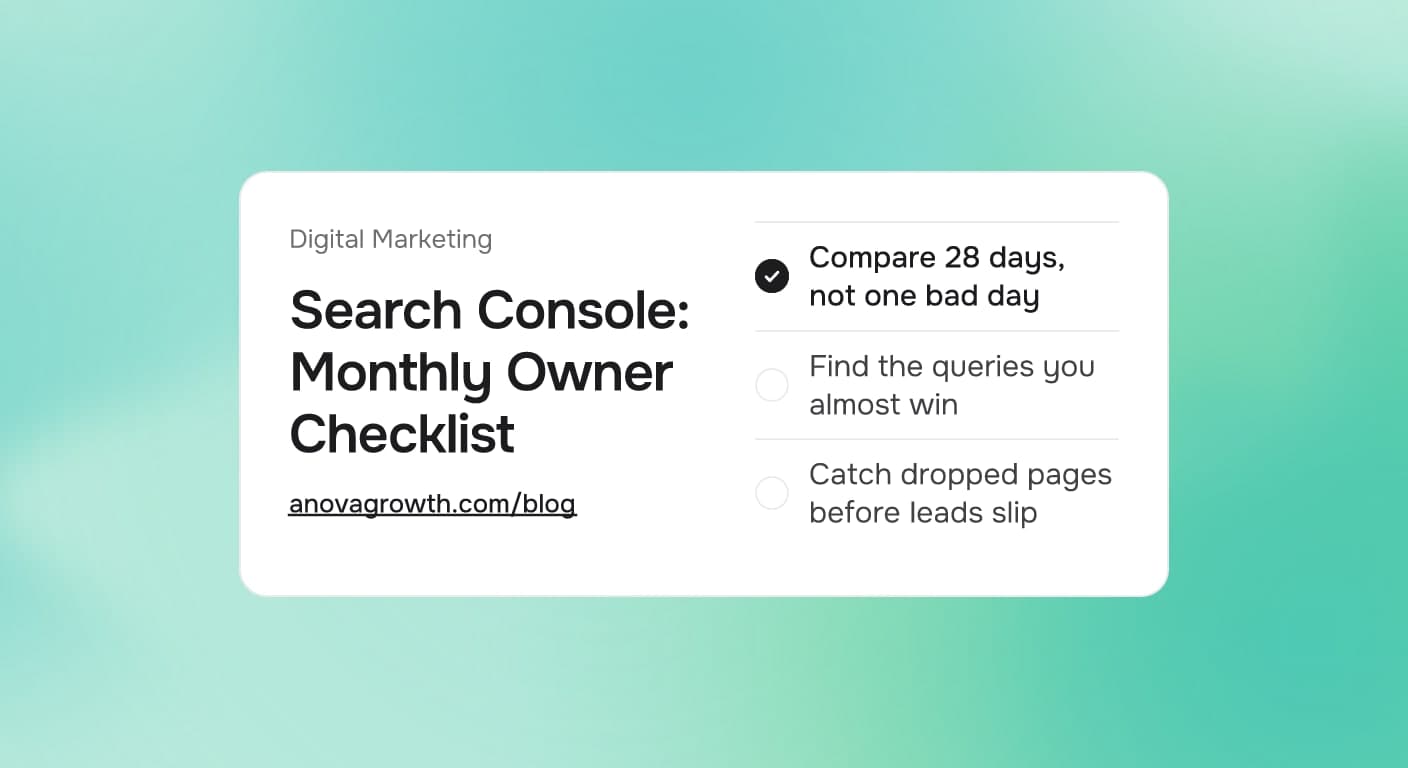
Google Search Console for Service Businesses: The Monthly Checklist That Finds Missed Leads
Search Console shows which searches already find you. Run this monthly checklist to catch indexing breaks, ranking drops, and easy lead fixes.
Read the article: Google Search Console for Service Businesses: The Monthly Checklist That Finds Missed Leads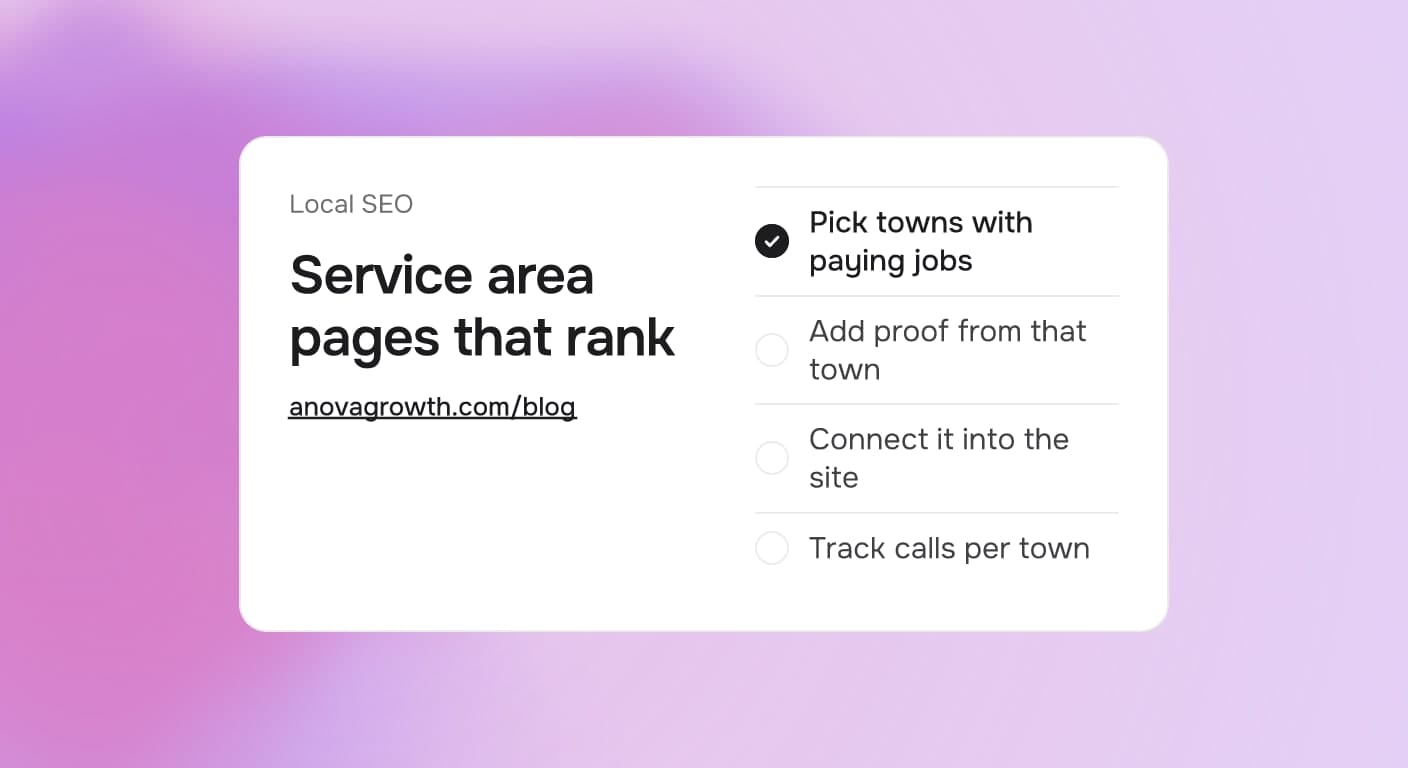
Service Area Pages for Local SEO: How Many to Build and What Makes Them Rank
How many service area pages to build, what each page needs to rank, and why thin doorway copies get ignored. A practical playbook for service businesses.
Read the article: Service Area Pages for Local SEO: How Many to Build and What Makes Them Rank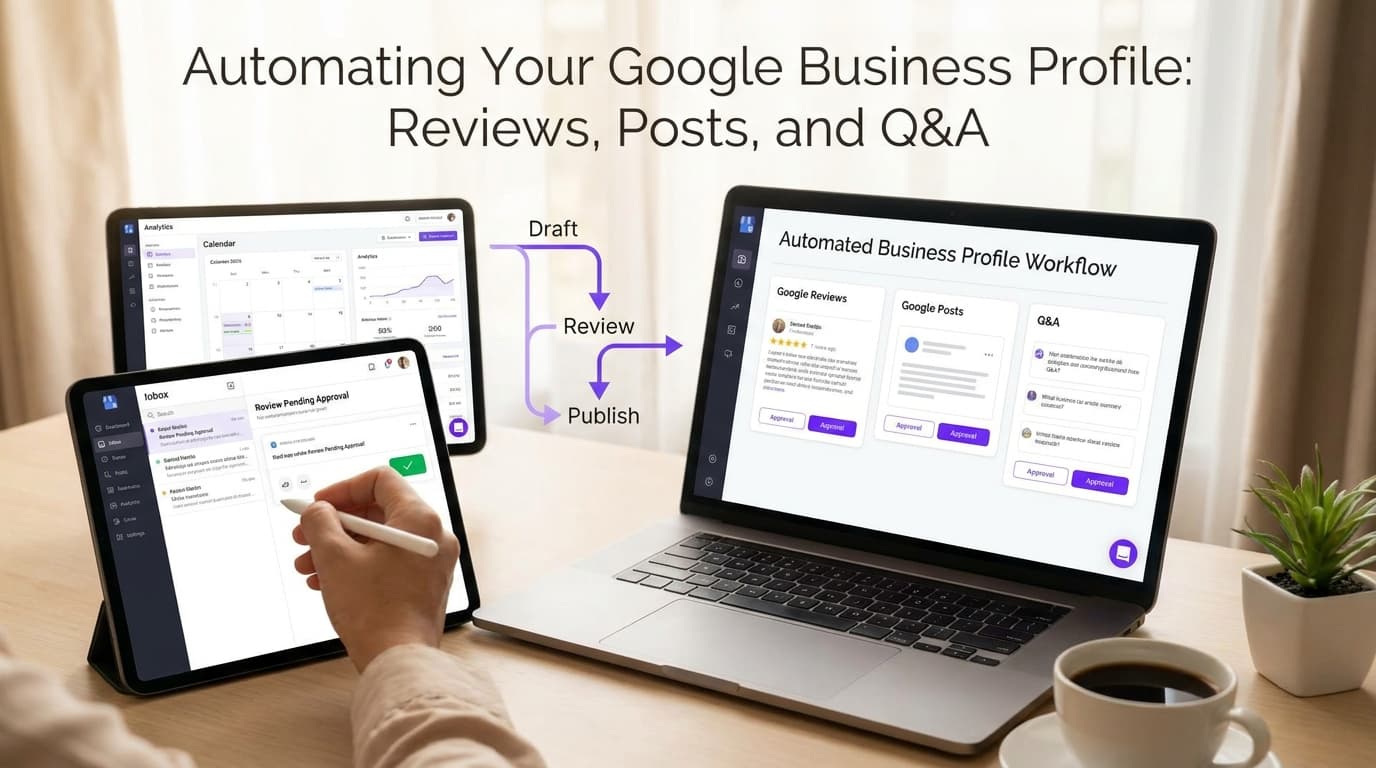
Automating Your Google Business Profile: Reviews, Posts, and Q&A
Learn how to automate reviews, posts, and Q&A on your Google Business Profile, saving time while boosting local visibility and customer engagement.
Read the article: Automating Your Google Business Profile: Reviews, Posts, and Q&A
