Google Search Console for Service Businesses: The Monthly Checklist That Finds Missed Leads
Search Console shows which searches already find you. Run this monthly checklist to catch indexing breaks, ranking drops, and easy lead fixes.

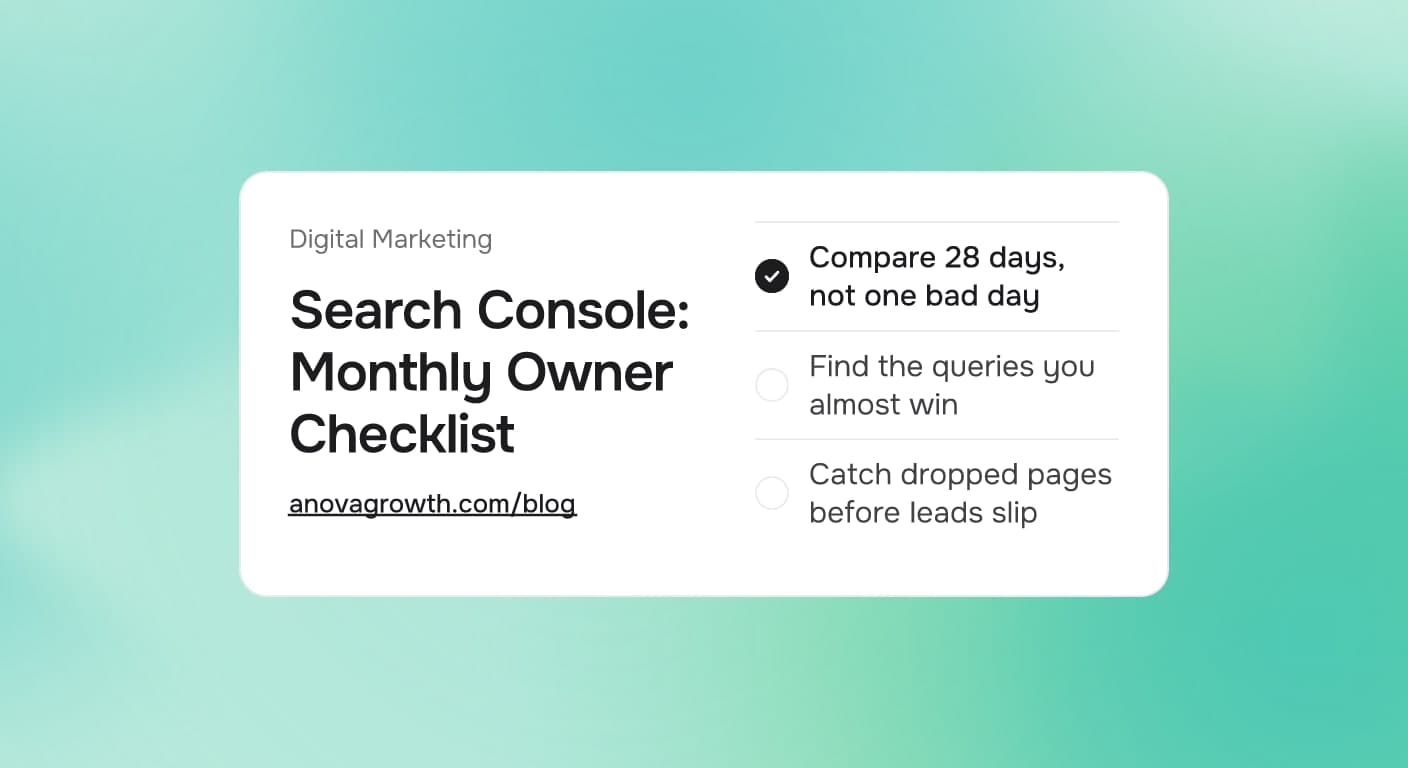
Your website either shows up when a homeowner types their problem into Google or it does not. Search Console is the free tool that tells you which one it is, and most service businesses never open it after the first setup. That is a mistake, because it is the only place that shows the searches you already rank for, the pages Google can or cannot read, and the moment something breaks.
You do not need an agency to get value from it either. Twenty minutes a month, following the same five checks, catches most problems while they are still cheap to fix.
The Quick Answer
Search Console shows you which searches bring people to your site, which pages Google indexes, and where rankings slipped. Once a month, compare the last 28 days to the 28 before, scan the queries report for searches you almost win, open the pages report to confirm your service pages are still indexed, and check nothing else unless a number moved. Twenty minutes, five checks, and you will never be surprised by a silent ranking drop.
What Search Console Actually Shows You
Search Console is Google's own report on your organic search presence. The performance report lists the real queries people typed, how often your site appeared (impressions), how often they clicked, and your average position for each query and each page. The indexing report shows which of your pages Google actually keeps in its index. The sitemaps report confirms Google received the map of your site.
Two of those numbers matter more than the rest for a service business. Impressions tell you how often you are visible for a search. Average position tells you where you stand. Positions 1 to 3 collect most of the clicks. Positions 4 to 9 collect impressions and very few clicks, which is exactly where the cheapest opportunity lives: a page that Google already trusts enough to show, but that nobody clicks because something above it looks better.
Keep the report honest by filtering out your own brand name searches. A query like your company name plus your city was going to find you anyway. The unbranded queries, water heater repair, emergency electrician, roof leak, show whether strangers discover you.
Search Console vs Google Business Profile vs Google Analytics
The three free tools get mixed up constantly, and mixing them up leads to reading the wrong one:
- Search Console covers what happens in the search results, before the click: queries, impressions, positions, indexing.
- Google Business Profile covers your listing on Maps and the local pack: calls, messages, review activity, direction requests.
- Google Analytics covers what visitors do after they land on your site: which pages they read, where they stop, whether they call or fill out a form.
They watch three different stages of one funnel. If your phone depends on search, Search Console is the stage where a silent break does the most damage, because a page that falls out of the index stops getting impressions entirely, and nothing in your inbox tells you that happened.
Setting It Up Once
Add a domain property, verify it with a single DNS record, and submit your sitemap. The setup is one sitting with no code beyond a copy-paste record at your domain registrar. Do it once, then let the data build. Baseline month matters, because every useful comparison needs a starting number.
The Five Monthly Checks
Run the same five checks every month, in this order:
| Check | Where to look | Green means | Red flag |
|---|---|---|---|
| Traffic trend | Performance, last 28 days vs previous 28 | Clicks flat or climbing | Clicks or impressions down double digits two months running |
| Near-miss queries | Performance, Queries, sorted by impressions | A few new useful queries each month | Valuable queries stuck at position 4 to 9 |
| Money pages | Performance, Pages, your top service pages | Impressions steady on each | Your main service page lost impressions |
| Indexing coverage | Pages indexing report | Service, city, and blog pages indexed | Real pages marked Crawled, currently not indexed, or Discovered, currently not indexed |
| Sitemap health | Sitemaps report | Submitted, processed, zero errors | Fetch errors or a stale sitemap after a site change |
The first month takes longer because you have to learn where everything lives. After that it is comparison reading: same report, new window, look for what moved.
Compare 28 Day Windows, Not Single Days
Daily movement is noise. One bad day can be a holiday, a storm, or a crawl hiccup. Two consecutive 28 day windows sliding the same direction is a trend. Put a recurring reminder on your calendar for the same day each month and compare window over window every time. That single habit is what turns Search Console from a dashboard you glance at into a system that catches problems.
Five Findings That Turn Into Leads
Each red flag above maps to a specific fix. These five are the ones that pay:
- A money query at position 4 to 9. The page already has trust; it needs to deserve the click. Add an FAQ block answering the exact question the query asks, expand thin sections, and link to the page from a related blog post. If the query carries a city name, pair it with a dedicated service area page.
- Strong impressions with a weak click rate. People see you and scroll past. Rewrite the title tag and meta description to name the exact service they searched, in their words. Titles that match the query get clicked.
- A money page losing impressions. Run the page through URL inspection. If it dropped out of the index, the usual suspects are a noindex tag left over from an old template, a canonical pointing somewhere else, or the page vanishing from the sitemap during an update.
- Pages marked Crawled, currently not indexed. Google read the page and chose not to keep it, which usually means thin or duplicate content. Make the page distinct or fold it into a stronger page and redirect the URL.
- Everything dropped at once after a site change. Check the date of the drop against your last redesign, plugin update, or migration. Confirm the new site did not ship with noindex tags, a broken sitemap, or dropped pages. Fixing that inside the month is cheap; discovering it a quarter later is expensive.
Here is the math on one fix, worked as an example rather than a promise. Say a water heater repair page shows 1,100 impressions at a 2 percent click rate over 28 days, roughly 22 clicks. The queries report shows it also appears at position 6 for water heater replacement. Renaming the page title to include replacement and adding two paragraphs on pricing and timeline pushes the click rate to 3.5 percent on the same impressions: about 38 clicks. On a home repair query, a rough quarter of searchers end up calling someone, so that edit plausibly adds a handful of booked conversations a month. Thirty minutes of work, no ads, no new content type.
And when the page ranks fine but nobody who clicks turns into a call, that is a conversion problem to fix separately. Search Console diagnoses visibility, which is the first stage, never the last one.
What to Ignore
- Daily rank wobble. See above: compare 28 day windows.
- Branded queries. Track unbranded service queries; the branded ones were already yours.
- Far-off city impressions. Ranking for a roofing query in a city you will never drive to is a vanity number.
- Raw totals without position. 5,000 impressions at position 12 is worth less than 400 impressions at position 3. Read position with volume.
Ignore the numbers that make you feel busy instead of telling you what to do.
How We Run This at AnovaGrowth
Every website we ship gets Search Console wired up on day one: the domain property verified, the sitemap submitted, and a baseline export saved so every later comparison has a starting number. This is not an optional extra we bolt on later; the baseline is written before the site goes live.
Our monthly pass on client sites asks one question first: which page lost impressions since last month, and why. Most months the answer is nothing serious, and the pass takes minutes. A few times a year it catches something real early, like a service page quietly falling out of the index after a routine plugin update. That is the entire value of the habit: small repairs inside the month instead of a dead quarter nobody can explain.
The exact sequence we run, which you can copy:
- Export performance for the last 28 days and the previous 28.
- Note the top unbranded query and the top page, and whether each moved.
- Check indexing status on the five pages that earn you the most work.
- Pick one page and improve something on it before the next pass.
Once clicks arrive, Google Analytics event tracking takes over and shows what those visitors do on the page. One tool per stage, no overlap, no guessing.
Key Takeaways
- Search Console is free, needs setup once, and is the only source for what happens in search before the click.
- Run five checks a month: traffic trend, queries, money pages, indexing coverage, sitemap.
- Compare 28 day windows to previous 28 day windows. Single days lie.
- The cheapest wins come from queries you rank 4 to 9 for, where the page needs to earn the click.
- If your call volume dips, look here first, before assuming the market slowed down.
Conclusion
You already pay for good work and a working phone. Search Console is how you make sure search does its part, and it takes twenty minutes a month once the habit is built. Open it this week, verify the property, submit the sitemap, and save the baseline. The first month's report will not look like much. The fourth month's report will tell you exactly where next month's leads are coming from, and where they are leaking.
Ready to have this handled for you? Contact us and AnovaGrowth will set up Search Console properly, run the first pass, and keep a live baseline on every page that earns you work.
If advertising is also on your list, our Local Services Ads guide explains how pay per lead placement works alongside organic search, so the two do not fight over the same budget.
Related articles

SEO for Zero-Click Search in 2026
Search is sending fewer clicks, but SEO still matters. Here's how to win visibility, trust, and leads in a zero-click search market.
Read the article: SEO for Zero-Click Search in 2026
Service Area Pages for Local SEO: How Many to Build and What Makes Them Rank
How many service area pages to build, what each page needs to rank, and why thin doorway copies get ignored. A practical playbook for service businesses.
Read the article: Service Area Pages for Local SEO: How Many to Build and What Makes Them Rank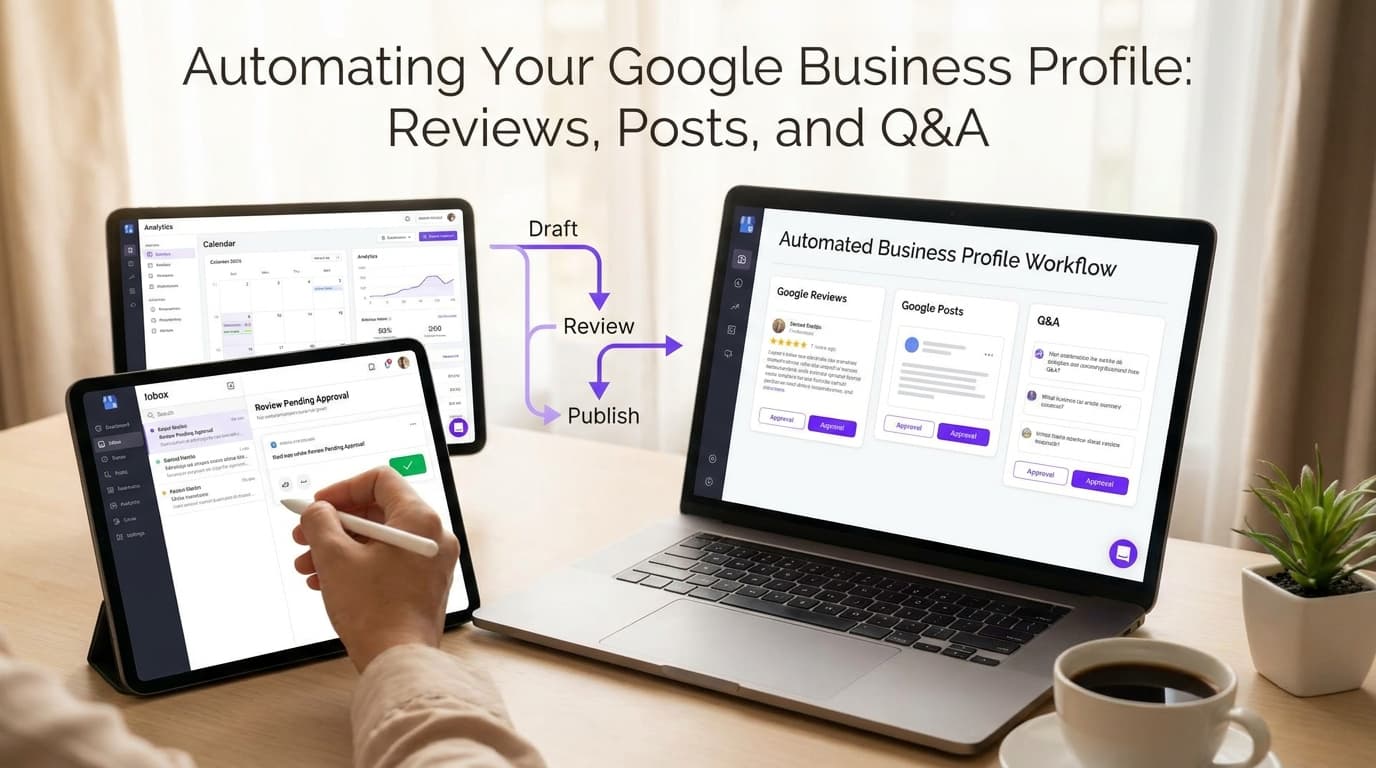
Automating Your Google Business Profile: Reviews, Posts, and Q&A
Learn how to automate reviews, posts, and Q&A on your Google Business Profile, saving time while boosting local visibility and customer engagement.
Read the article: Automating Your Google Business Profile: Reviews, Posts, and Q&A
