Lead Response Time: Why the First Reply Wins the Job
Fast replies win service jobs. Set response-time targets, automate the first touch, and stop losing leads to whichever company answers first.

When a homeowner needs service, they usually contact more than one company in the same hour. The job goes to whoever answers while they are still standing in the mess. Plenty of shops spend real money on ads, forms, and phone lines, then let new leads sit in a shared inbox until someone has a free minute.
That free minute rarely arrives. Between jobs, quotes, and hiring, checking the lead inbox slips to the end of the day. By then, the customer has booked someone else or gone quiet, and the ad spend that produced the lead is gone with it.
Quick answer: Most service businesses lose jobs at the reply step. A lead that waits a day is a cold lead. Set a reply target for each lead source, automate the first touch so every inquiry gets an instant acknowledgment plus a scheduled call slot, and keep a human following close behind. Do that, and response time stops depending on who happens to be free to check email.
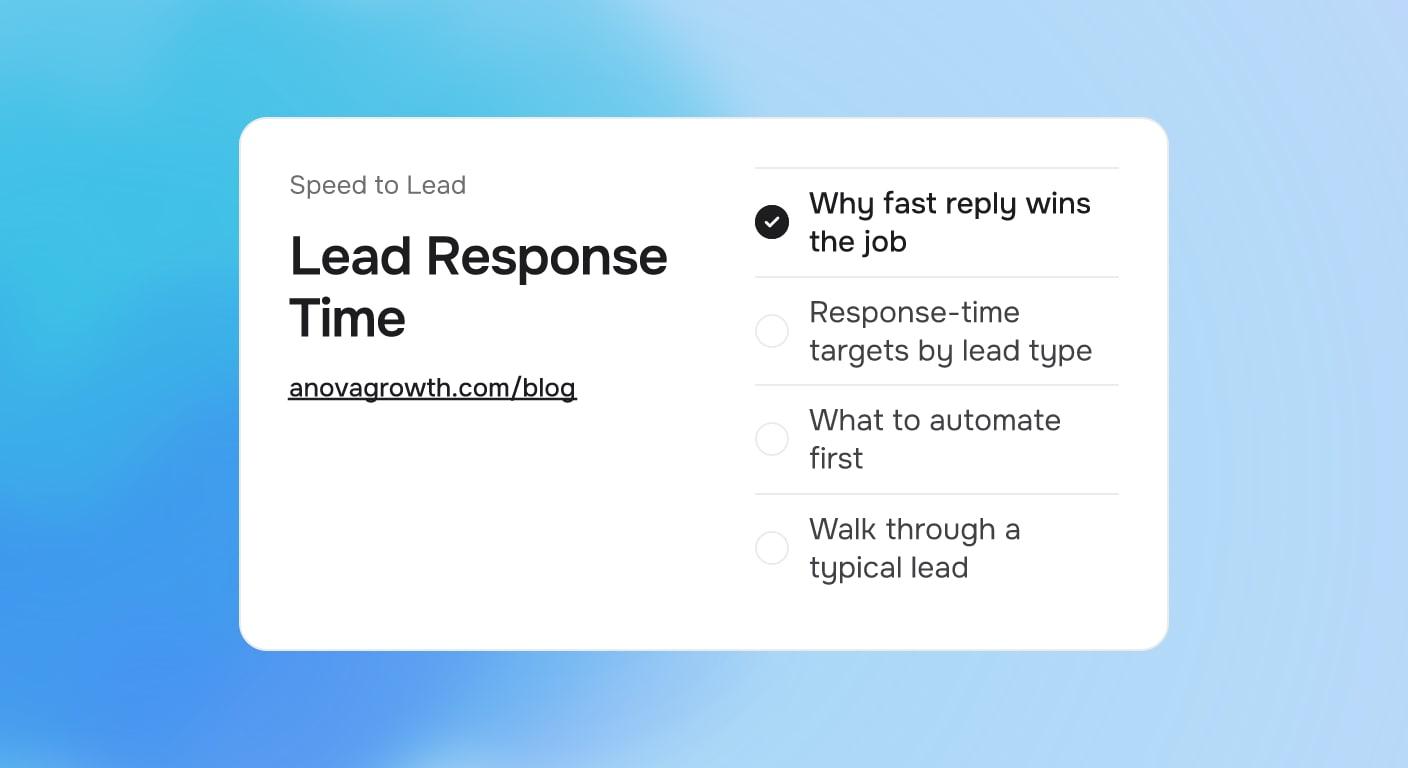
Why fast reply wins the job
Speed does two things at once. It catches the customer before they choose a competitor, and it signals that booking you will be easy. A company that answers in minutes looks like a company that shows up on time.
The first reply has one job: be quick and specific. It should confirm you got the request, name what happens next, and offer the next step. It does not need to quote a price or solve the problem.
That is also why automation fits here. The first reply is short, repeatable, and urgent. Those are the exact conditions where automation does its best work, while the messy parts of selling the job stay human.
Response-time targets by lead type
A single target for all leads does not work. An ad click costs money and cools fast. A referral already trusts you and can wait a few hours. Set a target per source so effort lands where it matters.
| Lead source | Reply target | First touch | What handles it |
|---|---|---|---|
| Website form, business hours | 5 minutes | Text and email acknowledgment, then a call | CRM auto-reply plus an alert |
| Website form, after hours | 30 minutes, call at open | Auto text with a booking link | Delayed automation |
| Missed phone call | 5 minutes | Text back with a callback offer | Missed-call text-back |
| Google Ads call | Live answer or 5-minute callback | Forward to the owner's cell | Call routing |
| Referral | Same day | Personal note or call from the owner | None, keep it human |
Pick targets you can actually hit. A five-minute target with no automation behind it is a wish, not a plan. Write down what your current reply times really are first, because most owners guess high.
What to automate first
An instant acknowledgment
Every form fill should trigger a text and an email within a minute. The message is short: we got your request, here is who will reach out, here is when. Naming a time window beats a vague "someone will contact you soon," because it sets an expectation a real person then meets.
Routing with a timer
The acknowledgment buys you time, but a lead still needs an owner. Automation assigns each new lead to a person the moment it arrives. If nobody claims it within the target window, the lead escalates: a reminder to the owner, then a fallback you define in advance. We cover the full setup in our guide to automated lead routing and assignment.
After-hours coverage
Most service leads arrive when the office is closed. After-hours automation sends the acknowledgment immediately, includes a booking link for morning slots, and queues the lead for a call the moment someone opens. Missed calls get their own text-back flow, which we explain in how a missed-call text-back works.
If your forms and CRM are not connected well enough for any of this, that connection is the first fix. It is exactly the kind of build we do in our AI automation services.
Walk through a typical lead
Take a common Monday morning. A furnace dies overnight, and a homeowner submits a form at 7:10.
At 7:10 and a few seconds, they get a text: request received, a technician coordinator will call before 8:30, here is a link to pick a morning slot. The lead lands in the CRM with an owner and a timer. At 7:25, the office calls, confirms the window, and attaches the visit to the day's route.
Now run the same lead without the system. It waits in an inbox checked around lunch, the callback happens at 2 p.m., and the customer has already booked a competitor who texted back at 7:12. Same ad, same website, same service. The reply step decided it.
The fix is rarely working faster. It is wiring the first fifteen minutes so no lead depends on luck.
Running our own intake
AnovaGrowth runs this system on our own inquiries, so we have watched it from the inside. Every inquiry gets a confirmation in under a minute and lands in one inbox with an owner and a visible timer. Missed calls trigger a text-back the same way.
The lesson we keep relearning: automation buys time for a good human reply, it does not replace one. We keep short reply templates ready for the common cases, pricing questions, scheduling, and scope checks, so the "real" reply goes out fast too. The automated acknowledgment sets the promise. A prepared person fulfills it.
Common questions about lead response
How fast is fast enough?
Aim for minutes during business hours. A five-minute acknowledgment with a call inside thirty is a strong default for paid and organic form leads. After-hours leads can wait for open with a good automated confirmation and a morning queue.
Does an instant auto-reply feel robotic?
Not when it is specific. "Thanks, we are reviewing your request" reads like a formality. "We got your request, Maria will call you before 8:30" reads like a company that has its act together. Name the next step and the time.
Who should own the first reply?
One accountable person per shift, not a group inbox. Groups diffuse responsibility, which is how leads age in silence. Automation can rotate assignments so the load stays even across the team.
How do I track response time without extra admin work?
Your CRM and phone system already timestamp the events. Report two numbers weekly: median first-reply time by source, and the share of leads replied to inside the target. If that report takes manual work to build, add tracking to the automation backlog rather than asking staff to log replies by hand.
What about referral leads?
Treat them as high-trust and leave the personal touch. A same-day personal reply from the owner does more here than any automation. Speed still matters, but warmth is the product.
Where to start
- Pull last month's inquiry timestamps and write down your real reply times per source
- Set a target per source based on the table above
- Wire the instant acknowledgment on every form and missed call
- Add routing with a timer and an escalation path
- Review the two tracking numbers weekly and tighten the worst source first
Slow response time is one of the few growth problems you can solve with wiring instead of willpower. The leads are already arriving. The reply is the part that leaks.
Ready to answer faster? Contact us to talk about building this on your forms and CRM. For the next steps after the first reply, see our guide to quote follow-up automation.
Related articles

AI Automation for Landscaping and Lawn Care Businesses: Win More Bids, Route Crews Faster, and Stop Losing Maintenance Contracts
Landscaping companies lose 30-50% of bids to slow follow-up and 20-40% of maintenance contracts to silent churn. AI automation fixes both.
Read the article: AI Automation for Landscaping and Lawn Care Businesses: Win More Bids, Route Crews Faster, and Stop Losing Maintenance Contracts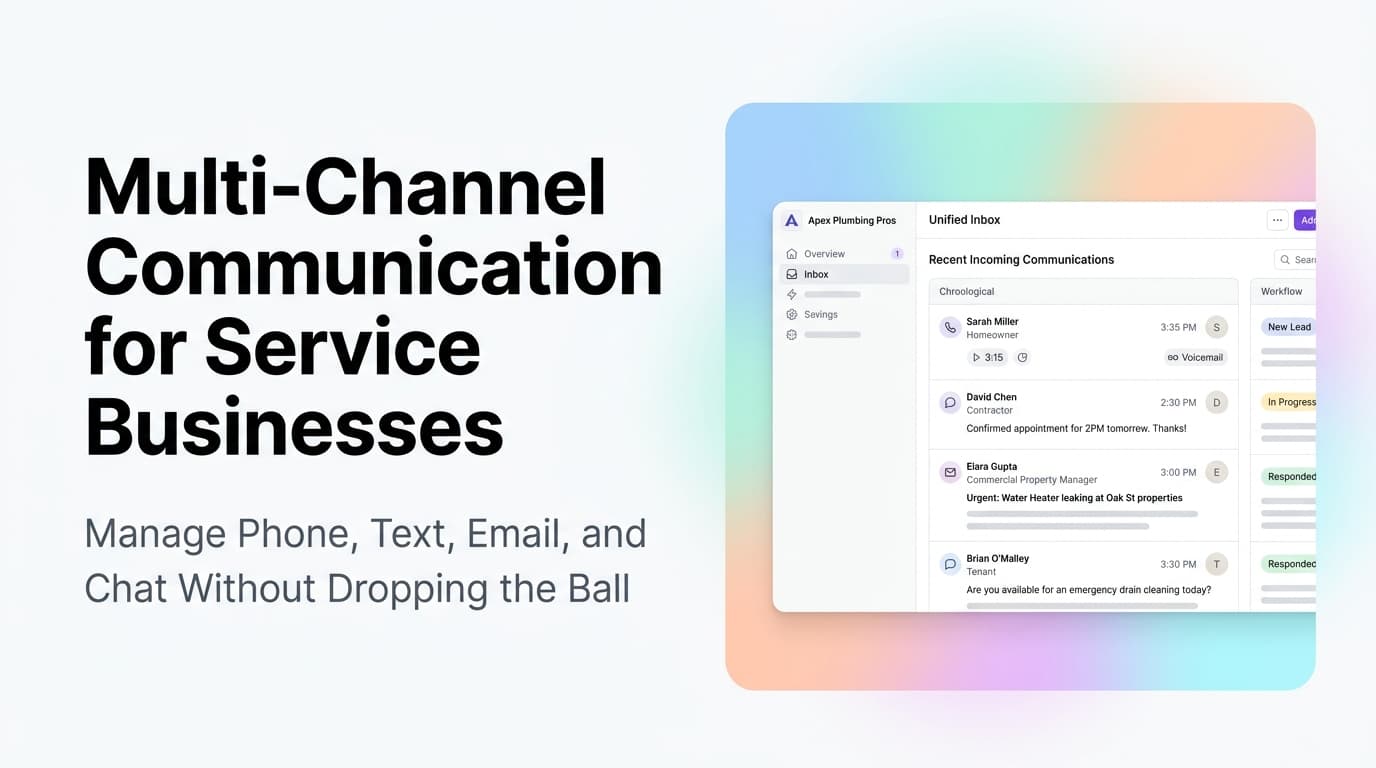
Multi-Channel Communication for Service Businesses: Manage Phone, Text, Email, and Chat Without Dropping the Ball
Service businesses juggle phone calls, texts, emails, and web chat every day. Here is how to unify them into one system that never drops a lead.
Read the article: Multi-Channel Communication for Service Businesses: Manage Phone, Text, Email, and Chat Without Dropping the Ball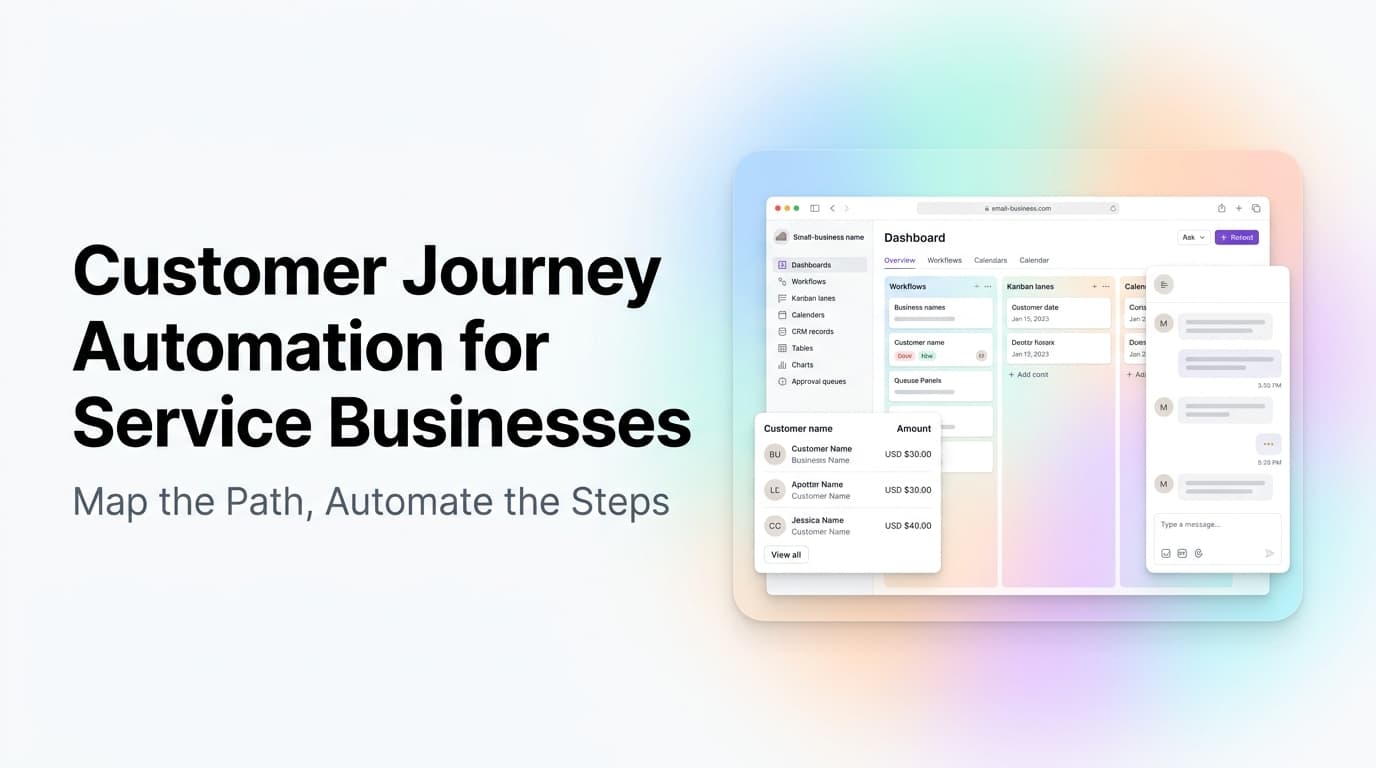
Customer Journey Automation for Service Businesses: Map the Path, Automate the Steps
Service businesses lose customers at every stage of the journey. Map the path from first search to repeat booking, then automate the handoffs.
Read the article: Customer Journey Automation for Service Businesses: Map the Path, Automate the Steps
