Paper Forms to Digital Forms for Service Businesses: What to Convert First
Convert paper forms to digital without a messy rebuild. Which forms to convert first, what to map before you build, and how to get field crews on board.

Every growing service business hits the same wall. Jobs live on photocopied forms, crews fill them out between addresses, and half of what gets written down never reaches the person who needs it. Converting paper forms to digital versions fixes the flow, but the order you convert in decides whether you end up with clean data or a bigger mess.
This guide shows which forms to convert first, what to map before you build anything, and how to get field crews to actually use the new versions.
Quick Answer
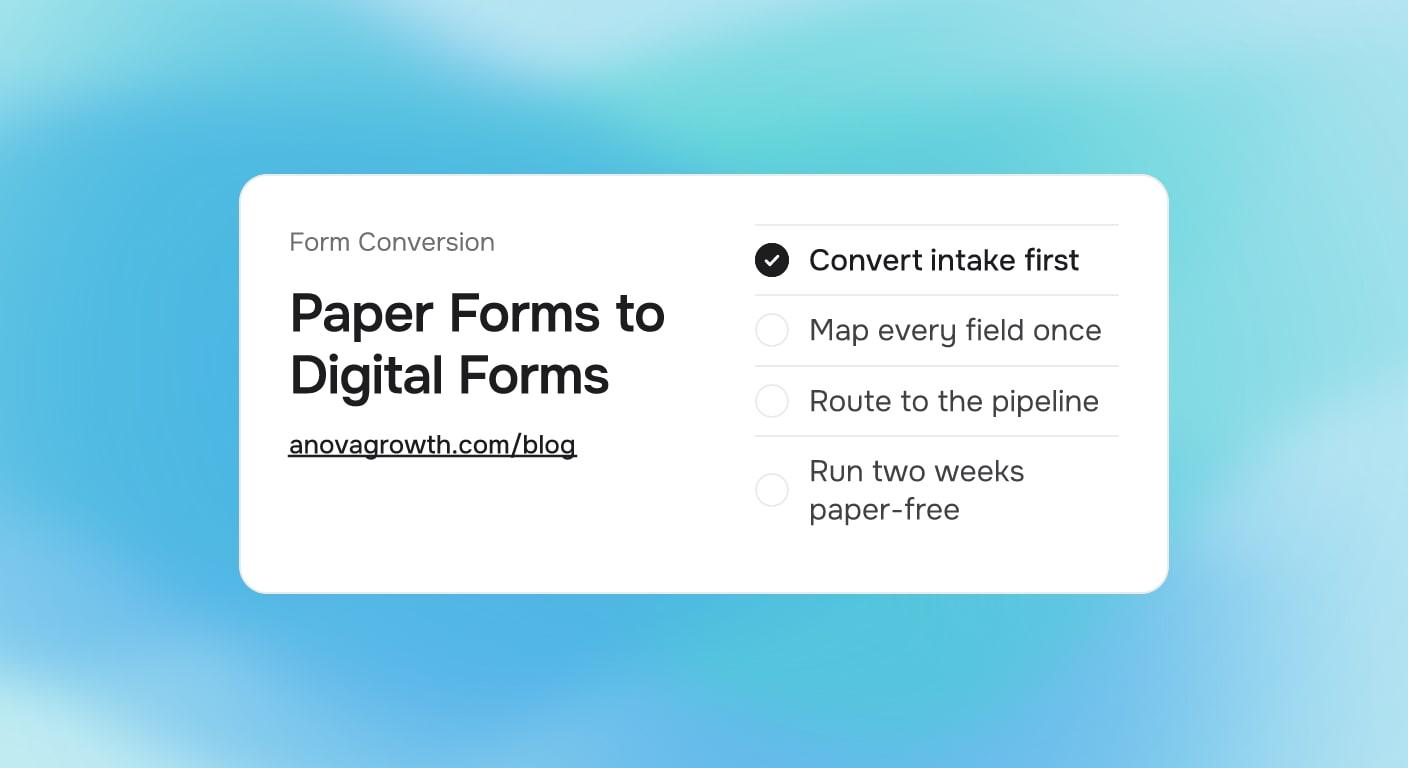
Convert your daily-use forms first: new job intake, safety checklists, and quality checks. Build one form at a time in a shared tool that writes straight into your CRM or job system. Map every field before you build, run the digital version in parallel with paper for two weeks, then retire the paper copy. Skip one-off sign-offs. Those can stay on paper.
Where Paper Actually Costs You
Paper does its job at the moment of writing. The problems start after that.
- Retyping. Someone re-types intake details into the CRM, and every retype is a chance to drop a phone digit or a job detail.
- Storage. Filled forms end up in folders, filing cabinets, and camera rolls. Nobody can search a photo of a work order from March.
- Follow-up. A paper form cannot trigger a reminder, a dispatch, or an invoice. A digital one can.
- Visibility. The owner cannot see how many jobs came in this week from a stack of paper. The number only exists after somebody counts it.
Proof example: Follow one paper work order through a typical week. The tech fills it at the site and photographs it, then texts the photo to the office. The coordinator re-types the details into the schedule, and the bookkeeper re-types them again into the invoice. Three copies of the same data, three chances for something to be wrong, and the only searchable record is a text thread.
Digital forms for service businesses cut that chain down to one entry point. The information lands once, in a structured place, and everything downstream reads from it.
Paper Forms to Digital: Which Forms to Convert First
Most digital forms share the same shape: short fields, checkboxes, photos, and one clear route into the job record. The table below sorts the forms sitting in your office binder by how much value a conversion returns.
| Form | Convert first? | Why |
|---|---|---|
| New job intake | Yes, first | It feeds estimates, scheduling, and every step after it |
| Safety and inspection checklists | Yes, second | Filled daily, kept for records, needed in searchable form |
| Quality checks and punch lists | Yes, third | They catch callbacks before the customer does |
| Job photos and scope notes | Partly | Keep paper for sketches, send photos to the job record |
| Invoices and payment slips | Usually no | Invoicing software already handles this well |
| One-off sign-offs | No | Paper works fine for documents you touch once |
The pattern behind the table: frequency and downstream use. Convert a form when crews fill it often and when other people need its data. Leave it alone when it gets touched once and then filed.
How to Convert One Form the Right Way
Rushing the build is where most conversions go wrong. Work through the steps in order.
- Map every field. Take the paper form and list every blank on it. Mark each one as keep, merge, or drop. Most paper forms carry blanks nobody has filled in years.
- Pick the destination. Decide where each answer lands: a CRM field, a job record, a dispatch queue. A digital form with no destination is just paper on a screen. For intake specifically, automated client intake shows how a submission moves straight into your pipeline.
- Build the smallest useful version. One form, the fields from step one, and clear routing. Resist adding every field you wish you had. Add those after crews have used the basics for a month.
- Run paper and digital in parallel. Two weeks is usually enough. Crews keep the paper copy as a safety net while the digital version proves itself.
- Retire the paper. Collect the remaining pads, update the office binder, and say plainly that the digital version is now the only version.
- Review monthly. Look for fields nobody fills, answers that need dropdowns instead of free text, and steps that got slower. Fix those in the next revision.
Tool choice matters less than the destination. A generic form builder handles most early needs. When the form has to trigger condition-based dispatch, or when two systems need the same answers, that is the point where scoping custom software starts to pay off. And before adding another subscription, compare an all-in-one stack against best-of-breed tools so the form does not become one more login nobody opens.
How we run it at AnovaGrowth: our own pipeline runs on this pattern. Every project starts through one intake form that writes into our CRM, and a short structured brief replaces the stack of notes a first meeting used to produce. Scope decisions get captured as form answers, never as email threads, so nobody reconstructs what was agreed three weeks later. We hold that line because our own data has to be clean enough to feed the automations we build for clients.
Getting Field Crews to Actually Use It
The technical side of going paperless is the easy part. The people side decides whether it sticks.
- Make the digital form faster than the paper one. Checkboxes and dropdowns beat open text boxes. If the digital version takes longer to fill, crews keep a hidden paper pad, and you find out two months late.
- Handle no-signal sites up front. Pick a tool that queues entries offline and syncs when the phone reconnects. Test it in a basement or a rural stretch during the parallel run, not after the first complaint.
- Let one crew's win travel. When the fastest crew stops doing end-of-day paperwork because the form already handled it, make that story visible. Nothing sells a form like cutting someone's evening admin.
- Name an owner. One person answers questions, batches fixes, and reviews submissions weekly. Forms without an owner rot.
Questions Owners Ask Next
Do I need a mobile app, or will a form builder handle it?
Start with a form builder. Web forms run on any phone with no install, and they produce searchable data from day one. Move to a dedicated app when crews need signatures on site maps, barcode scans, or heavy offline work.
What happens when a crew has no signal?
Use a tool with offline support: entries queue on the phone and sync when service returns. If your service area has dead zones, offline support stops being optional and becomes a selection requirement.
Does going paperless change my record-keeping?
Usually it improves it. Digital entries carry timestamps and export to a searchable archive, which beats a file cabinet. Ask your accountant or compliance contact which retention rules apply to your trade, then export on the schedule they name.
What do I do with years of filled paper forms?
Scan the active records and anything that could surface in a dispute, then box the rest by date. Most shops never reopen the archive, but it stays because the cost of keeping it is low.
Will this connect to the CRM we already run?
Most form tools connect to mainstream CRMs through built-in integrations or connectors. Verify the connection before you commit to a tool, because the value sits in where answers land, not in the form itself.
Key Takeaways and Next Steps
- Convert in order of frequency and downstream value: intake, safety, quality.
- Map every field before building, and drop the blanks nobody fills.
- Route every answer to a real destination: CRM, job record, or dispatch queue.
- Run two weeks in parallel, then retire the paper for real.
- Offline support and a named owner decide adoption more than feature lists do.
Pick the one form your office re-types most often. Map it, build the smallest useful version, and run it beside the paper for two weeks. If the destination you need does not exist in your current tools yet, treat that as a scoping question, not a reason to stop.
Ready to move your forms off paper? Contact us to talk through which form to convert first and where the data should land.
Related articles
Wilmington Port Cyberattack 2026: Build Manual-Proof Workflows
Wilmington businesses tied to the port should use August's cyberattack disruption to tighten intake, routing, and backup workflows before the next slowdown.
Read the article: Wilmington Port Cyberattack 2026: Build Manual-Proof Workflows
Richmond Code Refresh 2026: Fix Government Workflows Before the Fall Vote
Richmond teams touched by Code Refresh should use the August draft launch to clean up intake, document routing, and public-facing workflows before fall review.
Read the article: Richmond Code Refresh 2026: Fix Government Workflows Before the Fall Vote
Automated Change Order Management for Service Businesses: Get Extra Work Approved Before It Disappears
Service businesses lose approved revenue when field changes stay in texts and notebooks. Automate change orders from discovery to approval and payment.
Read the article: Automated Change Order Management for Service Businesses: Get Extra Work Approved Before It Disappears
