Get Paid Faster: Automated Invoice Payment Reminders for Service Businesses
Finished the job but still waiting on the invoice? Here is a payment reminder schedule that collects faster without hounding customers by hand.

Quick answer
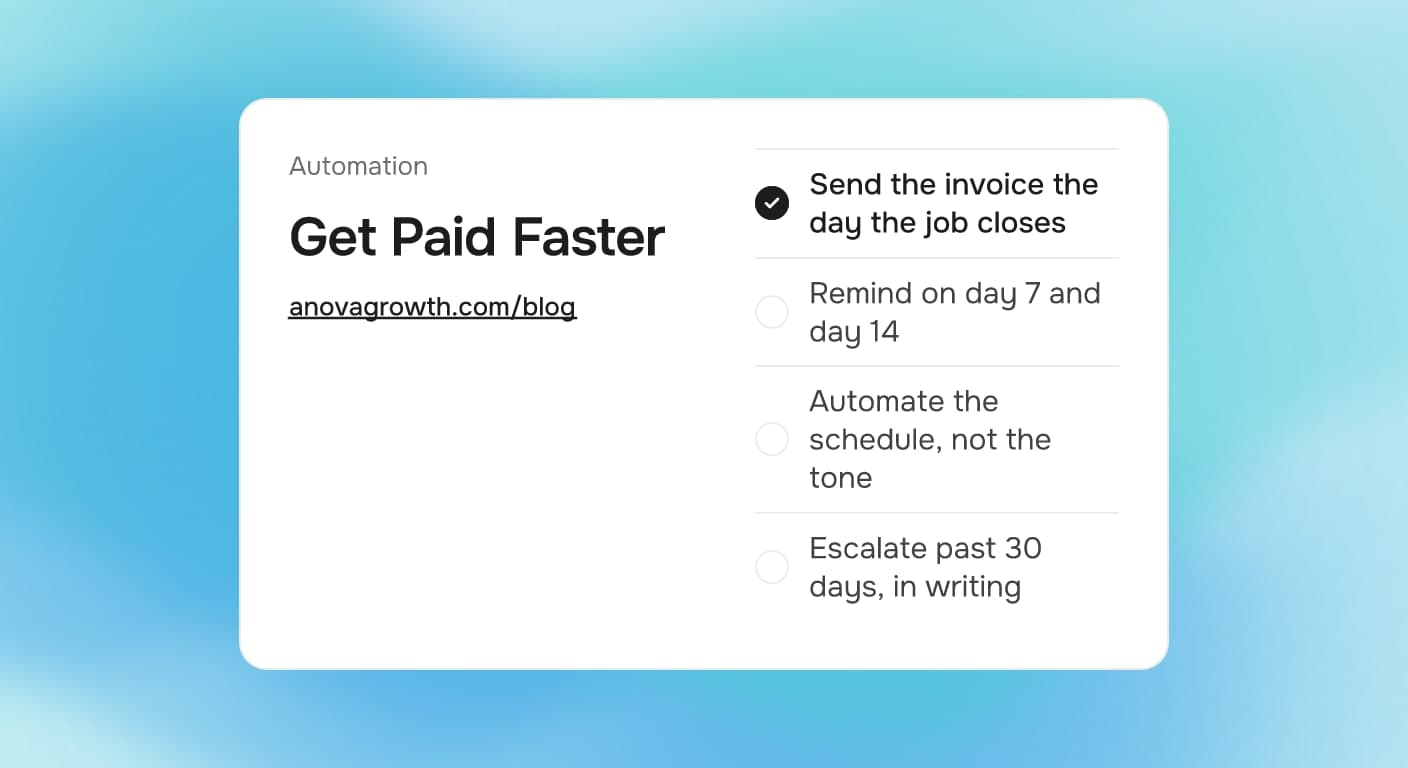
The fastest way to collect on finished work is a set schedule: send the invoice the day the job closes with a due date and a payment link, remind on day 7 and day 14, and escalate past 30 days. Automating those reminders removes the awkward part. You stop deciding whether to follow up; the system does it every time, and you only step in for real disputes.
Why unpaid invoices sit so long
Money problems after a job are rarely about bad customers. They are about friction:
- The invoice goes out late. The work ended Tuesday, but invoicing waits until someone batches admin work on Friday. Every day of delay teaches the customer the invoice is not urgent.
- The due date is vague. "Due on receipt" gives no trigger for a reminder, and nobody wants to be the person who calls about it.
- Paying takes effort. No payment link means the customer has to dig up a checkbook or call the office. Some pay, some mean to and forget.
- Follow-up depends on mood. The owner hates asking for money, so the reminder goes out when it feels urgent instead of on a schedule. The older a receivable gets, the harder it is to collect, and the harder it is to start the conversation.
None of that requires heroics to fix. It requires a schedule, applied the same way every time, which is exactly what automation is good at.
The decision table: what to do at each age
| Situation | Do this |
|---|---|
| Job closed, invoice not sent | Send the invoice the day the job closes, with terms and a payment link |
| 1 to 7 days old, unpaid | Automated gentle reminder with the same pay link |
| 8 to 14 days old, unpaid | Firmer reminder that names the due date and the late policy on the invoice |
| 15 to 30 days old, unpaid | A phone call from a real person, then a written promise date |
| 30 days or older, unpaid | Escalate past 30 days, in writing: a past-due notice, then your documented next step |
| Any age, dispute raised | A human responds within one business day. Automate the schedule, not the tone |
The last row matters most. Automation handles the routine chase so a person only gets involved when a customer actually pushes back, and by then usually there is something real to resolve.
A reminder schedule you can copy
Here is the cadence written the way we would hand it to whoever owns the task:
Invoice follow-up, version 1. Owner: office manager.
- Day 0: invoice emailed the day the job closes. Terms: net 14. Payment link included
- Day 7: reminder email or text with the same pay link. No late-fee language yet
- Day 14: second reminder. Quote the due date and the late-fee policy printed on the invoice
- Day 21: phone call. Log whatever promise date the customer gives, in the CRM, with a follow-up task
- Day 30: past-due notice in writing. From here, follow the escalation policy in writing, not improvisation
- Done: payment logged in the CRM, or a written promise date with a task attached
Every step is either an automated message or a logged human action. Nothing depends on someone remembering. Nothing depends on someone feeling comfortable asking for money.
Before you automate it, write it down
Your invoice schedule has real judgment buried in it, and automation will copy whatever is actually there. Answer these before wiring anything up:
- When does the invoice actually go out? Same day as job close, or whenever someone has time? Automating a late start just makes late invoicing faster.
- What are the terms? Net 14, net 30, due on receipt? The reminders key off this, so it has to be one rule.
- Which channel per stage, and what tone? Text feels different from email; a reminder to a builder feels different from one to a homeowner.
- What happens on day 30? A late fee, a stop-work rule, a collections handoff, or a payment plan? Pick and write it down, because this step decides whether customers experience you as firm or erratic.
- Who owns exceptions? Long-standing customers, warranty disputes, and partial payments all need a named person to loop in.
- What counts as done? Money logged, or promise date with a task? An unpaid invoice with no next action is how receivables quietly age into write-offs.
If you cannot answer most of these, do that first. A day of writing saves a month of fixing software that encoded a process nobody agreed on.
How we run billing at AnovaGrowth
We run a service business ourselves, so this is our own operating setup, not theory. Every invoice leaves the same day its milestone closes, with terms and a payment link attached. Reminders run on the schedule above without a person deciding each time, which is the point: asking a business owner to choose whether to chase money this week is how invoices age silently.
Automation earns its keep on the routine messages; a real person still handles anything a customer flags within one business day, because tone matters once someone is unhappy. And when the schedule changes, the written version changes first. That keep-the-document-current habit is the same discipline we use for client builds, and it is what keeps software matching reality after month three.
One boundary worth stating: collecting money you are owed and squeezing customers are different goals. The schedule handles the forgetters, which is most people. The human-handled path handles the disputers. Do not automate the angry phone call.
Fitting it into the rest of the money flow
Invoice reminders sit in the middle of a bigger cash pipeline:
- Before the job: collecting deposits for service jobs puts money in hand before the truck rolls and filters out the worst payers.
- The recurring version: maintenance plans and memberships follow the same logic; recurring service billing automation covers the subscription side where the charge should never be manual at all.
- Before this invoice exists: quote follow-up automation is the upstream cousin. Slow quotes and slow invoices usually share a root cause: nobody owns the follow-up step.
- The flip side: automated accounts payable for invoices you owe runs your vendor side on the same clock, so your cash out the door is as predictable as your cash in.
Next steps
Pick your three most recent paid-in-full jobs and three unpaid ones. For the unpaid set, note the send date, the due date, and every reminder that did or did not happen. You will see the pattern within ten minutes, usually that invoicing lagged or follow-up never fired. Write the one-page schedule, run it manually for two weeks if you like, then automate the messages.
If you want a second pair of eyes on the billing side of your operation, contact us. We will map your current flow, point out where it leaks, and tell you what is worth automating first.
Ready to get started? Contact us to discuss how we can help your business.
Related articles
Form Spam and Fake Leads: Keep Junk Out of Your Service Business CRM
Fake form submissions inflate lead counts and waste follow-up time. Learn the filters that block bots, keep real customers through, and clean up the mess.
Read the article: Form Spam and Fake Leads: Keep Junk Out of Your Service Business CRM
Digital Job Checklists: How Service Businesses Cut Callbacks
Paper checklists get signed and forgotten. Learn how digital job checklists catch problems before the customer sees them and cut repeat visits.
Read the article: Digital Job Checklists: How Service Businesses Cut Callbacks
CRM Data Cleanup for Service Businesses: What to Fix First
Bad CRM data quietly breaks automations and buries leads. Learn what to fix first, what to merge or drop, and how to keep the database clean afterward.
Read the article: CRM Data Cleanup for Service Businesses: What to Fix First
