Form Spam and Fake Leads: Keep Junk Out of Your Service Business CRM
Fake form submissions inflate lead counts and waste follow-up time. Learn the filters that block bots, keep real customers through, and clean up the mess.

The Quick Answer
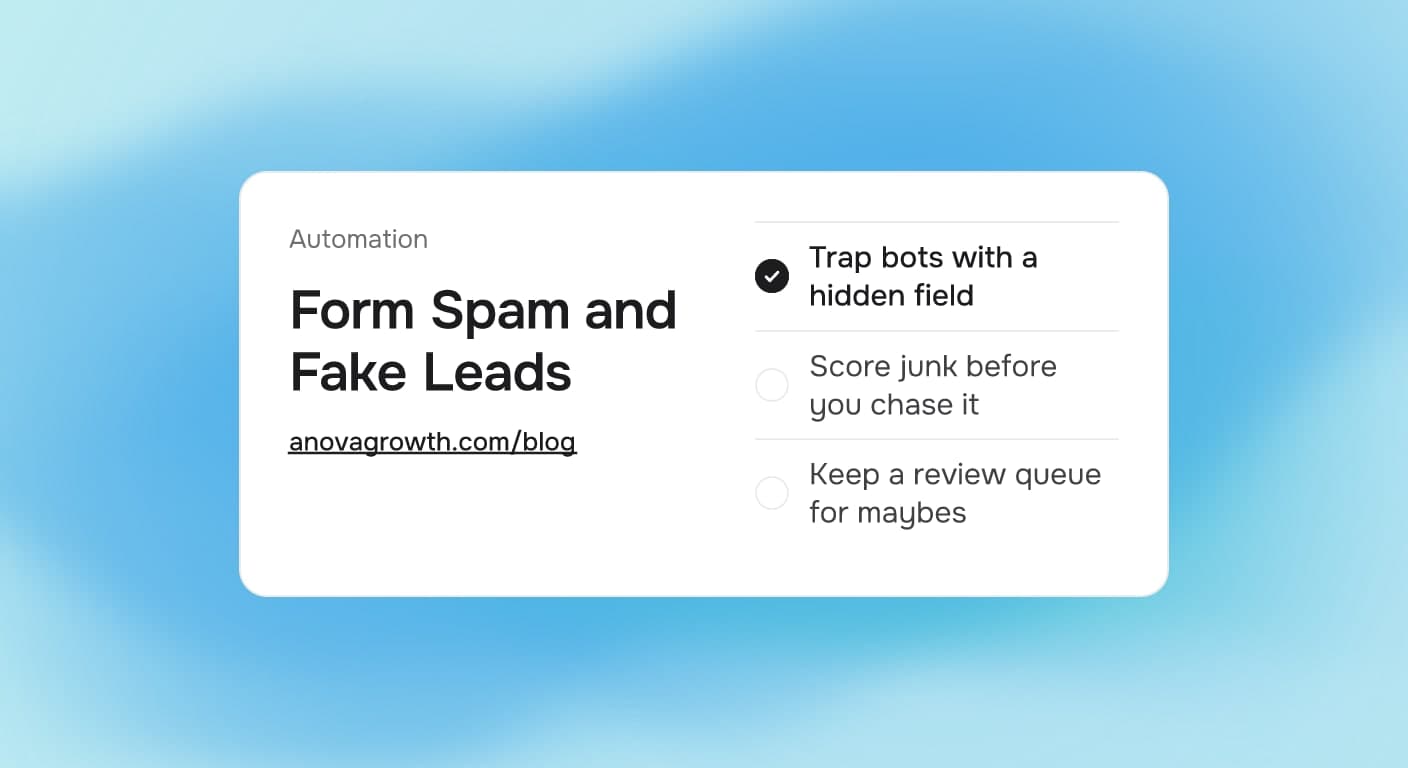
Form spam is junk that arrives through your own web form: bots, scraped listings, and fake submissions that look like leads. Filter it at intake instead of in your follow-up. Add a hidden bot trap, time the submission, verify the phone number shape, and park anything unsure in a small review queue so real customers never get blocked.
Where fake leads come from
Three sources account for almost all of it:
- Bots that crawl for open forms. They submit every input they can find, sometimes to plant links, sometimes just because the form exists.
- Lead resellers. They submit real-looking inquiries so they can sell the same "lead" to several businesses at once. Yours is on the list.
- People typing. Competitors fishing for your pricing, link promoters, and the occasional bored human. Harder to catch, easier to spot by reading.
Every one of these lands in your CRM wearing the same costume as a real customer: a name, a phone number, a message. That is the problem. Your team cannot tell which callbacks are worth making without help.
What junk leads actually cost you
The obvious cost is wasted time. The expensive cost is corrupted decisions.
Run the arithmetic on your own numbers: say 20 of the 80 form fills you got last month were bots. Each one earns a callback attempt, a note in the CRM, and eventually an apology to nobody. Five minutes each is roughly two hours a month spent chasing air.
The worse half of the bill: every report that counts form fills is now wrong. If you judge a landing page or an ad campaign on raw form submissions, junk and real customers carry the same weight, and you keep paying for the campaign that attracts robots.
The filter stack, layer by layer
No single filter does the job. A short stack does, because each layer is cheap and they fail in different ways.
| Layer | What it catches | Risk to real leads |
|---|---|---|
| Hidden text field, styled off-screen | Dumb bots that fill every input they find | Almost none, people never see it |
| Minimum time on form | Submissions that land seconds after page load | Low if the bar stays low |
| Server-side check | Bots that skip the page and submit directly | Invisible to people |
| Phone and email shape checks | Placeholder numbers and gibberish domains | Low, flag instead of block |
| Message text check | Promotional word salad dressed up as an inquiry | Odd ones route to review |
| Review queue | Anything the filters are unsure about | None, a human looks once |
Two rules hold the stack together. First, filter server-side, on the machine that receives the submission. A filter that only lives in the page gets skipped by any bot that never renders the page. Second, flag rather than delete. A real lead sometimes looks strange, and the review queue is where those get a second read.
Questions owners ask about form spam
Does not a captcha solve this?
A captcha trims simple bot traffic. It also stands between an impatient homeowner and your quote request, and some of them leave rather than prove they are human. Determined submitter farms get past captchas anyway. Use one where it fits, but treat it as one layer, not the defense.
Is a weird-looking lead spam or a customer?
If the phone number has a real shape and the message names an actual problem, call it. Typos, short messages, and odd email addresses are common among real buyers in a hurry. The review queue exists precisely because "probably junk" and "definitely junk" are different verdicts, and the first one deserves a human read.
How do I clean a CRM that is already full of fake contacts?
Fix the intake first, or the database refills behind you. Then tag every junk contact from the spam wave as a batch, archive or delete the batch as one action, and record the month it happened so historical reports can exclude it. The cleanup order matters more than the tool, and it is the same order described in our CRM data cleanup guide for service businesses.
Does form spam distort my ad reporting?
It does, whenever conversions are counted on raw form events. Filter submissions before the conversion gets recorded, or tag junk separately so reports can exclude it. Otherwise a campaign can look like it produces leads when it mostly produces callbacks to bots, and the budget follows the fake number.
Should I just drop the form and take calls only?
No. The form catches after-hours visitors and price shoppers who will not dial a number, and it keeps your intake consistent when the front desk is busy. Junk at the front door is an intake problem, not a reason to close the door.
What does week one look like?
- Day one: add the hidden field and a time-on-form check. Most of the dumb bot traffic stops mattering immediately.
- Day two: move the checks server-side so bots cannot skip them.
- Day three: add phone and email shape checks that flag, never hard block.
- Day four: create the review queue and put one person on it for a few minutes each week.
- Day five: compare this week's form fills against last month's count and note how much of it was junk. Now your baseline is honest.
How we run our own intake at AnovaGrowth
This is not hypothetical for us. Our own contact form receives bot submissions in ordinary weeks, and we run the same stack we recommend: a hidden field, time-on-form checks, and server-side validation, with uncertain submissions parked in a review queue rather than dropped.
Two lessons came out of running it. First, never hard block an email domain or an email shape, because real buyers use strange addresses and typos, and the cost of losing one of them outweighs the annoyance of a few junk entries. Second, junk creeps back the moment you stop looking, so the weekly review queue pass stays on the calendar as a five-minute job instead of a someday project.
Junk that slips through gets tagged and excluded from lead reports rather than deleted, so the numbers we report to ourselves describe real people.
Key takeaways
- Form spam costs you twice: wasted callbacks and corrupted numbers, and the corrupted numbers are the expensive half.
- Stack cheap filters instead of hunting for one clever block, and run the checks server-side.
- Flag submissions you are unsure about. A real lead sometimes looks like junk.
- A weekly five-minute review pass keeps the CRM clean without becoming a project.
- Filter before conversion tracking so your ad decisions run on real leads.
Next step
If your team is spending callbacks on obvious junk, or your lead reports stopped matching what actually books, the intake layer is the fix. We build filtered intake and CRM cleanup automations for service businesses. Contact us and describe what your form is receiving, we will tell you what a first pass would catch.
Related reading
- Why Most Lead Forms Fail: what a form has to do before volume matters.
- Automated Client Intake for Service Businesses: collecting the right details before the first call.
- CRM Data Cleanup for Service Businesses: what to fix first when the database is already a mess.
Related articles

Service Business Waitlist and Booking Pipeline Automation: Turn Fully-Booked Periods Into Revenue Instead of Lost Leads
Fully booked doesn't have to mean lost revenue. Waitlist and cancellation automation fills open slots from your last 30 days of inquiries and recovers leads you already paid to capture.
Read the article: Service Business Waitlist and Booking Pipeline Automation: Turn Fully-Booked Periods Into Revenue Instead of Lost Leads
AI Automation for Landscaping and Lawn Care Businesses: Win More Bids, Route Crews Faster, and Stop Losing Maintenance Contracts
Landscaping companies lose 30-50% of bids to slow follow-up and 20-40% of maintenance contracts to silent churn. AI automation fixes both.
Read the article: AI Automation for Landscaping and Lawn Care Businesses: Win More Bids, Route Crews Faster, and Stop Losing Maintenance Contracts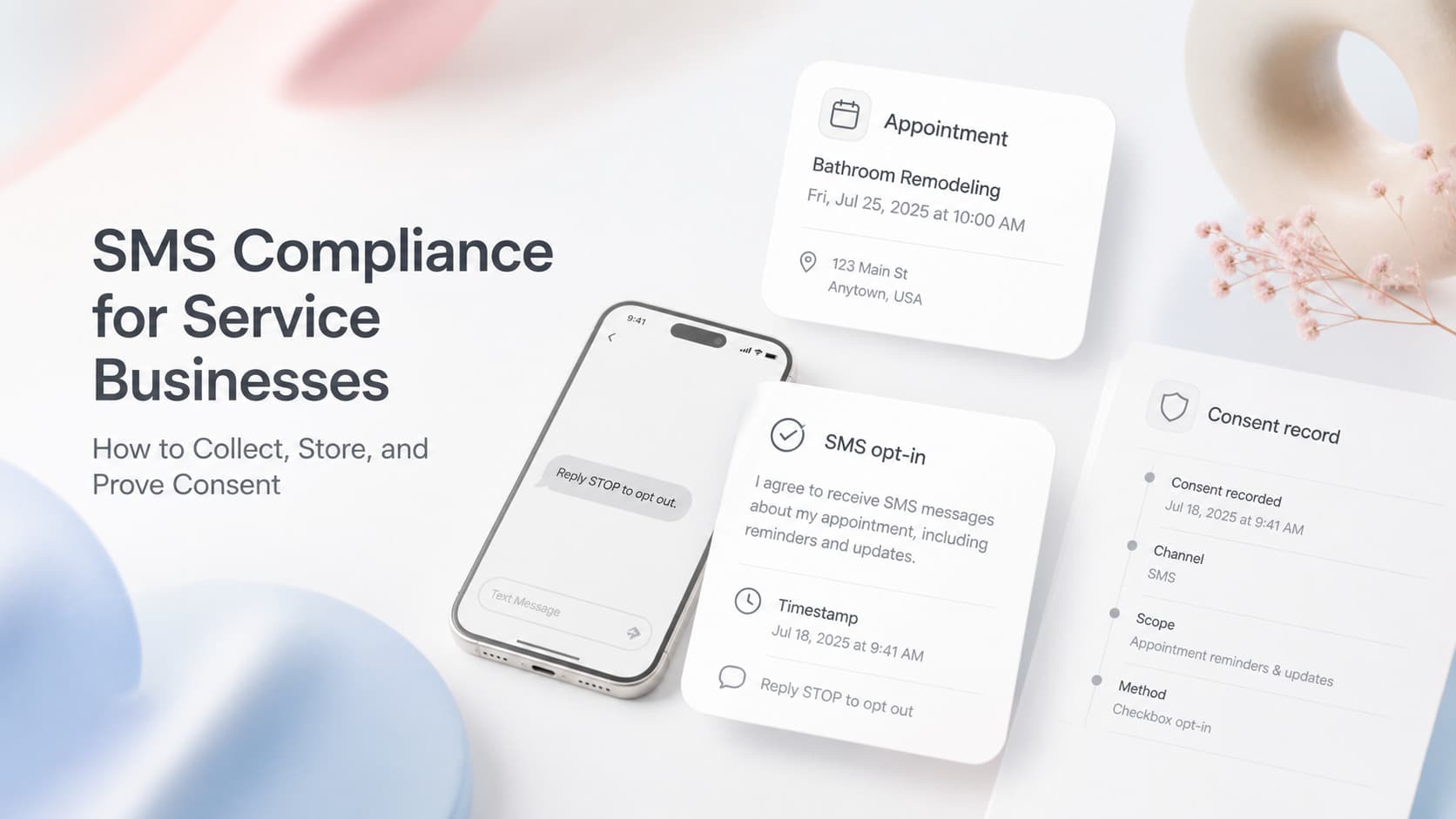
SMS Marketing Compliance for Service Businesses: How to Collect, Store, and Prove Consent
SMS marketing compliance for service businesses comes down to consent, storage, and opt-out. Fix intake, records, and reply handling before the next campaign.
Read the article: SMS Marketing Compliance for Service Businesses: How to Collect, Store, and Prove Consent
