CRM Data Cleanup for Service Businesses: What to Fix First
Bad CRM data quietly breaks automations and buries leads. Learn what to fix first, what to merge or drop, and how to keep the database clean afterward.

The Quick Answer
Your CRM should tell you who needs a call today. When records carry duplicate entries, dead phone numbers, and empty owner fields, automations fire at the wrong people and good leads sit untouched. Cleaning the data costs far less than replacing the system. Start with duplicates, then fill the fields your automations actually read, and set a few simple rules so the junk does not build up again.
Why Dirty CRM Data Costs Money
Every automated step you have built reads your CRM and trusts what it finds. Reminders go to the phone number on file. Follow-up emails go to the address on file. Lead routing sends the new inquiry to whoever owns the record. When any of those fields is wrong, your automation works perfectly and still produces the wrong result.
The damage compounds quietly. A duplicate contact gets two different follow-up sequences, so the same homeowner hears from you twice in one week and assumes you are sloppy. A stale status field tells your pipeline report there are twenty open quotes when there are actually six. A tech closes a job but the CRM still shows it as scheduled, so the review request fires two weeks late or never fires at all.
None of this shows up as an error. The system does not alert you, because from its point of view everything is working. You only see the symptoms: wasted ad spend on leads that were never real, fewer booked jobs from the same traffic, and staff who stop trusting the pipeline view. Once your team stops trusting the CRM, they start tracking work in text messages and sticky notes, and every automation you paid for loses its input.
The Decision: What to Fix First
A full cleanup feels like a project nobody has time for, so sequence it by payoff.
| Data problem | Fix it when | Plain fix |
|---|---|---|
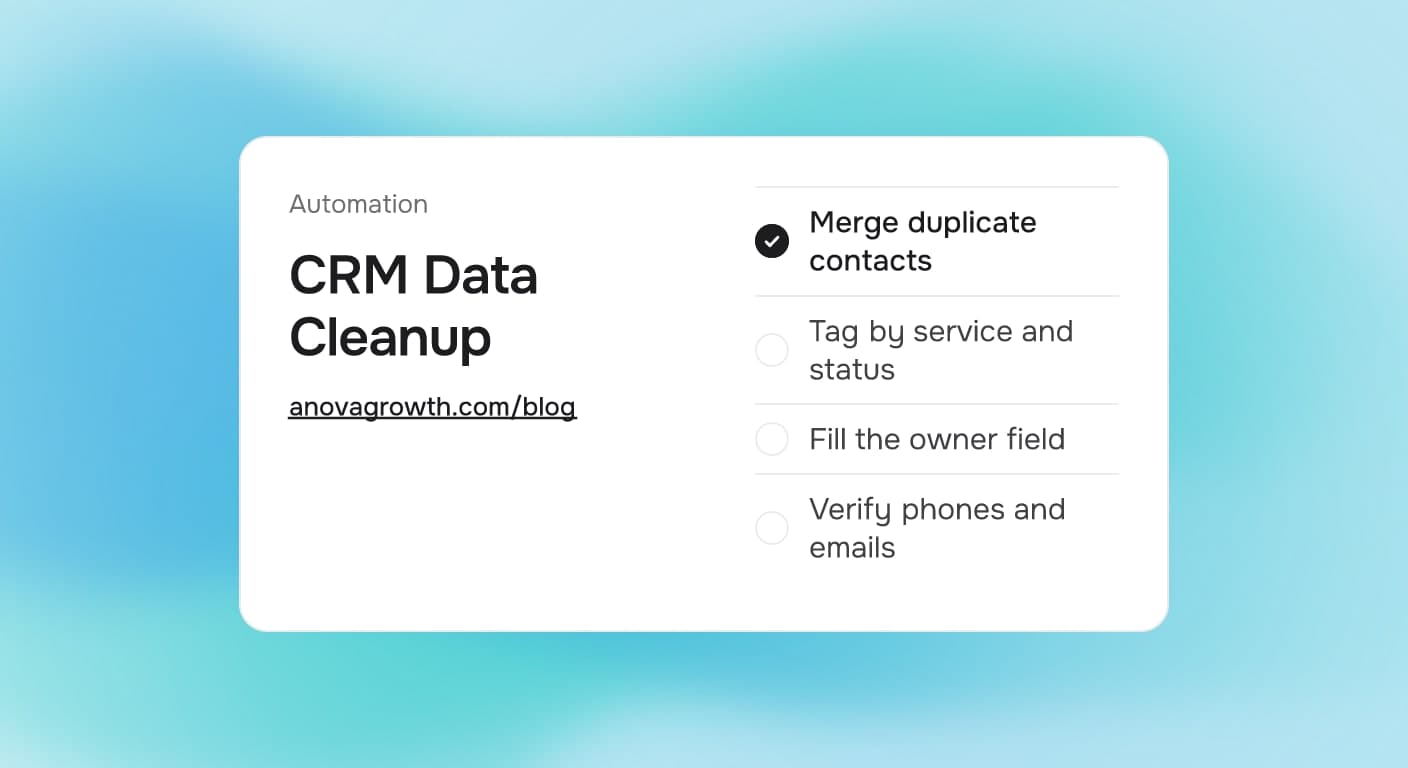
| Duplicate contacts and accounts | First. They split history and double-send messages | Merge on a match rule: phone or email wins |
| Empty owner field | First. Lead routing stops without it | Assign every open record; use a default owner for unassigned intake |
| Wrong or stale phone and email | Next. Reminders and quotes fail silently | Run a verification pass on contacts in active pipelines |
| Missing pipeline stage or status | Next. Your reports mislead everyone | Pick one stage list and map old values onto it |
| Old closed-lost records clogging lists | Later. They slow searches and clutter views | Archive what you must keep, delete true junk |
| Notes spread across free-text fields | Later. Painful but rarely urgent | Add structured fields only for data you actually automate |
Two hours spent on the top two rows usually fixes more than a week spent making old records pretty.
What to Merge, What to Drop
Duplicates are the top priority because they actively cause damage. Every automation that fires per contact fires twice, and your reporting counts one customer as three. Merge with a simple match rule rather than eyeballing names. Phone number and email are reliable signals. Names are not. Two "Mike Smith" records might be father and son, and merging those creates a worse problem than the one you fixed.
Before you delete anything, check for three things: an open estimate, a scheduled job, or a balance owed. Records you think are dead often hold active work. When in doubt, archive rather than delete. An archived record stays recoverable and your history remains intact for repeat customers.
Rules That Keep the Database Clean
A one-time cleanup fails if the intake is still dirty. A few rules prevent a repeat.
- One source of truth for entry. New work enters through the CRM or a form that writes to it. Text thread details get copied into the record, not left in the phone.
- Owner is mandatory. No record saves without someone responsible for the next action. If automation routes leads, a fallback owner catches anything the rules miss.
- Structured fields over free text. Service type, job status, and lead source each get one field with a fixed list. Free-text tags like "new, called, HVAC?" cannot drive an automation.
- One status list, one spelling. Everyone picks from the same stage list. "Job done," "Complete," and "Finished" cannot coexist if you want an accurate pipeline report.
- A recurring five-minute sweep. Each week, review new records created since the last check: duplicates, missing owners, malformed phone numbers. Small, frequent corrections beat an annual panic cleanup.
What We Do in Our Own Shop
We run our own CRM the same way we set up client systems, and a cleanup pass in our own database is where we learned the ordering above. Our first merge pass found plenty of duplicates because our early lead forms allowed the same person to submit twice. Every automation we built after that assumed a single record per contact, which is why duplicates get fixed first before anything new gets wired up.
The habit that stuck: we never change the CRM structure without checking what our automations read. If a follow-up sequence filters on a tag spelling, that tag is frozen until the sequence is updated. That single rule has prevented more silent breakage than any tool we own. When we set up automation for clients through our AI automation work, we audit the fields in use before we touch the data, so nothing that runs weekly depends on something we are about to rename.
Common Fan-Out Questions
What counts as a duplicate in a CRM? Any two records that point to the same real person or job. Phone number and email are the dependable match signals. Matching on names alone merges different people, so treat a name match as a question to check, not a decision.
Should we clean the data before or after building automations? Before, at least for the fields the automations read. An automation amplifies whatever it touches. Built on dirty data, it sends wrong reminders at scale faster than a human ever could, and you spend the next month apologizing to customers.
How often should a service business clean its CRM? A short weekly sweep plus a deeper review each quarter is enough for most small teams. The weekly pass catches duplicates from new intake while they are still one click to merge. Leave anything longer and merge-backs get painful.
Can software alone fix bad CRM data? Tools help with the mechanical parts: duplicate detection, phone formatting, email verification. Tools cannot decide whether "Mike Smith" is father or son, which old contact still wants your service, or which free-text note belongs in a structured field. Someone who knows the customers makes those calls.
What if the CRM is beyond cleaning? Count what is real before you decide. Export the database, separate active customers from old records, and look at how many contact records you would want to carry into a new system. If the answer is a few hundred, a cleanup weekend beats a migration. If the platform itself cannot hold the fields and rules you need, start from the comparison in our custom vs off-the-shelf software guide before signing anything.
Who should own data quality? One person, with a small weekly checklist. Make it the office manager, a dispatcher, or whoever touches intake most. Nobody does it perfectly, but one accountable person beats a team that each assumes someone else merged the duplicate.
Key Takeaways
- Duplicates and empty owner fields cause the most live damage. Fix those before anything cosmetic.
- Automations depend on the fields they read. Freeze and check those fields before any structural change.
- Structured fields with fixed lists beat free text for anything you want to automate or report on.
- Small weekly sweeps keep the database stable. Annual panic cleanups do not stick.
- Clean first, then rebuild trust in the pipeline view. A CRM nobody trusts gets bypassed, and the automations lose their input.
Next Steps
If quotes go missing, reminders misfire, or your pipeline report no longer matches reality, schedule a focused cleanup before you invest in more automation. Start with the duplicates and the owner fields, wire your intake so new records enter clean, and only then expand what runs automatically. We set up CRM workflows, lead routing, and quote-to-close automation for service businesses, and we start every client engagement with a data check. Talk to us about what your CRM is showing now, and bring your most recent pipeline report if you can export one.
Ready to get started? Contact us to discuss how we can help your business.
Related articles

Technician Utilization Tracking for Service Businesses: Find the Hours You Never Bill
Technician utilization tracking shows how many hours your crews bill versus idle, travel, admin, and windshield time. Here is how to set it up and use it.
Read the article: Technician Utilization Tracking for Service Businesses: Find the Hours You Never Bill
Daytona Beach Group Booking: Prepare for the 2026 Classic
The Daytona Beach Classic schedule is taking shape. Prepare group inquiries, booking approvals, and guest messages before Thanksgiving travel.
Read the article: Daytona Beach Group Booking: Prepare for the 2026 Classic
Charleston Hospitality Booking: Get Ready for MOJA 2026
MOJA returns September 24. Prepare your Charleston hospitality booking pages, guest messages, and reservation handoffs before the festival.
Read the article: Charleston Hospitality Booking: Get Ready for MOJA 2026
