Digital Job Checklists: How Service Businesses Cut Callbacks
Paper checklists get signed and forgotten. Learn how digital job checklists catch problems before the customer sees them and cut repeat visits.

The Quick Answer
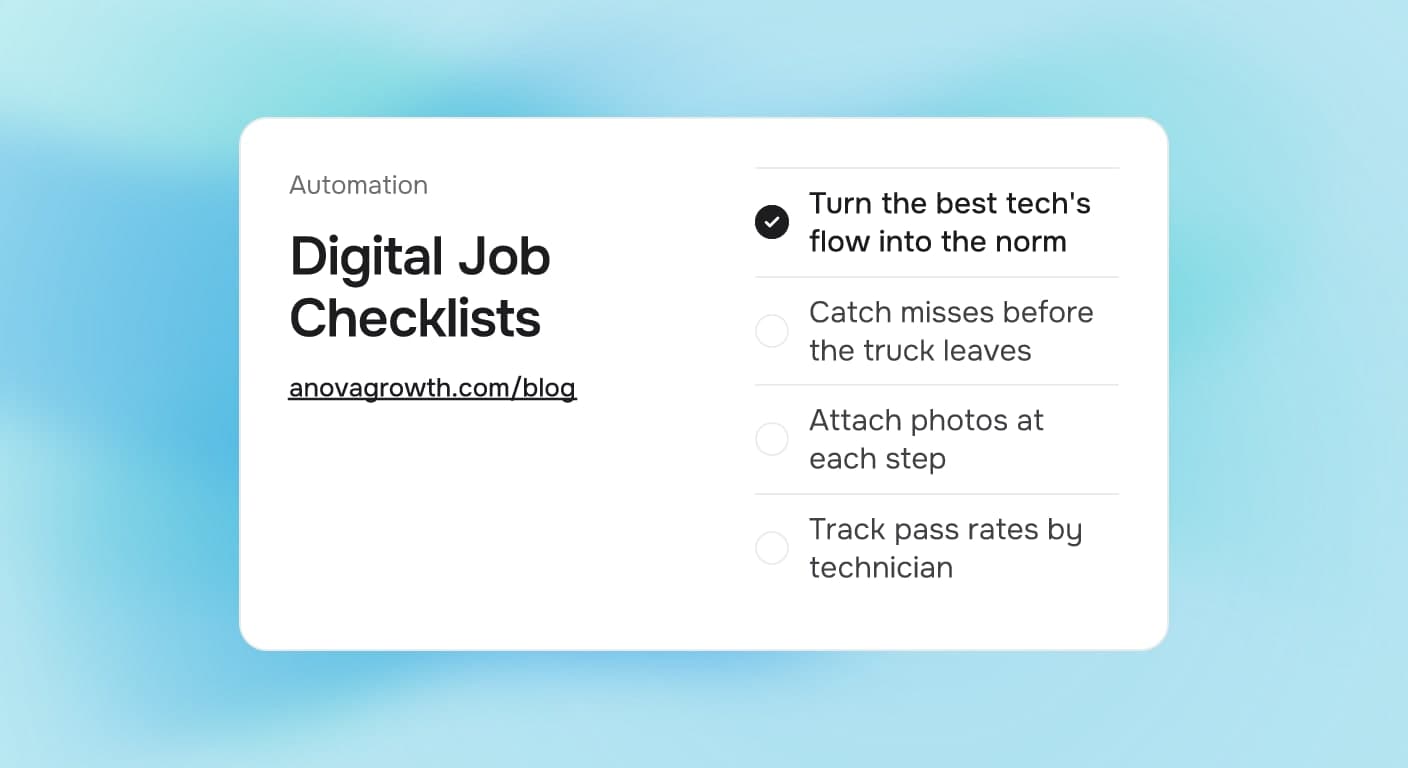
Digital job checklists turn the steps your best technician already repeats into steps every technician follows. The checklist lives inside the job record, gets filled out on a phone in the field, and blocks the job from closing until every line is checked or explained. The payoff: fewer callbacks, cleaner warranty claims, and a timestamped record you can show the customer when opinions differ.
Why Callbacks Keep Happening on Jobs That Went Fine
Ask a dispatcher about callbacks and the story sounds the same every time. The tech is good. The work looked done. Two days later the customer calls, and nobody can trace what was actually done.
The failure is not skill. It is memory plus variation. Most shops have no written definition of "done" for a job type, so each tech carries their own version in their head. The veteran closes every air handler panel and sets every thermostat mode. The newer tech skips one. From the customer's side, a missed step reads as a botched job, even when 95 percent of the visit went well.
Paper checklists fail for a boring reason: they get signed before anyone inspects anything, then live in a truck until they turn into a stack of unlabeled clipboards. A checklist that nobody reviews is decoration.
The Decision: Paper, Shared Sheet, or Field App Checklist
| Setup | What you get | Where it fails |
|---|---|---|
| Paper clipboard | Cheap to start, familiar to older techs | No timestamps, no review loop, gets photocopied and forgotten |
| Shared spreadsheet | Central template everyone edits | Depends on office staff re-checking it after the visit, when the truck is gone |
| Digital checklist in the job record | Required fields, photos, timestamps, pass-rate reports | Needs a real template and a rule that incomplete jobs do not close |
The spreadsheet middle ground usually disappoints, because it adds a review step instead of removing the miss. The field app version works because enforcement happens during the visit, not two days later. Most field service platforms and CRMs support required checklist fields on a job. If yours does not, that constraint is worth fixing before you build more checklists, since the enforcement layer is the whole point.
What Goes Into a Good Job Checklist
The template should read like a recipe, not a policy document.
- Start and end states. What the job record should show before and after the visit, including arrival photos or readings.
- The steps that get skipped. Copy the misses that caused your last several callbacks. A checklist that lists only the obvious steps changes nothing.
- Evidence at the risky steps. A photo or measured number at each step where "I did it" has historically been wrong.
- Customer handoff. What gets explained, what the customer was shown, and what they still need to do.
- Materials used. Parts and quantities, so warranty claims and job costing have real data.
Keep it under twenty lines for routine visits. A checklist long enough to skim is a checklist nobody reads.
An Example Checklist in the Field
This is a sample walkthrough of a residential HVAC seasonal tune-up, written the way a field app checklist reads:
- Arrived on site, front of unit photographed before work starts
- Filter condition recorded (photo: filter in housing)
- Condensate line flushed, drain pan dry (photo: pan after flush)
- Coils inspected, wash logged if performed
- Thermostat mode and setpoint tested, values recorded
- Panel screws counted back in (photo: closed cabinet)
- Customer shown readings, questions answered
- Parts used logged from van stock
Each line is data, not ink. If the tech cannot check a line, the app asks why, and the answer rides back to the office with the job. When a customer later says the cabinet was left open, the record answers for you. Pair this with our guide to AI photo documentation for service businesses to make the evidence side automatic.
What AnovaGrowth Does In Our Own Delivery
We run our own client work through the same pattern. Every change that ships to a client site passes a fixed gate: validation scripts on the content, type checks on the code, and a full production build before anything goes out. Nobody ships from memory or on a promise to check later. When a step fails the gate, the job stops until the step passes.
That is all a digital job checklist is: a gate that lives where the work happens. The teams that adopt them stop arguing about who forgot what, because the record settles it.
Common Questions
Do checklists slow technicians down?
A tight checklist adds a few minutes per visit and removes a repeat trip later, which takes hours. The slower failure mode is the opposite setup, where the office discovers a miss after the tech is gone and has to schedule a return visit.
Which jobs should get a checklist first?
Start with the job type that generates the most callbacks or warranty claims, not the biggest revenue line. Convert one job type, run it for a few weeks, then extend the template to the next. A shop that digits every job type at once usually digitizes nothing well.
Should the customer see the checklist?
Yes, selectively. Handing over a completed record at the end of a visit, with photos and readings, reads as competence. Internal-only lines, like parts margin notes, stay in the back office view.
What about jobs that go sideways mid-visit?
The checklist should include an exit route: a line for "scope changed from the original estimate" that requires the new scope and a customer approval record before the visit closes. This keeps the surprise documented instead of getting smoothed over in conversation.
How do you get technicians to actually fill it in?
Make it the only path to getting paid for the job. In most systems, a job cannot be marked complete, and therefore cannot generate an invoice, until required checklist lines pass. Payroll follows closed jobs, and behavior follows payroll.
Does a checklist replace technician training?
No. It captures what training produced so it survives turnover. When a new hire starts, they copy the best tech's routine on day one instead of guessing at it for a season. Our CRM automation triggers guide covers how to make checklist completion start the next step automatically, like a follow-up email or a maintenance reminder.
Where to Start
Pull your last three months of repeat visits and write down the misses. Build one checklist for the worst job type, with photos at the steps that caused those visits, and enforce it on closing in your field app or CRM. Read how AI warranty tracking closes the loop if warranty paperwork is part of the mess, and automated maintenance reminders to keep the follow-up visits the checklist earns.
Ready to wire checklists into your CRM and field workflow? Contact us and we will map it to the system you already run.
Related articles
CRM Data Cleanup for Service Businesses: What to Fix First
Bad CRM data quietly breaks automations and buries leads. Learn what to fix first, what to merge or drop, and how to keep the database clean afterward.
Read the article: CRM Data Cleanup for Service Businesses: What to Fix First
Technician Utilization Tracking for Service Businesses: Find the Hours You Never Bill
Technician utilization tracking shows how many hours your crews bill versus idle, travel, admin, and windshield time. Here is how to set it up and use it.
Read the article: Technician Utilization Tracking for Service Businesses: Find the Hours You Never Bill
Daytona Beach Group Booking: Prepare for the 2026 Classic
The Daytona Beach Classic schedule is taking shape. Prepare group inquiries, booking approvals, and guest messages before Thanksgiving travel.
Read the article: Daytona Beach Group Booking: Prepare for the 2026 Classic
