Quick Answer
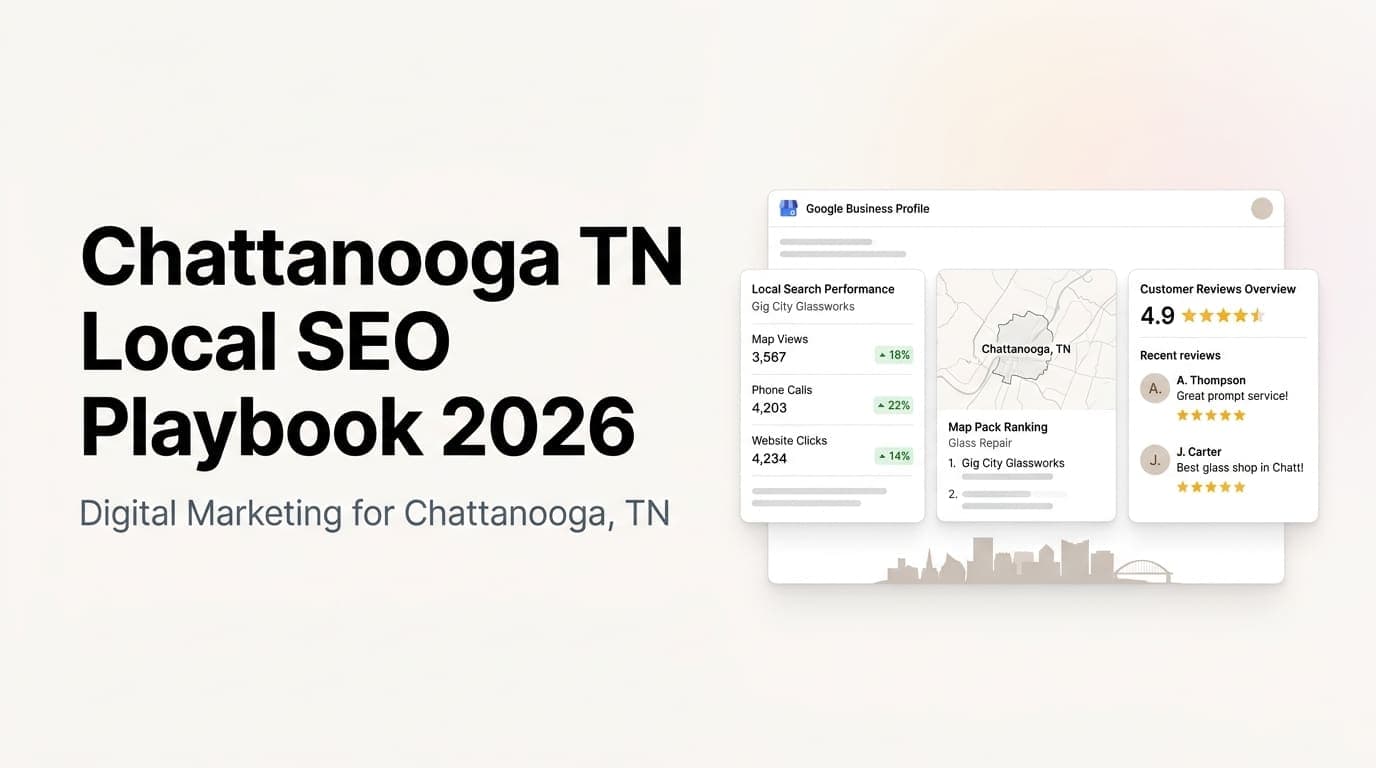
Google Business Profile (GBP) is the single highest-ROI marketing asset for most service businesses. A fully optimized profile gets 5-10x more calls than a bare-bones one. The fix is not complicated: fill every field, post weekly, respond to every review, add real photos monthly, and pick the right categories. Most service businesses do half of these and wonder why they are not showing up in the map pack.
Why GBP Matters More Than Your Website for Local Discovery
When someone searches for "HVAC repair near me" or "plumber Rome GA," Google shows three local results at the top of the search page before any organic website listings. That map pack drives 44% of all clicks on local searches, according to Google's own data. Your website might rank on page two, but if your GBP is not in the top three, you are invisible to most searchers.
The math is simple for service businesses. A prospect searching for your service has an immediate need. They are not browsing. They want someone who can show up today or tomorrow. Your GBP is the first thing they see, and it either convinces them to call or sends them to a competitor.
What a complete GBP does that your website cannot:
- Shows your exact location and service area on a map
- Displays real-time star ratings and review count
- Surfaces your phone number and directions with one tap
- Lets customers ask questions and get answers publicly
- Posts updates that appear directly in search results
- Shows photos of your actual work, not stock imagery
The 7-Point GBP Optimization Checklist
Here is the exact checklist we use when optimizing GBP profiles for service businesses. Skip none of these.
| Optimization | Impact | Time to Fix |
|---|---|---|
| Primary and secondary categories | High - determines which searches you appear for | 10 minutes |
| Complete business description with keywords | Medium - helps Google understand your services | 15 minutes |
| Service area and location settings | High - prevents showing up for wrong zip codes | 5 minutes |
| Weekly posts with photos | High - signals active management to Google | 20 minutes per week |
| Review responses within 48 hours | High - improves trust signals and ranking | 5 minutes per review |
| Q&A section with pre-written answers | Medium - controls the narrative for common questions | 30 minutes once |
| Photo updates every 30 days | Medium - fresh content signals relevance | 15 minutes per month |
1. Get the Categories Right
Your primary category is the single most important field on your GBP. It tells Google what you do. A plumber who picks "Plumber" as primary will show up for plumbing searches. A plumber who picks "Contractor" will show up for fewer relevant searches.
Pick the most specific primary category that describes your main service. Then add secondary categories for every other service you offer. Google allows up to 10 categories. Use them all if they apply.
Common primary categories for service businesses:
- HVAC contractor, Plumber, Electrician, Roofer, Landscaper
- General contractor, Home builder, Painter, Remodeler
- Lawn care service, Tree service, Pest control service
- Cleaning service, Junk removal service, Moving company
- Auto repair shop, Mechanic, Tire shop
- Dentist, Chiropractor, Physical therapist
- Real estate agent, Property manager, Home inspector
2. Write a Description That Answers the Right Questions
Your GBP description has 750 characters. Most businesses write three sentences and stop. Use every character to answer the questions a prospect has before they call.
The structure we use:
- Sentence 1: Who you are and what you do (include your primary keyword)
- Sentence 2: Your service area and response time
- Sentence 3-4: Your specialties or differentiators
- Sentence 5: What happens when they call (answered live, free estimates, same-day service)
- Sentence 6: Call to action
Example for an HVAC company:
"Family-owned HVAC company serving Rome and Floyd County since 2012. We handle AC repair, furnace installation, and heat pump maintenance with same-day service on most calls. NATE-certified technicians, transparent pricing with no hidden fees. Call us for a free estimate and we will have a technician at your door within 2 hours."
3. Set Your Service Area Correctly
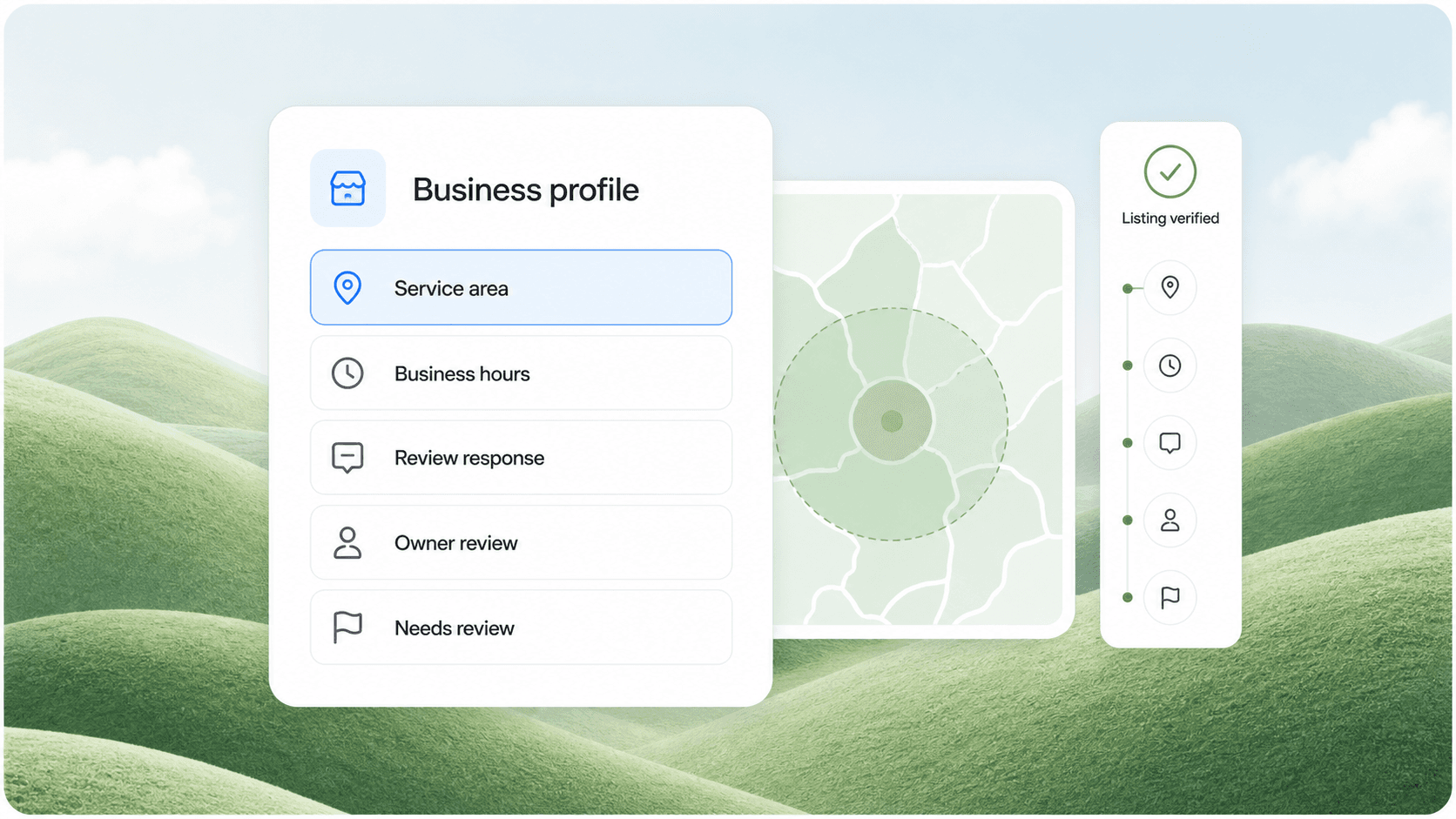
Service area businesses (businesses that go to customers rather than having customers come to them) need to set their service area in GBP settings. This is different from your business location.
Set your service area to the cities and zip codes you actually serve. Do not claim you serve the entire state if you only cover a 30-mile radius. Google penalizes overbroad service areas.
The mistake we see most often: A business sets their service area to 50+ miles when they only serve 20 miles. This dilutes their local relevance and makes it harder to rank for the areas they actually cover.
4. Post Every Week
GBP posts are mini-updates that appear in your profile and sometimes in search results. They are one of the strongest signals that your business is active and responsive.
What to post:
- New services or seasonal offers
- Before and after photos of recent jobs
- Tips related to your service (how to prep for AC season)
- Team spotlights or community involvement
- Limited-time promotions
Each post should include a photo and a clear call to action. Posts stay visible for 7 days. Posting weekly keeps your profile fresh and signals to Google that you are actively managing your listing.
5. Respond to Every Review
Google tracks how businesses respond to reviews. Profiles that respond to 100% of reviews rank higher in the map pack than profiles that respond to none. This is not speculation. Multiple studies from BrightLocal and Moz have confirmed the correlation.
Response guidelines:
- Thank every positive reviewer by name
- Address negative reviews professionally within 24 hours
- Never argue with a reviewer publicly
- Offer to resolve issues offline
- Keep responses to 2-3 sentences
Example negative review response:
"Thank you for your feedback, Mark. We apologize that your service appointment did not meet your expectations. We have reviewed your file with our service manager and would like the opportunity to make this right. Please call our office directly so we can discuss a resolution."
6. Own the Q&A Section
Anyone can ask a question on your GBP. If you do not answer it, Google may surface an incorrect answer from somewhere else. Worse, a competitor could ask a loaded question designed to make you look bad.
Pre-empt this by adding 10-15 common questions and answers yourself. Use the Q&A feature in GBP manager to seed the section with the questions your customers actually ask.
Questions every service business should answer:
- What areas do you serve?
- Do you offer free estimates?
- How quickly can you respond to an emergency?
- What payment methods do you accept?
- Are you licensed and insured?
- Do you offer warranties on your work?
7. Add Photos Monthly
GBP profiles with more than 100 photos get 520% more views than profiles with fewer than 10, according to Google's internal data. Photos are not optional. They are a ranking factor and a conversion tool.
What to photograph:
- Completed jobs (before and after)
- Your team in action
- Your vehicles with branding
- Equipment or tools you use
- The inside of your shop or office
Take photos with a real camera or a modern phone. Avoid stock photos. Google can detect stock imagery and it hurts your credibility with both the algorithm and real customers.
How We Optimize GBP for Service Businesses at AnovaGrowth
We have optimized dozens of GBP profiles for service businesses across the Southeast. The most common pattern we see is a business that set up their profile once, added a few photos, and never touched it again. That profile is competing against businesses that post weekly, respond to reviews daily, and update photos monthly. The active profile wins every time.
One example: A Rome-based HVAC company had 12 reviews and no posts when we started. Their phone was ringing maybe 3 times a week from Google searches. After we optimized their categories, added 40 photos, set up a weekly posting cadence, and responded to every review, their profile went from position 7 in the map pack to position 2 within 60 days. Their call volume from Google went from 3 per week to 15-20 per week.
The work was not complicated. It was consistent. That is the difference between a GBP that generates leads and one that collects dust.
Common GBP Mistakes That Cost You Calls
Using the wrong primary category. This is the most expensive mistake. A handyman who picks "Handyman Service" as primary will show up for fewer searches than one who picks "General Contractor" or a more specific category. Test your primary category against what your competitors use in your market.
Not verifying your location. Google sends a postcard with a verification code to your business address. If you moved and did not update your address before reverifying, your profile can get suspended. Keep your address current.
Ignoring insights. GBP provides data on how customers find you (direct search, discovery search, brand search) and what actions they take (website clicks, calls, direction requests). Check this monthly. If calls are dropping, something changed.
Using a PO box or virtual address. Google does not allow PO boxes for verified GBP listings. If you work from home, you can hide your address and set a service area instead.
Deleting negative reviews. You cannot delete negative reviews unless they violate Google's policy. Trying to game the system by asking customers to remove negative reviews can get your profile suspended. Respond professionally and move on.
When to Hire Help vs DIY
GBP optimization is not technically difficult. Any business owner can do the 7-point checklist above in an afternoon. The question is whether you will maintain it.
DIY is fine if:
- You can commit to posting once per week
- You will respond to every review within 48 hours
- You take and upload photos monthly
- You check GBP insights once per month
Hire help if:
- You have multiple locations (each needs its own GBP)
- You are too busy doing the work to manage the profile
- Your profile has been suspended or has a policy violation
- You want to scale from 5 calls per week to 30+
Most service business owners fall into the second category. They are busy doing the work. That is where AnovaGrowth comes in. We handle the weekly posting, review responses, photo management, and ongoing optimization so your GBP works for you while you work for your customers.
Ready to get more calls from Google? Contact us to discuss your GBP optimization strategy. We can have your profile fully optimized within a week.
Related Questions
- How long does it take for GBP changes to show up in search results?
- Can I have a GBP if I work from home without a storefront?
- What is the difference between GBP and Google Ads for local leads?
- How do I handle a GBP suspension or reinstatement?
- Should I create separate GBPs for each service I offer?
- How do reviews on other platforms (Yelp, Facebook) affect my GBP ranking?