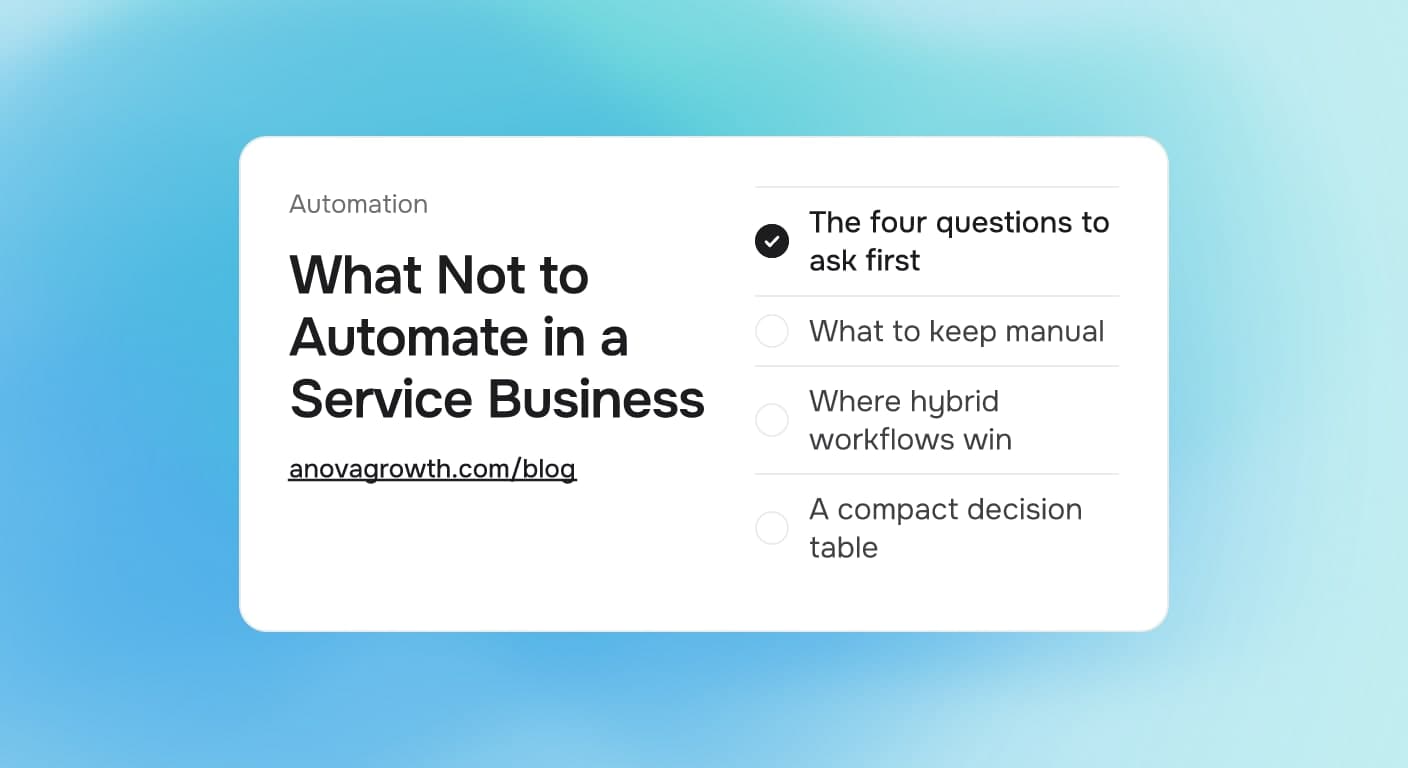
What Not to Automate in a Service Business: A Decision Framework
Which tasks to hand to software and which to keep human, a four-question test for any automation, and the mistakes that quietly cost service businesses money.

Quick answer
Automate the high-volume, rule-based work: reminders, intake, invoicing, payment follow-ups. Keep humans on judgment calls, relationships, and anything expensive to get wrong. The test is simple. If a task runs often, follows rules you can write down, and a mistake is cheap to catch, hand it to software. If it fails any of those, keep it manual and fix the process first.
Why automating everything backfires
Automation multiplies whatever it is pointed at. Point it at a clear, repeatable process and it multiplies output. Point it at a messy process and it multiplies the mess, faster and around the clock. The failure pattern repeats across service businesses: a step gets automated before anyone has written down how it actually works, the software enforces a rule that only lived in someone's head, and customers start receiving wrong confirmations, wrong prices, or wrong reminders at machine speed.
The real cost is not the subscription fee. It is trust. A client who gets three reminder texts for an appointment that was already rescheduled, or an estimate email quoting last year's rate, now needs a human conversation to settle things. Software cannot hold that conversation for you. So the useful question is not "can this be automated" but "should it be yet, and what has to be true first."
An example of the failure loop
Consider a common setup for a two or three crew operation. Appointment reminders are automated against the calendar, which works well until the office reschedules a job by adding a note instead of moving the date. The calendar still shows the old slot, so the customer gets a reminder for Tuesday while the crew shows up Thursday. The customer waits at home on the wrong day, the crew burns a truck roll, and the review that follows mentions the no-show.
Nothing in that story is a technology failure. The rule was never written down: reschedules happen in the calendar, not in notes. The cheapest fix is one documented rule and a five-minute weekly audit of queued reminders, not a new tool. That is why we always put process documentation ahead of build work.
The four questions to run before you automate anything
Before a task gets handed to software, run it through four questions:
- Volume. Does this happen weekly or more? A task that runs a few times a year rarely earns a workflow, because nobody remembers how the workflow was configured by the time it misbehaves.
- Rules. Can you write the decision as if-then steps on paper today? If the answer depends on feel, taste, or a relationship history only one person holds, the automation will guess, and it will guess wrong at the worst possible moment.
- Blast radius. What does a wrong output cost? A misdirected internal report is a shrug. A wrong invoice, a wrong price, or a reminder sent to the wrong client is a phone call you now owe somebody.
- Observability. Will you notice within a day when it breaks? Automations fail quietly: an integration changes, a field gets renamed, a filter stops matching. If nothing watches the output, the failure runs until a customer reports it.
Four yes answers means automate it and check the output weekly. Three or fewer means fix the process first, write the rules down, and then revisit. Our guide to documenting a workflow before automating it covers that first step.
A compact decision table
| Task type | Right call | Why |
|---|---|---|
| Appointment reminders and confirmations | Automate | High volume, clear rules, cheap failure |
| Invoice and payment follow-ups | Automate | Rule-based, and consistency is the point |
| Lead intake and routing | Automate with review | Rules exist, but spot-check the first month |
| Quote and pricing approval | Keep human | High blast radius, real judgment involved |
| Complaints and difficult conversations | Keep human | No rules to write, trust on the line |
| One-off tasks and experiments | Keep manual | Setup and upkeep cost more than the task |
What to keep manual, on purpose
- Money and pricing decisions. Discounts, scope changes, and what a job actually bids at involve context that lives in your head. Automating approval of these is how margin disappears quietly. Let software prepare the numbers, and you make the call.
- First conversations and complaints. A new inquiry deserves a fast acknowledgment, which a system can send, but the reply that follows is a human speaking for the company. The same goes for anything that starts with "we are not satisfied."
- Anything you cannot write down as steps. If two people would describe the process differently, automating either description just picks a winner by accident. Rewrite the process first, automate second.
- Rare, high-stakes steps. Year-end reporting, license renewals, insurance audits. Low frequency means no muscle memory, which means a workflow here degrades silently between runs.
None of this means those areas stay inefficient. It means they get better tools for humans, structured notes, templates, and checklists, instead of autonomous workflows nobody would be able to debug later.
Where hybrid workflows do the best work
Most of the valuable automations in a service business are not fully automatic. Three patterns cover most of it:
- Software drafts, a human approves. Estimate drafts, review responses, and customer emails are good candidates. The machine produces the first version in seconds, and a person reads every word before it leaves the building.
- Software collects, a human reviews on a schedule. Form submissions get structured and routed automatically, then someone works the queue each morning. The collection is automatic; the judgment stays with the team.
- Software acts, a human audits weekly. Reminders, confirmations, and data entry run hands-free, and one person spends fifteen minutes a week scanning the output for anything odd.
If you want a structured way to score a candidate task, our post on auditing a workflow before AI automation walks through the same questions in more depth.
How AnovaGrowth runs its own operation
We build automations for clients and we run our own shop on them, so this filter is what we hold ourselves to. Inquiries land in a structured intake and get an automatic acknowledgment within minutes. Everything after that acknowledgment, scoping, pricing, the first real reply, is written by a person, because that is where the sale actually happens. Draft content and data extracts are produced by machine and reviewed by a human before anything ships, and every automation we run has a named owner who reads its output weekly.
The review step is the part owners most want to delete, and it is the part we would delete last. Machines draft fast; the review is what keeps a mistake from reaching a customer. When we have skipped that review internally, the redo cost more than the time it saved. That is the pattern behind most automation regret we see, and it lines up with the expensive errors described in our guide to AI automation mistakes.
Questions owners ask about automating less
Is data entry ever worth keeping manual?
Sometimes, yes, but usually the right answer is to change the input rather than automate the copying. Rekeying data from a PDF or a phone call into three systems is a sign the systems do not talk to each other, and fixing the handoff beats duplicating the retyping.
Can software handle a task that needs judgment?
It can draft and recommend, and that is often enough to save most of the time. The judgment step itself should stay with a person until you have seen enough machine decisions to trust the pattern, and that trust is earned per task, not per tool.
How do I know when an automation is ready to run unattended?
When it has run correctly alongside a human checker for several weeks, the rules it follows are written down, and someone owns watching its output. Until all three are true, keep a person in the loop.
What breaks first in a service business automation?
Integrations. A field gets renamed, a form changes, or a vendor updates their system, and the automation keeps running on stale data. Weekly output checks catch most of this before customers do.
When should I change the process instead of automating it?
Whenever documenting the current process makes you flinch. If describing the steps on paper reveals steps you would never design on purpose, redesign first. Automating a bad process just makes the bad outcome arrive faster.
Where to start this week
Pick the three tasks your team repeats most. Score each against the four questions above, then automate only the one that passes all four, starting with documentation. Put a weekly ten-minute check on whatever you turn on. If you want a rough dollar view before committing budget, run the numbers through our automation ROI calculator, and if you would rather have an outside pass on which workflows are worth building, contact us and we will walk your operation with you.
Related articles
Rain Delay Scheduling for Exterior Contractors: Automate the Weather Day
When rain kills tomorrow's jobs, who calls everybody? The rain day workflow exterior contractors can automate, from trigger to reschedule to refill.
Read the article: Rain Delay Scheduling for Exterior Contractors: Automate the Weather Day
Phone Calls Flagged as Spam: How Service Businesses Fix Caller ID Reputation
Carriers can show your number as Spam Likely before anyone answers. Learn what triggers flags, how to fix caller ID reputation, and what to watch weekly.
Read the article: Phone Calls Flagged as Spam: How Service Businesses Fix Caller ID Reputation
Hurricane Isaias Gulf Coast Business Recovery: Build Resilient Workflows
Hurricane Isaias exposed fragile Gulf Coast operations. Build recovery workflows that keep customers informed, requests routed, and bookings moving.
Read the article: Hurricane Isaias Gulf Coast Business Recovery: Build Resilient Workflows
