Service Area Pages for Local SEO: How Many to Build and What Makes Them Rank
How many service area pages to build, what each page needs to rank, and why thin doorway copies get ignored. A practical playbook for service businesses.

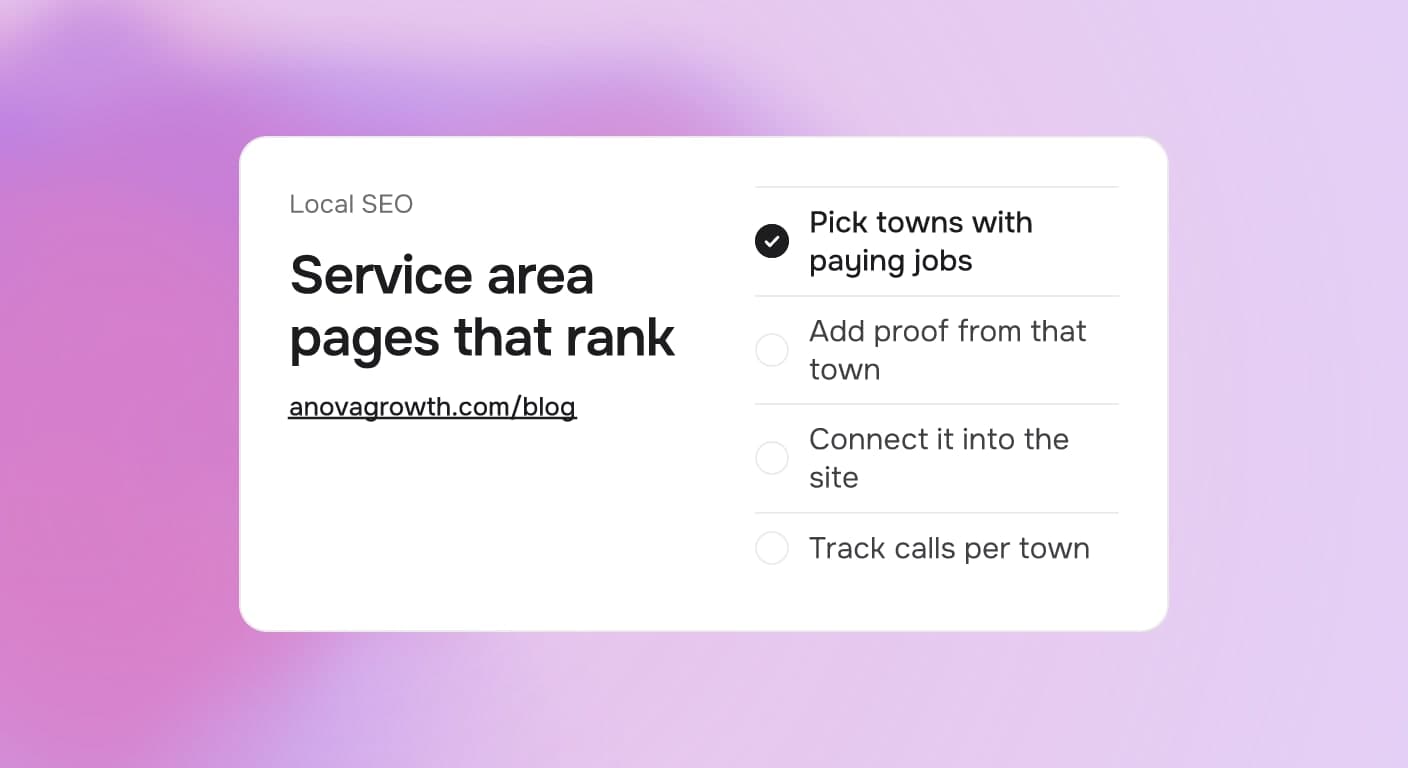
You serve 15 towns. Your website names them in one polite line under the logo: proudly serving the metro area. In the town where your office sits, you show up when someone searches. In every other town, the shop that parked a truck there last week gets the call.
A service area page is the fix, and it is the most commonly botched page type in local SEO. Build each one carefully and it pulls calls you are currently handing to competitors. Build it as a template and it becomes thirty near-identical copies that nobody reads and search engines ignore.
The Quick Answer
A service area page is one page built to rank for buyers searching in a single town you serve. It earns that ranking when it carries real proof: reviews, photos, and job stories from that town, plus details only a local would think to write. Build one page per priority town and skip find-and-replace clones.
What Each Page Is Actually For
A buyer in Canton does not care that your office is in Marietta. They want to know that you work their area regularly, that you know the local quirks, and that the truck can be there this week. A service area page answers those three things for one town at a time. That focus is what lets it rank where your homepage cannot.
The page you need depends on how the town sits in your book of business.
| Where the town sits for you | What to build |
|---|---|
| Your office town | Keep the homepage strong; add one page per main service |
| A suburb sending you 3+ jobs a month | One dedicated service area page |
| A cluster of small towns with occasional work | One combined page that names the towns honestly |
| A town you want but have not served yet | Nothing yet. Win work there first, then build the page |
The last row is the one owners skip. A page published with no proof behind it is exactly what Google's spam policies describe as a doorway page, and search engines pass over those.
What Makes a Town Page Rank
Proof from that town. Two or three reviews that mention the town, photos from jobs done there, and one short job story. This matters more than any writing trick. A page with real names, real streets, and real jobs is hard to copy, and that is the point.
Local details a resident would notice. The HOA that wants approval first, the permit quirk, the traffic that makes afternoon appointments unreliable, a trip fee that changes the price. If nothing truly differs, write what your response time looks like from the shop to that town. Specific beats generic every time.
One clear job. Target one service and one town per page. A page trying to rank for six services across nine towns ranks poorly for all of them. Split them and each page gets easier to write and easier to win.
Wiring. Link the page from your main navigation or footer, link it to neighboring town pages, and list the same towns as service areas on your Google Business Profile. Pages that nothing links to look unimportant to search engines and to buyers.
The Doorway Problem, Stated Plainly
A doorway page exists to catch a search and pass the click along. Nothing on it helps the buyer in that town. The usual tells are the same paragraph with the city name swapped, a services list copied from the homepage, and a stock photo.
Two things go wrong. First, near-duplicate pages get grouped together and ignored, so the effort produces nothing. Second, when one does surface, it reads fake to the buyer and they click away. You spent a page on a town and made your own site weaker.
We have documented full builds of the real version in our Birmingham HVAC local SEO guide and the Chattanooga breakdown. Those pages rank because they started from proof we could verify, not from a format.
How to Build the First Five
- Rank towns by revenue, not distance. Pull the last 90 to 180 days of invoices, or call logs if invoices are a mess. The list usually surprises the owner. Small towns an owner forgot often out-spend the famous ones.
- Start where the proof is thickest. Write the page for the town with the most reviews and completed jobs, even if it is not the biggest town. Proof compounds faster than population.
- Write around the proof. Open with what a buyer in that town cares about, cover the service that town buys most, and place the reviews and photos next to the claims they support.
- Wire it in. Add the link to your navigation or footer, cross-link neighboring towns, and match the service areas on your Business Profile.
- Set a review date. Calendar a check 90 days out, and treat the page as a project for that quarter rather than a file you forget.
How You Know It Worked
Judge a new page at 60 and 90 days, not at day five. The signal to watch is work, not rankings pride.
- Calls and form fills from that town. With call tracking you can see the caller's town instead of only the total call count.
- Search data for the town. Impressions and clicks for your service plus the town name in Google Search Console.
- Profile activity. Direction requests and calls from that town on your Business Profile.
If a page shows nothing after 90 days, the missing piece is almost always proof. Add a review, a photo, or a job story from that town and give it another cycle.
What We See Building These Every Week
We build and maintain sites for service businesses across north Georgia, and the town page is a standing request. The writing takes the least time of everything. The real bottleneck is proof, because crews finish jobs and the photos stay on a phone, reviews go uncollected, and nobody logs which town a call came from.
So we changed the order of operations for our own clients. At job closeout, the crew gets a CRM task: two photos and a one-line note with the town. Once that habit is running, a new city page gets cheap to write because the proof already exists. The page is downstream of the process. Owners who fight to write great town pages from thin files are solving the wrong end of the problem.
Related Questions Business Owners Ask
- How many service area pages is too many?
- Do I need an address in a town to rank there?
- Can one page cover a few small towns at once?
- Do town pages need their own phone number or booking link?
- How long before a new service area page shows results?
- Is a service area page the same as a location page?
Key Takeaways
- One real page per priority town beats a batch of find-and-replace copies.
- Proof from the town is the asset: reviews, photos, and job stories beat clever writing.
- Small town clusters can share one honest page instead of three weak ones.
- Wire every page into the site and match the service areas on your Business Profile.
- Judge results at 90 days with per-town call data, then repeat the playbook for the next town.
Where This Leaves You
Start with one town this week, and make it the town that sends the second most work. Your homepage already owns the first. Pull that town's proof, write the page in one sitting, and wire it in. If you want a second pair of hands, we will map your towns, pull the proof, and build the first batch with you.
Ready to claim the towns you already serve? Contact us to discuss how we can help your business.
Related articles
Chattanooga TN Local SEO in 2026: How to Win the Map Pack and the Phone Calls
Chattanooga businesses can dominate local search with the right GBP, review, and content signals. Here's the 2026 playbook for the Gig City market.
Read the article: Chattanooga TN Local SEO in 2026: How to Win the Map Pack and the Phone Calls
Local SEO in 2026: What Actually Works Right Now
Traditional local SEO tactics are losing power as AI search reshapes how people find businesses. Here's what's working in 2026, and what's not.
Read the article: Local SEO in 2026: What Actually Works Right Now
Why Rome, Georgia Businesses Need Digital Marketing That Actually Works
Rome GA businesses are discovering that generic marketing doesn't cut it. Here's what local companies need from a digital marketing partner.
Read the article: Why Rome, Georgia Businesses Need Digital Marketing That Actually Works
