Quick Answer
Custom software fits when your business runs on unique processes that no off-the-shelf tool handles well. Off-the-shelf SaaS wins when your needs match what existing tools already do. The wrong choice costs you either in expensive customization workarounds or in rigid software that forces your team to change how they operate. Most service businesses should start with off-the-shelf tools and only build custom when the gap costs more than development.
The Build vs Buy Trap
Every service business owner hits this wall eventually. You are running a growing HVAC company, a law firm, a home services operation, or a manufacturing shop. Your current tools sort of work but not really. You have spreadsheets duct-taped to a CRM that barely talks to your scheduling software. Someone on your team says "we should just build our own."
That instinct makes sense. Your business is unique. Your workflows are specific. Off-the-shelf software never quite fits. But building custom software is expensive, slow, and comes with its own set of problems.
The real question is not "can we build it." It is "should we build it, and if so, what specifically."
The Decision Framework
Here is the framework we use at AnovaGrowth when clients ask us whether to build or buy. It comes down to four questions.
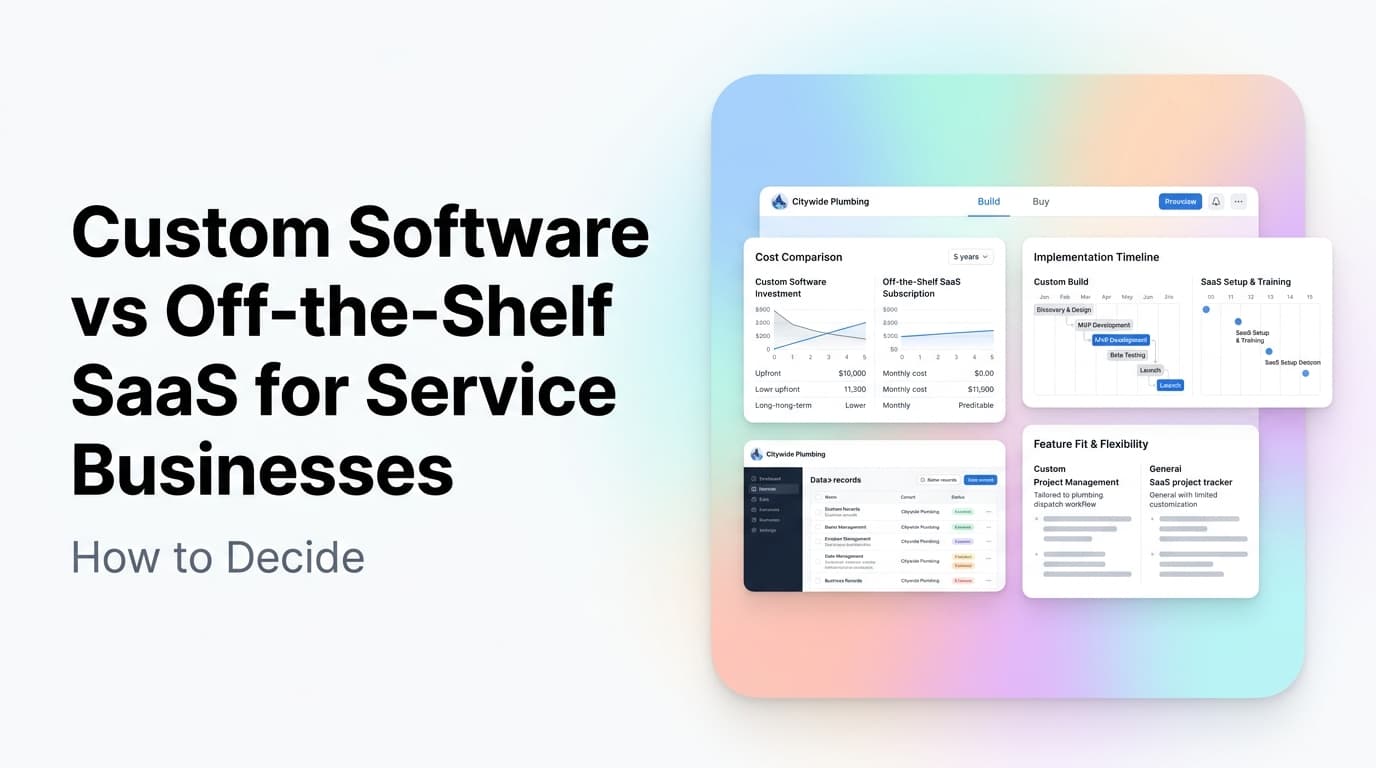
| Factor | Buy SaaS | Build Custom |
|---|---|---|
| Monthly cost | $50-$500 per seat | $0 (after dev cost) |
| Upfront investment | $0-$5,000 setup | $15,000-$150,000+ |
| Time to value | Days to weeks | 2-6 months minimum |
| Customization | Limited to what vendor offers | Unlimited |
| Maintenance | Vendor handles it | You own it |
| Vendor risk | Price hikes, shutdowns, acquisitions | None (but you own bugs) |
| Integration depth | API-dependent | Full control |
The table above is the easy part. The hard part is knowing where your business falls on the spectrum.
When to Buy Off-the-Shelf SaaS
You should buy when your core workflow matches what existing tools already do well.
You are a good candidate for SaaS if:
- Your core process is standard. Scheduling appointments, sending invoices, collecting payments, managing leads. These are solved problems with mature tools.
- You have fewer than 20 employees. At this size, the cost of custom development rarely beats the monthly SaaS bill.
- You need to move fast. A SaaS tool can be live this week. Custom software takes months.
- You do not have technical leadership on staff. Someone needs to own the custom system long-term. If that person is you and you already have a business to run, buy.
Real example: A plumbing company with 12 trucks needs scheduling, dispatch, invoicing, and payment collection. Tools like Housecall Pro, ServiceTitan, or Jobber handle all of this out of the box. The plumbing company's processes are not unique enough to justify building from scratch. The $300/month they spend on SaaS is cheaper than the $50,000+ it would cost to build something comparable.
When to Build Custom Software
You should build when the gap between what you need and what exists is costing you real money.
You are a good candidate for custom software if:
- Your business has a unique operational model that no SaaS tool supports. Maybe you have a specialized pricing model, a multi-location dispatch system with unusual rules, or compliance requirements that off-the-shelf tools cannot meet.
- You are spending more on workarounds than development would cost. If your team spends 20 hours a week manually moving data between tools, that is $40,000-$60,000 a year in labor. A custom integration or tool might pay for itself in six months.
- You have outgrown every SaaS option. You tried three different tools and each one broke on the same edge case. That edge case is your business.
- You need to own your data completely. Some industries have regulatory or contractual requirements that make cloud-only SaaS a non-starter.
Real example: A specialty manufacturing company with custom quoting rules that no standard ERP handles. They spent two years forcing a popular manufacturing ERP to work. The workarounds required a full-time admin just to keep the system running. They built a custom quoting and production management tool for $65,000. It paid for itself in 14 months by eliminating the admin role and reducing quoting errors.
The Middle Path: Custom Integrations
Most service businesses do not need fully custom software. They need custom integrations between the SaaS tools they already use.
This is the most common gap we see at AnovaGrowth. A client has a CRM that works, a scheduling tool that works, and an accounting tool that works. But none of them talk to each other. The team spends hours every week copying data from one system to another.
The fix is not building a new CRM. It is building a connector between the tools you already have. A custom integration that syncs leads from your website to your CRM, triggers a scheduling link, and updates your accounting system when a job is complete.
Cost comparison:
| Approach | Cost | Timeline | Risk |
|---|---|---|---|
| Custom all-in-one platform | $80,000-$150,000 | 4-8 months | High |
| Custom integration layer | $8,000-$25,000 | 3-6 weeks | Low |
| Manual workarounds | $30,000-$60,000/year in labor | Ongoing | Medium |
The integration layer approach is often the smartest move. You keep the mature, battle-tested SaaS tools for what they do well. You build custom code only for the connections between them.
How to Make the Decision in 3 Steps
Step 1: Map Your Current Workflow
Spend one week documenting every step of your core operational process. Lead capture to scheduling to service delivery to invoicing to payment. Note which steps are manual, which tools are involved, and where data gets re-entered.
Step 2: Identify the Pain Points
Rank each manual step by time spent and error frequency. The top three are your candidates for change. Do not try to fix everything at once.
Step 3: Evaluate Each Pain Point
For each pain point, ask:
- Does a SaaS tool exist that handles this specific step well? If yes, try it first.
- Is the problem that two tools do not talk to each other? If yes, a custom integration is probably the answer.
- Is the problem that no tool handles your specific process? If yes, custom software may be justified.
What We Have Learned Building Software for Service Businesses
After building custom software and integrations for dozens of service businesses, here is what we have learned.
Most businesses overestimate how unique they are. The first reaction is always "our business is different." Usually it is not that different. The core loop of get lead, schedule job, do work, collect money is the same across industries. The differences are in the details, not the structure.
The best custom software replaces one broken process, not the whole stack. The clients who get the best ROI build narrow tools that solve one painful problem well. The clients who struggle build platforms that try to replace everything.
SaaS vendors will promise customization that never quite works. Every CRM, every ERP, every industry-specific tool has a "custom fields" feature and an API. In practice, the customization is surface level. If your core process does not match the vendor's mental model, you will fight the tool forever.
Custom software is not a one-time cost. You will need ongoing maintenance, updates, and support. Budget 15-20% of the initial build cost per year for maintenance. If that number scares you, you are not ready to build.
Related Questions
- How do I estimate the cost of custom software for my service business?
- What is the best CRM for service businesses that need custom workflows?
- How long does it take to build a custom integration between existing tools?
- Should I build a custom mobile app for my field service team?
- What are the hidden costs of off-the-shelf SaaS that business owners miss?
- How do I know if my business is big enough to justify custom software?
Key Takeaways
- Start with off-the-shelf SaaS. Most businesses do not need custom software.
- If you build, build narrow. Replace one broken process, not your whole stack.
- Custom integrations between existing tools often deliver the best ROI.
- Budget for ongoing maintenance. Custom software is never a one-time expense.
- Map your workflow before you decide. The data will tell you what to do.
Next Steps
Not sure whether your business needs custom software or just better integrations? We help service business owners make this call every week. Contact us for a workflow audit that tells you exactly where to invest.
Related reading: CRM Integration for Service Businesses: Stop Data Silos and Start Automating and The 7 Workflow Bottlenecks AI Automation Should Fix First