Automated Vendor and Subcontractor Management for Service Businesses
Service businesses juggle 10-30 vendors and subs. Automated vendor management handles onboarding, compliance, scheduling, and pay in one flow.

The Subcontractor Spreadsheet Problem
Every service business that scales past a single truck or a single crew hits the same wall. You start with one or two subs you know personally. Then you add a third. Then a crew. Then a specialty vendor for that one job type. Before you know it, you are managing 15, 20, even 30 vendors and subcontractors through a spreadsheet, a text thread, and a prayer.
The spreadsheet works until it doesn't. A COI expires and nobody notices until after the job. A sub double-books because your scheduling is manual. An invoice sits for 45 days because the PO number is wrong. Each one of these is a small leak. Together they drain margin.
The quick answer: Automated vendor management connects onboarding, compliance checks, scheduling, job assignment, and payment into one system. Service businesses that set it up cut vendor-related admin by 60-80% and eliminate most compliance gaps. The setup takes a few days and pays back in the first month.
What Breaks When Vendor Management Is Manual
Most service businesses manage vendors through a combination of email, text, spreadsheets, and whatever the CRM can half-do. Here is what actually goes wrong:
| Problem | How It Shows Up | Cost |
|---|---|---|
| Expired insurance | Sub works without coverage, you are liable | $10K+ per incident |
| Double-booking | Two jobs need the same sub on the same day | Lost job, angry customer |
| Slow pay | Sub waits 45+ days, stops taking your calls | Loses your best subs |
| Missing paperwork | W-9, contract, license not on file | Audit risk, legal exposure |
| No performance data | You keep hiring the same unreliable sub | Quality drops, rework costs |
Each one of these is a process failure, not a people failure. The fix is not to manage harder. It is to automate the management layer so you only step in for exceptions.
What Automated Vendor Management Actually Looks Like
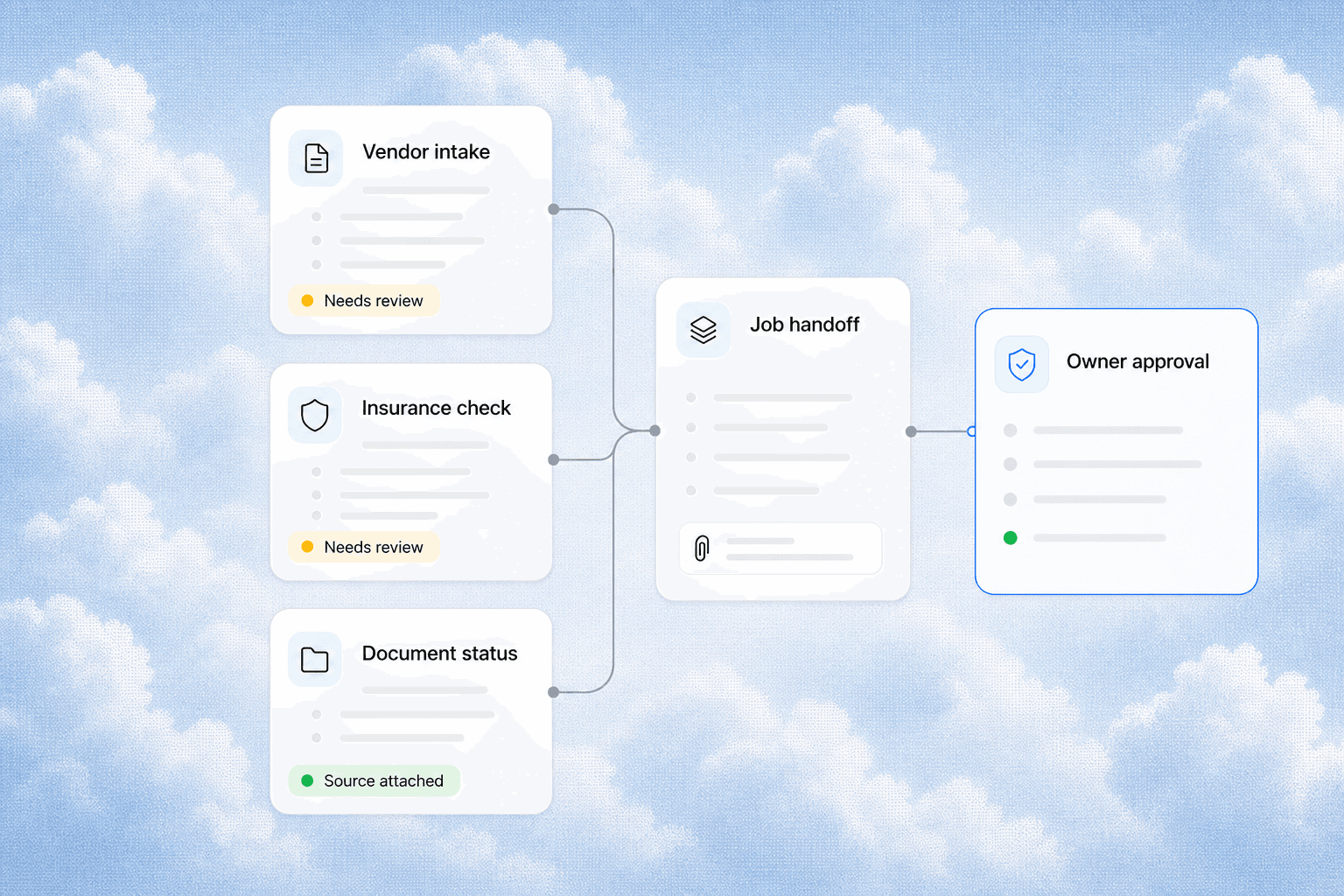
A vendor management automation system connects four core workflows:
1. Automated Onboarding
When a new vendor or sub agrees to work with you, the system sends them a portal link. They upload their W-9, COI, license, and signed contract. The system checks the COI expiration date, verifies the coverage amounts match your requirements, and flags anything missing. No chasing paper. No "can you resend that."
The vendor profile is created automatically in your CRM with all documents attached. You never touch a file.
2. Compliance Monitoring
This is where manual systems fail most often. Insurance certificates expire. Licenses lapse. The system checks every vendor's compliance status daily and sends automated reminders 30, 14, and 7 days before expiration. If a COI expires, the system blocks that vendor from being assigned to new jobs until it is renewed.
Real example: An HVAC company we worked with had 4 of their 12 subs working with expired COIs for an average of 3 months each. They only found out during a random audit. Automated monitoring would have caught every one within 24 hours.
3. Job Assignment and Scheduling
When a job comes in, the system checks vendor availability, skills match, and compliance status before suggesting assignments. It sends the job details, address, and time window to the selected vendor. The vendor accepts or declines from their phone. If they decline, the system moves to the next qualified vendor automatically.
No phone tag. No "let me check and get back to you."
4. Automated Payment and Documentation
After the job is marked complete, the system generates the PO, matches it to the job, and triggers payment on your terms (net 15, net 30, or upon completion). The vendor gets a payment notification. The documents are filed in the job record. Your accountant can find any PO in under 10 seconds.
How to Set This Up Without a Custom Build
You do not need custom software for this. Most service businesses already have the tools. They just are not connected.
The stack:
- CRM (HubSpot, Zoho, or a service-specific CRM like Housecall Pro or Jobber) as the central record
- Zapier or Make to connect the CRM to your document collection and compliance checking tools
- A document collection tool (Zapier's Forms, Typeform, or a simple portal page) for vendor onboarding
- Your accounting software (QuickBooks, Xero) for payment triggers
The flow:
- Vendor fills out an intake form
- Form submission creates a vendor record in your CRM
- Documents are stored and expiration dates are parsed
- A compliance check runs automatically
- Job assignment pulls from qualified vendors only
- Job completion triggers payment
This takes about 2-3 days to set up with an automation partner. The ROI hits in the first month when you do not have to chase a single COI or invoice.
What Changes After Automation
Before: You spend 4-6 hours per week on vendor admin. You miss expirations. You lose subs to slow pay. You have no data on who performs well.
After: You spend 30 minutes per week reviewing exceptions. Compliance is continuous. Your best subs get paid on time and take your calls first. You know exactly which vendors deliver on time and which cost you rework.
The vendors win too. They get clear job details, fast payment, and a single place to manage their relationship with you. The best subs will prioritize your jobs because you are easier to work with than your competitors.
Related Questions Business Owners Ask
- How do I track subcontractor insurance expiration dates automatically?
- What is the best way to collect W-9s and COIs from new vendors?
- Can I automate vendor payment without switching accounting software?
- How do I know which subcontractors are available before I book a job?
- What happens if a vendor fails a compliance check mid-job?
- How do I scale from 5 subs to 50 without hiring a vendor manager?
First-Hand Insight
We have set up vendor management automation for several service businesses. The most common pattern is that the owner or office manager is spending 5-8 hours a week on vendor coordination and thinks that is normal. It is not normal. It is a process that was never automated because nobody stopped to map it.
The fastest win is always compliance monitoring. It is the highest risk area and the easiest to automate because it is purely rule-based. If the COI expires, flag it. If the license is missing, block assignment. No judgment calls needed.
The second fastest win is payment triggers. Vendors who get paid faster will take your calls first when you need them on short notice. That alone is worth the setup time.
Proof That This Works
A plumbing company with 8 trucks and 22 subcontractors set up automated vendor management through their existing CRM and Zapier. Results after 90 days:
- Vendor admin time dropped from 6 hours per week to 45 minutes
- COI compliance went from 60% to 100%
- Average vendor payment time dropped from 38 days to 12 days
- Sub contractor availability response time went from 4 hours to under 30 minutes
No new software. No custom development. Just connecting the tools they already had.
Getting Started
If you manage 5 or more vendors or subcontractors, you are past the point where manual management makes sense. The cost is not the automation tooling. The cost is the time you are spending today and the risk you are carrying.
Start by mapping your current vendor workflow. Write down every step from "find a vendor" to "pay the vendor." Count how many of those steps are manual. Then automate the ones that follow a rule.
Ready to clean up your vendor operations? Contact us to talk about your current workflow and what automation makes sense first. We also have a guide on CRM integration for service businesses that covers how to connect your tools into one flow, and a post on automated job costing that shows how vendor costs factor into job profitability.
Related articles

Daytona Beach Group Booking: Prepare for the 2026 Classic
The Daytona Beach Classic schedule is taking shape. Prepare group inquiries, booking approvals, and guest messages before Thanksgiving travel.
Read the article: Daytona Beach Group Booking: Prepare for the 2026 Classic
Charleston Hospitality Booking: Get Ready for MOJA 2026
MOJA returns September 24. Prepare your Charleston hospitality booking pages, guest messages, and reservation handoffs before the festival.
Read the article: Charleston Hospitality Booking: Get Ready for MOJA 2026
Quote-to-Close Automation for Service Businesses: Close More Jobs Without the Follow-Up Marathon
Service businesses lose jobs in the gap between sending a quote and getting a yes. Automate your quote-to-close pipeline and stop leaving revenue on the table.
Read the article: Quote-to-Close Automation for Service Businesses: Close More Jobs Without the Follow-Up Marathon
