Automated Customer Reactivation for Service Businesses: Win Back Dormant Clients Without the Awkwardness
Service businesses lose 30-50% of customers to inactivity each year. Automated reactivation campaigns bring dormant clients back without awkward sales calls.

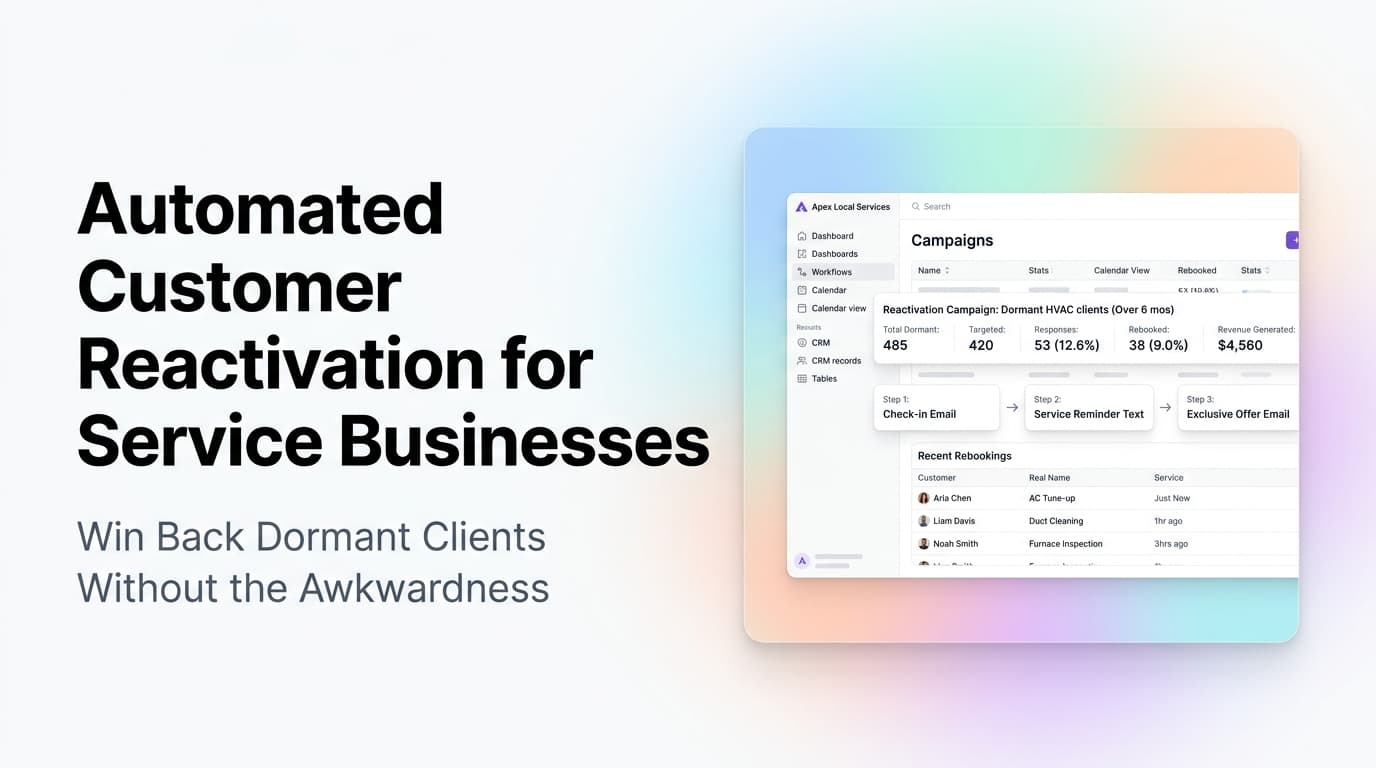
Every service business has a list of customers who used to call, used to book, used to pay -- and then went quiet. You know the names. You keep meaning to reach out. But you never do, because calling someone you haven't heard from in eight months feels awkward, and you have a full schedule of active work anyway.
That quiet list is worth real money. Most service businesses lose 30-50% of their customer base to inactivity every year. The customers on that list already trust you. They already know your work. Reactivating them costs a fraction of what you would spend to acquire a brand new lead.
Quick answer: Automated customer reactivation uses scheduled email, SMS, and direct mail sequences to re-engage customers who have not booked service in 90 days or more. The system tracks last-service dates, segments by service type and customer value, and sends timed offers or reminders that feel helpful, not pushy. Service businesses that run automated reactivation campaigns see 15-30% of dormant customers return within 90 days.
Why Customers Go Quiet (And Why It Is Not Personal)
Customers stop booking for reasons that have nothing to do with your service quality. They moved. They found a provider closer to their new house. They forgot to schedule their annual maintenance. They assumed you were too busy. They meant to call but never got around to it.
In our experience working with HVAC, plumbing, electrical, and lawn care companies, the number one reason customers go dormant is not dissatisfaction. It is inertia. Life gets in the way. The customer has no urgent problem, so they do not call. Months pass. Eventually they feel like it has been too long to call back, so they find someone new.
This is the gap automated reactivation fills. You are not chasing people who left angry. You are reminding people who simply drifted.
When to Flag a Customer as Dormant
| Time Since Last Service | Status | Action |
|---|---|---|
| 90-120 days | At risk | Send a check-in email or text |
| 120-180 days | Dormant | Start a 3-touch reactivation sequence |
| 180-365 days | Lapsed | Send a win-back offer (discount or bonus service) |
| 365+ days | Cold | One final outreach, then archive |
These timelines vary by service type. A lawn care company might flag dormancy at 45 days (biweekly service cycle). A commercial HVAC contractor might use 180 days (annual maintenance cycle). Set your thresholds based on your typical service interval.
Building a Reactivation Sequence That Does Not Feel Desperate
The key to automated reactivation is tone. You are not begging. You are providing a useful reminder with a low-friction way to rebook.
Touch 1: The Friendly Check-In (Day 0 of dormancy flag)
"Hey [Name], we noticed it has been a while since we serviced your [system/property]. No pressure -- just wanted to make sure everything is running fine. If you need anything, reply here or call us anytime."
This touch works because it is genuinely helpful. It opens a conversation without asking for a sale.
Touch 2: The Value Reminder (Day 7)
Share something useful. A seasonal maintenance tip. A reminder that skipping annual service can void a warranty. A short video showing what happens when filters go unchanged for a year. This touch re-establishes why your service matters.
Touch 3: The Low-Friction Offer (Day 14)
"Schedule your next service and get [specific offer: 10% off, free diagnostic, priority scheduling]. Click here to book in under 60 seconds."
Keep the offer specific and time-bound. "10% off your next tune-up" converts better than "contact us for a special deal."
Touch 4: The Breakup (Day 30)
"We have removed you from our active customer list. If you ever need us, we are here. No hard feelings."
This final touch often gets the highest response rate. Customers who have been meaning to call finally act because the deadline creates urgency.
What this looks like in practice: A plumbing company in Rome, GA set up a 4-touch reactivation sequence in their CRM. Customers who had not booked in 6 months received the sequence automatically. Within 60 days, 22% of dormant customers had scheduled a service call. The sequence ran on autopilot -- no one had to pick up the phone and make an awkward call.
Segmenting Your Dormant List for Better Results
Not all dormant customers are equal. Sending the same message to a former monthly commercial account and a one-time residential customer wastes the opportunity.
High-Value Dormant Customers
These are customers who spent $1,000+ annually or booked 3+ services in their active period. They deserve a personalized touch. Use their name, reference their last service, and offer a direct line to a specific person at your company.
Example: "Hey [Name], it has been 8 months since we serviced your commercial HVAC units at [address]. Your last technician was Mike. He asked us to check in and make sure everything is running smoothly before the summer heat hits."
Mid-Value Dormant Customers
These customers booked 1-2 services and spent $300-$999. They respond well to automated sequences with a clear offer. No personalization needed beyond their name and service history.
Low-Value Dormant Customers
One-time customers who spent under $300. Run a simple 2-touch sequence with a strong offer. If they do not respond, archive them. Your time is better spent on higher-value reactivations.
Channels That Work for Reactivation
Best for detailed messages, offers, and service reminders. Email reactivation campaigns typically see 15-25% open rates and 3-8% click rates on dormant lists. Keep emails short, mobile-friendly, and include one clear call-to-action.
SMS
Best for urgent or time-sensitive offers. SMS reactivation campaigns see 90%+ open rates within 3 minutes. Use SMS for the offer touch, not the check-in. Keep it to 160 characters or less.
Direct Mail
Best for high-value commercial accounts. A handwritten-style postcard with a QR code to book stands out in a mailbox full of bills. Direct mail reactivation costs more per touch but can yield 5-10% response rates on the right list.
Phone Calls
Best for your top 10-20 dormant accounts. Automate the reminder to call, but have a real person make the call. Script it: "I was looking at your account and noticed we have not been out to your property in a while. Everything okay?"
Common Mistakes That Kill Reactivation Campaigns
Sending too many touches too fast. Three emails in one week feels desperate. Space touches 5-7 days apart.
No offer in the sequence. Reminders alone rarely convert. You need a reason for the customer to act now.
Not tracking results. If you do not know which touches drive bookings, you cannot improve the sequence. Track open rates, click rates, and most importantly, booked jobs per touch.
Reactivating everyone the same way. A one-size-fits-all sequence ignores customer value and service type. Segment your list.
Forgetting to remove reactivated customers. If someone books a service, take them out of the dormant sequence immediately. Nothing feels worse than getting a "we miss you" email the day after you paid an invoice.
How to Set Up Reactivation Automation
Most CRMs used by service businesses -- including Housecall Pro, ServiceTitan, Jobber, and even standard platforms like HubSpot and Salesforce -- support automated reactivation sequences. Here is the general setup:
-
Define your dormant threshold. Set a custom field or filter for "days since last service." Most CRMs can calculate this from your job history.
-
Create your segments. High-value, mid-value, low-value. Use total spend or service count as the dividing line.
-
Build your sequences. Each segment gets its own email/SMS flow with the touches described above.
-
Set the trigger. When a customer crosses the dormant threshold, the sequence starts automatically.
-
Add a reactivation tag. Tag customers who enter the sequence so you can track performance.
-
Monitor and adjust. Check reactivation rates monthly. If a touch is underperforming, test a different subject line, offer, or channel.
AnovaGrowth insight: We have seen service businesses overcomplicate this. The most effective reactivation campaigns we have built use three touches: a helpful check-in, a value reminder, and a specific offer. That is it. The complexity comes from segmenting and timing, not from the message itself. Start simple, measure, then refine.
Measuring Reactivation Success
Track these metrics from day one:
- Reactivation rate: Percentage of dormant customers who book a service within 90 days of entering the sequence. Aim for 15-30%.
- Revenue recovered: Total dollars from reactivated customers minus campaign costs.
- Cost per reactivation: Total campaign cost divided by number of reactivated customers. Should be 5-10x lower than your cost per new lead.
- Channel performance: Which touch (email, SMS, direct mail) drives the most bookings for each segment.
Related Questions Service Business Owners Ask
- How do I identify dormant customers in my CRM without manual data cleanup?
- What reactivation offer works best for HVAC vs plumbing vs lawn care customers?
- Should I reactivate customers who left due to a bad service experience?
- How often should I run reactivation campaigns throughout the year?
- Can I automate reactivation for commercial accounts differently than residential?
- What do I do with customers who do not respond to any reactivation touch?
Proof That Reactivation Works
A study by Invesp found that the probability of selling to an existing customer is 60-70%, compared to 5-20% for a new prospect. Reactivation targets existing customers who already know and trust you. The math works in your favor.
A lawn care company in Chattanooga ran a simple 3-touch reactivation sequence for customers who had not booked in 4+ months. They sent an email, a text, and a postcard over 21 days. The result: 18% of dormant customers rebooked within 60 days, generating $8,400 in recovered revenue from a campaign that cost under $200.
When Reactivation Is Not Worth It
Some customers should stay dormant. If a customer had repeated issues, disputed charges, or required excessive callbacks, do not reactivate them. The cost of serving a difficult customer often exceeds the revenue they bring. Use your CRM notes and service history to exclude problematic accounts from reactivation sequences.
Also, if your reactivation rate stays below 5% after three months of running a campaign, your dormant list may be too old or too low-quality. Focus on acquiring new customers instead.
Next Steps
Start with your most recent dormant customers -- those who went quiet 90-180 days ago. They are the easiest to win back. Build a simple 3-touch sequence, run it for 60 days, and measure the results. If the numbers work, expand to older segments.
Ready to set up automated reactivation for your service business? Contact us to discuss how we can build a win-back sequence that runs on autopilot.
More on customer lifecycle automation
- Automated Customer Retention for Service Businesses -- Keep active customers from going dormant in the first place
- Email Marketing Automation for Service Businesses -- Build the email infrastructure for your reactivation campaigns
- CRM Integration for Service Businesses -- Connect your tools so reactivation triggers work automatically
Related articles
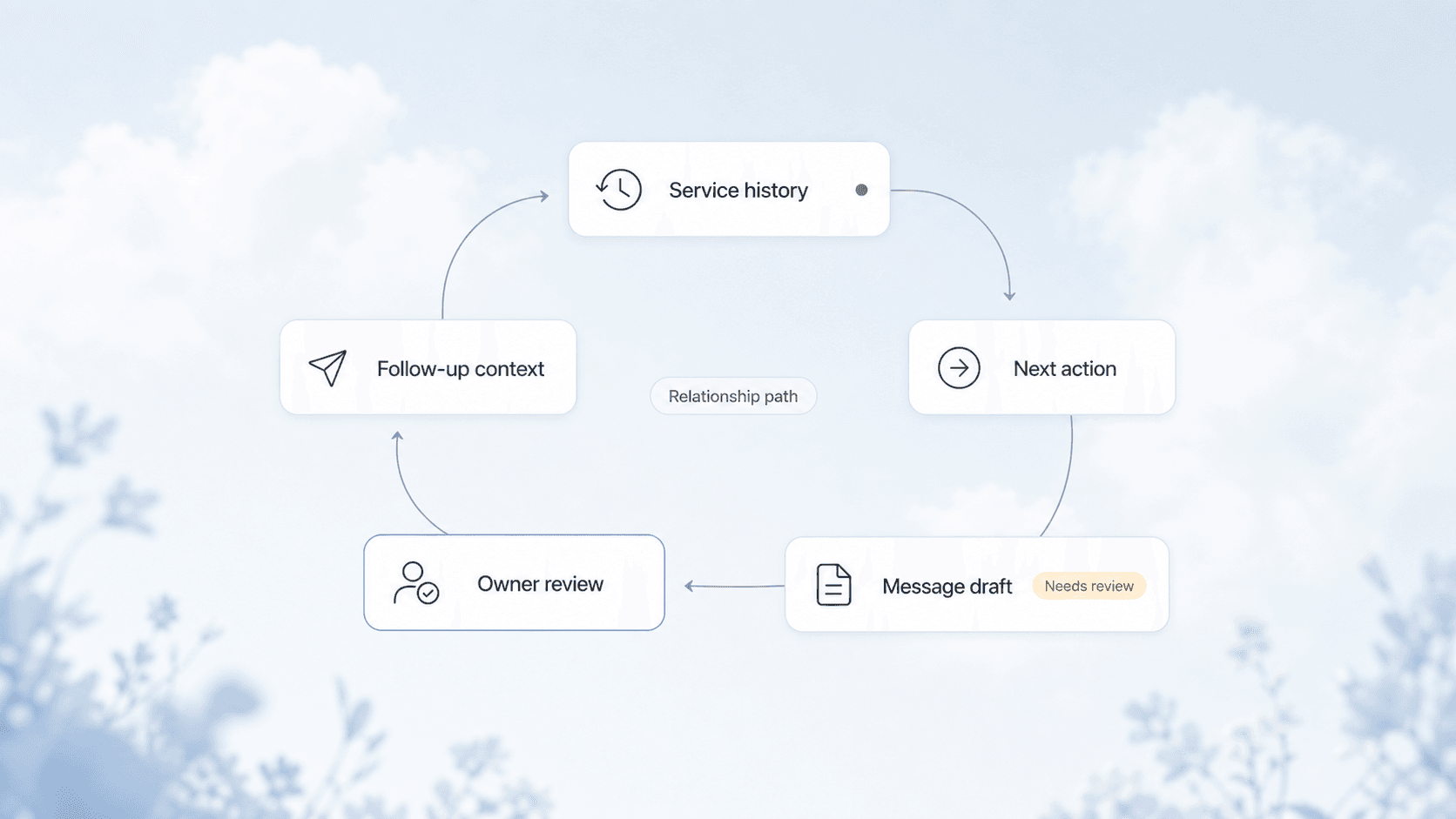
Automated Customer Retention for Service Businesses: Keep Clients Coming Back Without the Hard Sell
Service businesses lose 20-40% of customers every year to churn. Automated retention workflows keep clients coming back without pushy sales tactics.
Read the article: Automated Customer Retention for Service Businesses: Keep Clients Coming Back Without the Hard Sell
Technician Utilization Tracking for Service Businesses: Find the Hours You Never Bill
Technician utilization tracking shows how many hours your crews bill versus idle, travel, admin, and windshield time. Here is how to set it up and use it.
Read the article: Technician Utilization Tracking for Service Businesses: Find the Hours You Never Bill
Daytona Beach Group Booking: Prepare for the 2026 Classic
The Daytona Beach Classic schedule is taking shape. Prepare group inquiries, booking approvals, and guest messages before Thanksgiving travel.
Read the article: Daytona Beach Group Booking: Prepare for the 2026 Classic
