Daytona Beach Group Booking: Prepare for the 2026 Classic
The Daytona Beach Classic schedule is taking shape. Prepare group inquiries, booking approvals, and guest messages before Thanksgiving travel.


Daytona Beach group booking needs a clear path from the first question to a confirmed reservation. With the Daytona Beach Classic schedule now announced, hotels, restaurants, and activity operators can prepare for Thanksgiving-week inquiries. Start with accurate dates, one shared inquiry record, and a named person who approves availability. Automate acknowledgments and reminders only after that process works.
The news is specific and recent. In a September 9 announcement, Tulane Athletics confirmed its Daytona Beach Classic schedule. The tournament is scheduled for November 25–28, 2026, at the Daytona Beach Ocean Center. Tulane is scheduled to play Missouri on November 27 and Maine on November 28, both at 11 a.m. Eastern.
Those dates give local operators something concrete to plan around. They do not establish how many fans will travel, which hotels teams will use, or what any business will earn. The useful action is to make your business ready to handle relevant inquiries without promising inventory you cannot supply.
What does the Classic announcement change for local businesses?
An event announcement turns a broad seasonal campaign into a dated customer journey. A family considering a trip may ask about rooms, dining, parking, or activities around a game. Each question needs an answer grounded in your own business information.
Boise State's August 26 announcement also confirms participation in the Daytona Beach Classic 2026 and identifies the Ocean Center as the venue. It lists games against Stetson on November 26 and Missouri on November 28. Check the organizers' current schedule before sending time-sensitive messages, because individual game details can change.
For an independent hotel, the task might be routing room-block inquiries to the right manager. For a restaurant, it might be deciding whether a large party fits between existing reservations. For an activity operator, it might be giving visitors a practical choice of departure times without implying an affiliation with the tournament.
Pick the workflow that matches the questions you actually receive:
- Repeated room-block questions: Collect arrival, departure, room count, and a contact person in one record.
- Large-party dining requests: Ask for the date, preferred time, party size, and any requirements staff must review.
- Activity inquiries around games: Show current departure times and a clear cancellation policy before requesting payment.
- Guests unsure about arrival: Send property-specific check-in instructions after the booking is confirmed.
This fits the tourism, seasonal demand, and event operations focus of AnovaGrowth's Daytona Beach services. The goal is a booking process staff can manage during a busy shift.
How should Daytona Beach group booking work?
Use one intake path that records the information required to make a decision. A short mobile form can capture the organizer's contact details, dates, party size, and requested service. A free-text field lets the customer explain something the form did not anticipate.
Keep the first step proportionate. Someone asking whether you can accommodate a group should not need to enter every guest's details. Ask for additional information when it becomes necessary, and explain why you need it.
The form should create a record in the system your team already uses. Give the request an owner, a status, and a next action. Useful statuses include received, awaiting details, under review, offer sent, confirmed, and closed.
Illustrative example: A family organizer requests six rooms for November 26–29. The system records the request and acknowledges receipt. A reservations manager checks availability, sets any offer expiration, and sends the actual terms. The reservation becomes confirmed only when the property's booking requirements have been met.
This is an example workflow, not a report of tournament demand or a client result. It shows why a request acknowledgment and a confirmed booking need different language. “We received your request” is accurate immediately; “your rooms are reserved” requires evidence from the reservation system.
Which steps can automation handle safely?
Automate the steps that have a clear trigger and a checkable result. An acknowledgment can follow a successful form submission. A reminder can follow an unanswered request for missing information. A staff alert can follow a request that has exceeded your chosen response window.
Availability, pricing exceptions, and unusual group requirements deserve more care. Keep a person responsible for decisions when the underlying booking system cannot provide a reliable answer. An assistant should be able to say that staff must confirm a detail.
For hotel guest communication, separate these three message types:
- Inquiry messages: Explain what information is still needed and when the customer should expect a reply.
- Booking messages: State the reservation details and terms recorded in the booking system.
- Arrival messages: Provide approved check-in, parking, and contact information relevant to that reservation.
Stop or change messages when a booking changes. A canceled reservation should not keep receiving arrival instructions. An updated arrival date should replace the old date wherever it appears in the scheduled communication.
AnovaGrowth's own publishing process uses a similar operating discipline: a completed draft goes through content validation and a full site build before publication. That is a concrete internal example of checking an automated step before allowing the next action. For booking workflows, the equivalent is verifying the reservation state before sending a confirmation.
Our AI automation service applies to connecting these steps, routing exceptions, and giving staff a clear record of what happened. Start with one complete process before adding more channels.
What should the website say before guests inquire?
Publish information your business can stand behind. List the services available, how group requests work, and whether submitting a form creates a reservation. Make the difference visible beside the button, where the customer is deciding what to do.
A relevant event page should identify the correct year and explain why your offering may fit a visitor's plans. Avoid suggesting that your business is an official tournament partner unless that relationship exists. Link to the event source for game information rather than maintaining an unsupported copy of every schedule detail.
Keep business-owned details specific. State check-in hours, group inquiry contacts, accessibility information you have verified, and the policies that apply to your offering. Avoid untested walking-time claims or generic parking advice copied from another property.
On a phone, test the entire journey from reading the offer to receiving an acknowledgment. Check that dates remain correct, required fields are obvious, errors explain what to fix, and the customer can reach a person. A visually attractive page is only useful if that next step works.
For the earlier stage of this journey, our article on lead generation for Daytona Beach tourism businesses discusses inquiry capture and follow-up. The operational step here is making sure those inquiries reach a person who can fulfill the request.
How do you test readiness before promoting the offer?
Run a small set of realistic scenarios with your staff. Submit an ordinary inquiry, an incomplete request, and a group size you cannot accommodate. Then change a date and cancel a test booking. Check the customer message and the staff record at each step.
A useful acceptance check is simple: can someone who did not handle the original inquiry understand the customer's current request and next action? If they must search several inboxes or ask the previous shift what happened, the process still needs work.
Measure outcomes your own records can support. Track time to the first useful reply, requests awaiting staff review, offers sent, confirmed bookings, and unresolved message failures. Choose a response target that your staffing can actually meet. Do not publish a revenue forecast based only on the tournament announcement.
Before promoting a Thanksgiving offer, assign one person to recheck event details and one person to own booking exceptions. They may be the same person in a small business. The responsibility matters more than the software.
Start this week with the request you handle most often. Write down the required information, who approves it, and what proves the booking is confirmed. That gives your Daytona Beach business a practical foundation for serving event visitors when inquiries arrive.
Related articles
Charleston Hospitality Booking: Get Ready for MOJA 2026
MOJA returns September 24. Prepare your Charleston hospitality booking pages, guest messages, and reservation handoffs before the festival.
Read the article: Charleston Hospitality Booking: Get Ready for MOJA 2026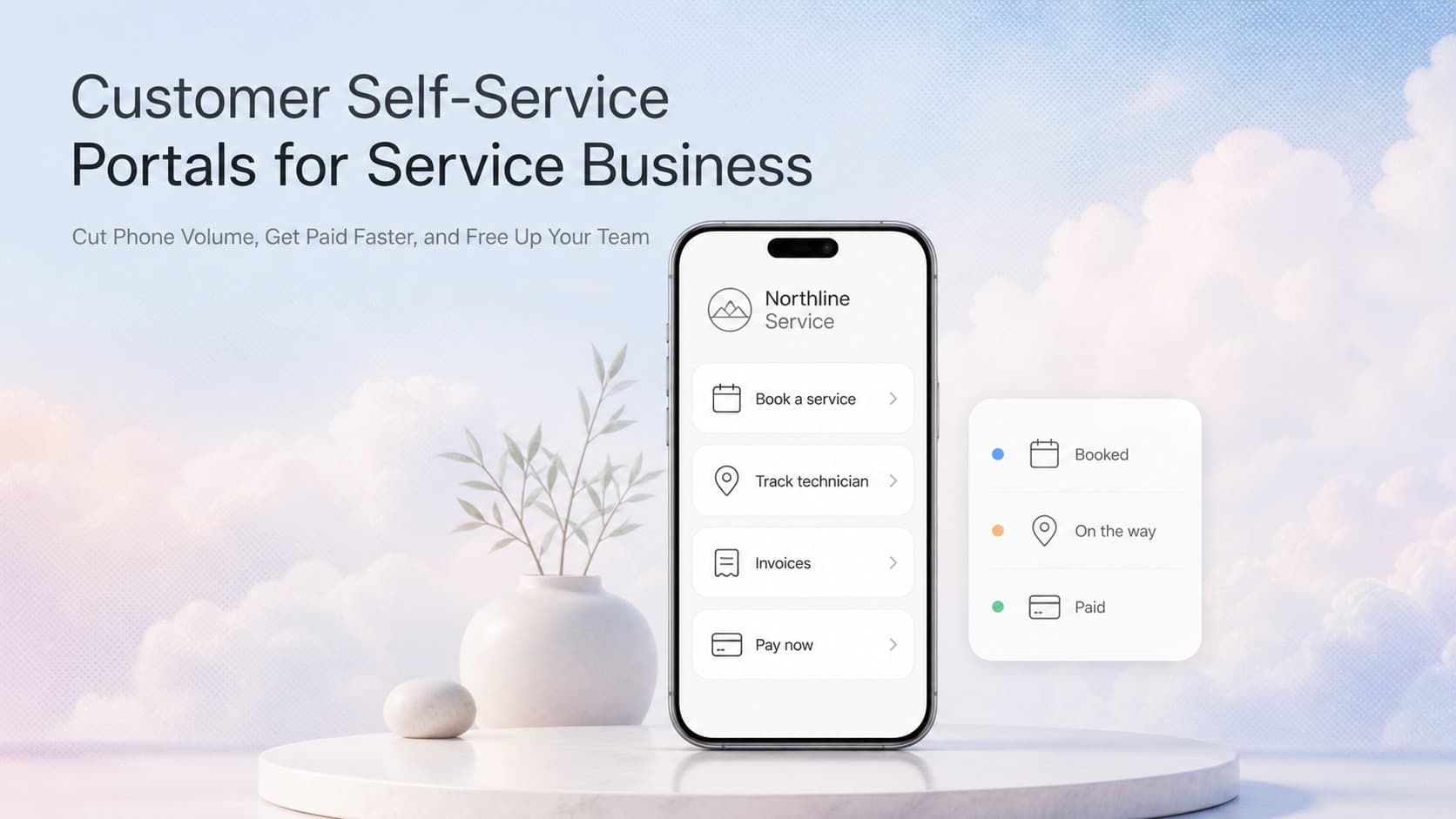
Customer Self-Service Portals for Service Businesses: Cut Phone Volume, Get Paid Faster, and Free Up Your Team
A self-service portal lets clients book jobs, view invoices, track the tech, and pay online. Cuts call volume 30 to 50 percent, cash cycle 5 to 10 days faster.
Read the article: Customer Self-Service Portals for Service Businesses: Cut Phone Volume, Get Paid Faster, and Free Up Your Team
Seasonal Business Automation for Daytona Beach FL
Daytona Beach businesses swing between peak season chaos and off-season quiet. Automation keeps both manageable.
Read the article: Seasonal Business Automation for Daytona Beach FL
