Unpaid Invoices: A Follow-Up Schedule That Recovers Revenue
Invoices past 30 days are harder to collect and easier to forget. Here is a follow-up schedule that recovers old receivables without turning you into a collections agency.

Quick answer
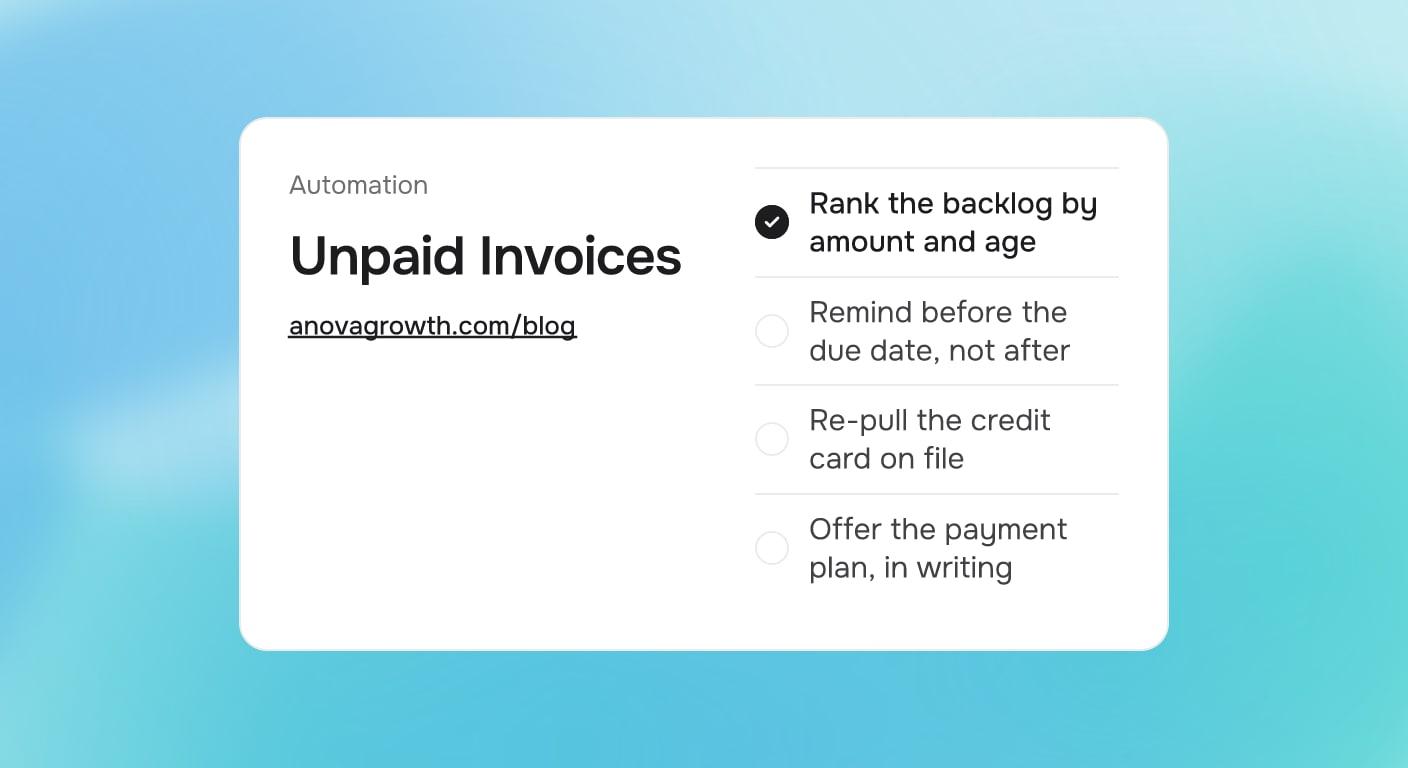
The fastest way to recover unpaid invoices is a ranked backlog and a fixed reminder schedule: list every open invoice by amount and age, send an automated reminder before the due date, not after, and handle anything over 30 days with a payment plan offer in writing. You automate the routine touches and keep the phone calls, payment plans, and disputes firmly human.
Why the follow-up never happens
Every service business has a folder of invoices it means to chase. The work was done, the customer seemed happy, but nobody wants to have an awkward conversation about money, so the invoice ages in silence. Three things usually go wrong:
- The reminder fires after the problem starts. Most businesses send their first follow-up after the due date passes. By then the invoice is already late, and every later touch feels like nagging.
- The list has no order. Old $200 invoices get chased alongside fresh $9,000 ones, so effort lands where the squeak is loudest instead of where the money is.
- The escalation is improvised. Day 45 gets a polite email because nobody decided what happens at day 45, so each person invents the follow-up as they go and the results vary by mood.
A written schedule fixes all three, and automation is what keeps you on the schedule instead of starting over every Monday.
The decision table: what to do at each stage
| Situation | Do this |
|---|---|
| Invoice sent, due date 7 days out | Automated pre-due reminder with the payment link |
| Due date passed, 1 to 7 days late | Automated reminder that names the due date and repeats the pay link |
| 8 to 30 days late | Second reminder, then a real phone call from a named person |
| 30 days or more late | Payment plan offer in writing, with dates and amounts |
| Card on file failed | Re-pull the card within 48 hours, then email the customer |
| Customer disputes the work | A human responds within one business day. Never automated |
That last row is load-bearing. The schedule exists so people stop deciding whether to ask for money; it does not exist to replace judgment when something is actually wrong.
A follow-up schedule you can copy
Here is the cadence written the way we would hand it to whoever owns the task:
Unpaid invoice follow-up, version 1. Owner: office manager.
- Monday: pull the AR report, sort by amount descending, then age. The top 20% of open dollars gets manual attention this week, the tail gets the automated cadence
- 3 days before due: automated email and text with the payment link. Friendly, no late language
- Day 1 after due: automated reminder. Names the due date, repeats the pay link, no fees mentioned yet
- Day 7 after due: second reminder quoting the late-fee policy printed on the invoice
- Day 15 after due: phone call. Log the promise date in the CRM with a follow-up task
- Day 30 after due: written payment plan offer, two or three installments, with the first date named. Log the response either way
- Day 60 after due: stop-work rule or collections handoff per your written policy, not improvisation
Every step is either an automated message, a logged human action, or a policy you already agreed to. Nothing depends on someone remembering.
The payment plan you should have written already
Old invoices do not get collected by louder reminders. They get collected by giving a honest customer a way to say yes. When an invoice crosses 30 days, send a short written offer: the balance, two or three installments with dates, and a card on file for the schedule. Most customers who went quiet are not stiffing you; they hit a slow month and got embarrassed.
Two rules keep this clean. First, the plan is in writing with a card on file, so it runs without monthly renegotiation. Second, the offer happens at day 30 exactly, not whenever it gets awkward, because the day 15 call already established that you track this.
The card that already failed needs its own path: re-pull it within 48 hours of a declined charge, and email the customer at the same time. Most declines are fixed cards and limit issues, not intentions.
Before you automate it, write it down
Your follow-up schedule has judgment buried in it, and software will copy whatever is actually there. Answer these before wiring anything up:
- What are the terms on each invoice? Net 14, net 30, due on receipt? The reminders key off this, so it has to be one rule per invoice type.
- Which channel per stage, and what tone? Text feels different from email; a reminder to a builder feels different from one to a homeowner.
- What triggers the manual attention? Dollar threshold, customer age, or job size? A $12,000 invoice should never ride the same cadence as a $180 one.
- What happens at day 30 and day 60 specifically? The payment plan offer and the stop-work rule need dates, not vibes.
- Who owns disputes and exceptions? Long-standing customers and warranty disagreements need a named person, not a queue.
If you cannot answer most of these, do that first. A day of writing saves a month of fixing software that encoded a process nobody agreed on.
How we run this at AnovaGrowth
We invoice on milestones and run the same cadence on our own receivables, so this is our operating setup, not theory. The routine reminders are automated, which is the point: a schedule you have to choose to run each week is a schedule that stops running after a busy month. The manual attention goes to the top of the backlog by dollar value, because chasing small balances by hand is how AR work burns the owner's afternoon.
Automation earns its keep on the routine messages; a real person still handles anything a customer flags within one business day, because tone matters once someone is unhappy. One boundary worth stating: recovering money you are owed and squeezing customers are different goals. The schedule handles the forgetters, which is most people. The human-handled path handles the disputers. Do not automate the angry phone call.
Fitting it into the rest of the money flow
Unpaid invoice follow-up is the recovery end of a money pipeline you can make boring:
- Before the job starts: collecting deposits for service jobs puts money in hand before the truck rolls and filters out the worst payers.
- The first invoice touch: automated invoice payment reminders cover the day-0 to day-30 window, where most invoices are honestly paid by a good reminder schedule.
- The recurring version: maintenance plans and memberships follow the same logic; recurring service billing automation covers the subscription side where the charge should never be manual at all.
- The oldest receivables: automated accounts receivable collections covers the full AR workflow when the backlog is big enough to need a system, not a schedule.
Next steps
Pull your AR report today and sort it by amount, then by age. Circle everything over 30 days. For that short list, send the written payment plan offer to each one this week, with dates and a card on file. Then automate the pre-due and early-late reminders for everything new coming in, and the backlog stops growing.
If you want a second pair of eyes on the billing side of your operation, contact us. We will map your current flow, point out where it leaks, and tell you what is worth automating first.
Ready to get started? Contact us to discuss how we can help your business.
Related articles
Two-Way Calendar Sync for Service Businesses: How to Stop Double Bookings
When office and tech calendars disagree, jobs collide. How two-way calendar sync works for service businesses, what breaks first, and the setup that holds.
Read the article: Two-Way Calendar Sync for Service Businesses: How to Stop Double Bookings
Lead Source Tracking for Service Businesses: Know Where Every Job Came From
Tag every inbound lead with where it came from, follow it to closed revenue in your CRM, and stop spending on channels that never close a job.
Read the article: Lead Source Tracking for Service Businesses: Know Where Every Job Came From
E-Signatures for Service Businesses: What to Sign and What to Skip
Some documents need a real signature and some need only a text confirm. Here is where e-signatures earn their keep for service businesses.
Read the article: E-Signatures for Service Businesses: What to Sign and What to Skip
