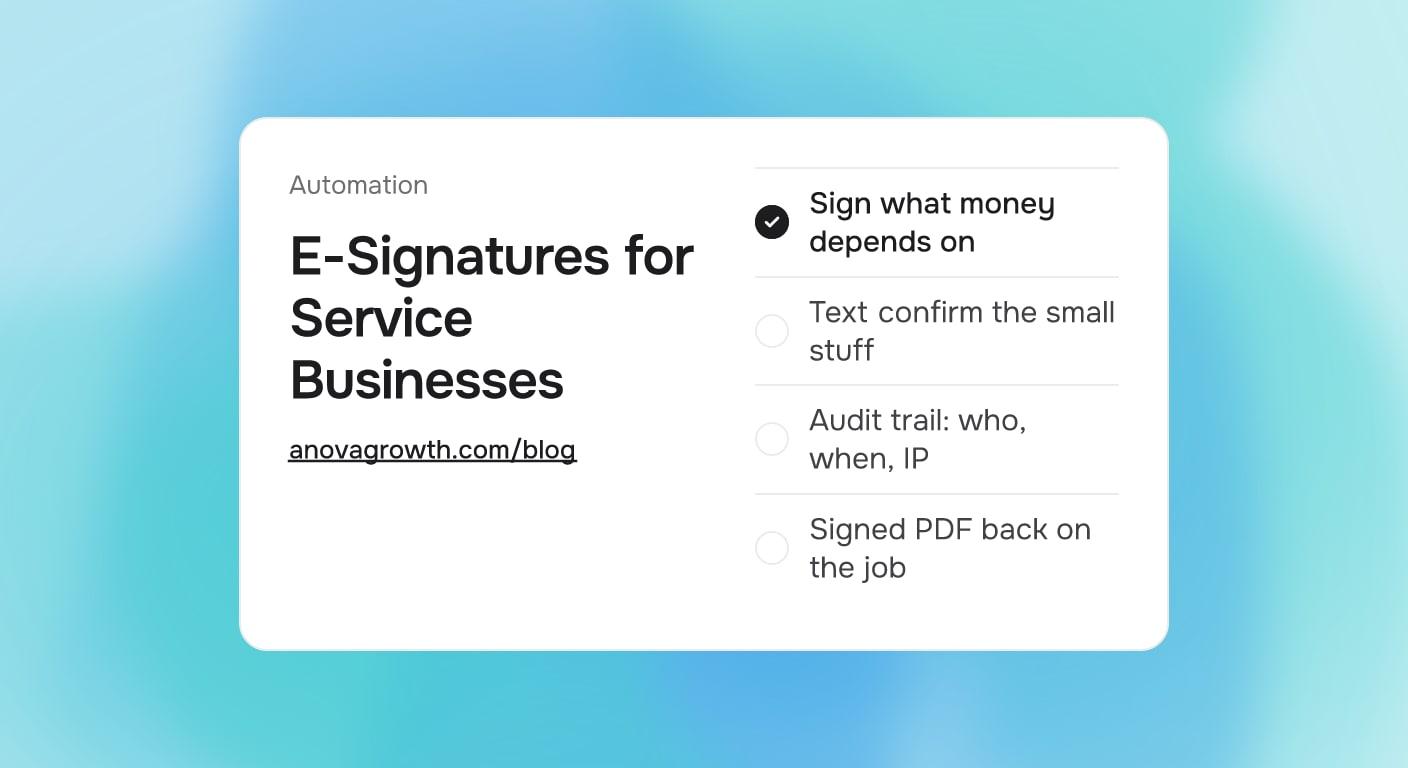
E-Signatures for Service Businesses: What to Sign and What to Skip
Some documents need a real signature and some need only a text confirm. Here is where e-signatures earn their keep for service businesses.

The customer said yes on the porch. Then the paperwork starts: print the contract, find a scanner, wait for the signed copy to come back by email. That lag is where service business deals stall, cool off, and quietly die while a competitor keeps calling.
E-signatures remove the printer step when you put them on the right documents and fire them at the right moment. They add friction when they are slapped onto things that never needed a signature. This guide shows where a signature earns its keep, where a text confirm does the same job, and how to automate the whole step.
Quick Answer
Put real e-signatures on anything that sets scope or moves money: quotes, contracts, change orders, deposit authorizations, and recurring service agreements. Run small repeat jobs on faster confirms, a checked box or a text reply. Trigger the signature request the moment a quote is approved, keep the audit trail, and file the signed PDF back on the job record before you send the invoice.
Where Deals Actually Stall
Most unsigned deals die of process. The contract turns into one more email thread, the signature waits on a desktop scanner, and nobody follows up until the week has moved on. The customer was ready the day they said yes, and readiness fades fast.
Then there is the memory problem. Six months later a scope question comes up and the only records are a text thread and a handwritten note. That is weak protection against a disagreement. A signed document with a timestamp and a saved PDF is a different tier of evidence.
The Fix Is Placement
The customer who just agreed to the number is most ready to sign in the next five minutes. Put the request in that window: same thread as the quote, one screen, done on a phone. Every hour between the verbal yes and the signing link is a gap where cold feet and competitor calls live.
What Deserves a Signature and What Does Not
| Document | Real signature or confirm | Why |
|---|---|---|
| Quote or proposal over a few hundred dollars | Sign | Sets scope and price; the signed copy is your record if scope gets questioned |
| Contract or service agreement | Sign | Terms, cancellation windows, and billing need consent you can show later |
| Change order | Sign | New money after the original agreement; an email thread is thin protection |
| Deposit or card-on-file authorization | Sign | Documents exactly what the customer approved before you charge |
| Recurring maintenance plan | Sign | Ongoing billing consent belongs in writing |
| Small repeat job under a few hundred dollars | Confirm | A checked box on the booking form is enough; speed beats paperwork here |
| Reschedules, arrival notices, photo approvals | Confirm | A text reply does the job and keeps the thread searchable |
The one-line test: if getting it wrong costs real money or the relationship, collect a signature. If it only needs an acknowledgment, confirm it in a text and move on.
For the big quotes specifically, presenting tiers is part of the close. If you have not settled how your proposals are structured, start with the guide to good, better, best quotes and then make signing automatic on whichever option the customer picks.
What Makes an E-Signature Hold Up
In the United States, the federal ESIGN Act and the state versions of UETA make electronic signatures legally valid for most business contracts. The signature itself is only part of the story. What turns a click into solid evidence is the record kept around it.
A signing event worth keeping includes:
- Signer identity: the name, email, or phone number attached to the signature
- Timing: the exact date and time the document was signed
- Trail: the IP address and device captured at the moment of signing
- Version: the document content that was signed, saved as a PDF snapshot
- Filing: the signed PDF and its audit record stored together where you can find them
That last point matters more than it sounds. A signature that only exists inside a web dashboard, with no saved document copy, is fragile. If your current tool cannot produce the PDF and the record behind it, treat the signature as incomplete.
One caveat worth stating plainly: this is general information about how e-signature records work, not legal advice. For high-value contracts or regulated work, ask your attorney what your state and industry require.
Automating the Signature Step
The mechanics matter less than the placement. Get these five pieces right and the step runs itself:
- Keep templates where the quote lives. The quote template, the contract, and the change order form belong in the CRM or estimating tool, not on someone's desktop.
- Trigger on status, not memory. When the quote status flips to approved or ready, the signature request fires to the customer automatically, in the same thread the quote was sent in.
- Make it one screen on a phone. The customer taps the link, reviews the document, draws or types their name, and is done. No account creation. Test the flow on your own phone before it ever reaches a customer.
- Remind without nagging. If the request sits unsigned, an automated reminder goes out after a day or two. After a few tries, hand the thread to a human instead of letting the loop run forever.
- File the result. The signed PDF and its audit trail attach to the job record automatically, and whatever fires next, the deposit request or the scheduling link, goes out in sequence.
Before buying anything new, check what you already own. Many CRMs and estimating tools include basic signing, and for most service businesses that is enough. Dedicated e-sign platforms earn their keep later, when you need complex templates or several people signing the same packet.
Failure Modes That Kill Completion
Most signing flows fail the customer in one of a few predictable ways:
- The customer must create an account before they can sign. Completion rates fall off a cliff at that screen.
- The flow only works on a desktop. The customer is standing in their driveway with a phone.
- The signature is collected but the PDF is never saved or filed. Six months later the record is gone.
- Nobody is reminded. The request ages out in an inbox while the deal goes cold.
- The scope is edited after signing without a fresh signature. The audit trail no longer matches the work, so the protection evaporates. That is exactly the situation change orders exist for, and automated change order management handles it the right way.
How We Set This Up
When we wire signing into a CRM for a service business, the order of operations matters more than the tool choice. First we decide which documents earn a signature and what fires after the signing completes. Then templates go into the system where quotes already live, and the request triggers off the quote status instead of a human remembering to send it.
The signed PDF and its audit trail file back onto the job record automatically, and that is the step most setups skip. We also test the customer side on a phone before launch: if the signing flow takes more than two screens or asks the customer to register, it gets rebuilt. Teams that move from email attachments to hosted signing links stop losing people at the download step, and the signed copy stops living inside someone's inbox.
The same logic applies to the paperwork that comes before the quote. If intake forms are still on paper, moving them to digital forms sets up everything else, including the signature.
Pairing the signature with payment is the strongest version of this flow. A signed quote plus a collected deposit in the same session turns a verbal yes into a committed job before the customer has a chance to sleep on it.
Related Questions
Are electronic signatures legally binding?
For most business contracts in the US, yes: the ESIGN Act and state versions of UETA recognize them. The strength of your position comes from the record around the signature, so keep the audit trail and the PDF. Treat anything high-value or regulated as a question for your attorney.
Can customers sign on the technician's phone?
Yes, and that is often the easiest path. Build the flow mobile-first so the document loads, reads, and signs in a browser on any phone. A signature pad on the tech's device plus an emailed copy covers both the job site and the office.
Is a text reply enough instead of a signature?
For confirmations, yes: reschedules, arrival windows, and photo approvals are fine as text confirmations. For anything that sets scope or moves money, no. Keep the signature on quotes, contracts, change orders, and billing authorizations.
Can I collect a signature and a deposit at the same time?
Yes, and it avoids a second round of back-and-forth. Send one flow that ends with the signing complete and the deposit link ready, or stack them automatically so the deposit request fires right after the signature lands. Fewer steps between yes and commitment means fewer dropped deals.
Do I need a dedicated e-sign subscription?
Maybe not. Check whether the CRM or estimating tool already in place includes basic signing. A dedicated platform makes sense once you need multi-party signing, heavy template management, or integrations beyond what your current tools offer.
Key Takeaways
- Real signatures belong on documents that set scope or move money; everything else gets a text confirm.
- The audit trail, not the squiggle, is what protects you: identity, time, device, and a version snapshot.
- Fire the signature request the moment the quote is approved and let reminders follow up on their own.
- Mobile, one screen, no account: the customer side decides whether signed deals actually happen.
- File the signed PDF on the job record before the deposit request or invoice goes out.
Ready to make signatures an automatic step? Contact us to discuss how we can help your business.
Related articles
Holiday Scheduling for Service Businesses: Automate Coverage Before the Office Goes Dark
The holiday coverage checklist for service businesses: what to automate, what to pause, and how to keep leads warm while the office is dark.
Read the article: Holiday Scheduling for Service Businesses: Automate Coverage Before the Office Goes Dark
Bad-Fit Customers for Service Businesses: How to Filter Them Out Early
Decline the jobs that lose money. Build intake questions, phone scripts, and CRM rules that filter bad-fit customers before they reach your calendar.
Read the article: Bad-Fit Customers for Service Businesses: How to Filter Them Out Early
A2P 10DLC Registration for Service Businesses: Why Texts Stop Delivering
Texts that show as sent but never arrive are usually unregistered. How 10DLC brand and campaign registration works and what campaign vetting checks.
Read the article: A2P 10DLC Registration for Service Businesses: Why Texts Stop Delivering
