Lead Source Tracking for Service Businesses: Know Where Every Job Came From
Tag every inbound lead with where it came from, follow it to closed revenue in your CRM, and stop spending on channels that never close a job.


Quick answer
Lead source tracking means every inbound lead gets a tag for the channel that produced it: phone, form, text, referral, Google Business Profile, or paid ads. You carry that tag through your CRM to the closed job, then compare closed revenue per source instead of raw lead counts. Most service businesses can set up a usable version in one afternoon with their existing CRM and a couple of tracking lines.
Where source data goes wrong
The call comes in while a tech is under a sink. Whoever answers scribbles a name and a number, and the "where did you hear about us" question never gets asked. A month later the owner opens a report full of "phone," "referral," and "somebody said" and learns nothing from it.
Three failure modes cause almost all of it:
- The question never gets asked, so every lead becomes "phone" by default.
- Everyone types their own wording, so "Google," "googled it," and "found you online" split into three useless buckets.
- The tag stops at the lead record and never connects to the quote, the work order, or the invoice.
All three are fixable with a picklist, one question, and a rule about where the tag lives. No new platform required for most shops.
The decisions to make before tagging anything
Start by deciding what deserves its own label and what does not:
- Which channels matter enough to separate. For most service businesses that is phone, website forms, texts, referrals, Google Business Profile, and paid ads.
- One fixed word per channel. A picklist with six values beats a free text box with sixty.
- Where the tag ends. If the answer is "the invoice," you will get decisions. If it is "the lead," you will get vibes.
Here is the compact decision table for how each common channel gets tagged:
| Channel | How the tag gets set | What the closed-job data tells you |
|---|---|---|
| Phone calls | One tracking number per source line | Which lines ring, and which ones sell |
| Website forms | Hidden source field per page | Which page earns jobs, not visits |
| Texts | One keyword or number per campaign | Which offer pulls replies |
| Referrals | One intake question with a picklist answer | Which relationships deserve upkeep |
| Google Business Profile | Separate line or a tagged booking link | Profile leads versus website leads |
| Paid ads | Ad-level UTMs or call extension lines | Spend per closed job, not per click |
Setting it up in one afternoon
- Add a Source picklist to your CRM with the fixed values from the table above.
- Tag the source at first contact. Whoever answers the phone or reads the first email picks one value before anything else happens. A picklist matters here: nobody can invent a spelling.
- Make the same tag ride to the job. When a lead converts, the tag travels through the quote, the work order, and the invoice. One label, start to finish.
- Route every website form into the CRM with its page name attached, and put a tracking line on the two biggest offline channels you actually spend on.
That is the whole system. Everything past this point is refinement.
A workable example
An illustrative walk-through, not a client story: a two-truck HVAC company tags four channels with two tracking lines, one hidden form field, and a single referral question. Ninety days of honest tagging shows the pattern most shops eventually find. The busiest line produces plenty of chatter and few booked jobs. The referral question keeps pointing at two specific people. The paid line sits in between.
The owner kills what never closes, moves that budget, and sends a thank-you to the two referrers. Nothing in that story needed a reporting project. It needed tags, kept honestly, and one look at closed jobs per source.
What we do in our own pipeline
At AnovaGrowth we run the same discipline on our own pipeline for the same reasons. Our first version lumped word of mouth in with referral, which made the referral number useless: two different things wearing one label. Splitting them and asking one question at intake, while the memory was fresh, changed the picture the same week.
The operating lesson we keep relearning: a source is only accurate when you catch it at the first touch. Ask later and the answer turns into shrugs. Every month, before any spend decision, we count closed jobs per source rather than raw form fills, and we keep the view as boring as a single table. The fuller metrics list we watch sits in our guide to CRM dashboard metrics for service businesses.
Common fan-out questions
Do I need new software?
Usually no. A picklist in your existing CRM plus one or two tracking lines covers most of it. Buy tooling only when a channel has no visible source today, for example calls that arrive on a line nobody can trace.
How do I track word of mouth?
Ask, and record it as its own value. A one-line script works: "Who can we thank for sending you?" Word of mouth that stays unmeasured is the reason referral reports lie.
What if a lead touches several channels?
First touch sets the source. If you want the full path, keep the touchpoints in notes and compare patterns later; the heavier version of that question is attribution, which we cover in actually knowing what marketing works.
How long until the data is useful?
Once closed jobs accumulate. For a small shop, a couple of months of normal volume is enough to trust direction, if not precision. Do not wait for statistical perfection to cut an obviously dead channel.
Do tracking numbers cause problems?
Dedicated tracking lines are standard practice across the industry. Keep your main line visible on the footer and elsewhere that matters, and read our guide to call tracking for service businesses for the trade-offs in detail.
What do I do with the report once I have it?
Review it monthly, compare closed revenue per source, shift budget, and re-check after 60 days. Pair it with reply speed, since a fast first response is what converts a tagged lead into a job: our lead response time guide explains that half.
Key takeaways
- A picklist nobody argues with beats a report nobody built.
- The system is three parts: fixed source values, one question at first touch, and the tag riding to the invoice.
- Compare closed revenue per source. Call volume flatters the wrong channels.
- Review monthly, cut spend on sources that never close, and thank the humans who refer.
Conclusion
Lead source tracking turns "this month felt slow" into a decision about where the next job should come from. Set the picklist, catch the tag at first contact, let it ride to the invoice, and let the closed-job numbers pick your budget winners.
Ready to close the loop between your leads and your revenue? Contact us to set up source tagging, tracking lines, and a CRM view your office will actually fill in.
Related articles

Technician Utilization Tracking for Service Businesses: Find the Hours You Never Bill
Technician utilization tracking shows how many hours your crews bill versus idle, travel, admin, and windshield time. Here is how to set it up and use it.
Read the article: Technician Utilization Tracking for Service Businesses: Find the Hours You Never Bill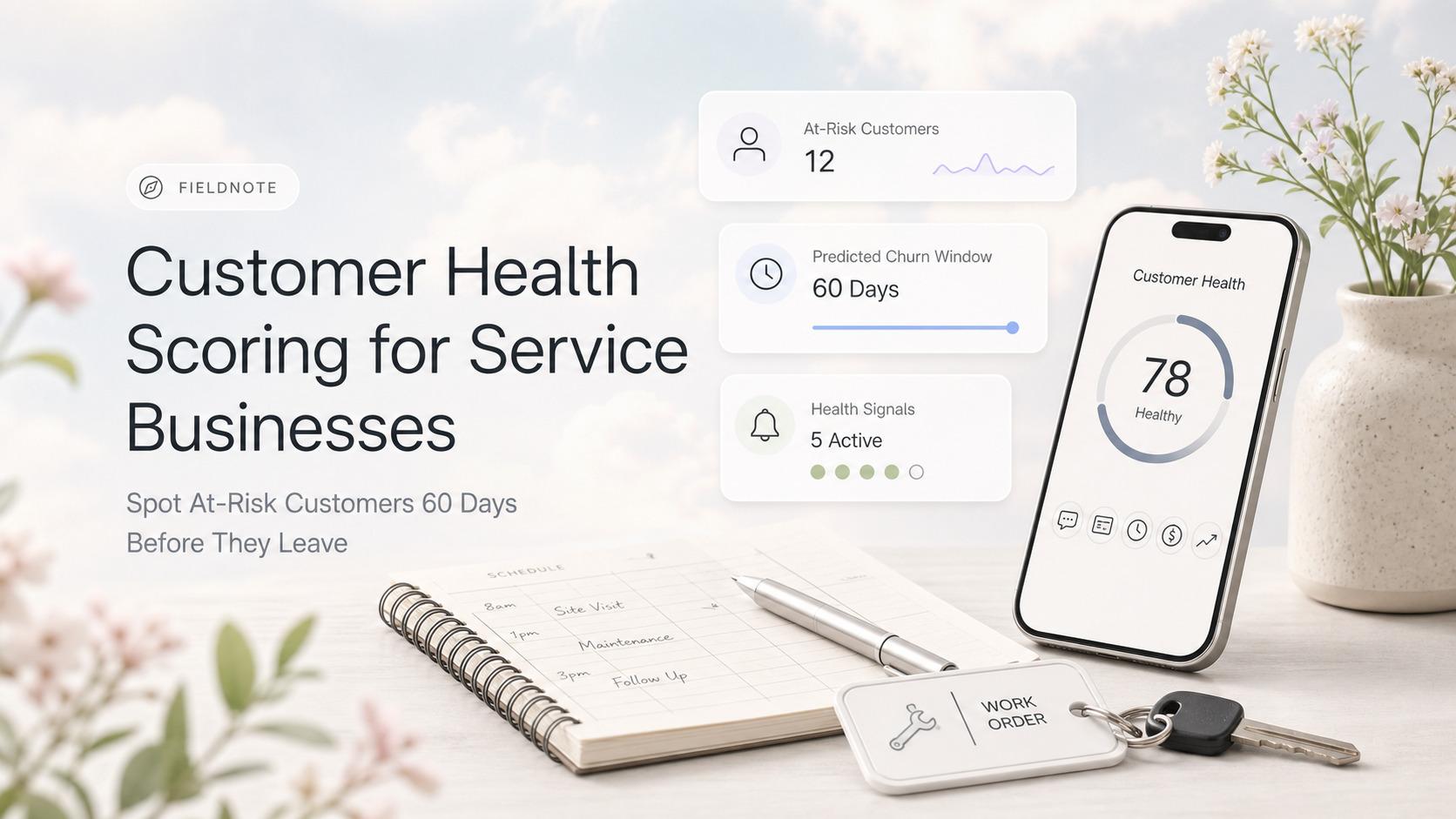
Customer Health Scoring for Service Businesses: Spot At-Risk Customers 60 Days Before They Leave
Service businesses that score customer health on five signals catch 70-80% of churn 60-90 days before it happens. Here is the model, the math, and the workflow.
Read the article: Customer Health Scoring for Service Businesses: Spot At-Risk Customers 60 Days Before They Leave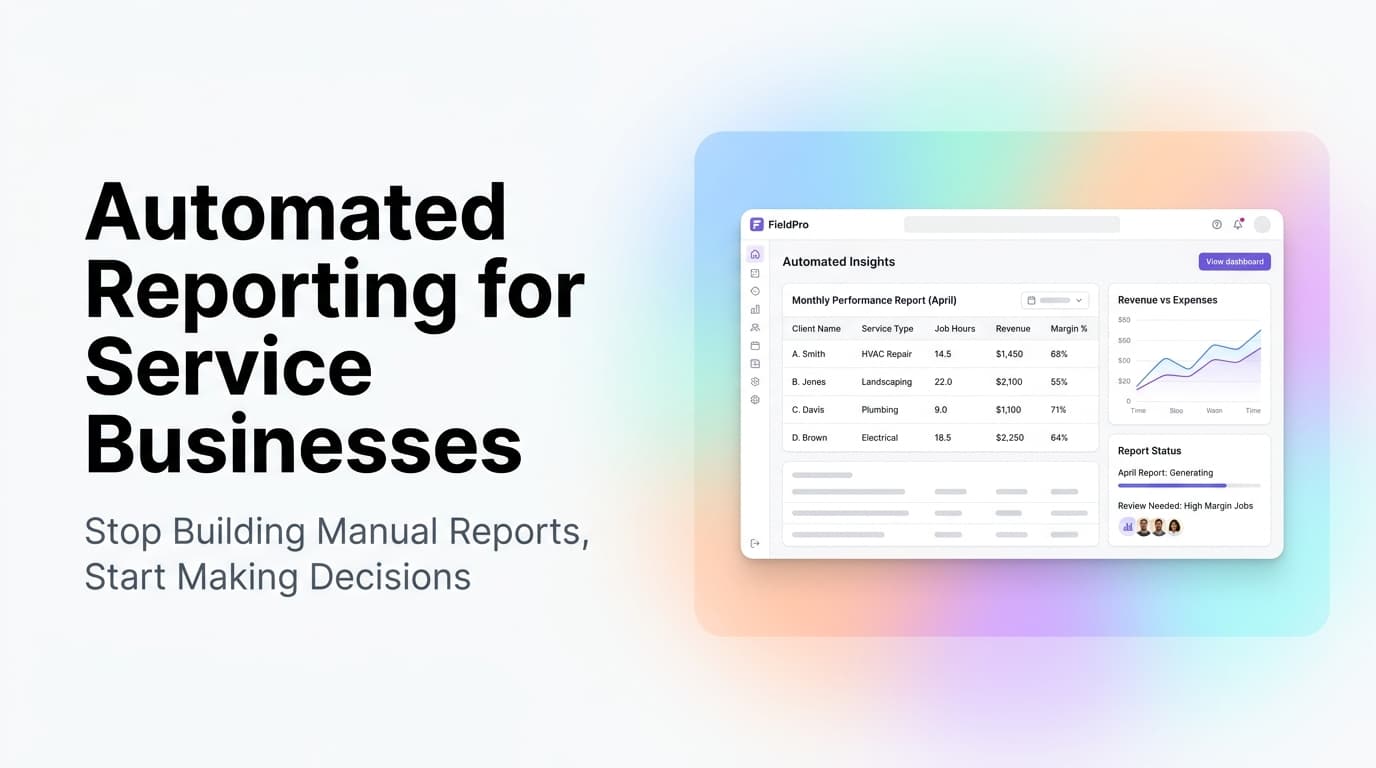
Automated Reporting for Service Businesses: Stop Building Manual Reports, Start Making Decisions
Service businesses spend 8-12 hours per month on manual reports. Automated reporting cuts that to zero and surfaces insights you would miss.
Read the article: Automated Reporting for Service Businesses: Stop Building Manual Reports, Start Making Decisions
