Two-Way Calendar Sync for Service Businesses: How to Stop Double Bookings
When office and tech calendars disagree, jobs collide. How two-way calendar sync works for service businesses, what breaks first, and the setup that holds.

Quick answer
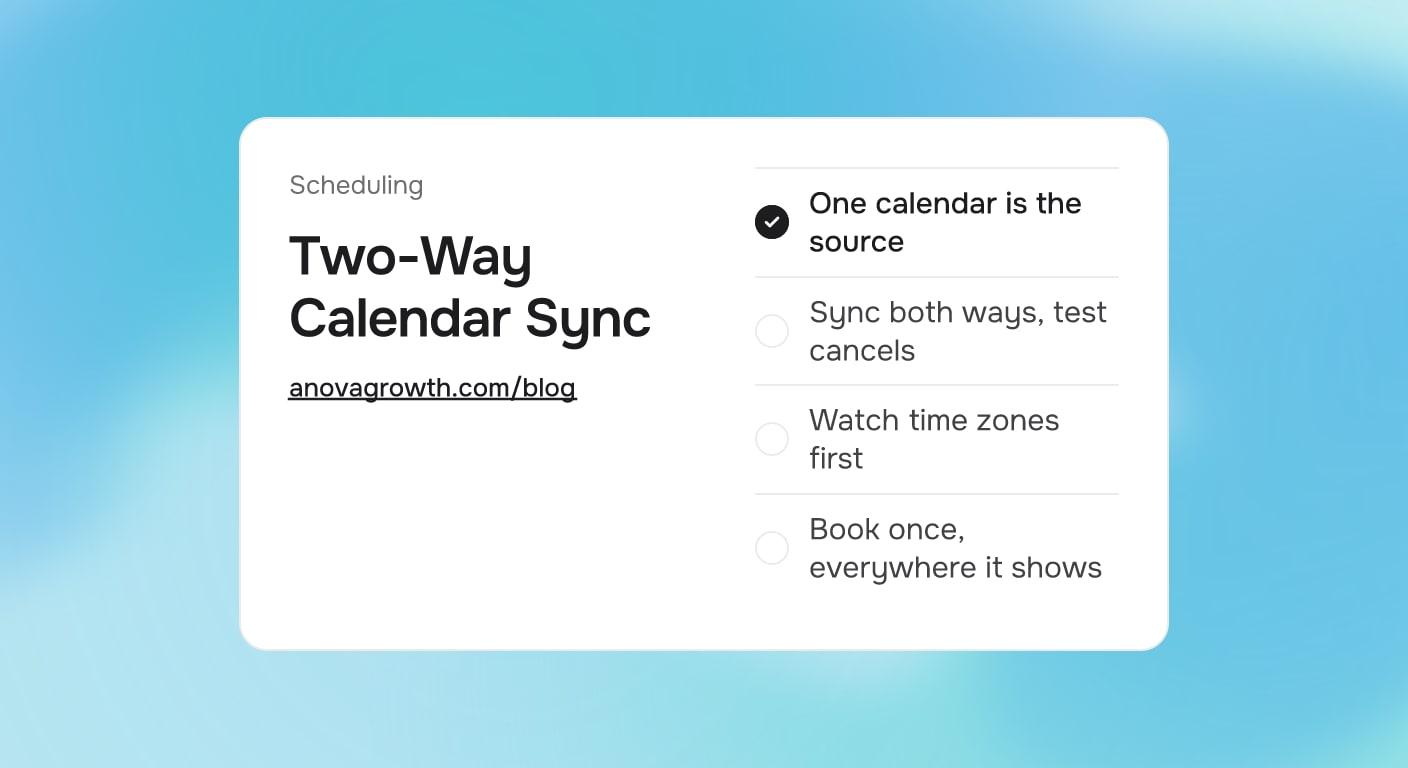
Two-way calendar sync keeps one master calendar and every other calendar in step. Book, move, or cancel a job in the CRM, and the change lands on Google Calendar or Outlook within minutes. Book or block time in one of the mirrored calendars, and it flows back to the master. Choose one calendar as the source of truth, then test a booked, a moved, and a canceled job before you trust it.
Why service calendars drift out of sync
A customer books a Saturday-morning slot through your website at 8pm. Monday, the office gives the same slot to a phone caller, because the booking tool's calendar and the office Google Calendar disagree. By Wednesday nobody remembers which promise was real, and two households expect a truck that cannot be in two driveways at once.
The overlap is nobody's fault. Bookings live in a website form, a CRM, a front-desk Google Calendar, each tech's phone, and maybe a printed sheet. Each one is honest on its own. Together they lie, and the costs show up in specific ways:
- Two customers hear the same arrival window quoted, and one learns the truth when the truck is late.
- Canceled jobs stay on techs' phones, so a tech drives to a job that stopped existing yesterday.
- Real openings go unbooked, because the gap one tool shows was already promised in another.
What is at stake is the promise the calendar carries, not the pixels. Once the schedule becomes trustworthy, automated appointment reminders cut the no-shows even a perfect calendar cannot prevent, and job status notifications keep customers posted when a window moves.
How two-way calendar sync actually works
One calendar becomes the master. Every other calendar becomes a mirror. The scheduling tool writes new and changed appointments into the mirrors, and in a two-way setup it also listens, so a change made inside a mirror travels back to the master. Under the hood this is API calls and authorization tokens, which is worth knowing only because it explains the failures later: permissions, reauths, and sync delays.
Which calendar should be the source of truth?
The system that actually runs the job wins. In most service businesses that is the CRM or scheduling app, because it owns availability, tech assignments, and routes. If the whole business genuinely runs out of Google Calendar or Outlook, then that calendar is the master and the CRM mirrors it. One master, no exceptions, whatever you pick.
| Where bookings really happen | Master calendar | Everything else |
|---|---|---|
| All jobs enter one tool | That tool's calendar | Mirrors subscribe to it and follow |
| Bookings arrive by phone, form, and walk-in | Pick one, usually the CRM | Type each booking once, into the master |
| The business runs on Google or Outlook | That calendar | Other tools mirror it, no shadow copies |
Enter every booking once, wherever the master lives. The second copy typed by hand is where the drift starts.
Do you need two-way sync, or is one-way enough?
If every booking enters through one door, one-way sync is enough. The master pushes to the mirrors and accepts nothing back, so nothing can contradict it. This is the safer setup, and more businesses qualify for it than expect to.
You need the reverse direction when real edits happen on a mirror: the owner blocks a Saturday in Google Calendar and expects no jobs that day, the dispatcher shuffles a route from the office calendar, or a tech books an emergency visit from the field. Those edits must land in the master, or the master goes stale and stops being the source of truth it claims to be.
Two-way buys that convenience and adds a conflict: when both sides change, something wins. Find out how your tool resolves it before you rely on it. If the deeper problem is getting jobs assigned to the right tech in the first place, start with job scheduling and resource allocation, then wire the sync afterward.
What breaks first: time zones, hours, and canceled jobs
In client builds, the same handful of failures shows up again and again. None are exotic. All are testable in an afternoon.
- Time zones. Platforms often store times in UTC and display them in local time, so an all-day block or a daylight-saving week can shift everything. Book a test job across a daylight-saving change before you trust the sync in March and November.
- Working hours. Calendars accept events at any hour without asking. Availability rules on the master can be overwritten by a casual edit on a mirror, and suddenly a 7pm visit sits inside a day nobody agreed to work.
- Canceled jobs. A connector that can create events does not always have permission to delete them. The canceled job lingers as an orphan that still holds the slot, and the tech drives to nothing. Delete permission matters as much as create permission.
- Sync lag. Tools that check for changes on a poll, rather than responding to them immediately, leave a window where the same slot can be promised twice. Learn your tool's lag and treat it as real.
- Reconnects. A password change or a lapsed authorization silently stops the sync. The symptom is always "it worked until it didn't," so put a quick Monday check on the calendar instead of learning it from an angry customer.
The setup we run in client builds
When we wire scheduling at AnovaGrowth, the master gets decided before a single integration is connected, and the choice goes into the runbook so a future hire does not relitigate it at 7am. Half the calendar problems we inherit come from that decision being implicit instead of written down.
Techs receive a read-only subscribed calendar. Personal calendars consume the schedule; they never write into it, which keeps dentist appointments from eating work windows, and keeps a tech's lunch from disappearing every time somebody rebuilds the route.
The customer-facing booking form writes straight into the master. A form that emails the office for manual re-entry just moves the drift downstream, and the office becomes the sync layer, which is the one layer guaranteed to fail on a holiday weekend.
Before go-live we test four moves: book, move, cancel, reconnect. Each must land on every calendar, including the techs' phones, and the cancel must delete rather than gray out. One named person owns the calendar configuration, because reauthorizations wait on "somebody" until that somebody has a name.
Key takeaways
- Two-way sync earns its complexity only when legitimate edits happen in more than one place. Otherwise one-way is safer.
- The system that runs the job is the source of truth. Everything else mirrors it.
- Techs' personal calendars should read the schedule, never feed it.
- Test book, move, cancel, and reconnect on every calendar, and confirm cancels actually delete.
- Sync fails quietly. Give it a named owner and a quick recurring check.
Questions owners ask about calendar sync
Does two-way sync work with Outlook as well as Google Calendar?
Yes. The principle is identical: one master, mirrored calendars, tested cancels. Most scheduling tools and integration platforms support both Google and Microsoft 365. Confirm the connector supports the calendar your office actually opens every morning, not the one the demo used.
How quickly should a change show up on every calendar?
A healthy setup moves a change in minutes. If edits take an hour to travel, find out whether your tool polls on a delay, then decide whether that lag is acceptable for a business that books same-day jobs. Test by booking in one place and watching the mirror with a stopwatch.
What happens to the calendar event when a job is rescheduled?
A mature sync updates the existing event in place. A crude one deletes and recreates, which can drop notes and reminder settings, and a cancel without delete permission leaves the orphan behind. Test the reschedule path specifically; it is where the crude tools show.
Ready to make the calendar boring again? Contact us to discuss how we can help your business.
Related articles

Lead Source Tracking for Service Businesses: Know Where Every Job Came From
Tag every inbound lead with where it came from, follow it to closed revenue in your CRM, and stop spending on channels that never close a job.
Read the article: Lead Source Tracking for Service Businesses: Know Where Every Job Came From
E-Signatures for Service Businesses: What to Sign and What to Skip
Some documents need a real signature and some need only a text confirm. Here is where e-signatures earn their keep for service businesses.
Read the article: E-Signatures for Service Businesses: What to Sign and What to Skip
Holiday Scheduling for Service Businesses: Automate Coverage Before the Office Goes Dark
The holiday coverage checklist for service businesses: what to automate, what to pause, and how to keep leads warm while the office is dark.
Read the article: Holiday Scheduling for Service Businesses: Automate Coverage Before the Office Goes Dark
