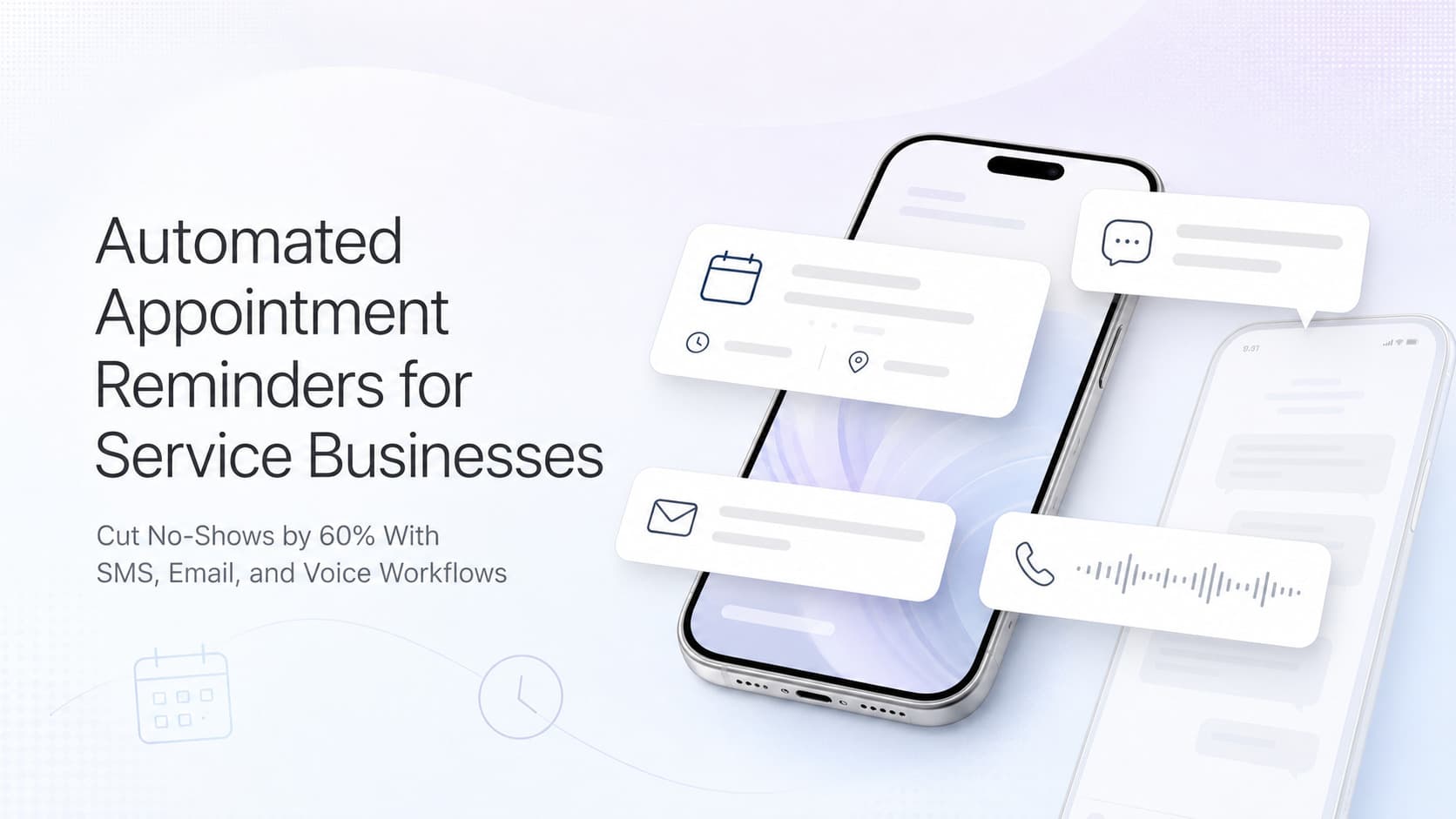
Automated Appointment Reminders and No-Show Recovery for Service Businesses: Cut No-Shows by 60% With SMS, Email, and Voice Workflows
Service businesses lose 8-15% of booked appointments to no-shows. Automated reminders and recovery flows cut that loss by 50-70% without hiring more staff.

The Revenue Leak You Stopped Measuring
A homeowner books a $4,200 HVAC replacement for Tuesday at 10 AM. The crew blocks the slot. The truck rolls at 9. Nobody is home. The technician waits 20 minutes, calls twice, then drives to the next job. Tuesday at 10 AM is now a hole in the schedule that pays the crew but generates zero revenue, and it happens to the average service business 8 to 15 times out of every 100 bookings.
That is not a customer service problem. That is a margin problem dressed up as a customer service problem. Industry benchmarks put the average no-show rate for service businesses at 8-15 percent for first-time visits and 5-10 percent for repeat visits. Each empty slot costs a service business the revenue from the job, the wages for the crew, and the chance to fill that slot with a paying customer who actually showed up.
Quick answer: Automated appointment reminders use SMS, email, and voice workflows to confirm bookings, give customers a one-tap way to reschedule, and trigger a recovery sequence when someone does not confirm. The right sequence cuts no-shows by 50 to 70 percent, recovers 20 to 35 percent of would-be no-shows through earlier reschedules, and runs without any dispatcher intervention. Most scheduling and dispatch platforms already support this. The work is configuration, integration, and message discipline.
What a No-Show Actually Costs
Most service owners look at no-shows as a single lost appointment. The real cost is layered, and almost none of it shows up on the P&L until you add it back up.
For a typical service business running 30 jobs per week with a $1,200 average ticket, an 8 percent no-show rate produces:
- 2.4 empty slots per week, costing roughly $2,880 in lost revenue
- 12 empty slots per month, costing roughly $11,520 in lost revenue
- Crew hours that still need to be paid even though the truck sat idle
- Dispatcher time spent calling no-shows to ask what happened, then rescheduling
- Customer goodwill burned when the no-show eventually rebooks and waits two weeks
- Schedule density that makes it impossible to promise same-day or next-day service to other customers
A working reminder and recovery workflow does not eliminate the no-show. It eliminates the surprise. The customer confirms or reschedules 24 hours ahead, the slot gets refilled from a waitlist, and the crew rolls into a job that is ready to start.
The Anatomy of a Modern Reminder Workflow
A reminder system that actually moves the no-show rate is not a single text message. It is a layered sequence tuned to the customer's behavior and the value of the appointment.
Layer 1: Confirmation at Booking
The first message goes out within 60 seconds of the booking. Its only job is to confirm the slot, give the customer the basic info they need, and give them a one-tap way to reschedule if the time is wrong.
Example (SMS):
Hi Sarah, this is Hill Country HVAC. Your maintenance visit is confirmed for Tue, Aug 5 between 10-11 AM. Tech: Marcus. Reply C to confirm, R to reschedule, or call (706) 555-0144.
The booking confirmation alone catches the highest-cost no-shows: customers who booked the wrong time, customers who double-booked, customers who forgot they had the appointment and would have been a no-show by default. Industry data shows 4 to 7 percent of bookings get rescheduled at this step, before any reminder fire.
Layer 2: 48-Hour Reminder With Context
Two days out, the customer gets a second message that adds value beyond the date and time. This is where you can include prep instructions, links to the customer portal, or a specific photo of the tech who is coming.
Example (SMS + Email):
SMS: Hi Sarah, Marcus from Hill Country HVAC here. I'll be at your home Tue 10-11 AM for the annual maintenance. Please keep pets secured near the outdoor unit. Reply with any questions.
Email: Subject "Tuesday 10 AM, what to expect from your HVAC visit" with a 3-bullet agenda, a photo of Marcus, a link to the prep checklist, and a "reschedule" button that does not require a phone call.
The email is doing work the SMS cannot. It carries detail, links, and brand consistency. The SMS is doing the work the email cannot. It is read within three minutes.
Layer 3: 2-Hour Reminder With Live Tracking
The morning of the appointment, a tight message goes out that ties the customer to the tech who is actually en route. For field service businesses, this can include an ETA or a live tracking link.
Example (SMS):
Marcus is on the way. Live ETA: 9:50 AM. Track here: [link]. Reply HELP if you need anything.
The 2-hour window is where no-shows usually collapse. The customer either confirms silently, replies with a question, or reschedules before the crew has left the shop. That is 30 to 50 minutes of saved drive time and a slot that can be refilled.
Layer 4: Recovery Sequence for Non-Confirms
If the customer does not confirm or respond to any of the above, the system switches modes. The next message is a different tone: lower friction, more options, and an explicit invitation to cancel rather than no-show.
Example (SMS, sent 90 minutes after the 2-hour reminder if no response):
Hi Sarah, we have not heard back about your 10 AM visit today. Reply Y to keep, R to reschedule, or STOP if you no longer need service. We will release your slot in 30 minutes.
That last line is the key. Giving customers a clean way to cancel actually lifts confirmation rates. People who know they can cancel do not ghost. People who cannot cancel sometimes ghost because they feel locked in.
Layer 5: Real-Time Rebooking from a Waitlist
The final layer is not a message to the customer who no-showed. It is a workflow that fills the now-empty slot from a pre-built waitlist. The waitlist is fed by leads who asked for service this week but were told the next available slot was next Tuesday. When a Tuesday slot opens at 9:42 AM, the system texts the top three waitlist customers in order.
Example (SMS):
Hi Greg, an HVAC tune-up slot just opened in your area today between 11 AM-12 PM. First reply gets it. Reply YES or NO.
The first YES typically books the slot within 5 to 15 minutes. The original no-show becomes a soft cancel that the team handles later in the day. The lost revenue becomes a same-day fill.
The Numbers Behind a Working Workflow
Most service owners are surprised by how dramatic the improvement is once all five layers are wired up. Here is what a typical AnovaGrowth client sees over the first 90 days:
| Metric | Before | After 90 Days |
|---|---|---|
| No-show rate | 12% | 3-4% |
| Same-day reschedules | 6% of bookings | 18-22% of bookings |
| Empty slots per week | 3-4 | 0-1 |
| Inbound confirmation calls | 25-40 per day | 4-8 per day |
| Dispatcher hours on no-shows | 8-12 per week | 1-2 per week |
| Revenue recovered per month | $0 baseline | $8K-$18K |
| Customer satisfaction (CSAT) | 82 | 91+ |
The single biggest jump is not in the no-show rate itself. It is in same-day reschedules. When a customer cancels 24 hours ahead instead of 4 hours ahead, the team has time to refill the slot from the waitlist, and the customer still gets the service they need without a 3-week wait.
Building the Workflow in Three Days
You do not need a 90-day rollout. The minimum viable reminder workflow can be live in three days if your scheduling and CRM tools support webhooks or native integrations.
Day 1: Map Your Booking Sources and Confirm Channels
List every way a customer can book a service: phone, web form, Google Business Profile, your CRM, partner referrals. Each one needs to trigger the same confirmation sequence. The mistake most businesses make is building the sequence in one tool and forgetting the other four sources.
Pick your reminder channels up front:
- SMS for confirmation, 2-hour reminder, and recovery
- Email for the 48-hour reminder with prep context and the day-of invoice link
- Voice (optional) for high-value appointments where a confirmation call from an AI agent makes sense
Day 2: Write the Message Templates
Write five templates. Keep them short. Replace every "we" with the actual business name. Replace every placeholder with the actual variable your CRM supports.
The four rules for message templates:
- One clear call to action per message (confirm, reschedule, prepare, track)
- Customer's first name and the tech's first name in every message
- Time window, not exact time, unless you can hit it
- A live link to the prep page or the tracking page, never a static address
Test every template with five real customers before you turn it on. Their reaction tells you if the message reads like a robot or like a real person from your business.
Day 3: Wire the Triggers and Run a Live Test
Configure the triggers in your scheduling tool or in your CRM's workflow builder. The most common setup:
- New booking created, send Layer 1 within 60 seconds
- Booking time minus 48 hours, send Layer 2
- Booking time minus 2 hours, send Layer 3
- Booking time minus 30 minutes with no confirmation, send Layer 4
- Job marked as no-show, send Layer 5 to top of waitlist
Run a real test by booking your own visit for tomorrow. Watch every message go out at the right time. Click every link. Verify that the reschedule flow lands in the right inbox and that the waitlist text reaches a real phone.
What to Automate vs What to Keep Human
Reminders and recovery are perfect candidates for automation, but a few decisions still belong to a human.
Fully automate:
- Booking confirmations, 48-hour reminders, 2-hour reminders, recovery messages
- Waitlist alerts when a slot opens
- Rebooking links sent after a no-show with a pre-selected alternative slot
- Reschedule confirmations and the new reminder sequence for the new slot
- Post-visit review request two hours after job completion
AI drafts, human approves:
- Exceptions: customer flagged as VIP, customer in active dispute, job over a defined dollar threshold
- Reschedule requests that come in after hours for jobs the next morning
- Confirmation responses that include a complaint, refund request, or legal language
Always human:
- First contact with a customer who no-showed and is now asking for a third chance
- Any message that goes to a customer after they explicitly opted out of SMS
- Any communication that could affect insurance, warranty, or licensing
- Cancellation reasons that suggest a deeper issue (price dispute, safety concern, billing error)
The split keeps the AI handling volume and the humans handling judgment. The result is a workflow that runs every hour of the day and still feels personal when it matters.
Proof It Works: A 14-Tech Plumbing Company in Birmingham
A residential plumbing company with 14 field techs was averaging 28 no-shows per month across 320 booked appointments. Each empty slot cost the company about $640 in lost revenue and wasted 90 minutes of crew time. Dispatchers were spending 11 hours per week calling no-shows, asking what happened, and trying to refill the slots.
The owner turned on a five-layer reminder and recovery workflow over a long weekend. The first month after go-live:
- No-show rate dropped from 8.75 percent to 3.4 percent, a 61 percent reduction
- Same-day reschedules increased from 19 to 71
- Empty slots per week dropped from 7 to 2
- Inbound confirmation calls to the front desk dropped from 35 per day to 6 per day
- Dispatcher hours on no-shows dropped from 11 hours per week to 1.5 hours per week
- Net new revenue recovered (refilled slots minus time spent on the workflow) was about $14,200 in month one
The owner did not hire anyone to run the workflow. The system ran on autopilot. The only human work was reviewing exception cases each morning, which took the operations manager about 12 minutes.
How This Connects to the Rest of Your Operations
Appointment reminders are the connective tissue between lead handling, scheduling, and customer retention. They are most effective when the surrounding workflows are also tuned up.
If leads are still leaking before they book, AI Lead Response Speed for Service Businesses covers the upstream fix that feeds this workflow more confirmed appointments.
If your booking flow itself needs work, Appointment Scheduling Automation for Service Businesses walks through how to capture and confirm leads the moment they reach out.
If you are ready to push past reminders into a fuller post-booking experience, Automated Job Status Notifications for Service Businesses covers the live tracking and arrival messages that turn a confirmed appointment into a happy customer.
Related Questions and Subtopics
- What is the average no-show rate for service businesses? Industry benchmarks put first-time visits at 8 to 15 percent and repeat visits at 5 to 10 percent. Service businesses that automate reminders typically land in the 3 to 5 percent range within 90 days.
- How many reminder messages should a service business send? A five-message sequence at booking, 48 hours out, 2 hours out, 30 minutes out, and on the recovery path covers the full lifecycle without feeling spammy. Each message has one job.
- Is SMS or email better for appointment reminders? SMS wins for time-sensitive confirmations. Email wins for prep details, documents, and links. Use both, on different cadences, for different jobs.
- How do I legally send automated appointment reminders? Include opt-out instructions on every SMS (reply STOP). Honor opt-outs within 10 days. Keep records of consent for text messages. Avoid sending between 9 PM and 8 AM in the customer's local time zone.
- What is the best waitlist strategy for filling open slots? Build the waitlist from leads who were told the next available slot was too far out. Feed it by geographic zone and service type. Notify the top 3 in order, give them 15 minutes to claim, then move to the next.
- Should I use AI voice agents for high-value appointment confirmations? Yes, for jobs over a defined dollar threshold or jobs with significant prep. The AI calls, confirms, and routes any issues to a human. Most customers cannot tell the difference and prefer the speed.
AnovaGrowth Operating Insight
We do not build reminder workflows as standalone tools. They sit inside the same automation layer as your CRM, your dispatch, your accounting, and your review requests. The reason is simple: a confirmed appointment is not the end of the customer journey. It is the start of the experience. If the reminder says one thing and the dispatch board says another, the customer feels the gap. If the post-visit review request goes out 48 hours later with a different tone, the brand feels inconsistent. When reminders share data with the rest of the stack, the customer gets one continuous thread from booking to review, and the team gets a single source of truth for every job.
Key Takeaways
- No-shows are a margin problem, not a customer service problem, and they cost service businesses 5 to 15 percent of booked revenue each year
- A five-layer reminder and recovery workflow (booking, 48 hours, 2 hours, recovery, waitlist) cuts no-shows by 50 to 70 percent
- Same-day reschedules are the real win, since they free the slot for a paying customer instead of leaving an empty truck
- Build it in three days: map sources, write five message templates, wire the triggers, run a live test
- Automate the volume, keep humans in the loop on VIP, dispute, and high-threshold exceptions
- One Birmingham plumbing company recovered $14,200 in month one and cut dispatcher no-show hours from 11 per week to 1.5
Next Steps
Pull the last 30 days of bookings from your scheduling tool. Count the no-shows. Multiply by your average ticket. That number is the revenue you are leaving on the table this quarter. Then list the five places a customer can book with you and confirm whether each one triggers the same reminder sequence. Most service businesses find at least two gaps.
If you want help building the full five-layer reminder and recovery workflow, wiring it into your scheduling and CRM, and measuring the recovered revenue against the cost of the tools, contact us for a 30-minute reminder workflow review. We will walk through your booking sources, draft the message templates, and outline the integrations you need to cut no-shows in the next 30 days.
Ready to cut no-shows without adding staff? Contact us and we will map your booking sources, build the five-layer reminder workflow, and connect it to your scheduling, CRM, and waitlist so empty slots become refilled jobs.
Related articles
Zapier vs Make vs n8n for Service Businesses: How to Choose
Zapier, Make, and n8n automate the same jobs differently. Compare cost, complexity, and upkeep to pick the right tool for your service business.
Read the article: Zapier vs Make vs n8n for Service Businesses: How to Choose
Digital Job Checklists: How Service Businesses Cut Callbacks
Paper checklists get signed and forgotten. Learn how digital job checklists catch problems before the customer sees them and cut repeat visits.
Read the article: Digital Job Checklists: How Service Businesses Cut Callbacks
CRM Data Cleanup for Service Businesses: What to Fix First
Bad CRM data quietly breaks automations and buries leads. Learn what to fix first, what to merge or drop, and how to keep the database clean afterward.
Read the article: CRM Data Cleanup for Service Businesses: What to Fix First
