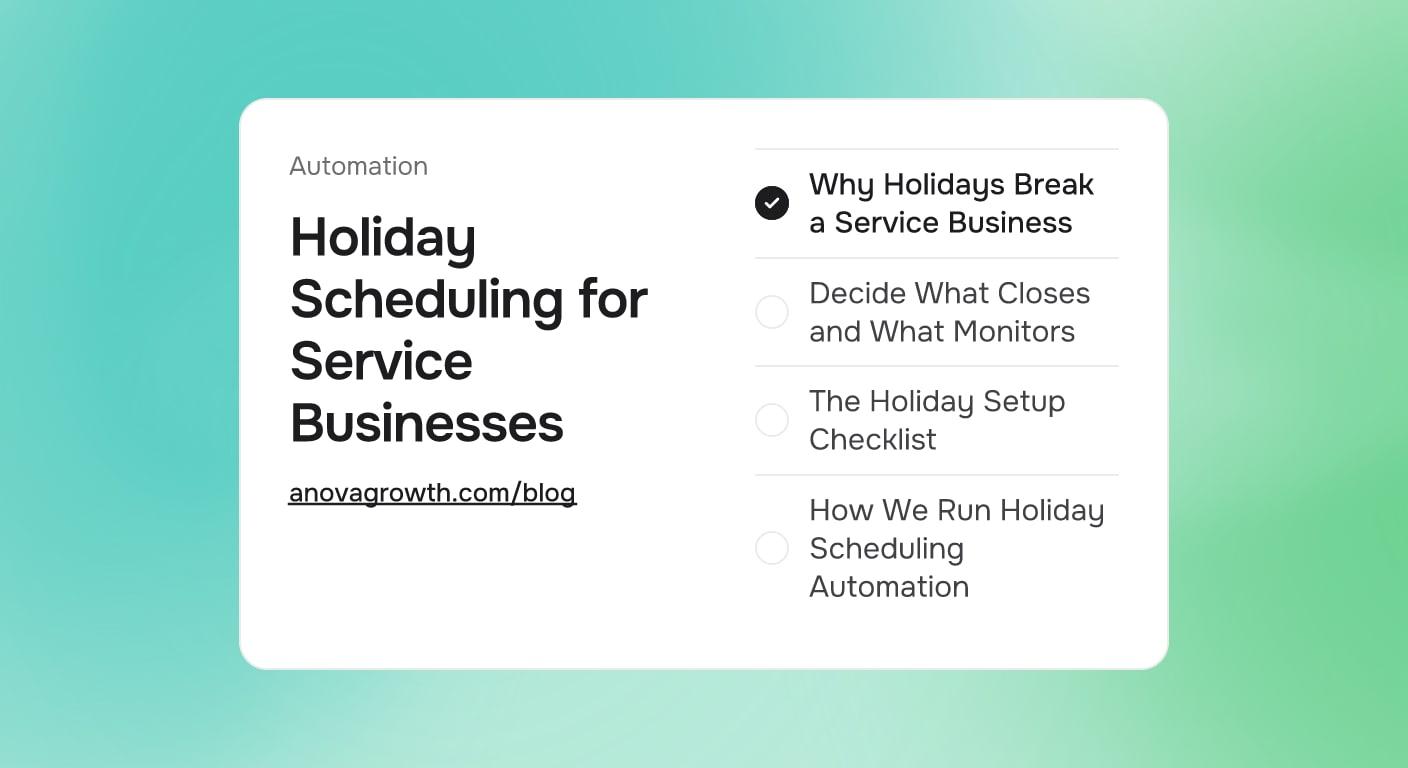
Holiday Scheduling for Service Businesses: Automate Coverage Before the Office Goes Dark
The holiday coverage checklist for service businesses: what to automate, what to pause, and how to keep leads warm while the office is dark.

Thanksgiving is close enough to see, and after it the holiday chain runs straight through New Year's. For a service business that stretch gets quiet in a strange way: the crew slows down, the owner finally looks up, and the phone goes silent. The website does not know that. Forms keep arriving, texts keep coming in, and the person who submits one on the day before a closure still wants a reply the day after it. Holiday scheduling automation is how you keep the week off without going dark.
A closed office is fine. A closed office that keeps collecting leads and telling people nothing is expensive. Leads sit, customers guess when you reopen, and the first crew day in January turns into a catch-up sprint before any real work happens.
Quick Answer
Holiday scheduling automation is the work you do the week before a closure: update your hours everywhere, date-bound the auto replies on every channel, pre-confirm the jobs already on the board, pause what nobody can answer, and define one emergency path. Six to eight hours of setup buys a week where every lead gets acknowledged, customers know the plan, and reopening morning starts with a queue instead of a pile.
Why Holidays Break a Service Business
Your normal week runs on people noticing things. A form lands, someone opens the CRM, a lead becomes a quote. A holiday removes the people without removing the inflow: forms keep arriving, texts keep arriving, and the scheduler still hands out bookings unless someone closed the slots.
Each channel fails in its own way. Stale hours mislead, so the profile says open while the parking lot is empty. Unanswered leads rot, and whoever replies first when everyone clears the backlog wins the jobs nobody else stayed on top of. Booked jobs wobble, because a customer scheduled for the day after a holiday has spent a week not thinking about whether that was the 26th or the 27th.
These are never in-the-moment problems. They are decisions to make this week, write down once, and leave to software that does not take the holiday off.
Decide What Closes and What Monitors
Walk every channel and answer two questions: does this need a human during the closure, and what does the person on the other end see if the answer is no. Write the answers down before the week of the holiday, not during it. The table below is the shape it takes for most service businesses.
| Channel | Holiday mode | What covers it |
|---|---|---|
| Phones | Emergencies only | One forwarded number plus a missed-call text back that collects the message |
| Forms and email | Auto-reply with return date | Form confirmation and the mailbox autoresponder |
| Texts | Auto-reply with return date | The texting tool's away rule |
| Hours listings | Closed with published special hours | A manual update that takes five minutes |
| Ads | Paused or trimmed to reopen day | Ad schedule settings |
| Booked jobs | Confirmations and reminders keep firing | The scheduler |
| New leads | Queued for reopen day | First-touch automation in the CRM |
Notice the pattern: automation can acknowledge anything, but it can only answer what you have defined. Away replies exist to say when you will be back. The emergency path is the only way to reach a human. Everything else waits, politely.
The Holiday Setup Checklist
The full holiday coverage checklist takes a few hours the first time and an edit per holiday after that. Work top to bottom:
- Pick one source of truth for hours. Decide the closed window once, then publish it everywhere: the special hours on your Google Business Profile, the contact page, the email signature, and the voicemail greeting. Publishing accurate service business holiday hours is the cheapest item on this list, and a listing that disagrees with the voicemail creates its own problems.
- Write one away message and reuse it. Three sentences: closed from this date to that date, here is the emergency path, here is what happens to your message. Every channel gets the same three sentences, so customers hear one story instead of four versions of it.
- Give every auto reply an expiry date. The away message should state the reopen date in the same breath as the closure date, and the automation behind it needs a turn-off timestamp. An autoresponder that outlives the holiday spends your first open days telling new contacts you are closed while you are standing in the office.
- Define the emergency path. Pick one number and write down what qualifies: flooding, no heat during a freeze, anything that damages property while it waits. Pair it with missed-call text back so a caller who cannot reach anyone still gets an instant reply that routes to the on-call phone.
- Pre-notify everyone near the closure. Any job inside the 72 hours before or after the closed window gets a message that states the day, the window, and how the holiday moves it. This is the same notification layer that handles running-late updates, aimed at a calendar edge instead of a traffic jam.
- Set scheduler blackouts and a waitlist. Close the slots nobody will work, pad the lead time on the reopen morning, and point overflow at a waitlist instead of a decline. A waitlist and booking pipeline turns a full week into scheduled January work instead of lost calls.
- Pause or trim the ads. An ad schedule can stop serving during the closed hours and restart the morning you reopen. Paid click volume that nobody can answer is wasted spend at the worst time of year, so trim the budget to match the coverage.
- Test the whole thing from the outside. Text the main line, submit a form, call the main number, call the emergency number, and leave a voicemail, all from a phone that is not yours. The fixes are cheap the day you test and expensive the day you need them.
How We Run Holiday Scheduling Automation
We run AnovaGrowth on the same playbook, so this section is field notes, not theory.
- What works: one away message reused on every channel, with the closure date and reopen date in the same sentence, and an auto reply that states exactly what happens next and when the first reply will land.
- What failed: our first autoresponder had no expiry. It kept announcing a closure for two days after we reopened, telling new contacts we were closed on days we were open, politely the entire time. Every away message now carries its own turn-off date, verified from an outside phone the morning we reopen.
- What we stopped doing: automated review requests kept firing during a closure, so a customer got an ask on a day nobody could have helped them. Review sequences now pause for the closed window and resume after it.
None of this was clever on the first pass. It was two holiday seasons of small failures written down as rules.
Fan-Out Questions
Fast answers to the questions owners actually raise when they plan a closure:
Should ads run during a closed week?
Only with a schedule built around who answers. If you cover emergencies, keep the campaigns that drive emergency calls and pause the rest of the account. If nobody answers anything, pause everything, because spend that lands in a dark office converts at a rate no bid strategy rescues.
What about jobs already booked for the reopen day?
Assume some of them will wobble. Pre-confirm before the holiday, remind the evening before, and pad the morning so the first hours are not overloaded. When a job slips anyway, a short delay message sent before the customer notices keeps the day calm without a phone call from you.
Do the hours on Google Business Profile really matter that much?
Yes, because the profile is where service business holiday hours break first. Special hours exist exactly for this: they replace the normal week on the map for the days you set without touching anything else. The failure mode is leaving them set after the holiday, so verify them the morning you reopen alongside the autoresponder.
How do we handle a true emergency while everyone is out?
One number and a written definition of what qualifies, so the on-call person is not making judgment calls alone at nine at night. The away message says what qualifies, the missed-call reply collects what the caller needs, and the on-call phone gets the details while the customer still feels heard. A rotation only works when the qualifying list is short enough to memorize.
What happens to leads that arrive during the closure?
They get acknowledged in seconds and touched by a human the morning you reopen, in arrival order. The autoresponder keeps things from feeling dead: it confirms the message arrived and states the exact day of the first real reply. Arrival order matters because the first reply wins the job, and our lead response guide explains the math behind reply timing.
Do we need a different plan for holidays versus a normal week off?
The mechanics are identical. The difference is volume: Thanksgiving through New Year's compresses several closures into a few weeks, and every one reuses the same templates with new dates. Build it once in November and the setup for the next closure drops to under an hour.
Key Takeaways
- Hours get published once and synced everywhere: profile, contact page, signature, and voicemail.
- Every away message carries an open date, a close date, and a turn-off timestamp.
- Automation acknowledges every channel; it answers only what you defined. One emergency number, one short qualifying list.
- Pause ads and review asks during the closure, and point overflow at a waitlist instead of a decline.
- Reopen with a timestamped queue, and let a human work it in arrival order that first morning.
Want the coverage built once and reused every holiday? Contact us and we will set up the hours, away replies, reminder cadence, and reopen queue so your next closure runs itself.
Related articles
Bad-Fit Customers for Service Businesses: How to Filter Them Out Early
Decline the jobs that lose money. Build intake questions, phone scripts, and CRM rules that filter bad-fit customers before they reach your calendar.
Read the article: Bad-Fit Customers for Service Businesses: How to Filter Them Out Early
A2P 10DLC Registration for Service Businesses: Why Texts Stop Delivering
Texts that show as sent but never arrive are usually unregistered. How 10DLC brand and campaign registration works and what campaign vetting checks.
Read the article: A2P 10DLC Registration for Service Businesses: Why Texts Stop Delivering
Lead Response Time: Why the First Reply Wins the Job
Fast replies win service jobs. Set response-time targets, automate the first touch, and stop losing leads to whichever company answers first.
Read the article: Lead Response Time: Why the First Reply Wins the Job
