Moving Your Business Off Spreadsheets: AI Migration That Sticks
Learn how migrate off spreadsheets AI can transform your business operations and bottom line.

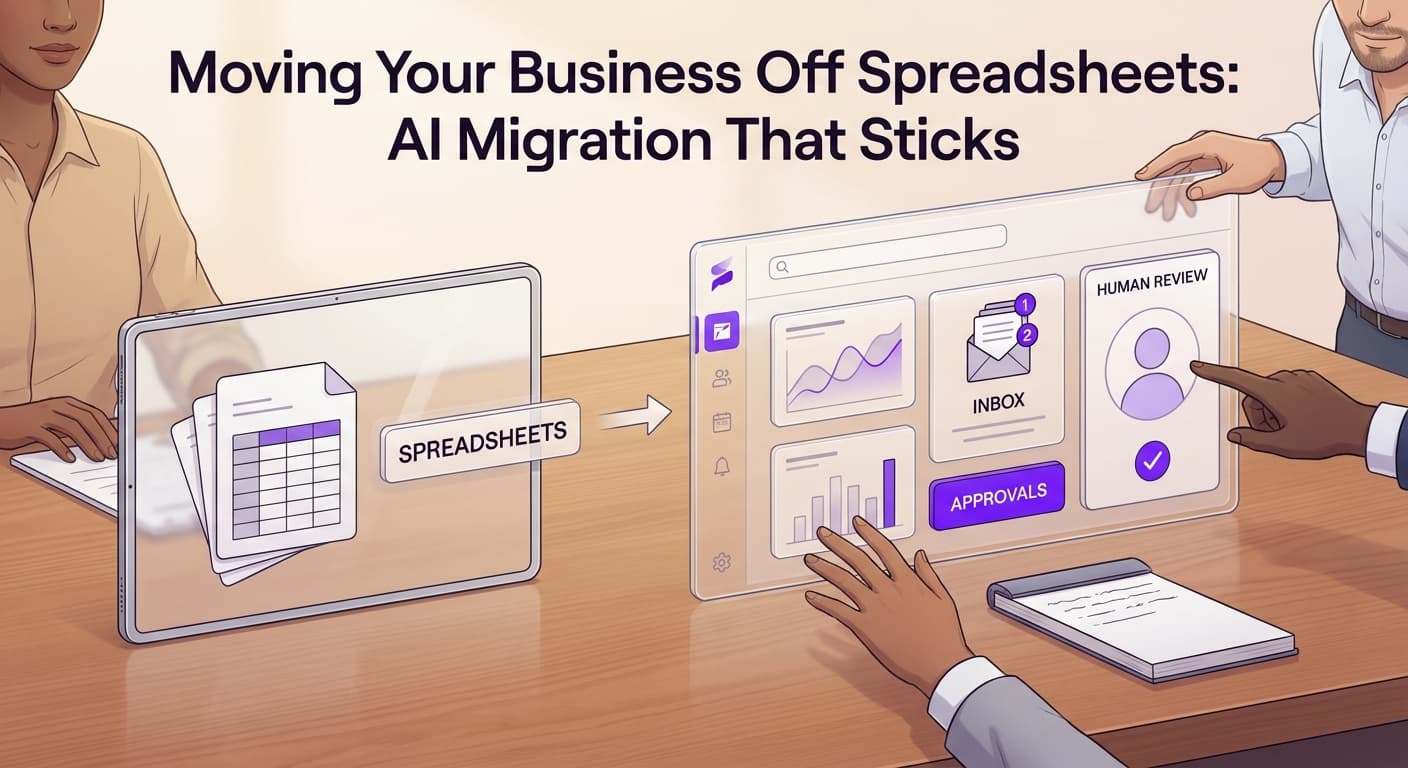
You track everything in spreadsheets. Your team does too. When you need a report, someone manually copies data from one sheet to another. When a customer calls, your staff searches through tabs to find their history. You've missed follow-ups because the reminder column got buried.
This works until it doesn't. At some point, manual data handling stops being a minor inconvenience and becomes the thing that limits how fast you can grow.
Migrating off spreadsheets to AI-powered systems isn't about chasing technology. It's about removing the ceiling that manual processes place on your operations. When you migrate off spreadsheets to AI, you give your team systems that actually work at the speed your business requires.
Why Service Businesses Stay Stuck in Spreadsheets
Spreadsheets feel safe because you can see everything. Every number, every cell, every formula. You built this system. You understand it completely.
The problem is that this control comes at a cost you don't see until you try to grow. A single operator can manage a spreadsheet-based business up to a certain point. Add two more people, double the clients, or add a second location, and the whole structure starts breaking.
Your team starts maintaining separate versions. Data gets entered twice. Errors multiply. What felt like control becomes a constant firefight.
Business data automation through proper systems removes this overhead. Your people spend time serving customers instead of maintaining the tools meant to help them.
The Migration Steps Most Guides Skip
Most migration advice tells you to export your data, choose a new platform, and import everything. That approach fails about 70% of the time in our experience working with service businesses.
Here's what actually works.
Start with data cleanup, not software selection. Before you pick any new system, spend two weeks cleaning your existing spreadsheets. Remove duplicates. Standardize formats. Delete anything you haven't used in 18 months. This sounds tedious, but it matters more than your software choice.
When you move dirty data into a clean system, you don't get a clean system. You get a faster way to see dirty data. The quality of your migration depends almost entirely on the quality of what you move.
Choose your new system based on your actual workflow, not features. Make a list of the five things your team does most often with your spreadsheets. Scheduling, client records, invoicing, inventory, reporting. Find systems that handle those five things without friction. Ignore the other 200 features until you've used the basics for three months.
Pilot with one team, not the whole company. Pick your most adaptable employee or your smallest service line. Run the new system parallel to your spreadsheets for 60 days. Track every time the new system would have failed or caused problems. Fix those issues before expanding.
This measured approach to spreadsheet to CRM migration takes longer upfront but drastically increases your odds of actually using what you build.
Why Most Migrations Fail (And How to Avoid Them)
We've watched dozens of businesses try to move off spreadsheets. The failures follow patterns.
Buying software before defining processes. You purchase a popular CRM because a vendor convinced you it's the best. Six months later, your team still opens Excel every morning because the CRM doesn't match how work actually happens. You built your business around spreadsheets. The software should match your business, not an ideal version of it.
Underestimating the adoption curve. Your team knows spreadsheets. They've used them for years. A new system means learning, mistakes, and slowdowns. Leadership often expects immediate productivity. When that doesn't happen, they abandon the project and go back to familiar tools.
No data ownership assigned. Someone has to own the migration. Not manage it, not oversee it. Own it. That person tracks every issue, makes every decision about data standards, and answers every question about what goes where. Without this, decisions stall and the project drifts until it dies.
Treating migration as an IT project instead of a business project. Technology decisions should serve business outcomes. If you can't explain how the new system helps you serve clients better, reduce costs, or grow revenue, you haven't defined success clearly enough.
Our AI vendor selection checklist for service businesses covers the questions you should answer before committing to any new platform. Many of the failures above come from skipping that preparation phase.
Getting Your Team to Actually Use the New System
New software only works if your people use it. Adoption determines success more than features or price.
Involve your team before you choose. The people doing the work every day know where spreadsheets break down. They also know what would make a new system actually useful. Bring them into the selection process. When they help choose, they take ownership of making it work.
Don't eliminate spreadsheets on day one. This is where most companies rush. They announce the new system, declare spreadsheets banned, and wonder why their team secretly maintains parallel sheets anyway. Give your team 90 days of dual operation. Let them use the new system for real work while keeping spreadsheets as backup. When the new system handles their needs reliably, spreadsheets become unnecessary naturally.
Create quick wins in the first two weeks. Pick one task that everyone struggles with in the old system. Automate that specific thing in the new system. Show your team how much faster or easier it is. Early wins build momentum better than any training manual.
Accept that some people won't adapt. One or two employees will resist no matter what you do. Some people are genuinely more productive with spreadsheets and should keep using them for specific tasks. Others simply fear change and need time. Identify which is which and respond appropriately.
Your first goal is 80% of team members actively using the new system within 60 days. Perfect adoption isn't necessary for a successful migration. Consistent use by most of your team is.
Measuring Whether the Migration Worked
Three months after migration, answer these questions honestly:
- Do your employees spend less time on data entry than before?
- Can you pull a client record or report in under 60 seconds?
- Have you reduced errors that used to come from manual data handling?
- Is your team faster at responding to customers than six months ago?
If you answered yes to all four, your migration succeeded. If not, identify which specific process broke down and fix it. Most migrations don't fail completely. They stall halfway through because no one measures the intermediate results.
Key Takeaways
-
Clean your data before you choose software. Dirty spreadsheets become dirty databases. The quality of your migration depends on the quality of what you move.
-
Pilot with one team or service line first. Run the new system parallel to spreadsheets for 60 days. Fix real problems before expanding.
-
Assign one person full ownership of the migration. Without clear ownership, decisions stall and the project drifts until it dies.
-
Give your team 90 days of dual operation. Eliminate spreadsheets gradually, not by decree. When the new system works better, adoption happens naturally.
-
Measure adoption at 60 days, not 6 months. Check whether 80% of your team uses the system consistently. If not, identify the specific friction points and fix them.
Ready to Move Forward?
Migrating off spreadsheets requires real work. You have to clean data, choose software carefully, manage adoption, and measure results. It's not a weekend project.
But it's also not as hard as it sounds if you avoid the common failure points we covered above.
If your business is spending more time managing spreadsheets than serving customers, it's time to make the move. We help service businesses migrate to AI-powered systems that actually fit how they work.
Ready to get started? Contact us to discuss how we can help your business.
Related articles
AI Agent Use Cases for Small Business Operations: What Actually Works in 2026
Most small business owners hear AI agents described as a concept and never see a real example. Here are six use cases that actually run in operations today.
Read the article: AI Agent Use Cases for Small Business Operations: What Actually Works in 2026
AI for Recurring Service Billing and Subscription Management: Get Paid On Time, Every Time
Service businesses lose 15-30% of recurring revenue to billing gaps, late invoices, and manual chase sequences. AI billing automation closes that loop.
Read the article: AI for Recurring Service Billing and Subscription Management: Get Paid On Time, Every Time
AI Service Dispatch and Routing Intelligence: Stop Burning Hours on Bad Routes
Most service businesses lose 2-4 hours per technician per day to routing mistakes. AI dispatch intelligence fixes route order, technician assignment, and drive time before your crew ever leaves the lot.
Read the article: AI Service Dispatch and Routing Intelligence: Stop Burning Hours on Bad Routes
