Wilmington Port Cyberattack 2026: Build Manual-Proof Workflows
Wilmington businesses tied to the port should use August's cyberattack disruption to tighten intake, routing, and backup workflows before the next slowdown.

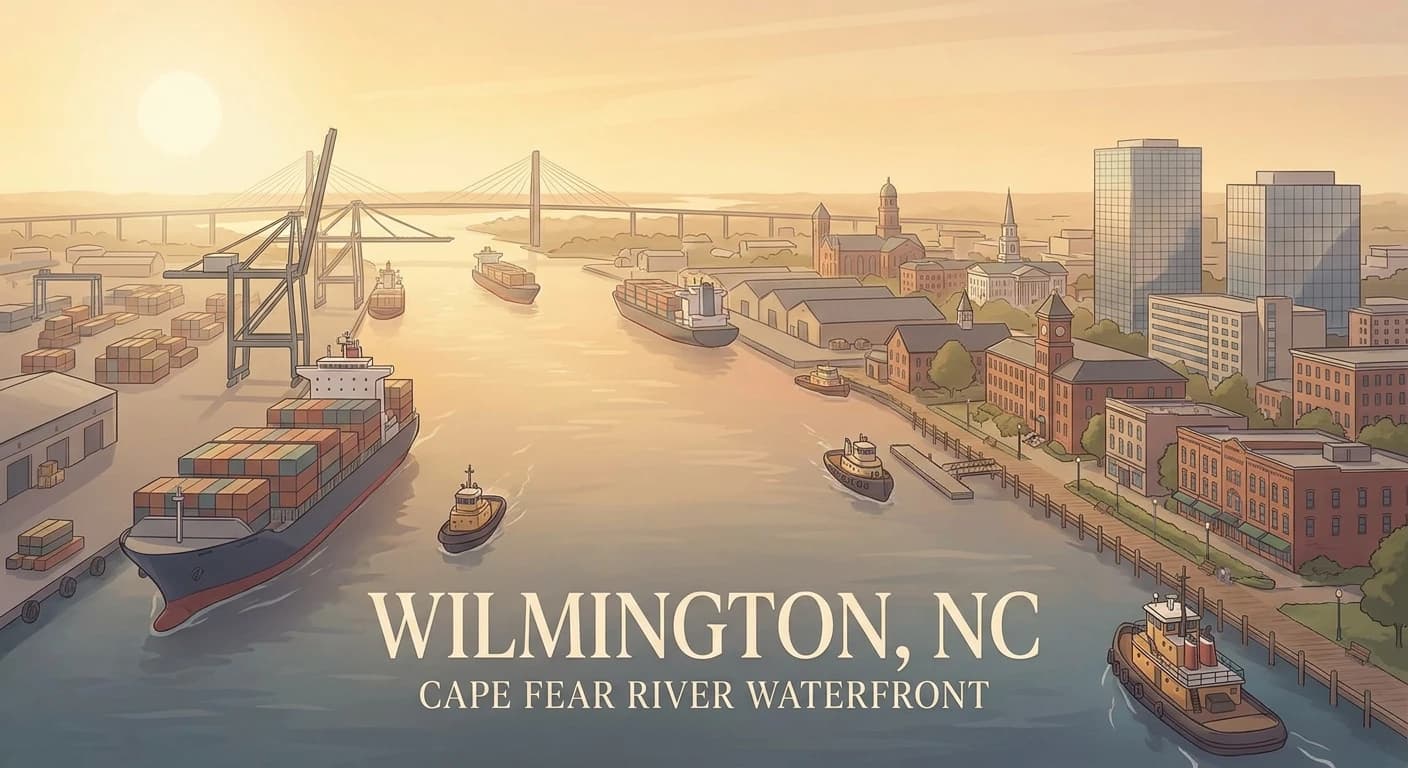
Wilmington businesses do not need another generic resilience talk this month. They need operating systems that still work when a port-facing workflow gets knocked sideways. On August 4, 2026, a cyberattack hit North Carolina Ports and forced manual gate processing in Wilmington. On August 6, gates had resumed normal schedules, but operations were still being processed manually while recovery continued. For companies that depend on freight timing, dock coordination, cold-chain handoffs, field service inventory, or customer updates tied to shipments, that is the kind of disruption that exposes every weak manual step at once.
Quick answer: If your Wilmington business depends on the Port of Wilmington, inbound inventory, outbound freight, supplier coordination, or time-sensitive customer communication, use this August disruption to fix intake, status visibility, and fallback workflows now. The fastest wins usually come from cleaner AI automation, more deliberate custom software, and simpler workflow rules around exceptions, not more dashboards.
Start with the Wilmington market page. It already points to the right local fit: AI automation, workflow cleanup, websites that convert local demand, and systems that serve port logistics, healthcare, and Cape Fear service businesses without forcing everything through one inbox.
What Happened in Wilmington This Month
WECT reported on August 5 that North Carolina Ports was hit by a cyberattack that disrupted operations in Wilmington, Morehead City, and Charlotte. In Wilmington, NC Ports shifted to delayed opening and manual gate processing while state and federal partners joined the response. WECT then reported on August 6 that normal gate schedules had resumed, but processing was still manual as the port worked through recovery with an outside forensics team.
That matters because the Port of Wilmington is not a side note in the local economy. NC Ports describes Wilmington as a deepwater port with container, bulk, breakbulk, ro-ro, reefer, inland transportation, cold storage, and Foreign Trade Zone capabilities. It is a logistics hub with direct highway and CSX rail connections. When a system disruption forces manual handling there, the pain does not stop at the gate. It spills into trucking coordination, warehouse updates, vendor communication, appointment changes, customer service, and internal reporting.
This is also why the Wilmington Chamber has a September 1, 2026 supply chain and logistics briefing at the port focused on operations, capital improvement projects, and the 2031 strategic plan. Port operations are an active business issue in Wilmington right now, not abstract infrastructure news.
Decision Table: Where Wilmington Teams Should Tighten Workflows First
| Workflow | Common manual pattern | Better system | Primary payoff |
|---|---|---|---|
| Shipment status updates | Staff checks email, gate info, spreadsheets, and carrier messages by hand | Centralized status intake with routing and exception flags | Fewer missed updates and faster customer communication |
| Vendor and customer communication | Delays are explained one call or email at a time | Structured AI automation for acknowledgments, updates, and escalation prompts | Less chaos during disruptions |
| Inventory and service scheduling | ETA changes live in one person's notes or inbox | Custom software or connected workflows that push timing changes into jobs and calendars | Better planning without duplicate entry |
| Backup operating mode | Teams improvise when one system goes down | Defined manual fallback steps with visible ownership and recovery checkpoints | Faster recovery and fewer dropped handoffs |
If you only fix one thing this quarter, fix the handoff between operational status changes and customer-facing communication. In Wilmington, a delay is rarely just internal. It becomes a client experience problem quickly.
Why This Fits Wilmington Specifically
The Wilmington page is built around a local truth: reputation moves fast in a market where port logistics, healthcare, tourism, and service work overlap. That makes this cyberattack a strong local signal for four reasons.
1. Port-Adjacent Businesses Need Better Exception Handling
Importers, exporters, freight brokers, trucking companies, cold-storage operators, and distributors cannot run every problem through ad hoc texts and inboxes. Manual-mode days expose whether your team actually knows how work reroutes when the usual system is unavailable.
2. Healthcare and Supply-Dependent Firms Feel Delays Quickly
The Wilmington page also leans into local healthcare. Medical suppliers, specialty distributors, and support vendors do not need a total shutdown to lose time. They just need one broken chain of status updates, one unowned delivery issue, or one missing confirmation to create downstream noise.
3. Service Businesses Still Get Hit by Port Problems
Many Wilmington companies are not moving containers themselves, but they depend on equipment, materials, parts, or vendors that do. Contractors, marine services, and coastal operators often discover too late that their scheduling workflow assumes perfect timing upstream.
4. Local Trust Depends on Clear Communication
Wilmington is a referral-heavy market. If a shipment issue becomes a silent delay, customers remember the silence more than the cause. That is why better workflow automation and structured communication matter as much as logistics tooling.
The Three Service Fits That Make Sense Here
1. AI Automation for Status Routing and Repetitive Updates
Use AI automation when the same work repeats under pressure: checking inbound messages, sorting them by urgency, sending acknowledgment updates, prompting the next owner, and summarizing exceptions for a human reviewer. This is not about removing people. It is about keeping the boring but important work from piling up when timing changes fast.
2. Custom Software for Port-Adjacent Operating Logic
Use custom software when your workflow does not fit a generic CRM or shipping plugin. Wilmington teams often need something narrower and more useful: a shared exception queue, delivery-status bridge, supplier issue tracker, or internal board that mirrors how work really moves between operations, sales, and service.
3. Workflow Design for Manual Fallbacks
The August disruption is a reminder that resilience is not only cybersecurity. It is also process design. When a system slows down, who owns the next step, how is the issue logged, who gets notified, and what happens if the normal source of truth is unavailable? If those answers are vague, the workflow is weak.
What Manual Port Processing Usually Breaks
When a logistics hub has to process work manually, the same problems appear fast:
- Teams create side-channel updates that never make it back into the main system.
- Customer-facing staff cannot tell what is delayed, what is confirmed, and what is still unknown.
- Dispatch or service calendars drift away from the latest shipment reality.
- Managers spend the day asking for status instead of seeing status.
- Recovery becomes slower because nobody has a clean log of exceptions and decisions.
That is why this story matters beyond cybersecurity headlines. It is a live test of process maturity for Wilmington businesses that depend on timing.
For a closely related Southeast example, read Jacksonville Port Upgrade: The Automation Playbook for Logistics Teams. For the internal side of this same problem, How to Document Your Business Workflows Before Automating Them covers the prep work most teams skip until a disruption forces the issue.
Five Questions Wilmington Teams Should Answer This Week
- When a shipment or supplier delay happens, where does that information land first?
- How many customer updates still depend on one person noticing a problem and sending a manual message?
- Can your team switch to a documented fallback process without losing status history?
- Which exceptions require human judgment, and which ones are repetitive enough to automate safely?
- If the same disruption happened next Tuesday, what would break first: visibility, scheduling, vendor communication, or customer trust?
Those questions are more useful than talking about resilience in general terms.
A Practical 30-Day Wilmington Rollout
Week 1: Map the Exception Paths
List every way a disruption enters your business now: carrier email, port alert, phone call, vendor message, spreadsheet note, text thread, or internal Slack post.
Week 2: Define Manual-Mode Ownership
Write the fallback steps plainly. Who logs the issue, who updates the customer, who changes the schedule, who closes the loop, and where each action gets recorded.
Week 3: Automate the Repeatable Communication
Start with acknowledgments, internal task creation, escalation reminders, and summary formatting. These are usually the fastest low-risk wins for AI automation.
Week 4: Build the Shared View
Create the simplest useful operating layer for exceptions. That may be a lightweight custom software view, a connected workflow between existing tools, or a routing board that keeps operations, sales, and service aligned during disruptions.
What This Means for Wilmington Right Now
The August 4 cyberattack at NC Ports is a Wilmington operations story, not just a security story. It showed how fast port-side disruption can turn into manual processing, delayed openings, and downstream coordination work across the Cape Fear business ecosystem. The companies that benefit from this moment will not be the ones that simply wait for the next issue. They will be the ones that use this month to harden the workflows around intake, status changes, fallback operations, and customer communication.
That is the practical opportunity in Wilmington right now.
Need a Wilmington-specific plan? Start with our Wilmington page, review our AI automation services and custom software services, or contact us to identify the workflow that breaks first when operations move off the happy path.
Sources
Related articles

Richmond Code Refresh 2026: Fix Government Workflows Before the Fall Vote
Richmond teams touched by Code Refresh should use the August draft launch to clean up intake, document routing, and public-facing workflows before fall review.
Read the article: Richmond Code Refresh 2026: Fix Government Workflows Before the Fall Vote
Savannah's New Port Connector: The Automation Playbook for Faster Freight Ops
Savannah operators should use July's Brampton Road Connector opening to tighten freight handoffs, yard workflows, and ERP reporting before port volume rises.
Read the article: Savannah's New Port Connector: The Automation Playbook for Faster Freight Ops
Orlando Healthcare Workflow Automation 2026: Fix Intake Before Growth Slows Care
Orlando healthcare operators should use July's AdventHealth expansion signal to tighten intake, referrals, and follow-up before growth turns admin into drag.
Read the article: Orlando Healthcare Workflow Automation 2026: Fix Intake Before Growth Slows Care
