Website Monitoring for Service Businesses: Catch the Failures That Eat Leads
Uptime checks prove the server answered, not that a lead arrived. Four monitoring layers catch the silent form, email, and CRM failures that eat jobs.

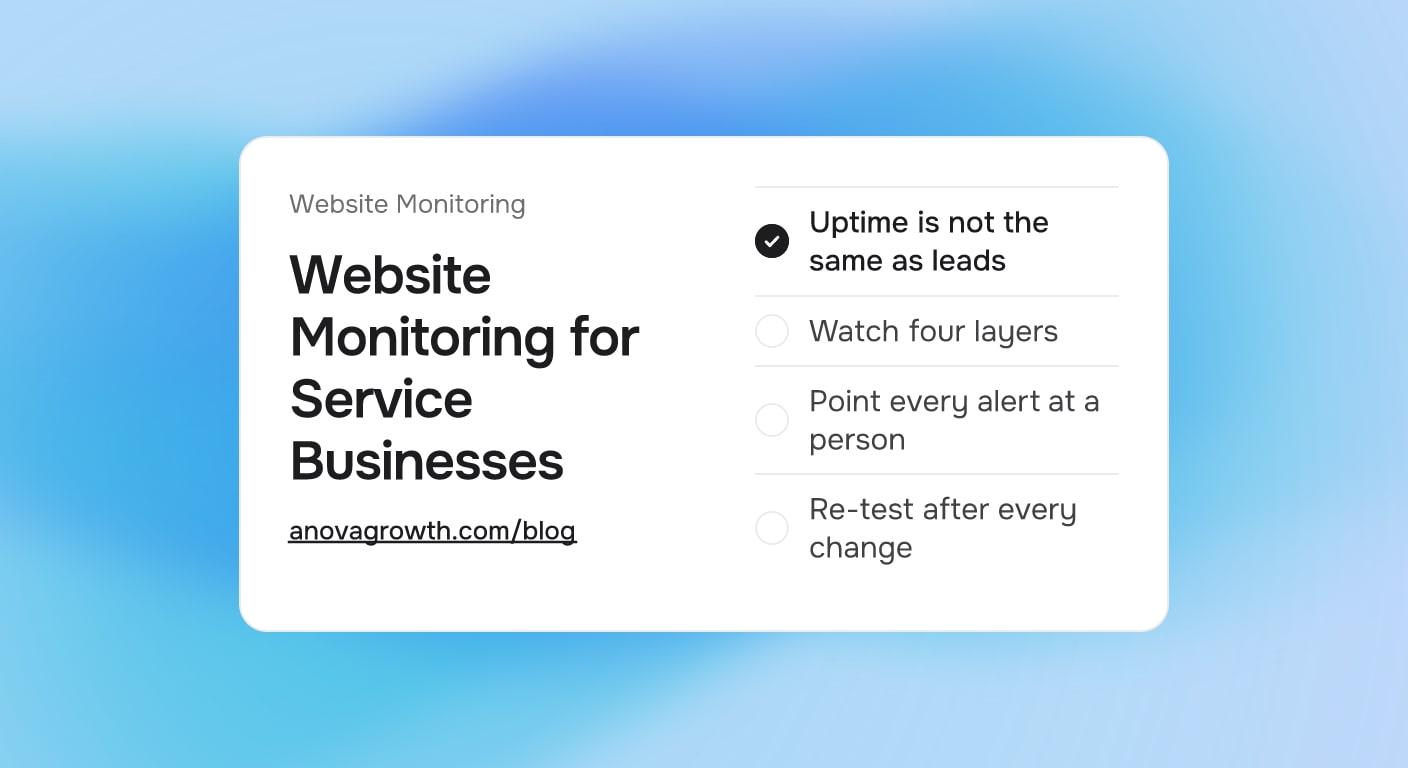
Every service business owner eventually meets the same quiet problem: the phone feels slow, the website never "said" anything was wrong, and the answer turns out to be a contact form that quit working weeks ago. The page opens fine. It even says thank you. The leads just never went anywhere. Uptime monitoring, the kind most sites get by default, never catches this, because the server was up the whole time.
This guide is about the monitoring that actually protects revenue: what to watch, how much of it is free, and who should get told when something stops. The framework below is what we set up on client sites and what we run on our own. Four layers, one owner, one scheduled test. It takes an afternoon to build and a few minutes a week to keep.
Quick Answer
An uptime check only proves the server answered someone. It says nothing about whether a lead arrived. Most lead loss is silent: the form shows a success page while the email never sends, or the CRM write fails. Watch four layers instead: uptime, form submissions, email routing, and CRM records. Submit real test leads, point every alert at a person who acts, and re-test after every plugin, DNS, or CRM change.
An Uptime Check Answers a Different Question
An uptime check asks one question: did the server answer when we knocked? That question matters. Expired SSL certificates and DNS mistakes are real outages. But it answers the wrong worry for a business that lives on inbound requests.
A form endpoint can return a friendly success page for months while the piece that actually delivers the message is dead. From the street, and even from inside your analytics, everything looks alive. Slowness and spam get all the attention, and there are already good guides for why a slow site costs you customers. Silence is the failure that hides.
Here is the mechanical truth. A form submission is a chain: browser, web server, mail server or API, destination record. Uptime watches the first link. Monitoring your lead flow means watching all four, and each link breaks for its own reasons.
The Four Layers to Watch
| Layer | What it catches | Minimum setup |
|---|---|---|
| Uptime | Site down, DNS broken, SSL expired | Free synthetic check every five minutes on the homepage and contact page, alerts to email and text |
| Form delivery | Form looks fine, submission never lands | One real test submission through every form each week, confirmed at the destination |
| Email routing | Mail leaves late, lands in spam, or bounces | SPF, DKIM, and DMARC records in place, plus bounce and mailbox-quota checks |
| CRM writes | Leads arrive incomplete or not at all | One test lead verified end to end, every field mapped |
None of this requires a paid platform. The uptime layer is covered by any free checker. The other three are covered by a disciplined test routine, which costs minutes, not software.
What Actually Breaks
- A plugin, theme, or platform update renames a field or breaks the mail function. The page still thanks the visitor, which is exactly why nobody notices.
- A form protection tool's license or API key expires, and it quietly blocks real submissions along with the junk.
- A DNS cleanup during a registrar or hosting move deletes the mail records your quote confirmations and booking notifications depend on.
- The CRM changes a field, an API version, or a webhook secret, and records start failing mid-list.
- A team member connects the form to a personal inbox and leaves the company. Leads keep flowing to an account nobody checks.
- An SSL certificate or domain renewal lapses over a weekend, and Monday's callers mention they saw a warning page and moved on.
- A redesign moves pages and renames routes. If nothing re-tests every form afterward, the new site can lose leads while the redesign itself goes perfectly.
The common thread: none of these produce an error anyone sees. That is the whole argument for a test routine instead of hoping a dashboard says something.
Who Gets the Alert
A monitor without an owner is decoration. When you set up each layer, decide three things and write them down:
- One named owner and one backup. Not a role, a person. Not a shared inbox, a name you can call.
- Channels that match urgency. Uptime and form-delivery failures go to text or a call-worthy email. Weekly digests and reports can go to plain email, because they are not on the clock.
- A response expectation. Form and email failures deserve an acknowledgment in about fifteen minutes, because a lead that waits an afternoon is usually a lead that booked someone else. Cosmetic issues wait for the next workday.
Keep the first three checks on one page: is the form reachable, did the test lead land, does the mailbox bounce the message. If the owner is unreachable, the backup already knows the drills.
Questions Service Owners Ask
- How often should I test my contact form? Run a real submission weekly on a schedule, and an extra manual one right after any plugin update, DNS change, or CRM edit. Tools can check that the endpoint answers; only a real submission proves the lead arrived.
- Do I need to pay for monitoring tools? Most single-site service businesses do not. A free uptime checker, the weekly test routine, and clean mail records cover the layers above. Paid tools mostly add convenience: texting, on-call schedules, nicer history. Buy convenience once the routine exists, not instead of it.
- What will an uptime check never catch? Anything after the server responds. A success page that lies, a mail relay that silently rejects, a webhook that stops firing. Those are the failures that eat leads while the dashboard stays green.
- Is this the same as conversion tracking? No. Tracking answers "how many leads arrived and from where" and pairs well with an analytics setup like GA4 events for lead generation. Monitoring answers "did anything arrive at all this week." You want both, because a broken form makes your conversion rate look like a demand problem when it is a plumbing problem.
- Email or text for alerts? Text for anything that costs leads. Nobody glances at a quiet email folder during a job. Email is fine for weekly summaries and reports nobody has to wake up for.
- What do I watch if my forms feed an automation instead of a person? Watch the destination as closely as the form. It is the same discipline we use when watching automations for silent breakage: a pipeline with no heartbeat check is just a rumor.
The AnovaGrowth View
When we build and maintain sites for service businesses, the update routine ends the same way every time: one real test lead through every form, verified at the destination, then the test row deleted. It takes a couple of minutes, and it is the only single check that covers the whole path.
The failure pattern we see most often is not a crashed site. It is a form that still returns a success page after an update changed how the submission travels. Nobody finds out until a prospect mentions they never heard back, which is the worst version of the discovery call. That is why the test submission is scheduled instead of remembered. Every Friday, a recurring job submits a clearly marked test lead, a person confirms it landed with its fields intact, and then it gets cleaned up.
The work is unglamorous. It is also the difference between a website that produces calls and one that just looks busy.
A 30-Minute Version to Start This Week
- Put a free uptime check on the homepage and the contact page at a five-minute interval. Send alerts to email plus text, aimed at one named owner. (10 minutes)
- Submit one real test lead through every form on the site. Confirm each one lands where it should, with the fields intact, then delete the test rows. (15 minutes)
- Write down the owner, the backup, the channels, and the first three checks on a single page. (5 minutes)
- Put a recurring weekly reminder on the calendar to submit the test leads again.
That last step is the monitoring. The tools are just plumbing around it.
What Good Looks Like After a Month
Steady state is quiet, which is the point. The uptime check has logged uninterrupted weeks. Every Friday the same person submits one test lead per form and sees it arrive with the name, phone, service, and notes fields intact. The mail records pass their checks, bounce reports stay clean, and the CRM shows this week's test row exactly once, labeled as a test.
When something did break and get caught, the note should show how long it took from alert to fix. That number is the metric worth tracking here, and it should get shorter as the routine settles.
Key Takeaways
- Uptime is necessary, not sufficient. A live server can still lose every lead.
- Watch four layers: uptime, form submissions, email routing, and CRM writes.
- Real test submissions beat passive dashboards. A weekly scheduled test catches what tools miss.
- Every alert needs a named owner, a backup, and a channel that actually gets read.
- Re-test after every plugin update, DNS change, CRM edit, and redesign.
Next Steps
Map your lead flow tonight: form, email, CRM, one line each. Then run the 30-minute version above this week, and put the weekly test on the calendar while the memory is fresh. If you want help choosing tools, wiring the alerts to people who act, or auditing where your leads currently leak, that is most of what we do.
Ready to stop losing leads to failures nobody can see? Contact us to discuss how we can help your business.
Related articles
About Pages for Service Businesses: What Buyers Actually Check
Most About pages talk about the owner. Here is what buyers actually check on a service company's About page, and the sections that turn visits into calls.
Read the article: About Pages for Service Businesses: What Buyers Actually Check
Testimonials for Service Businesses: What Makes Them Believable
Which customer testimonials earn a place on a service business website, where each one goes, and the permission step most owners forget before publishing.
Read the article: Testimonials for Service Businesses: What Makes Them Believable
Project Galleries for Service Businesses: What to Show and What to Skip
How service businesses build project galleries that sell: real before and after pairs, captions, permissions, and image weight, plus what to leave out.
Read the article: Project Galleries for Service Businesses: What to Show and What to Skip
