Job Photo Follow-Up: Turn Finished Work Into Your Next Sale
Crews already take job photos for records, then they sit in a folder. Here is the workflow that turns before and after photos into reviews, referrals, and repeat jobs.

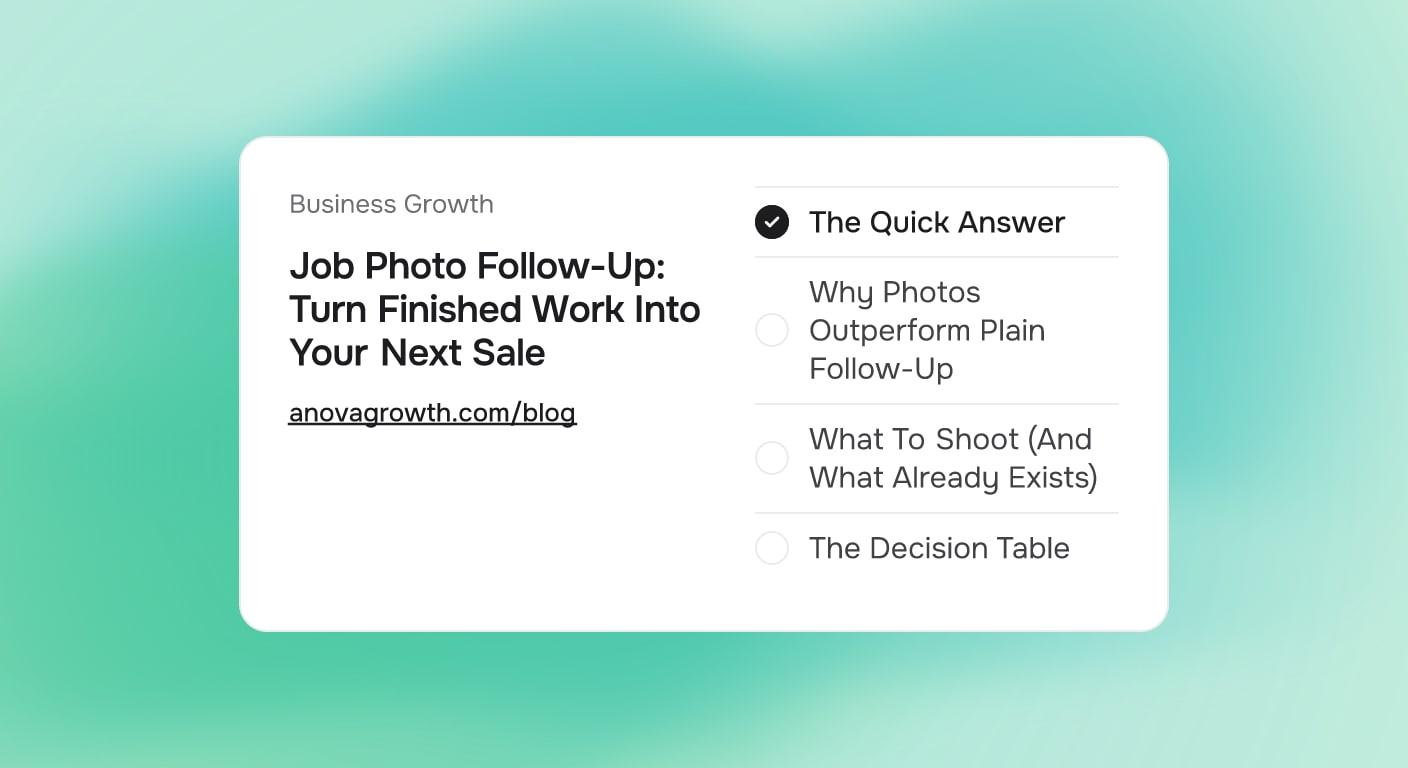
Homeowners remember the mess, the waiting, and the price. They rarely remember how good the finished work looked, and most companies never show them. Crews already take job photos for records and proof of condition. Then the photos sit in a shared drive and do nothing. A photo follow-up takes the same pictures, packages them, and sends them after every job. It costs almost nothing to run once it is built, and it feeds Reviews, referrals, and repeat work from material you already have.
The Quick Answer
A job photo follow-up is an automated message sent days after a job closes. It contains a small before-and-after set, one clear review request, and one next-step offer. The photos already exist because crews shoot them for records. The workflow picks the best set, formats it for email or text, and sends it on a schedule. One recap per job, not a monthly newsletter nobody opens.
Why Photos Outperform Plain Follow-Up
Most post-job messages compete as words. "Thanks for your business, please leave a review." Every competitor sends something similar. Photos change the frame entirely.
- Evidence beats adjectives. A grout line restored to its original color says more than "high-quality service" ever will.
- Memory refresh. Weeks later, the homeowner half-remembers the work. A photo set confirms they got their money's worth, which is exactly the emotional state that produces reviews and referrals.
- Silent proof for the neighbors. Homeowners forward photos to friends in a way they never forward sales copy. A forwarded photo set is the cheapest referral engine a service business has.
- It justifies the next job. The same set that proves the last job went well frames the maintenance visit, the next phase, or the upsell you would otherwise have to pitch cold.
What To Shoot (And What Already Exists)
Most crews with any documentation habit already capture the essentials:
- Before: the job site in its original condition, taken on arrival.
- During: one or two shots of the work in progress, mainly for disputes.
- After: two to five clean shots of the finished result, ideally in good light.
If after photos are inconsistent, the fix is a one-line crew rule: no job closes without two after shots. That is a checklist item, not a training program. Add a privacy rule alongside it: no faces, no house numbers, no valuables, no neighbors' property in frame.
The Decision Table
| Situation | Send photos? | Lead with | Timing |
|---|---|---|---|
| Standard completed job | Yes, 2-4 shots | Photo recap + review request | 24-48 hours after close |
| Dispute or damage claim | Yes, full set | Full documentation | 1 hour after close |
| Insurance or warranty job | Yes, full set | Documentation copy | Same day |
| Repeat maintenance customer | Yes, 2-3 shots | Before/after + next visit offer | 48 hours |
| Sensitive client (legal, safety) | Ask first | Written summary instead | Case by case |
The Four Job Photo Follow-Up Workflows
1. The 48-Hour Photo Recap
The core motion. When a job is marked complete, the follow-up picks two to four images, drops them into a short message, and asks for one thing: a review. Not three asks, one ask. Structure:
- One line: "Here is how the job turned out."
- The photo set.
- One line naming the work: "Grout restoration, the Miller job, Friday."
- The review link with a specific prompt: "If the photos look right to you, a Google review helps us a lot."
2. The Referral Prompt
For jobs that went well and settled cleanly, a second message a week later pairs the photos with a neighbor-friendly line: "Know anyone with a similar project? Forward this." A forwarded photo does the selling. Attach nothing else, since a forwarded message with attachments and a coupon reads like spam.
3. The Repeat Offer
For maintenance-type work (HVAC tune-ups, pressure washing, lawn care, cleaning), the after photo is a natural setup for the next visit: "This is what it looks like today. This is what it looks like after a season. Want to skip the middle?" The photo makes the decay visible, which makes the maintenance offer logical instead of pushy.
4. The Portfolio Pipeline
Every approved photo set goes into a tagged archive. When a prospect asks for examples of similar work, you send real jobs instead of promises. Over a year, this builds the portfolio, the website gallery, and the social content from material that already exists.
Proof From the Workflow
In our intake and follow-up builds for service clients, the same pattern shows up repeatedly. Companies with any post-job follow-up at all out-review companies that wait for organic reviews, and photo-based recaps get forwarded when plain review requests get ignored. The reasons are boring and consistent: the message is expected (they bought something), it is concrete (real photos of their own property), and it asks for exactly one action. Those three properties are also why the follow-up tolerates automation: a templated message with merged fields reads as personal when the photos are personal.
First-Hand Operating Notes
We run builds like this for service companies, and the practical lessons are the same almost every time:
- The bottleneck is never the message. It is the photos. Crews shoot them inconsistently. Fix the capture rule first; automating a send with no photos to send is worthless.
- One ask per message. Recaps that ask for a review, a referral, and a maintenance booking in the same email get none of the three.
- Name the human. "The Johnson job" in the subject line outperforms "Your recent service." Merge fields are cheap and effective here.
- Keep the archive private and tagged. Job address plus date plus job type. It speeds up dispute defense, warranty work, and portfolio pulls alike.
- Do not automate selection for a while. For the first month, someone picks the photos manually. Once you know what a "good set" looks like, then you automate the pick.
Common Questions
How many photos should go in a follow-up?
Two to four after shots for the recap. Enough to show the result, few enough to open instantly on a phone. Full sets are for disputes, insurance, and warranty files, not marketing sends.
Should I ask for the review in the same message as the photos?
Yes. The photos are the confirmation the customer needs to feel good about reviewing. A photo recap plus a single review link in one message performs better than splitting them into separate sends, and it avoids the two-message sequence that reads as a campaign.
What about customers who did not have a great experience?
That is what your dispute and callback process is for, not the photo follow-up. Filter out jobs with open complaints before the recap goes out. A photo set sent to an unhappy customer reads as tone-deaf and can end up reshared in exactly the wrong context.
Can I put job photos on my Google Business Profile?
Yes, and they accumulate there over time. Photos tied to real, completed local jobs are some of the strongest proof signals a profile can carry, especially paired with reviews that mention the same work.
Does this replace email marketing?
No, it is a different lane. A monthly newsletter reaches your whole list with general content. The photo recap reaches one job at a time with that job's proof. They stack; the recap usually earns higher engagement because the content is about the reader.
What should crews do differently starting tomorrow?
Close no job without two after photos. That single rule feeds everything above. The automation can wait two weeks until you have consistent source material.
Key Takeaways
- You already pay for job photos. Follow-up is how you get paid twice.
- One photo recap per job, sent in 48 hours, with exactly one ask.
- Fix the capture habit before building any automation on top of it.
- Filter out unhappy jobs, full photo sets are for disputes, recaps are for advocates.
- Every approved set rolls into a tagged archive that becomes your portfolio, disputes, and website gallery.
Conclusion
The photo follow-up is one of the few automations where the content already exists, the audience is warm, and the asks are self-financing: reviews earn you rankings, referrals earn you jobs, and the repeat offer earns you scheduled revenue. Start this week with one manual recap on one closed job. If it feels right, the automated version is a small build: a trigger on job close, a template, a photo picker, and a send schedule.
Want this running automatically after every job? Contact us to discuss the build, or see anovagrowth.com for more service-business automation guides.
Related Reading
Related articles
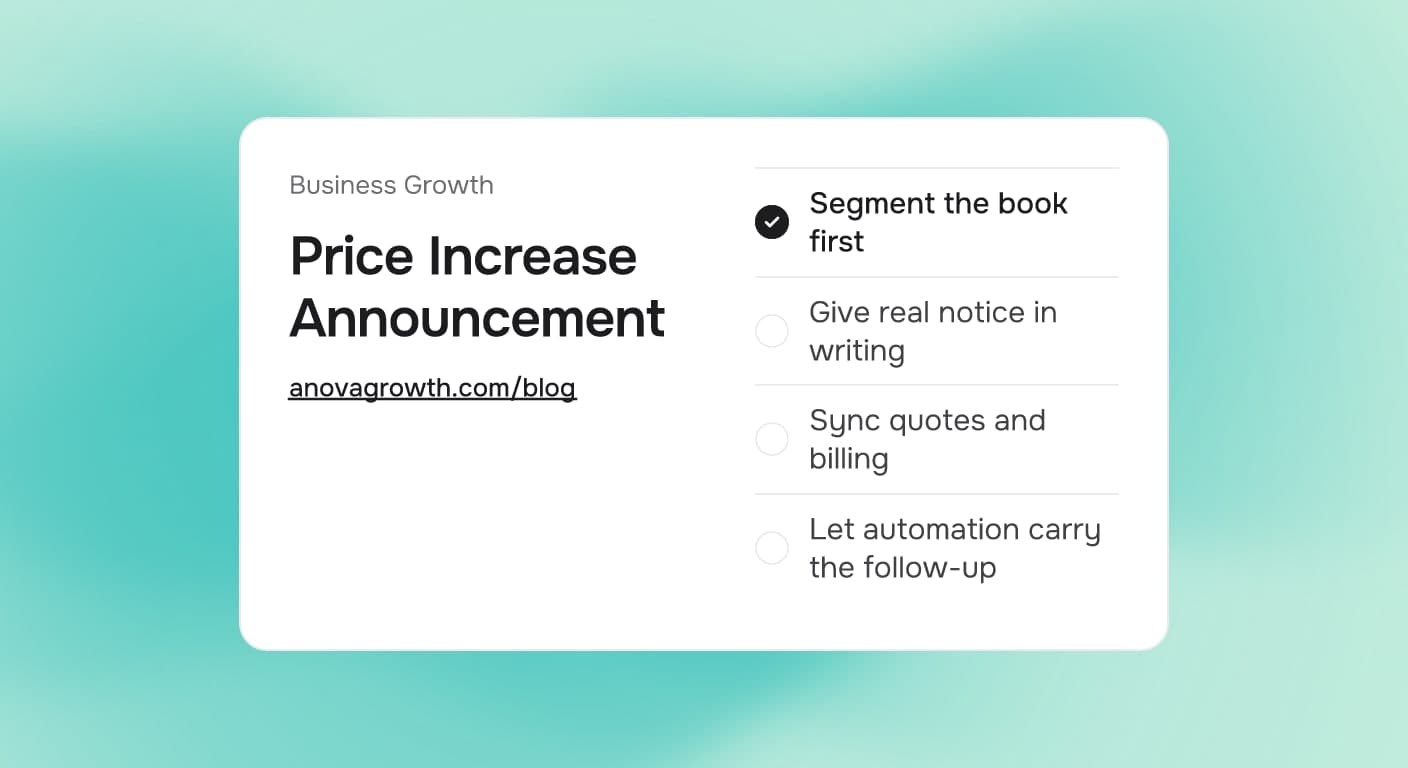
How to Announce a Price Increase Without Losing Customers
Raising prices does not have to cost you customers. Learn the notice windows, segmentation, and automated follow-up that keep renewals steady.
Read the article: How to Announce a Price Increase Without Losing Customers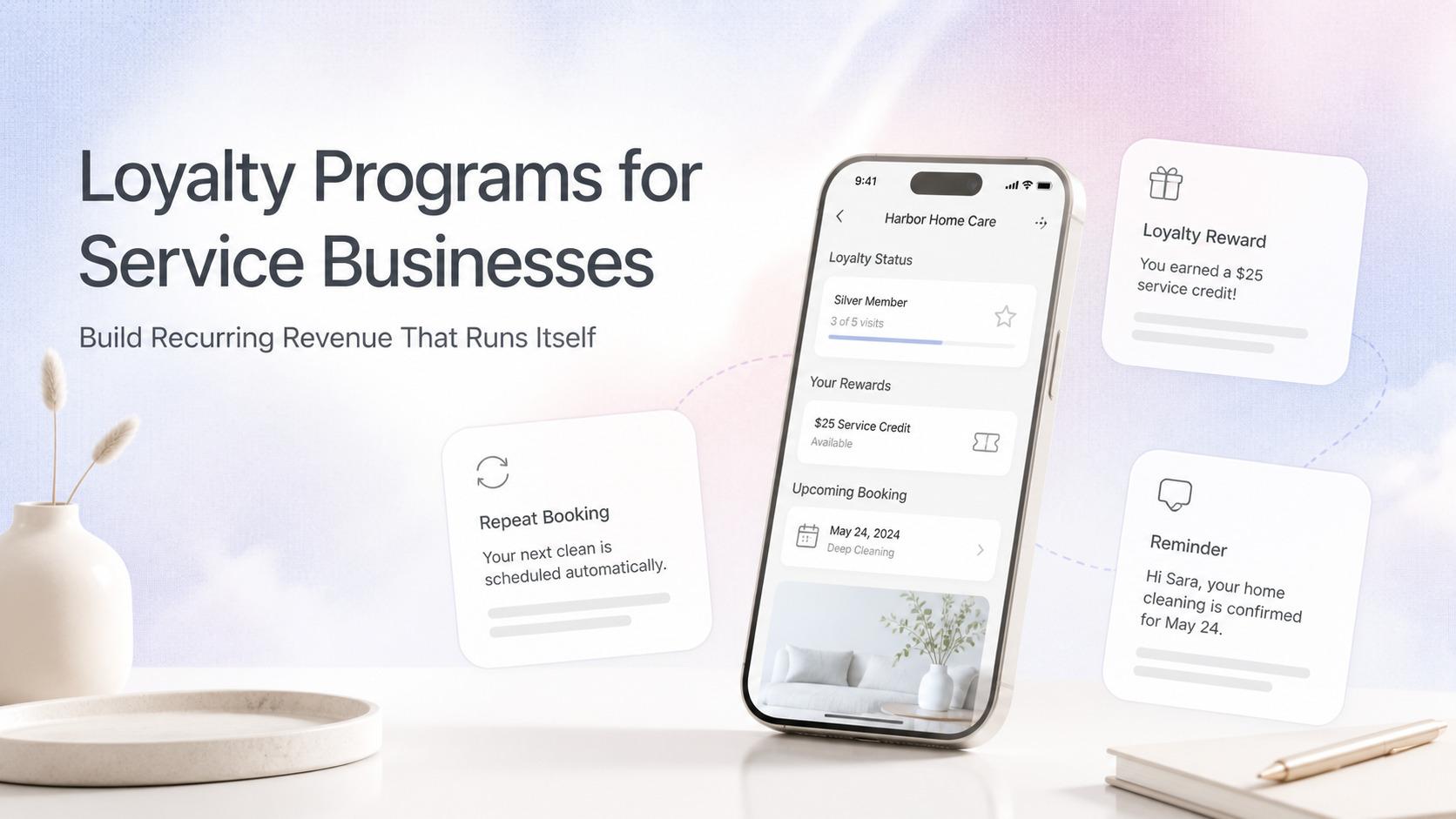
Automated Customer Loyalty Programs for Service Businesses: Build Recurring Revenue That Runs Itself
Service businesses lose 20-40% of customers to inactivity. Automated loyalty programs turn one-time jobs into repeat bookings with CRM, email, and SMS triggers.
Read the article: Automated Customer Loyalty Programs for Service Businesses: Build Recurring Revenue That Runs Itself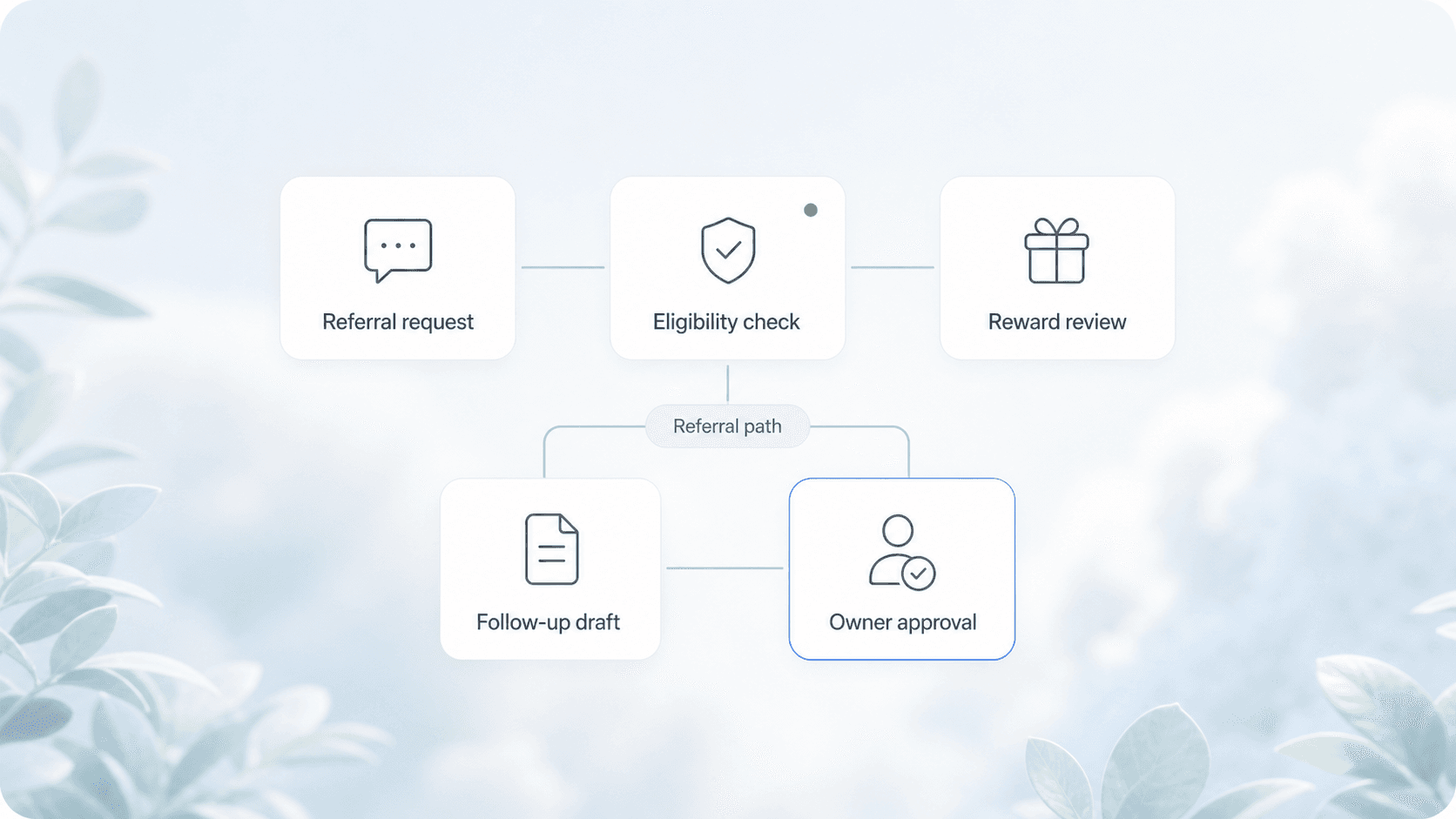
Automated Referral Systems for Service Businesses: Turn Happy Customers Into a Self-Sustaining Lead Source
Service businesses leave 30-60% of referral revenue on the table. Automated referral systems turn happy customers into a steady lead pipeline.
Read the article: Automated Referral Systems for Service Businesses: Turn Happy Customers Into a Self-Sustaining Lead Source
