How to Announce a Price Increase Without Losing Customers
Raising prices does not have to cost you customers. Learn the notice windows, segmentation, and automated follow-up that keep renewals steady.

The Quick Answer
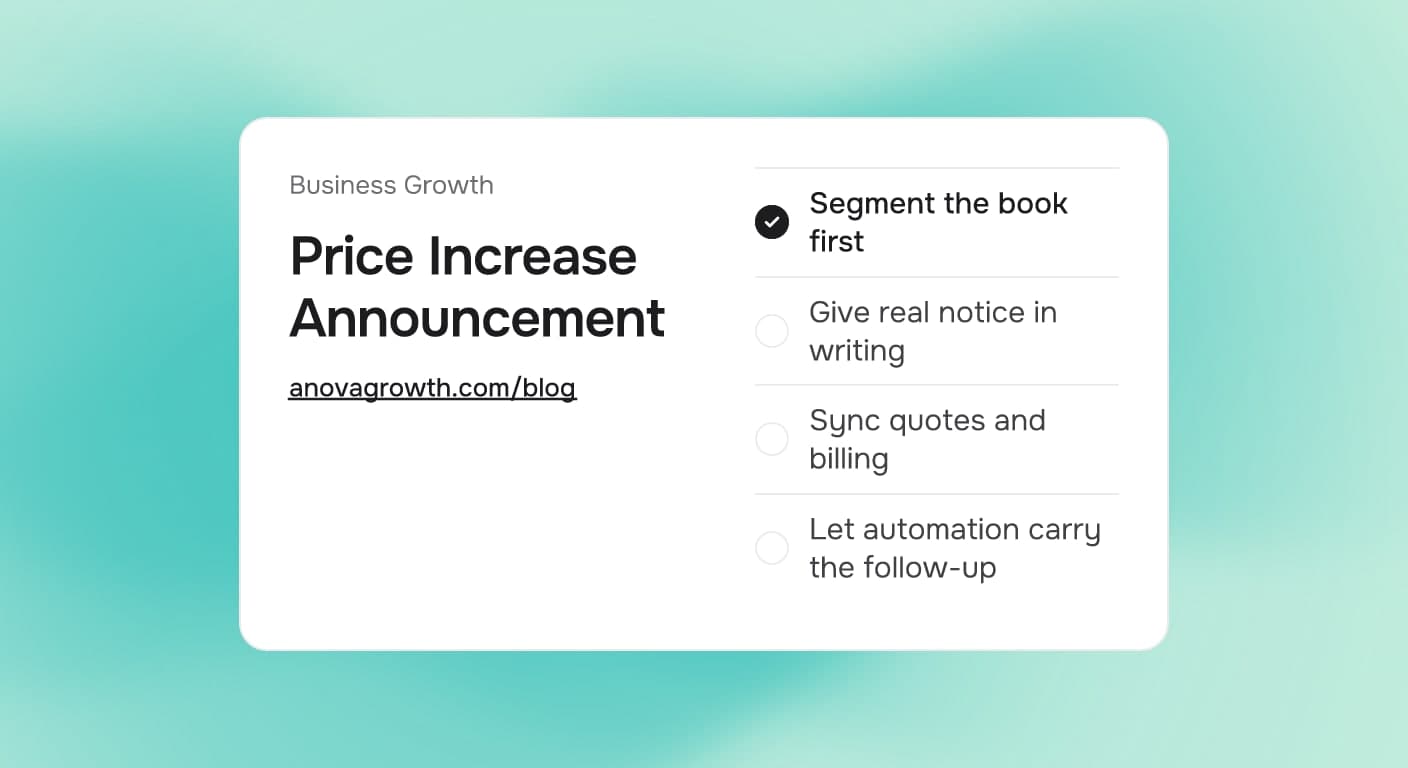
Most price increases fail because of how they land, not because of the number. Customers accept a raise when they hear it early, in writing, with reasons they can repeat to their own customers. Segment your list, give proper notice, send a plain-language letter, and let automated follow-ups carry the reminders. Handled that way, an increase is routine operations instead of a churn event.
Why the Number Is Rarely the Problem
Most customers do not leave because a price rose. They leave because the news arrived in one of three ways: buried in an invoice with no warning, delivered secondhand by a rushed technician, or never explained at all. Each one turns a pricing decision into a surprise, and surprises invite comparison shopping.
The pattern shows up in the customer records we work with. Businesses that raise prices with the least friction tend to do three things: they notify every affected customer in writing with real lead time, they name the reasons in plain language, and they make sure every system that touches money states the new price on the same date. None of that requires new software, just new discipline and a few well-placed automations.
Pick a Rollout Approach That Matches Your List
The right amount of process depends on the size and shape of your customer list. Most owners land in one of three rows:
| Approach | Good fit | The real cost |
|---|---|---|
| Personal calls plus a written notice | Under about 50 customers | Your hours, and wording that drifts |
| Segmented email or SMS from your CRM | 50 to a few hundred customers | A human still handles the replies |
| Automated sequence with billing sync | Contract-heavy or recurring books | Setup time and clean customer data |
A hybrid also works and is common. Owners with a small commercial segment call those accounts personally, then run the automated sequence for the long tail of residential customers. The automation matters most for the tail, because that is where a manual rollout quietly never happens.
Work Out the List Before You Send Anything
Segmentation is the step owners skip, and it is the step that decides whether the announcement reads as fair. Three cuts matter more than the rest:
- Contract type. Active agreements renew on the old price until the term allows the change. Pull the renewal dates first.
- Payment behavior. Flag slow payers before the notice, not after it. They need a different message or a sooner conversation.
- Relationship depth. Long-tenure customers and large commercial accounts get a personal touch. The tail gets the well-written sequence.
Do this in your CRM with tags rather than in your head with memory. The tags drive the merge fields, the timing, and the follow-up, so if the list still lives in a spreadsheet, fix that first.
How Much Notice Is Enough?
Thirty days is the practical floor for most service businesses. It lines up with a billing cycle, gives the customer time to speak up, and gives you time to handle the replies. Two hard rules sit on top of that floor:
- Contracts win. Whatever the agreement says about price changes is what you follow, and it is rarely less than 30 days.
- Recurring services align to the cycle. Announcing on the 20th and billing at the new rate on the 1st of 12 days later is how you manufacture confusion.
More notice is almost always better than less, up to a point. Six months of warning invites a customer to shop around with plenty of room on their calendar. Roughly a month balances notice against drift for most books.
What the Letter Should Say
A price increase notice has four jobs, in order: state the change plainly, explain why in real language, reassure on what is not changing, and give the customer a path if the new price is a problem. Keep it short. A half page beats a page of justification.
- The change itself. What it is, the exact date, and the exact new amount or percentage. No burying it in paragraph three.
- The reason. Wages, insurance, fuel, materials, whatever is actually true for you. Many owners explain too little here and read a customer's anger as a pricing problem when it was really a respect problem.
- What stays the same. Scope of service, your team, response commitments. Whatever is genuinely unchanged, say it.
- The path forward. How to ask questions and what options exist, even if the only option is a payment plan.
Here is a structure your team can adapt:
Hi [first name], starting [effective date], your service rate changes from [old rate] to [new rate], billed [frequency]. The main drivers this year are [reason one] and [reason two]. Nothing changes in what we do for you: same crew, same visit schedule, same response commitment. If this creates a problem, reply or call [phone] and we will go through the options with you.
Note that the placeholders above are meant to be filled by your CRM's merge fields, which is exactly why the segmentation step comes first.
Should You Grandfather Existing Customers?
Three options exist, and the honest answer is that most owners should pick the middle one:
- No grandfathering. Everyone moves on the effective date. Simple to run, and it keeps billing clean.
- A limited grandfather window. Responders who reach out during the notice period keep the old rate for a fixed term, usually up to a year, then move on schedule.
- Indefinite grandfathering. Legacy rates for as long as someone stays a customer.
Indefinite grandfathering feels kind at the decision point and quietly eats margin for years, because those rates outlive everyone who remembers granting them. If you grandfather anything, encode it as a dated override in your billing tool, with an end date and a review reminder attached. Untracked grandfathering is just invisible discounting.
The Systems Have to Agree
The most expensive failure in a price increase is not the announcement. It is the customer who hears the new price on a phone call and then gets a quote, renewal, or invoice printed with the old one. Every tool that quotes, bills, or renews must carry the new rate on the same effective date:
- Quote and proposal templates
- Rate tables inside your CRM or field service platform
- Recurring invoice schedules and subscription billing
- Client portals or published pricing pages
- Agreement and renewal templates
Before anything goes out, pick one customer from each segment and walk their full record through the stack the way they experience it: quoted, billed, renewed. That fifteen-minute audit usually catches the mismatch before a customer does.
A Three-Message Sequence That Carries It
Once the letter content is set, automation handles the boring part. The sequence that works is short:
| Timing | Message | Purpose |
|---|---|---|
| 30 days out | The full notice letter | Formal notification with reasons and dates |
| 7 days out | Short recap | Restate the change, the date, and the options |
| 3 days after | Confirmation | Confirm the first bill reflects the new rate |
Two rules keep it from feeling robotic. First, replies get tagged and answered by a person within one business day. Automation carries the reminders, never the exceptions. Second, the 7-day recap goes out regardless of whether the customer opened the first message. Assumptions about email engagement cause more missed notice than any technical issue.
What to Track After the Notice Goes Out
Watch four things, and compare each to your own baseline rather than to anyone's published benchmark:
- Replies and opt-outs by segment. A spike usually means a message problem, not a price problem.
- Slow payers flagged during segmentation. Watch whether collection times stretch after the change.
- Silent cancellations at the next renewal. The quiet ones leave first.
- Quote acceptance on new work, since the new price also resets what new customers expect.
How We Run This in Our Own Stacks
When we set up a price increase workflow for a service business, it is one of the smallest systems we deploy: a segment tag, an effective date, three timed messages, and a reply tag. The automation takes an afternoon. The part that actually decides the outcome is the work before it: knowing which customers renew inside the notice window, which tool still holds a stale rate, and which accounts deserve a phone call instead of a template.
That is the honest framing. If the decision table above is unsettled, no sequence saves the rollout. If it is settled, the sequence almost runs itself.
Where to Start
Pick the effective date, lock the segment lists in your CRM, draft the letter, and build the three sends. A few of our playbooks pair directly with this one:
- If affordability is the objection, customer financing lets a customer accept the new rate without a budget crisis.
- To keep the notice from sitting unread, quote follow-up automation shows how timed, personal-feeling sequences get responses.
- To spot churn risk early, churn prevention with segmentation pairs naturally with a price change.
- If recurring invoices and renewals still live in a spreadsheet, recurring billing automation is the cleanup to do first.
Ready to get started? Contact us to discuss how we can help your business.
Related articles
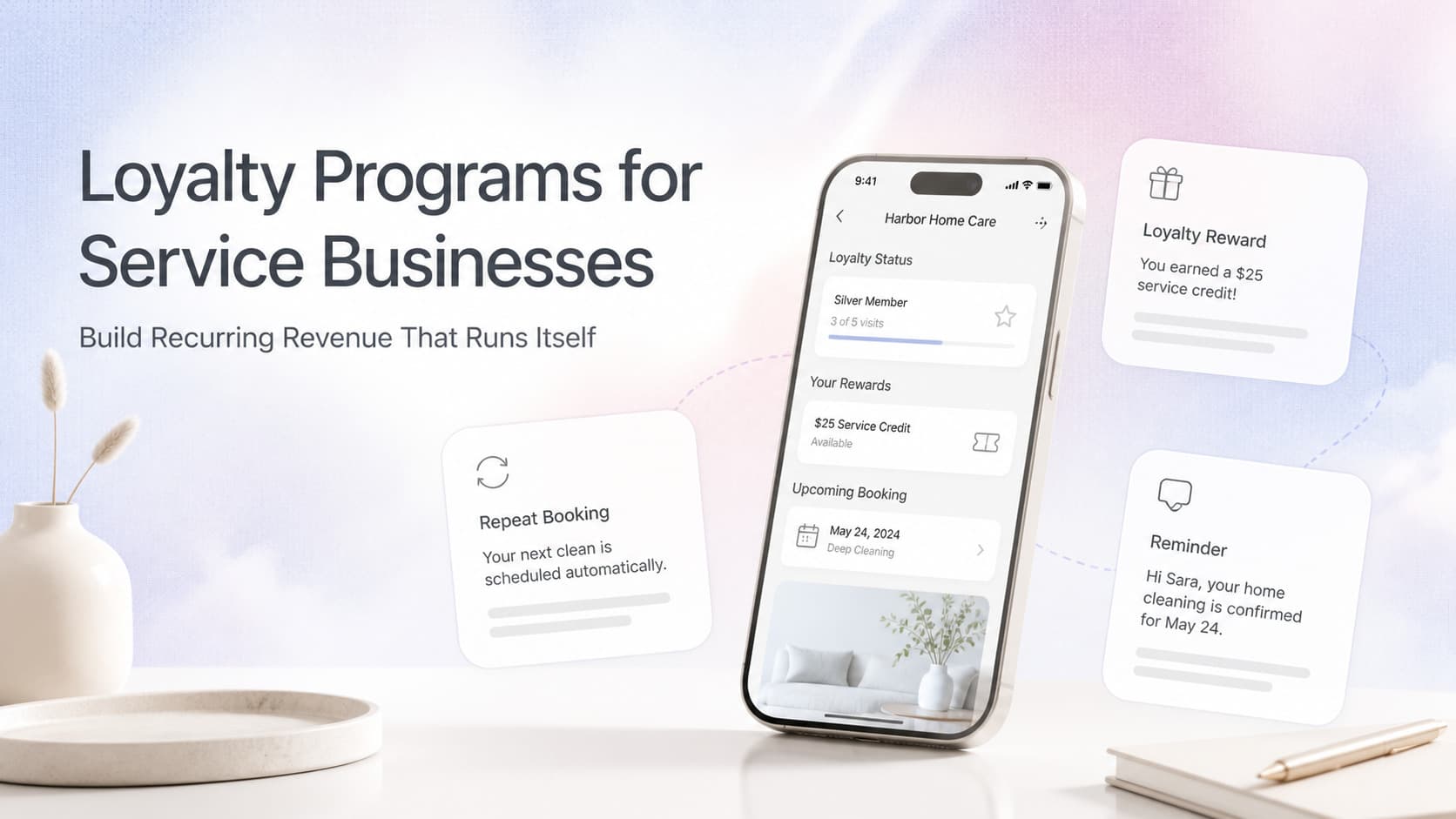
Automated Customer Loyalty Programs for Service Businesses: Build Recurring Revenue That Runs Itself
Service businesses lose 20-40% of customers to inactivity. Automated loyalty programs turn one-time jobs into repeat bookings with CRM, email, and SMS triggers.
Read the article: Automated Customer Loyalty Programs for Service Businesses: Build Recurring Revenue That Runs Itself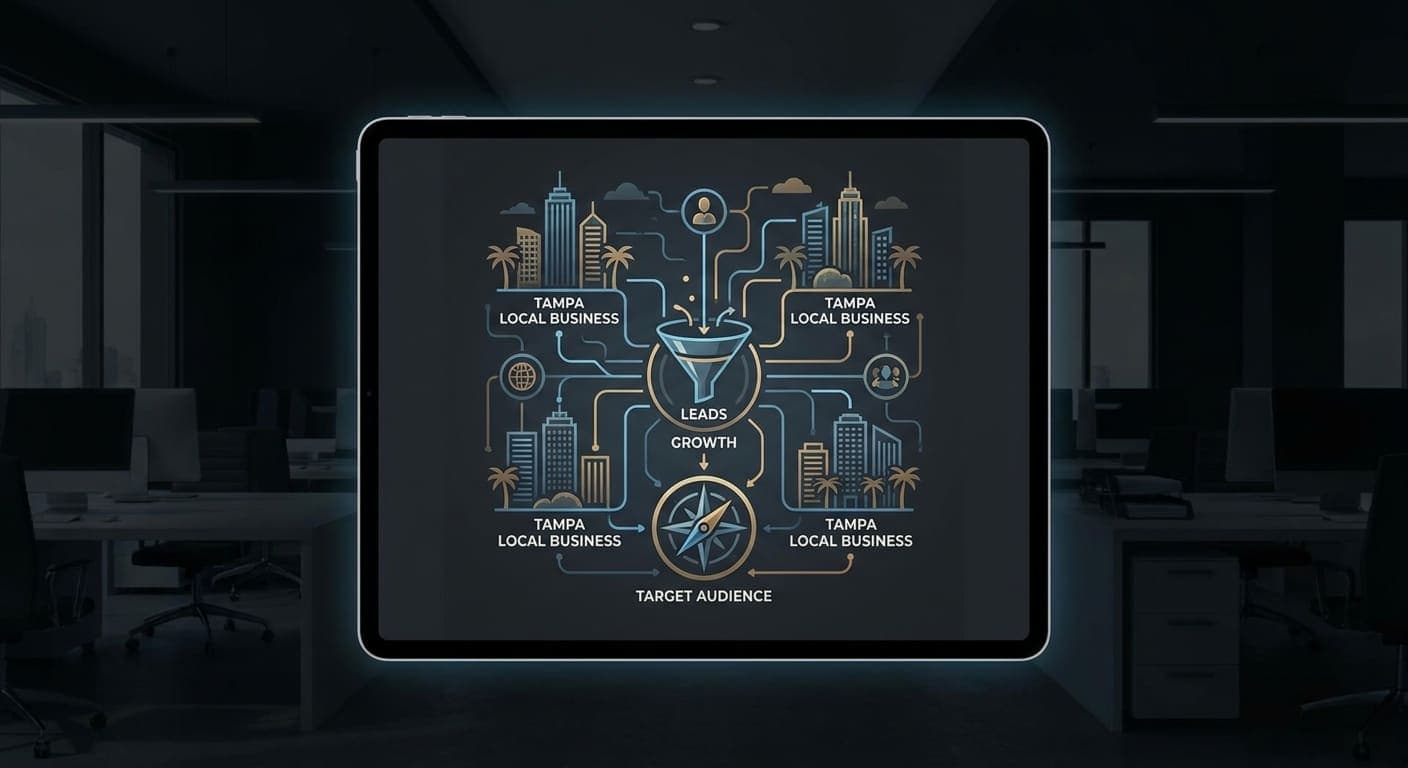
Tampa Bay Digital Infrastructure: Build Workflows Before Growth
Tampa Bay is planning for digital infrastructure and maritime growth. Local businesses can prepare by connecting the workflows behind every customer.
Read the article: Tampa Bay Digital Infrastructure: Build Workflows Before Growth
Service Business Weekly Operations Meeting: The 30-Minute Cadence That Keeps a Small Service Company on Track
A 30-minute weekly ops meeting turns scattered owner reactions into one predictable cadence. Most service companies under 50 people can run it themselves.
Read the article: Service Business Weekly Operations Meeting: The 30-Minute Cadence That Keeps a Small Service Company on Track
