Homepage Content for Service Businesses: What Belongs and What to Skip
What belongs on a service business homepage, where each element goes, what to skip, and how to make the first screen turn visitors into phone calls.

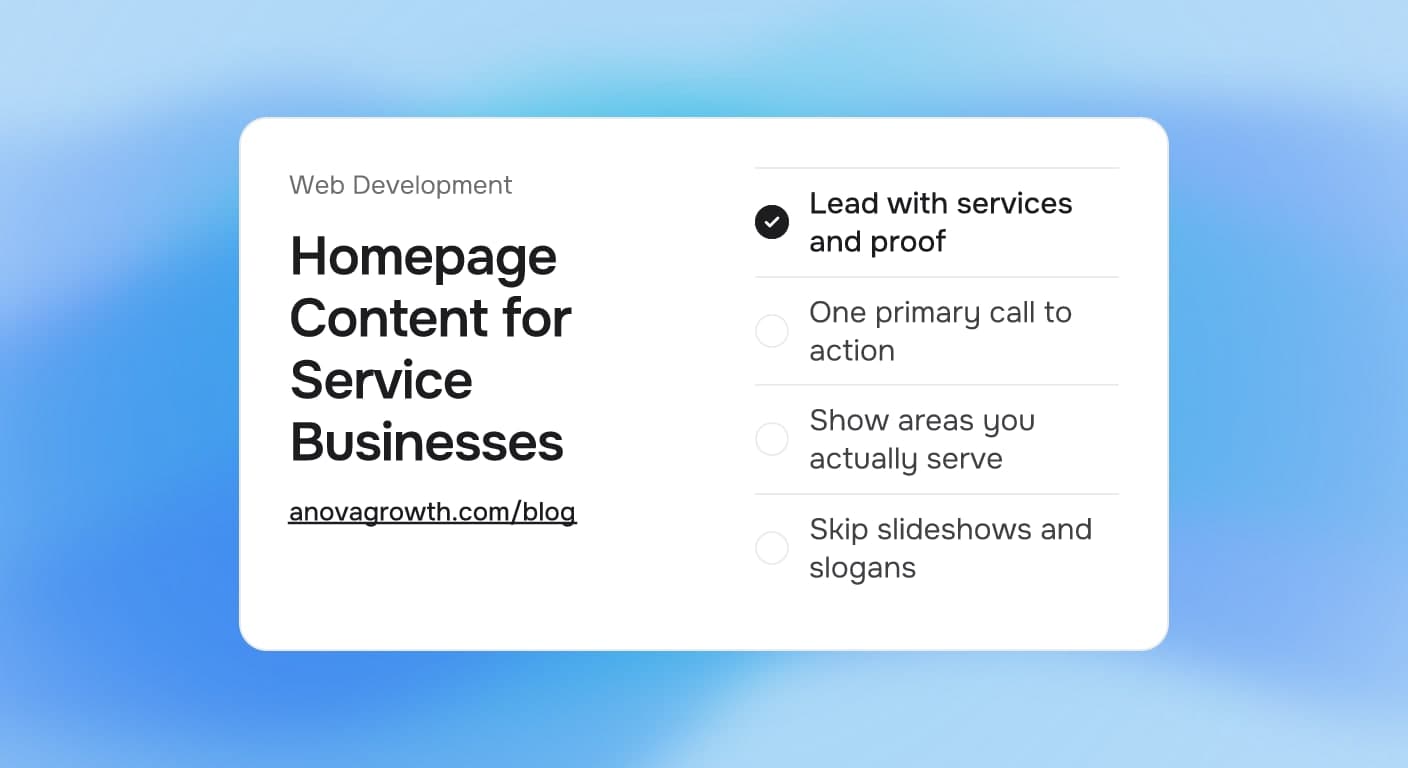
The homepage is the page your callers, referral partners, and ad clicks all land on first, and most service businesses get it wrong in the same way: a slideshow of stock photos, a welcome message about the company, and nothing that says what you actually fix. A buyer who cannot tell what you do in five seconds hits the back button and calls the next company on the list. Fixing that is mostly pruning, not writing.
Quick answer
Your homepage has one job: make it obvious in five seconds what you do, whether you cover the reader's area, and how to reach you. Lead with a plain headline, one primary call to action, proof such as reviews and real photos, and a short list of services. Skip slideshows, slogans, and anything you would not say to a customer standing in front of you.
What belongs on the homepage
Think of the page as a short answer to three questions the visitor carries in: what do you do, do you serve me, and how do I start. Most of the decisions land in the table below:
| Homepage element | Keep it? | Notes |
|---|---|---|
| Plain headline naming the service and place | Yes, always | "Water damage restoration in Mobile, AL" beats "Your trusted partner" |
| One primary call to action | Yes | One button style, one action. Repeat it down the page |
| Phone number in the header | Yes, for most trades | Buyers who want to call should never hunt for it |
| Three to six service links | Yes | Link to the real service pages, not a long paragraph |
| Service area line or links | Yes | Name the primary cities, then point to your service area pages |
| Real proof: reviews, logos, job photos | Yes | Actual crews, trucks, and finished jobs, not stock faces |
| Auto-rotating image slideshow | No | Slides bury the headline and slow the page |
| Mission statement and company timeline | No | The about page carries that |
| Social media feed widgets | No | Slow, off-brand, and nobody reads them |
| Newsletter signup as the main CTA | Rarely | Your buyer wants the leak fixed, not content |
The pattern is simple: the homepage advertises the work, and deeper pages carry the detail. Questions buyers repeat get their own home on your FAQ page, prices follow the rules in our guide to publishing prices on your website, and one service gets one page.
Does the headline really matter that much?
Yes, because it is usually the only sentence everyone reads. A headline that names the trade and the town does three jobs at once: it confirms to the visitor they are in the right place, it reads cleanly in the browser tab and in Google, and it gives every other element an anchor to lean on. "Quality service since 1998" does none of those.
What to skip, even though a competitor does it
- Rotating hero sliders. Each slide waters down the message, and the rotation animation is one more thing to load on a phone.
- "Welcome to our website" copy. Nobody needed a welcome; they needed a roof fixed.
- Ten CTAs competing for attention. Newsletter, chat, quote form, phone, and three social buttons is zero CTAs in practice.
- Full paragraphs about the company. If it reads like the front of a brochure, cut it to one line and a link to the about page.
- Popups on load. They fire before the visitor knows who you are, and most just close them.
How we build service homepages at AnovaGrowth
We build and audit sites for service companies across the country, and the same redesign conversation happens almost every time: the old homepage talked about the company while the owner talked to us about jobs. So our build sequence starts with what converts, not what decorates. The first screen gets the trade-and-town headline, a call button, and one strong proof element. Services and areas follow in the next two screens, and everything else has to earn its place.
A real before-and-after pattern from our projects:
- Weak hero: "Welcome to Apex Services. Your vision, our mission." (visitor: what does Apex do?)
- Strong hero: "24/7 emergency plumbing in Mobile, AL. Call anytime, we answer." Then a review quote and three service buttons.
The strong version was written by asking one question: what would the dispatcher say if the customer called right now? That sentence becomes your headline, and the page gets shorter from there. When we rebuild a site with our website redesign checklist, the homepage rewrite is step one, because every other page inherits its tone.
Related questions
How long should a service business homepage be? Four to six screens is plenty: hero, proof, services, areas, a secondary proof or financing note, and the final call to action. Longer pages work when every section answers a real buying question. Filler sections do not earn their scroll.
Should prices appear on the homepage? Patterns, ranges, and starting prices can, framed honestly. Exact quotes belong behind a button, and the reasons why are in our pricing guide. The homepage's job is to make the price question feel answerable, not to hide it.
Should the homepage list every service? Name three to six in a visible grid and link out to dedicated pages for the full list. A wall of twenty links reads like a directory, and each link loses weight when it shares attention with nineteen others.
How often should the homepage change? Review it quarterly with the same monthly Search Console routine you use elsewhere on the site: check what queries bring people in, confirm the headline still matches the words buyers use, and rotate in newer job photos. Full rebuilds are rare.
Can AI write the homepage copy? It can draft structure and options, but it needs the raw material only you have: the words customers use on the phone, your actual service list, real reviews, and the towns you cover. Feed it that and it saves hours. Let it write blind and you get the generic slogans this article keeps telling you to delete.
Key takeaways
- The homepage answers three questions: what you do, where you do it, and how to start.
- One headline, one primary call to action, real proof, and a short service list carry almost all the selling weight.
- Sliders, welcome text, mission statements, and feed widgets cost you clarity and speed for nothing.
- Write the headline as if the dispatcher were speaking it on the phone, then link deeper pages for detail.
Conclusion
Most homepage problems are removal problems. Strip what a customer would never say out loud, put the trade and the town in the headline, prove it with real work, and make the next step obvious. That page, maintained on a simple quarterly rhythm, will beat a redesign full of clever ideas every time.
Ready for a homepage that books jobs? Contact us about a build or a homepage audit.
Related articles
Website Accessibility for Service Businesses: What to Fix and What to Skip
What website accessibility means for a service business, which fixes matter for leads, where overlay widgets fit, and how to scope the work without a rebuild.
Read the article: Website Accessibility for Service Businesses: What to Fix and What to Skip
Website Maintenance Plans for Service Businesses: What to Include and What to Pay For
What a website maintenance plan should cover each month, what goes wrong first without one, and how to pick between DIY, pay per fix, and a monthly plan.
Read the article: Website Maintenance Plans for Service Businesses: What to Include and What to Pay For
Website Redesign Checklist for Service Businesses: Rebuild Without Losing Leads
Rebuilding your service business website? This checklist protects your rankings, lead forms, and tracking so the new site launches without a traffic drop.
Read the article: Website Redesign Checklist for Service Businesses: Rebuild Without Losing Leads
