Should Service Businesses Publish Prices on Their Website?
Publishing prices filters bad leads and builds trust. See when exact prices, ranges, or starting points win, and how to set up a pricing page that converts.

The Quick Answer
Most service businesses should publish prices on their website: at minimum, a starting price or a range for every core service. Publish exact numbers only when the scope is fixed, like per-unit cleaning, inspections, or memberships. A visible price filters bad-fit leads before they call, cuts sticker-shock no-shows, and moves the first conversation from cost to scope.
Why Empty Pricing Pages Push Buyers Away
A homeowner or property manager shopping for a plumber, a painter, or an HVAC contractor runs the same routine every time. They open three tabs, skim each site for a number, and the tab with no price gets closed first, or it gets reduced to one question for the call: "so how much?"
Hiding the price does not delay the price question. It moves it to the phone call, where it costs you the most. Every bad-fit lead who calls to discover your number is out of their range burns dispatcher time that a qualified lead needed. Worse, some of them book a visit anyway, hear the real number on site, and cancel. That is a drive across town for nothing.
There is a quieter cost too. A page with no prices reads as "more than average" to a cautious buyer, because honest operators who can state a starting point usually do. Your competitors who publish ranges are collecting the leads who want to pre-qualify themselves before they pick up a phone.
The objection most owners raise first is fair: "my competitors publish nothing either." That is exactly the opening. The first company in a local set that publishes honest ranges wins the comparison for buyers who are screening before they call.
The Decision: Exact Price, Range, or Nothing
| Your situation | What to publish | The tradeoff you accept |
|---|---|---|
| Fixed-scope offers: per unit, per room, inspections, memberships | Exact prices | You lose some room to adjust if your costs jump between quote and job |
| Variable-scope bidding work: roof size, materials, site condition | A range or a starting price | Some leads anchor on the low end and treat it as the final number |
| Custom work priced against written specs and competition | No numbers yet; publish the price drivers instead | A few visitors will skip contacting you at all |
Pick the row per service, not per company. A plumbing company can publish an exact price for a standard water heater swap and a range for repiping in the same pricing page. If you cannot decide which row a service belongs in, start with the range row and tighten after a season of real quotes.
How to Publish Prices Without Underselling
Publishing prices goes wrong when owners post a number with no context. Done well, the page teaches the buyer how their job will be priced.
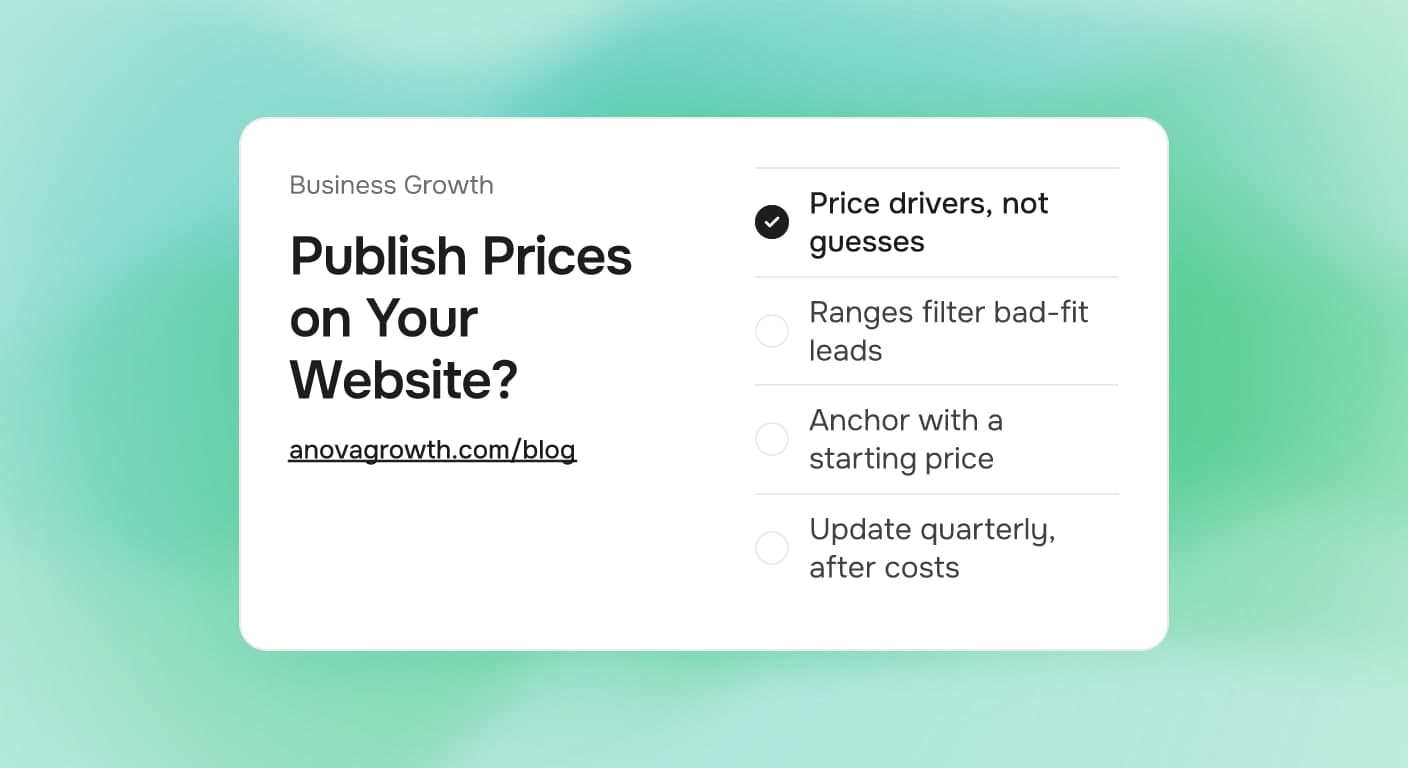
- List the price drivers first. Name the two or three variables that move the number: square footage, linear feet, materials tier, frequency, access, urgency.
- Anchor with a starting price or range. Frame it around the typical job, then name what moves it: "most driveways in our service area fall in a set range; large or stained surfaces are quoted on site."
- Put scope lines under every number. What is included, what is not, and whether a trip charge or minimum applies. Scope is what makes a price honest instead of bait.
- Place prices where the decision happens. The services page and the booking step, not a PDF nobody downloads. A pricing page plus a strong quote form beats a price buried three clicks deep.
- Set an update rule. Review published prices quarterly against your costs. A stale published price is a promise you have to break on the phone.
Example: A pressure washing operator prices a standard driveway by the crew hour. Instead of publishing nothing, the site says flat driveways start at one number, add-on surfaces each carry their own line, and heavy staining moves the job to an on-site quote. The lead who only needs a driveway books knowing the number. The lead with a stained two-story exterior still calls, but now brings the photos without being asked.
One more rule: never publish a price your field crews have not quoted three times in a row. Until the job repeats the same way, the honest version is a range or a starting point.
Pricing Page Mistakes That Cost Jobs
- One flat number for variable scope. It reads as a promise, then the on-site quote breaks it, and trust goes with it.
- A "call for pricing" page with no guidance. If you hide numbers, at least publish the drivers so callers know what you will ask.
- Prices frozen since costs moved up. Published prices need the same review cycle as quotes. Our guide to announcing a price increase without losing customers covers the customer side of that update.
- No scope lines. A number with no inclusions is a guess, and buyers treat it that way.
- Prices on a page with no next step. Every price block should sit next to a booking button or a quote form. If your quote form only asks for a name and a phone number, read why most lead forms fail and fix the intake first.
- Publishing internally inconsistent numbers. If your flat-rate price book and your website disagree, the phone call becomes a discount negotiation. The flat rate vs hourly pricing guide covers how to build the price book the website reflects.
How We Run Our Own Prices at AnovaGrowth
We sell custom web and automation projects, which sits at the far end of the variable-scope row, so a single published price would be a guess. What we do instead: scope small enough that most projects have a defined starting band, and when a lead wants a number before discovery, the reply names the band and the two variables that move it.
The mechanism is the same one we hand to clients. Name the band, name the drivers, and invite the buyer to place themselves in it. In our own intake, the leads who arrive already inside the band ask sharper questions and reach a signed scope with far less back-and-forth. The leads who were never a fit drop out in one email instead of three calls. That is the filter doing its job, and it works with no marketing spend behind it.
Practical Questions About Publishing Prices
What if my competitors publish nothing?
Then the first honest set of ranges in your market stands out. Buyers comparing tabs read a published range as confidence. You do not need to undercut anyone: publishing a range that a buyer can place themselves in wins the tab comparison before the phone rings.
Where should prices live: homepage, service pages, or quote form?
Service pages carry the real pricing page. The homepage carries one line pointing there for your top service. The quote form carries the intake that finishes the job: job details that map to the drivers, plus a budget field for the leads who already know theirs. Keep any menu-style price lists (per room, per unit) on the service page they belong to.
How do I publish emergency or after-hours pricing?
After-hours work is one of the few places an exact published number fits: the call-out or trip fee. It is fixed scope by definition. Publish it plainly, then state that diagnosis follows on site. Buyers respect a flat emergency fee far more than a mystery multiplier.
Will publishing prices start a bidding war?
Bidding wars happen when a price has no scope, because then the only thing left to compare is the number. Scope lines end that comparison. Two published ranges with different inclusions are not comparable, which is the position you want: buyers compare fit, then call the best fit.
How often do published prices change?
On a schedule you set, quarterly is a solid default. Costs move, and a published price is a public quote. Tie the review to the same cycle that updates your price book so the website, the quote templates, and the crews all say the same number on the same day.
Key Takeaways
- Publish a starting price or range for every core service; hide numbers only for true custom bids.
- Exact prices are for fixed-scope offers and emergency call-out fees, not for variable field work.
- Scope lines are what make a published price honest, and they are what end price-only comparisons.
- Put prices on the services page next to the booking action, not in a buried PDF.
- Review published prices quarterly, on the same cycle as your price book, so the site never quotes a number your crews have moved on from.
Next Steps for Your Pricing Page
- Sort your services into the three rows: exact, range, drivers only.
- Write the two or three price drivers for every variable-scope service.
- Draft a range for each one from your last season of real quotes, never from guesses.
- Add scope lines and a booking button beside every price, then set the quarterly review.
If the pricing decision feels stuck, an outside pass on the structure usually settles it in one session.
Ready to turn your pricing into a page that filters leads for you? Contact us and we will map your services to the right pricing structure and build the page around your booking flow.
Related articles
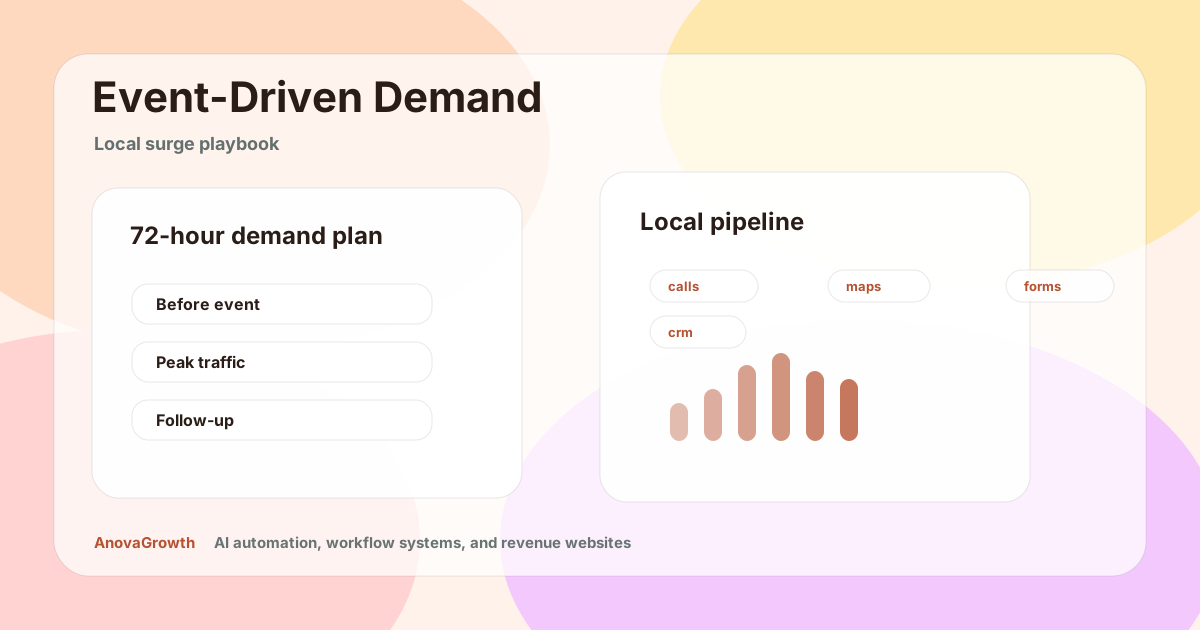
Rome, GA Event-Driven Demand Playbook: Turn Visitor Surges Into Local Revenue
Rome’s spring sports and tourism momentum creates short demand windows. Here is how local businesses can capture more calls, visits, and booked work.
Read the article: Rome, GA Event-Driven Demand Playbook: Turn Visitor Surges Into Local Revenue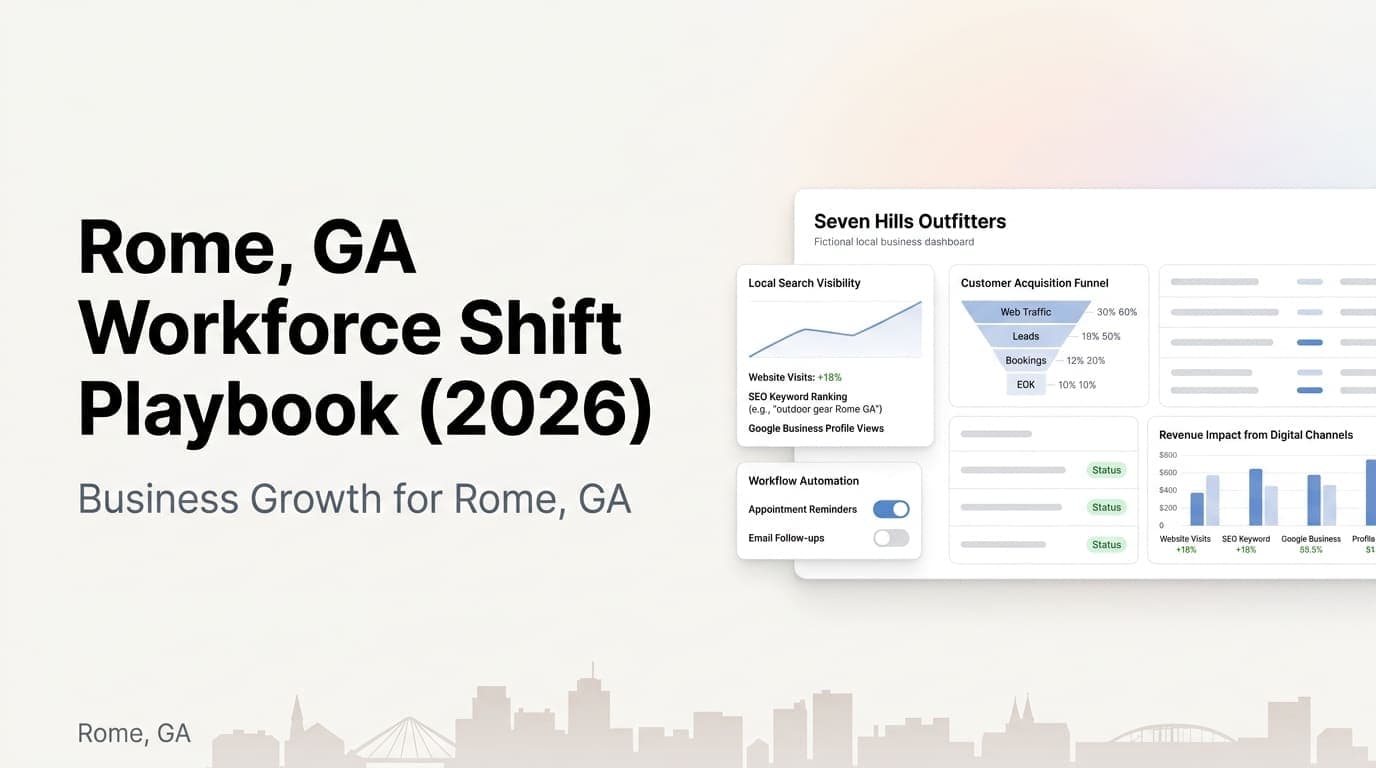
Rome, GA Workforce Shift in 2026: A Digital Demand Playbook for Local Businesses
As Rome navigates major workforce changes in 2026, local businesses can use websites, SEO, and automation to capture demand and protect revenue.
Read the article: Rome, GA Workforce Shift in 2026: A Digital Demand Playbook for Local Businesses
Lead Generation for Daytona Beach Tourism Businesses
Daytona Beach tourism businesses lose leads to slow follow-up. Here's how to capture more inquiries and convert them before visitors leave town.
Read the article: Lead Generation for Daytona Beach Tourism Businesses
