Bad-Fit Customers for Service Businesses: How to Filter Them Out Early
Decline the jobs that lose money. Build intake questions, phone scripts, and CRM rules that filter bad-fit customers before they reach your calendar.

The worst job on the board is rarely the hardest one. It is the one you should never have accepted: the out-of-area call that eats an afternoon of drive time, the price shopper who ghosts after the estimate, the project whose scope grows twice before you invoice. Every service business takes these jobs from time to time. The ones that grow treat bad-fit filtering as a system, not a mood.
This guide covers the signals that predict a bad fit, where to build the filter so it fires before dispatch, and how to decline a job without burning a bridge you may want later.
Quick Answer
A bad-fit customer is a job you could technically take but should not: wrong area, wrong budget, wrong urgency, or scope that invites rework. Filter them early with intake questions, a short phone script, and CRM rules that score and route every request. Decline fast, refer out where you can, and protect the calendar for jobs that pay. Most teams can build this filter in a week.
Why Bad-Fit Jobs Cost More Than They Look
A bad-fit job rarely loses money on paper. It loses money in the hours you never quoted. The drive time beyond your normal service area, the second site visit to re-explain the scope, the phone tag with someone who was never the decision maker. None of that appears on the estimate, so the job can invoice fine and still be the least profitable work of the week.
The second cost is quieter. A bad-fit job occupies a crew day. If your schedule is tight, the weak job displaced a stronger one, which is the real damage. Filtering bad fits is therefore a growth decision, not a politeness decision: every slot on the calendar is inventory, and you get to choose who buys it.
The third cost compounds. Bad-fit customers write worse reviews, pay slower, and refer fewer jobs. Over a year, the pattern matters more than any single invoice.
Signals That Predict a Bad Fit
Not every warning sign is worth acting on. These are the ones we see predict trouble with real consistency, because they describe the relationship, not the work itself.
| Signal | What it usually predicts | The call |
|---|---|---|
| Address sits outside your service area | Drive time eats the margin | Decline and refer to a closer company |
| Asks price before describing the problem | Price shopper, high ghost risk | Give a range, then qualify scope |
| Needs it today, refuses any flexibility | Rush fees, cut corners, blame | Apply a rush surcharge or decline |
| Pushes back on the deposit, not the scope | Payment friction later | Collect the deposit first or walk |
| Scope changed twice with the last contractor | Rework and disputes | Site visit plus written scope before pricing |
| No decision maker on the call | Approval loops for weeks | Wait for the owner or move to email |
Picture a pattern that repeats across trades: the caller leads with "what do you charge" and resists every question about the actual job. Sometimes that is a qualified buyer comparing options, and the range answer converts them fine. Often it is the customer who books the cheapest bid and micromanages the work. The signal is not "asked about price." It is "asked about price and would not describe the job." Context, not a single line, makes the call.
Build the Filter Where Work Enters
A filter that runs after the estimate exists too late. Put it where requests arrive, in three layers.
Layer one: the intake form. Every form, whether it lives on your website or in your booking tool, should ask the questions that disqualify. Service address or zip code, a description of the problem in the customer's own words, the timeline they expect, whether they own or manage the property, and a budget band if your trade supports one. Keep the form short enough that real customers finish it. The contact form design choices matter as much here as any automation, because a form that asks the right four questions does half the filtering by itself.
Layer two: the phone script. Calls that skip forms carry the same questions. Whatever answers the form collects, the phone script asks too, in sixty seconds: where is the property, what is happening, when do you need it, and who approves the work. The last question is the one owners skip and regret. A caller who cannot say who signs off is a caller who will disappear for two weeks after your estimate.
Layer three: the CRM rules. This is where automation earns its keep. Score and route every request the moment it lands: outside the service area auto-declines with a referral note, a thin budget band tags the lead for your smallest offer instead of a full estimate, and a decision-maker question without an answer holds the lead for a human look instead of automatic dispatch. None of this rejects people for you. It sorts, and a person makes the final call with better information.
Decline Without Burning the Bridge
Saying no well is part of the filter, because a declined job handled well still produces referrals, reviews, and someday a returning customer.
- Give a plain reason. "We do not serve Rossville" or "our earliest start is January" is honest and takes five seconds. Vague refusals feel like judgment, plain ones feel like logistics.
- Refer with a name. One specific company you trust beats "try Google." The customer remembers who helped them, and the other company returns the favor.
- Leave a door open. "If this changes, reach back out" costs nothing and converts surprisingly often when the rush cools.
- Log the decline reason. A one-click decline tag in your CRM turns no votes into data. Six months of decline reasons will tell you whether your service area, your pricing floor, or your offer mix needs adjusting.
What We Do at AnovaGrowth
We filter our own leads through the same three layers, which is how we know it works. Our intake asks for company size, current tooling, timeline, and what outcome would make the project worth doing. Automation tags each request by fit, and price-first requests with no described problem get a short range reply instead of a discovery call. Declined projects get a one-line reason and a referral where one fits.
The habit that made the biggest difference for us was logging decline reasons. Once the reasons were visible, we stopped treating every bad fit as a bad customer. Several were a messaging problem on our side: the wrong leads were arriving because a page we publish invites them. Fixing the source beats filtering the flow.
Common Fan-Out Questions
What intake questions filter bad fits best? Four earn their place: service address, a description of the problem in the customer's words, the expected timeline, and who approves the work. Budget bands are sixth-form useful in trades where job sizes vary widely, and worth skipping where nearly every job is similar.
How do I decline without sounding rude? State the logistics, offer the referral, and stop talking. "We do not travel that far, but Ridgeline HVAC handles your side of town" is complete. Apologies and long explanations are what make declines feel personal.
Should software decide, or a person? Software sorts, people decide. Let automation tag the out-of-area lead, the missing decision maker, and the budget band, but keep the decline click human. Fully automatic rejection occasionally rejects your best future customer, and you will never know.
Do deposits and trip charges actually filter anyone? They filter more than most owners expect. Asking for a deposit or a trip charge up front moves the conversation from hypothetical to committed, and the callers who argue hardest about both are the ones you were reading as bad fits anyway. See how deposits protect your schedule and when trip charges make sense.
When is a bad fit actually a good fit later? When the disqualifier was timing. A rushed caller with no budget approved yet may be a clean fit next quarter, which is why the decline log matters: tag the reason alongside the rejection, and put the timing-based declines into a light follow-up sequence rather than the trash.
Where does this connect to quote follow-up? The filter decides who deserves an estimate, and follow-up decides whether the estimate closes. A weak lead that receives a full quote plus five follow-ups is the expensive mistake this article exists to prevent. Pair the filter with quote follow-up automation so strong leads get chased and weak ones never enter the queue.
Key Takeaways
- A bad-fit job loses money in unquoted hours, crew days, and slow payment, not on the invoice.
- The reliable signals describe the relationship: out-of-area, price-first without a problem, no decision maker, deposit resistance.
- Build the filter in three layers: intake form, phone script, and CRM rules that sort while a person decides.
- Decline in five honest seconds, refer with a name, and log every reason.
- Review decline reasons quarterly. Persistent bad fits are often a messaging problem you created.
Want a filter like this in your intake and CRM? Contact us and we will map your intake, script the qualification questions, and wire the routing rules into the tools you already run.
Related articles
Lead Response Time: Why the First Reply Wins the Job
Fast replies win service jobs. Set response-time targets, automate the first touch, and stop losing leads to whichever company answers first.
Read the article: Lead Response Time: Why the First Reply Wins the Job
AI Automation for Landscaping and Lawn Care Businesses: Win More Bids, Route Crews Faster, and Stop Losing Maintenance Contracts
Landscaping companies lose 30-50% of bids to slow follow-up and 20-40% of maintenance contracts to silent churn. AI automation fixes both.
Read the article: AI Automation for Landscaping and Lawn Care Businesses: Win More Bids, Route Crews Faster, and Stop Losing Maintenance Contracts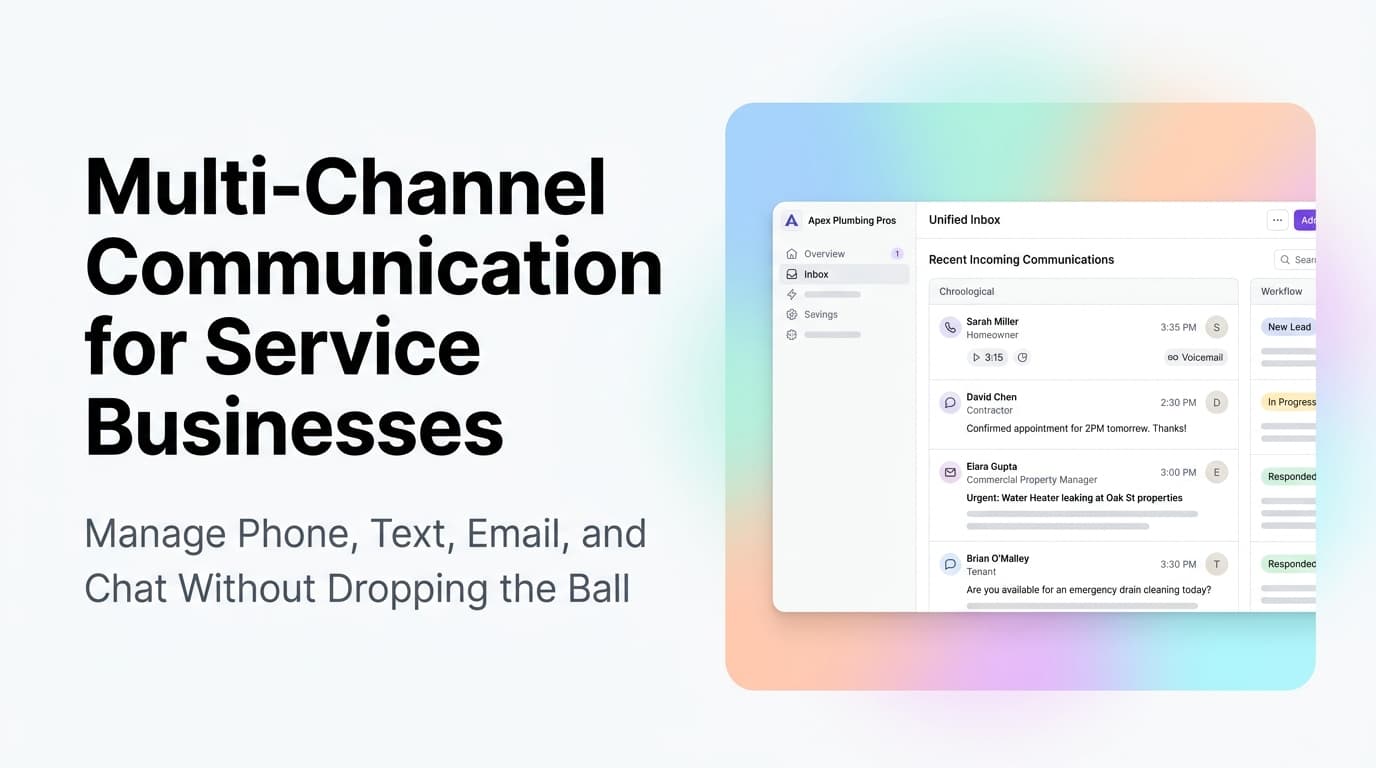
Multi-Channel Communication for Service Businesses: Manage Phone, Text, Email, and Chat Without Dropping the Ball
Service businesses juggle phone calls, texts, emails, and web chat every day. Here is how to unify them into one system that never drops a lead.
Read the article: Multi-Channel Communication for Service Businesses: Manage Phone, Text, Email, and Chat Without Dropping the Ball
